ENEnglish
 LTLietuviškai
 DEDeutsch
 FRFrançais
 RUРусский
 ESEspañol
 PLPolski
 ITItaliano
 UKУкраїнська
 CSČeština
 PTPortuguês
 JA日本語
JA日本語 LVLatviešu valoda
 ETEesti
 HUMagyar
 IDBahasa Indonesia
 TRTürkçe
 HIहिन्दी
 ELΕλληνικά
 ARالعربية
 THไทย
THไทย VITiếng Việt
 RORomână
 MSBahasa Melayu
 BNবাংলা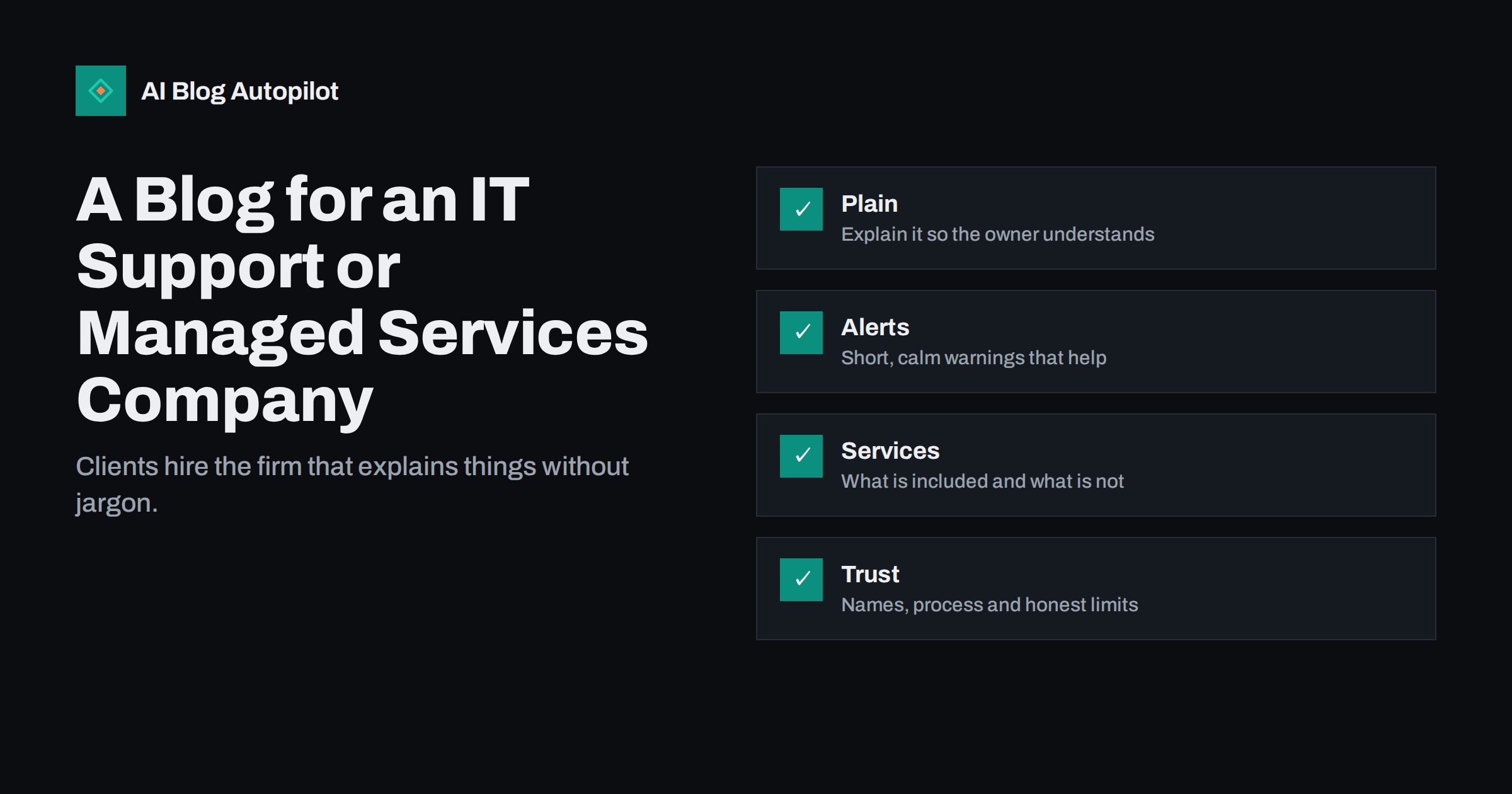
Short answer: an IT support or managed services company should use its blog to explain technical matters in plain language, publish calm and accurate security advice, describe exactly what each service includes and show the people and processes behind it. Buyers of IT support are often non-technical owners who fear being confused or overcharged, so clarity and honesty win more clients than technical depth.
The people who search for IT help are rarely experts. They type “office wifi keeps dropping”, “how to back up a small business”, “email hacked what to do” or “managed IT support cost”. Each of these searches is a moment of worry, and the company that answers it clearly is the one that gets the call. A blog is the best way to be present at those moments, because the answer remains on your site for years.
Explain problems the way the owner experiences them
Technical teams tend to write about causes, while customers describe symptoms. Start your articles with the symptom, such as “the printer is offline again” or “the laptop is slow every morning”, then explain the usual causes in order of likelihood, what the reader can safely try and when to call for help. Avoid acronyms, or explain them once in simple words. A reader who feels that you respect their time and intelligence is more likely to trust you with their systems.
Use short steps and plain headings, and include a warning wherever an action could lose data. Our guide to writing a how-to article explains how to structure instructions, and the article on support articles that reduce tickets shows how good instructions also reduce your own workload. It is a sign of confidence to tell readers when they should not try something themselves.
Publish security advice that is calm and correct
Security is the topic where trust is won or lost. Write about the threats that small organisations really face: phishing emails, weak or reused passwords, missing updates, unprotected backups and lost devices. Explain the simple protections, such as multi-factor sign-in, regular updates, tested backups and staff awareness, without scaring readers or promising total safety. No service can promise that a business will never be attacked, and saying so is both untrue and risky.
When there is a widespread scam or a serious vulnerability, publish a short, factual alert: what it is, who is affected, what to do and where the official information is. Link to the official source of the advice, check every detail and update or remove the post when the situation changes. Our article on blog security basics offers a good model for the tone: practical, specific and free of drama.
Describe your services precisely
The most common reason a prospect hesitates is that they cannot tell what they would get. Write a clear page for each service: what is included, what is not, how problems are reported, how quickly you respond, what hours you cover and how you handle emergencies outside them. If you offer a monthly plan, explain what drives the price, such as the number of users, devices or sites, and say what the plan does not cover.
Do not publish response times, guarantees or prices that you cannot meet in practice, and avoid comparing yourself with named competitors unless you can prove each statement. Our guide to writing a pricing page for search and AI answers explains how to describe plans so that both readers and search assistants understand them, and the article on fit statements shows how saying who a service is not for builds credibility.
Think about who reads the page and what they will do next. An owner who reads a security article usually wants a next step, such as a checklist, a short assessment or a conversation. Offer one simple option at the end of the article, for example a free first call or a downloadable list, and describe plainly what it involves. Avoid forms that ask for a long list of details before the reader has received any value, and avoid pressure tactics that do not fit a trusted adviser.
Show the people and the process
IT support is a service of trust: clients give you access to their systems, accounts and data. Show who you are. Publish a page about the team with real names and roles, a short explanation of how a typical onboarding works and an honest description of how you protect client data. Mention certifications or partnerships only if they are current and you can show them, and do not use logos or badges without permission.
A short article about how a typical support request is handled, from the first message to the closing note, removes much of the uncertainty. So does a page about what you need from the client at the start, such as a list of users, an inventory of devices and access to the router or admin accounts. Our article on writing an about page and the guide to contact and trust pages give simple structures.
Use case studies carefully
Case studies are persuasive, but they are also sensitive in this industry, because the details of a client’s systems and problems are confidential. Publish a story only with the client’s written permission, remove anything that could reveal weaknesses and describe the situation in general terms if the client prefers to stay anonymous. Focus on the problem, what you did, how long it took and the result in the client’s own words. Never invent a client, a quotation or a figure.
Our guide on how to write a case study explains the structure. If you cannot publish stories, publish scenarios instead and label them as examples, for instance “a small accountancy office with eight staff that wants safer remote access”. A clearly labelled example is honest, and it still helps readers see themselves in the situation.
Write for local and specialist searches
Most small IT clients prefer a provider who can visit, so local relevance matters. Say which towns or regions you serve, whether you do on-site visits, and how remote and on-site support work together. Keep your business profile in step with the website, as described in our article on business profile updates, and avoid copying one page for every town.
Specialist sectors need their own explanations. A dental practice, a law office or a small shop has different software, regulations and risks, and a page that speaks to them directly is far more convincing than a general one. Write about the systems you really support, and do not claim experience in a field where you have none. Our article on blog strategy for a software company contains ideas on writing for professional buyers that apply here too.
Be open about incidents, planned work and limits
Clients judge an IT provider by how it behaves when something goes wrong. Publish a simple page that explains how you communicate during an outage or incident: who tells the client, through which channel, how often updates arrive and what happens afterwards. If you run a status page or send maintenance notices, describe them. A calm explanation written in advance does more for trust than any promise made during a crisis.
Explain planned work in plain language too. A post that says “we will update the office servers on Saturday night, and you may be asked to restart your computer on Monday” is far better than a technical notice that nobody reads. Admit limits openly: say which problems you refer to a specialist, which systems you do not support and which requests need a separate quote. Readers value a supplier who says no clearly more than one who says yes and then fails.
After an incident that affected many clients, a short, honest review shows maturity. Describe what happened, what you did, what you changed and what clients should do now. Do not blame individuals or hide the facts, and do not publish details that could help an attacker. Check the text with the people involved before it goes live.
Keep content current and tested
Technology changes quickly, and an old article can be worse than none. Review your guides at least twice a year: check that screens, menu names and prices still match, remove advice for products that are no longer supported and add the date of the last review to the page. Our guide to refreshing old blog posts explains how to update without losing the history of the address.
Test every procedure on a clean device before publishing it. Write down what version of the software you used, and say which steps may differ in other versions. Mistakes in technical guides are noticed immediately by readers, and they damage the credibility of the whole site.
Finally, give small clients something to keep. A one-page checklist for new staff, a short guide to choosing a password manager or a plain explanation of how to check whether a message is genuine can be printed and pinned beside a desk. Write these in short sentences, test them with a non-technical colleague and put the date of the last review at the bottom. Such practical material is shared between businesses and is often how a new client first hears of you.
How AI Blog Autopilot helps
AI Blog Autopilot writes full SEO articles for your WordPress blog from the topics, keywords, audience and tone you set, with FAQ sections, tags and SEO meta included, and it shares each one to your social networks. For a support company whose engineers are busy with clients, it can keep plain-language guides appearing at a steady pace. Approval mode lets your team read and test each article before it goes live, which matters for technical steps and security advice. See the pricing page for plans.
Related reading
- Support Articles That Reduce Tickets
- Blog Security Basics
- A Blog for a Professional Services Firm
- How to Write a Case Study That Persuades
The bottom line
An IT support blog wins trust by being clear, calm and honest. Explain problems in the owner’s words, give accurate security advice, describe services precisely, show your people and keep every guide current and tested.
FAQ
What should an IT support company blog about?
Plain-language fixes for common problems, calm security advice, clear descriptions of services and the process of working with you.
Can I promise that clients will never be hacked?
No. Explain the protections you provide and their limits. A promise of total security is untrue and creates risk for you.
Are case studies safe to publish?
Only with the client’s written permission and without details that expose weaknesses. Otherwise use clearly labelled example scenarios.
How often should technical guides be reviewed?
At least twice a year, and whenever a product changes. Add the date of the last review to each guide.
Should I publish prices?
If you can keep them accurate, yes. Otherwise explain what affects the price, such as users, devices and sites.