 ENEnglish
 LTLietuviškai
 DEDeutsch
 FRFrançais
 RUРусский
 ESEspañol
 PLPolski
 ITItaliano
 UKУкраїнська
 CSČeština
 PTPortuguês
 JA日本語
JA日本語 LVLatviešu valoda
 ETEesti
 HUMagyar
 IDBahasa Indonesia
 TRTürkçe
 HIहिन्दी
 ELΕλληνικά
 ARالعربية
 THไทย
THไทย VITiếng Việt
 RORomână
 MSBahasa Melayu
 BNবাংলা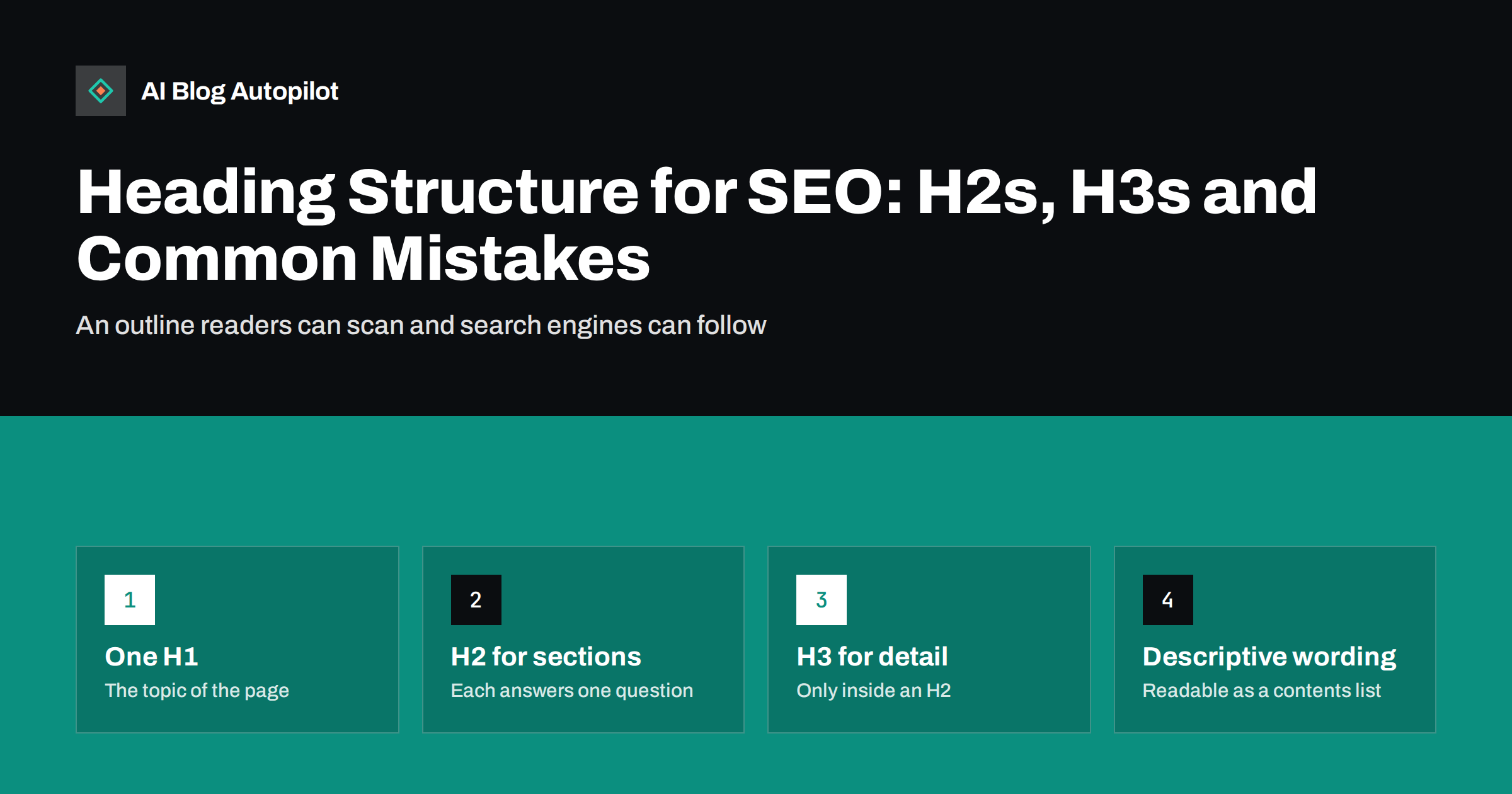
Short answer: a good blog post has one H1 for its title, H2 headings for its main sections and H3 headings only for subsections inside an H2. Each heading should describe what its section covers in specific words, so that the list of headings alone reads like a useful table of contents. Do not skip levels for visual effect, do not use headings just to make text bold or large, and do not stuff them with keywords. A clear heading structure helps readers scan, lets screen reader users navigate and helps search engines understand and quote each section.
Headings are the skeleton of an article. Readers use them to decide whether a post is worth their time and to jump to the part they need. Search engines use them to understand how a page is organised. Screen reader users navigate by them.
Yet headings are often chosen for how they look rather than what they mean: a heading level picked because its font size looks right, or bold text used where a heading should be. This guide explains how to structure headings properly and the mistakes to avoid.
What heading levels mean
HTML has six heading levels, from h1 to h6, described on MDN’s heading elements reference. They express hierarchy, like the levels of an outline:
- H1: the title of the page. On a blog post, this is almost always the post title.
- H2: the main sections of the article.
- H3: subsections within an H2 section.
- H4 to H6: deeper levels, rarely needed in a blog post.
The key word is hierarchy. An H3 belongs to the H2 above it; an H2 belongs to the H1. The levels are about structure, not size. How big each heading looks is a matter for your theme’s styling.
One H1 per post
A blog post should normally have exactly one H1, and it should state the topic of the page. In WordPress and most other platforms, the theme turns the post title into the H1 automatically, so you should not add another H1 inside the article body.
Common problems to check:
- Themes that mark the site name or logo as an H1 on every page, creating two H1s on each post.
- Writers adding an H1 in the editor at the start of the content, duplicating the title.
- Page builders that use H1 for decorative banner text.
Search engines can cope with more than one H1, but a single, clear H1 is simpler for everyone, including readers using assistive technology.
H2s: the main sections
H2 headings divide the article into its main parts. For a typical long-form post, somewhere between five and ten H2 sections is common, depending on length and topic.
Good H2s:
- Cover one idea each. If a section covers two unrelated points, split it.
- Follow a logical order. Definition before technique, problem before solution, basics before advanced detail.
- Are specific. “How to find orphan pages” says far more than “Method” or “Step two”.
- Are parallel in style where the sections are parallel, such as a set of how-to steps or a set of mistakes.
A useful test is to read only the H2s. If they tell the story of the article, and a reader could pick the section they need from that list alone, the structure works.
H3s: detail inside a section
Use H3 headings when an H2 section contains several distinct subtopics that readers may want to find individually, such as the three tools in a “How to find broken links” section, or the options within “Ways to fix it”.
A few rules keep H3s helpful:
- Use them only inside an H2 section, never directly under the H1.
- Use at least two H3s in a section, or none. A single subheading usually means the section should be restructured.
- Do not use H3s to emphasise a sentence. That is what bold text is for.
- Keep the FAQ format consistent: an H2 for the FAQ section, with each question as an H3, is a clear and common pattern.
Writing headings that work
The wording of headings matters as much as their levels. Strong headings are:
- Descriptive. They say what the section contains. “Why redirect chains slow pages” beats “A problem”.
- Concise. Usually under about ten words, so they can be scanned.
- Written in the reader’s language. Use the terms readers search for and understand, not internal jargon.
- Honest. The section delivers what the heading promises.
- Natural. Including a relevant keyword is fine when it fits; forcing the same phrase into every heading reads badly and helps nobody.
Question-style headings suit sections that answer common questions, and they align well with how people phrase searches. Statement-style headings suit steps, lists and explanations. A mix is normal.
Here is the difference in practice. A weak outline for an article about keeping houseplants alive in winter might read: “Introduction”, “Light”, “More about light”, “Water”, “Other things”, “Conclusion”. A stronger outline for the same article reads: “Why houseplants struggle in winter”, “Moving plants closer to the light”, “Watering less as growth slows”, “Keeping away from radiators and draughts”, “Raising humidity without special equipment”, “Signs a plant needs help”. The second list works as a summary on its own, and every heading tells a reader, a screen reader user and a search engine exactly what follows.
Why structure helps readers, accessibility and search
Good headings serve three audiences at once.
- Readers scan before they read. Clear headings let them judge the article in seconds and jump to what they need. A table of contents built from H2s makes this even easier on long posts.
- Screen reader users can list all headings on a page and jump between them, much as sighted readers scan. Skipped levels or headings used for styling make that list confusing.
- Search engines use headings as one signal of what each part of the page covers. Well-structured sections, each opening with a clear answer, are also easier for search features and AI answer engines to extract and quote.
There is a practical benefit for writers too. Drafting the H2 outline before writing the body forces you to decide what the article covers and in which order. Gaps and repetitions are much easier to see in a list of eight headings than in two thousand words of finished text.
None of these benefits requires any trick. They come from treating headings as an honest outline of the content.
Common heading mistakes
These are the problems that turn up most often in blog audits:
- Skipping levels. Jumping from H2 to H4 because the H4 style looks nicer. Change the styling in the theme instead.
- Headings used for styling. Short sentences or call-outs marked as headings because they appear large and bold, which pollutes the outline.
- Bold text used instead of headings. A bold paragraph that functions as a heading is invisible in the outline and to screen reader navigation.
- Vague headings. “Introduction”, “More info”, “Conclusion” and “Tips” tell nobody anything.
- Keyword stuffing. The same phrase in every heading, often in slightly different forms.
- Headings in widgets and footers. Sidebars, footers and related-post blocks with their own H2s or H3s can add dozens of unrelated headings to every page. Themes often do this; it is worth checking.
- Walls of text. Very long sections without subheadings are hard to scan, especially on phones.
How to check the heading structure of a post
A quick check takes less than a minute per post:
- Use a heading outline tool. Browser extensions and SEO crawlers can list every heading on a page with its level. Look for more than one H1, skipped levels and unexpected headings from the theme.
- Read the outline alone. Does it make sense as a table of contents? Could a reader find what they need from it?
- Check the editor. In the block editor, the document outline or list view shows the heading structure of the content.
- Fix the template once. If the theme adds extra H1s or headings in widgets, fixing the template fixes every page at once.
How AI Blog Autopilot structures articles
AI Blog Autopilot writes long-form articles with a clear section structure, an FAQ, tags and SEO meta, and its automatic quality check covers length, structure, keyword and meta before an article goes live. The article body is published to your WordPress blog, where your theme supplies the H1 from the post title, so checking the theme once for extra H1s or widget headings is still worthwhile. You can see how it works on the AI Blog Autopilot home page.
Related reading
- Blog Post Structure That Works for Readers and Search
- Title Tag vs H1: Should They Match on a Blog Post?
- Tables of Contents for Long Articles
- Accessibility for a Blog: The Fixes That Matter Most
The bottom line
Treat headings as an outline, not as formatting. Use one H1 for the title, H2s for the main sections and H3s only for subsections, never skip levels for looks, and write every heading so it describes its section in specific, natural words. Check the outline of a post once before publishing and your theme’s templates once overall, and your articles will be easier to scan, navigate and understand.
FAQ
How many H1 tags should a blog post have?
One. The H1 should be the post title and state the topic of the page. Most WordPress themes create it automatically from the title, so you should not add another H1 inside the article content.
Can I skip from H2 to H4?
It is best not to. Heading levels express structure, so an H4 should sit inside an H3. If you want a smaller heading style, change the styling in your theme rather than skipping a level.
How many H2 headings should a blog post have?
It depends on length and topic. A long-form post commonly has somewhere between five and ten H2 sections. What matters is that each covers one clear idea and that the list of headings reads like a useful table of contents.
Do headings help SEO?
Headings help search engines understand what each section of a page covers, and clear, specific headings make sections easier to extract for search features. They are one signal among many, and their bigger value is making the page easier for people to read and navigate.
Should headings contain keywords?
Include relevant terms when they fit naturally, because they describe the section and match how readers search. Do not force the same keyword into every heading; it reads badly and does not help.
Is bold text the same as a heading?
No. Bold text only changes how words look, while a heading marks the start of a section in the page structure. Use real heading elements for section titles so they appear in the outline, in tables of contents and in screen reader navigation.


