 ENEnglish
 LTLietuviškai
 DEDeutsch
 FRFrançais
 RUРусский
 ESEspañol
 PLPolski
 ITItaliano
 UKУкраїнська
 CSČeština
 PTPortuguês
 JA日本語
JA日本語 LVLatviešu valoda
 ETEesti
 HUMagyar
 IDBahasa Indonesia
 TRTürkçe
 HIहिन्दी
 ELΕλληνικά
 ARالعربية
 THไทย
THไทย VITiếng Việt
 RORomână
 MSBahasa Melayu
 BNবাংলা
#WordPress
Guides for WordPress site owners who want a blog that grows without daily work. We cover connecting a site with an application password, categories and tags, featured images and SEO plugins. You will learn which settings matter for publishing automatically and which ones slow a site down. We also explain how to keep full control: approve articles first, edit them later or switch to AUTO. All examples work on a standard WordPress 5.6 or newer installation.
 2026/10/01 · 8分で読めます
WordPress SEO Plugin Settings That Actually Matter
SEO plugins have dozens of settings, but only a handful matter for a blog. Which ones to check, sensible defaults, and the settings that…
 2026/10/01 · 8分で読めます
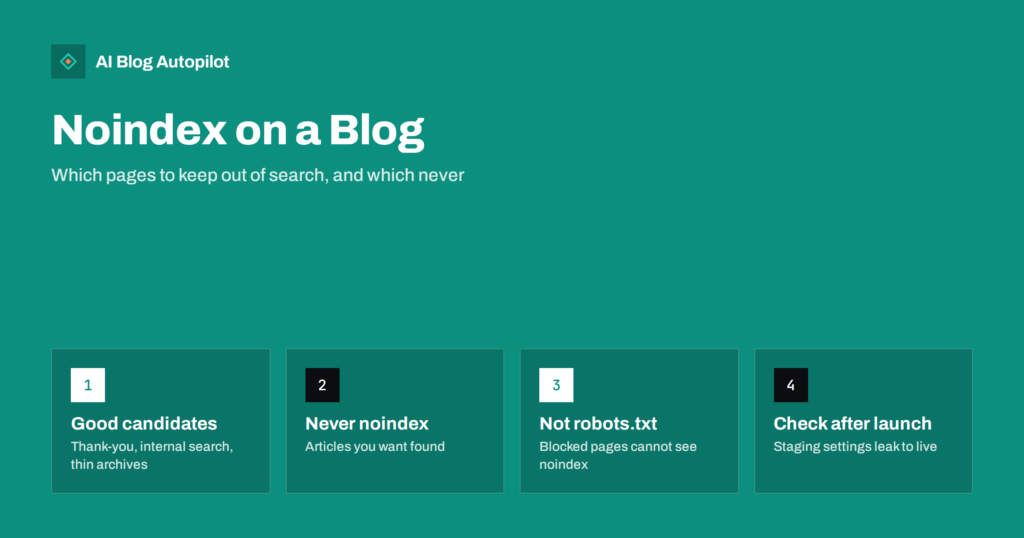
Noindex on a Blog: Which Pages to Keep Out of Search
Noindex keeps a page out of search results while leaving it open to visitors. Which blog pages should carry it, which should not, and…
 2026/10/01 · 8分で読めます
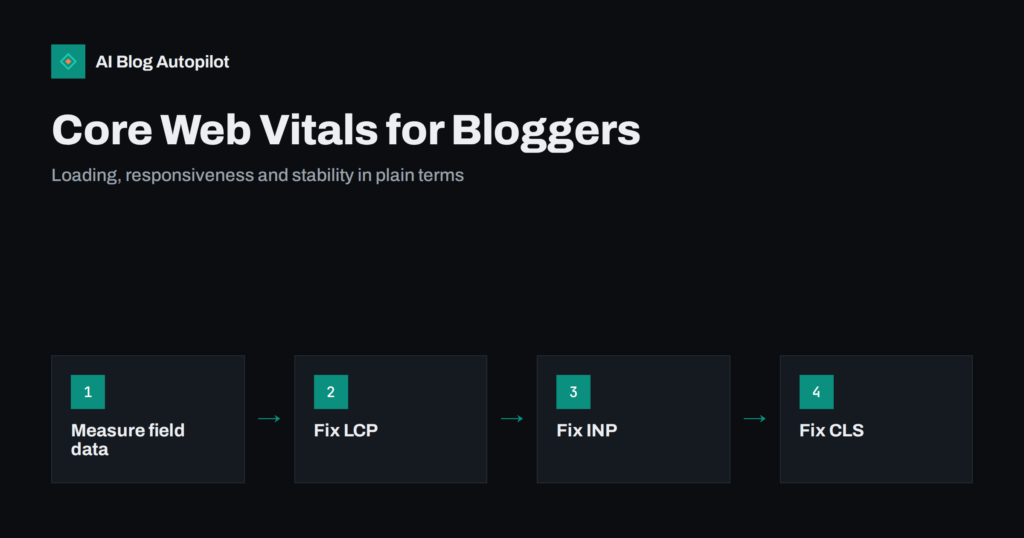
Core Web Vitals for Bloggers: LCP, INP and CLS Explained
Core Web Vitals measure loading, responsiveness and layout stability. What LCP, INP and CLS mean for a blog, the usual causes of poor scores,…
 2026/09/29 · 9分で読めます
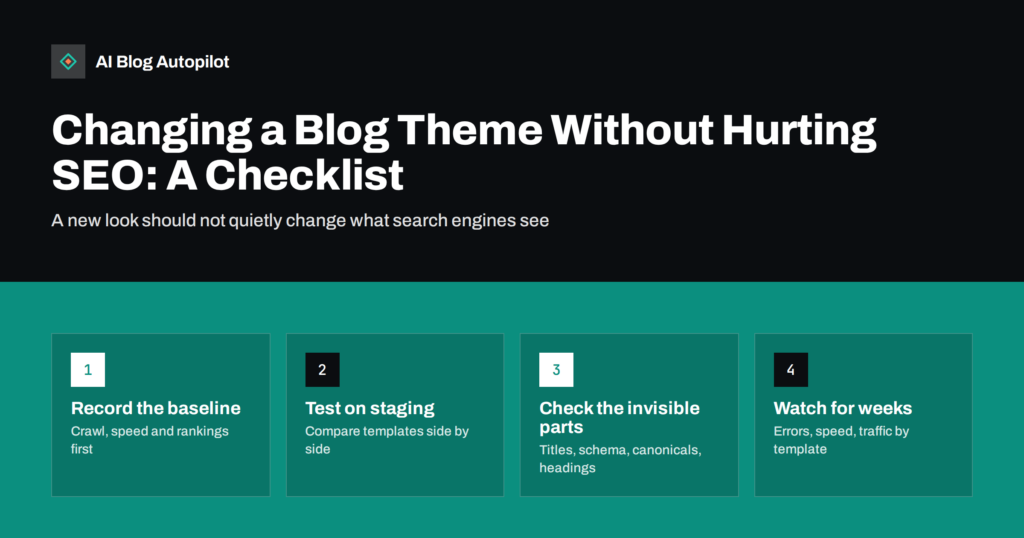
Changing a Blog Theme Without Hurting SEO: A Checklist
What can go wrong for search when you change a blog theme, and a before, during and after checklist that keeps titles, headings, schema…
 2026/09/29 · 8分で読めます
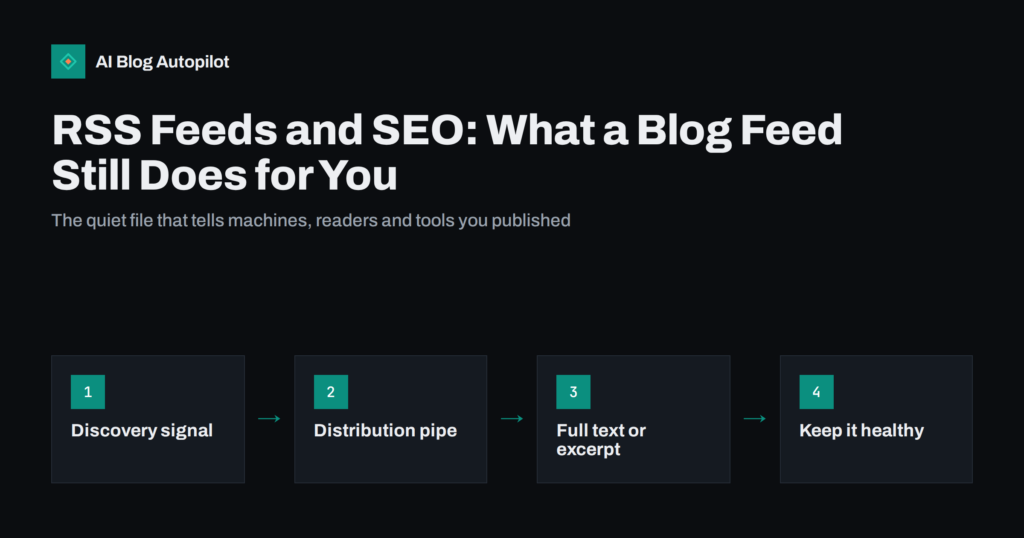
RSS Feeds and SEO: What a Blog Feed Still Does for You
What a blog's RSS feed does for search and distribution today: faster discovery, feed readers, newsletters and automation, plus the settings worth checking.
 2026/09/29 · 8分で読めます
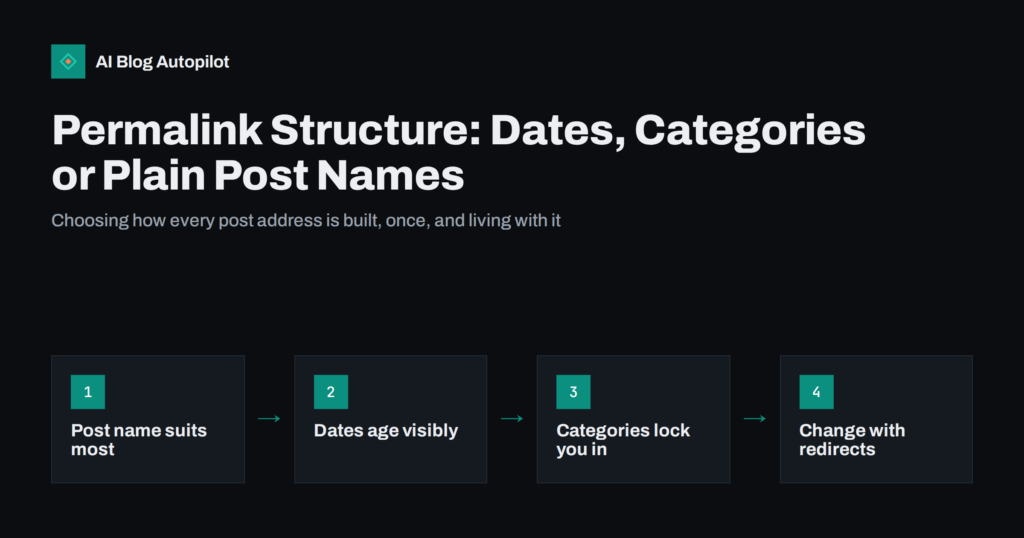
Permalink Structure: Dates, Categories or Plain Post Names
Which permalink structure suits a blog: post name, dates, categories or IDs. The trade-offs of each, and how to change structure later without losing…
 2026/09/26 · 8分で読めます
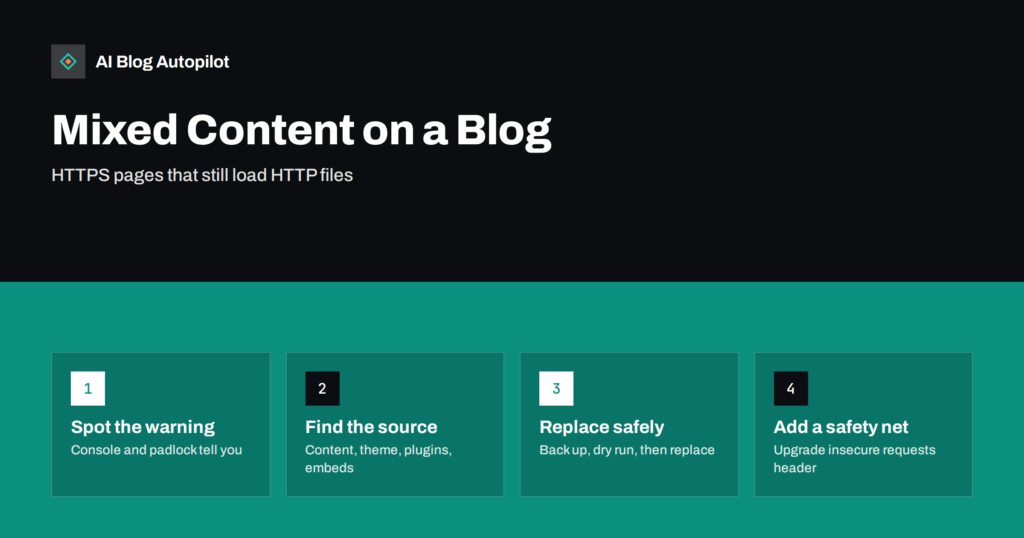
Mixed Content Warnings on a Blog: Finding and Fixing Them
Mixed content means an HTTPS page loads files over plain HTTP. Why browsers warn or block it, how to find the insecure links on…
 2026/09/26 · 9分で読めます
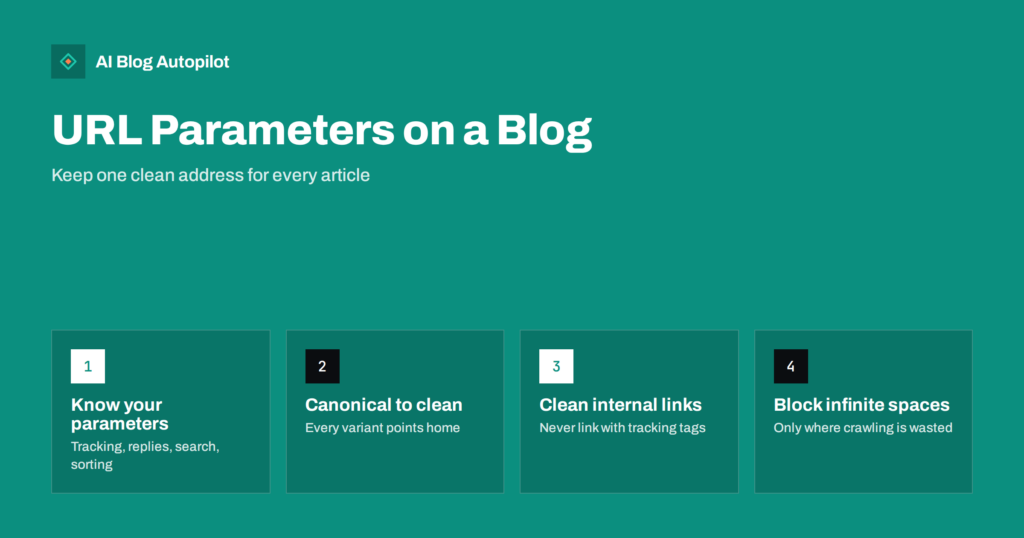
URL Parameters on a Blog: Duplicates, Tracking and Crawling
Tracking tags, comment replies and search pages add parameters to blog URLs. When they cause duplicate content or wasted crawling, and how to keep…
 2026/09/22 · 6分で読めます
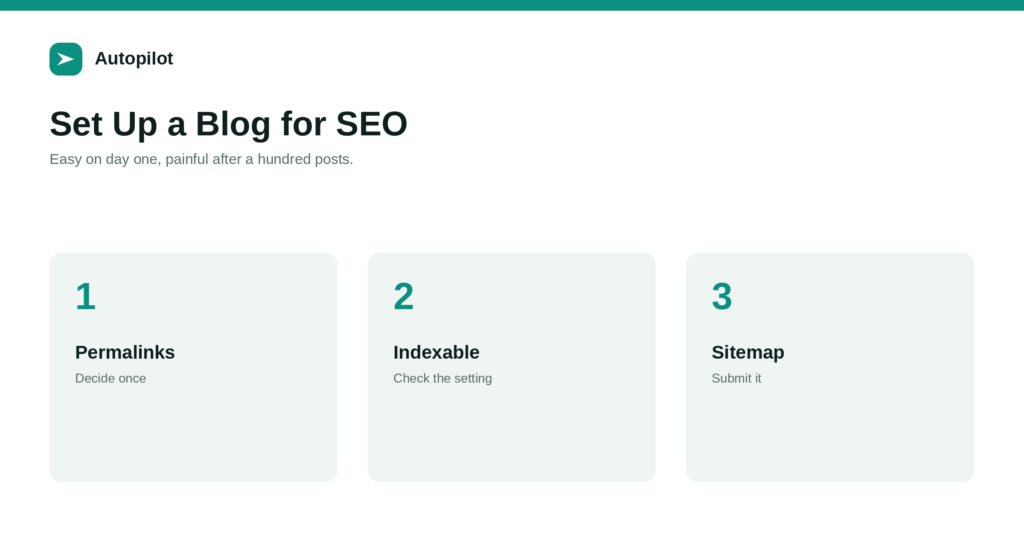
Setting Up a New Blog for SEO: The First Day
The settings that are easy on day one and painful after a hundred posts: permalinks, time zone, indexing, HTTPS, sitemap, categories, and an SEO…
 2026/09/09 · 6分で読めます
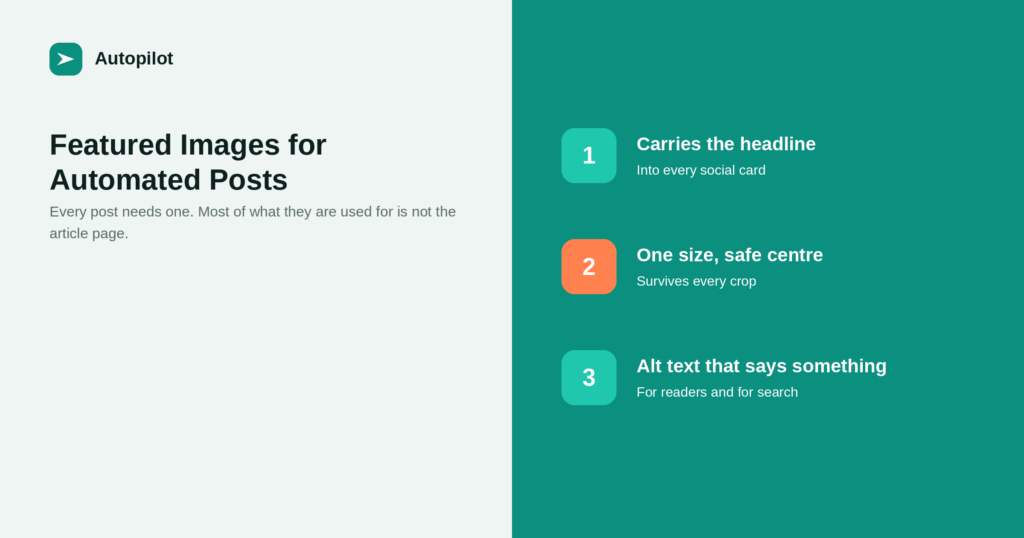
Featured Images for Automated Posts: What Works and What to Avoid
What a featured image is actually for, what size to produce, why alt text matters, and the kinds of images that make an automated…
 2026/09/08 · 6分で読めます
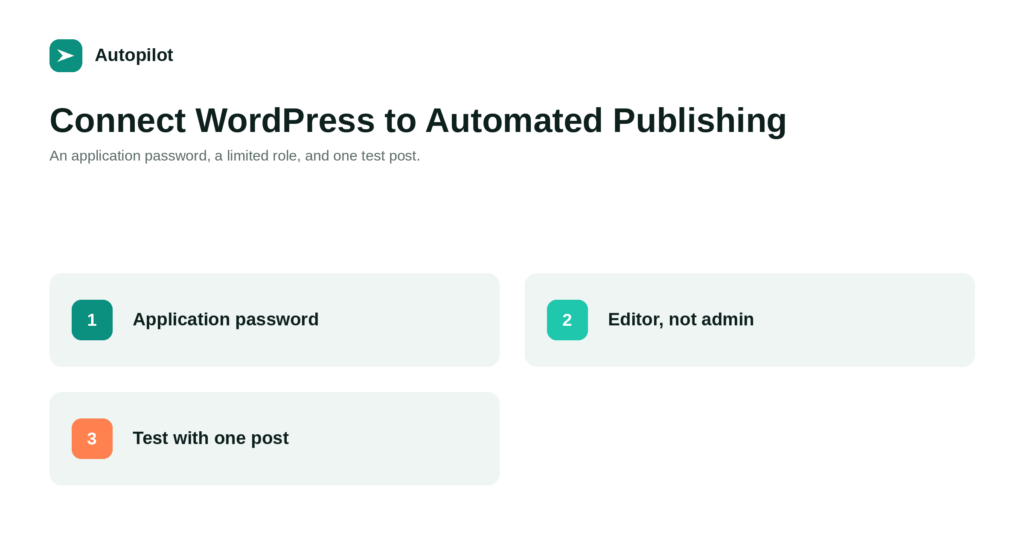
How to Connect WordPress to an Automated Publishing Tool, Safely
How to connect WordPress to a publishing tool without handing over your admin password: application passwords, the right user role, and what to test…
 2026/09/03 · 6分で読めます
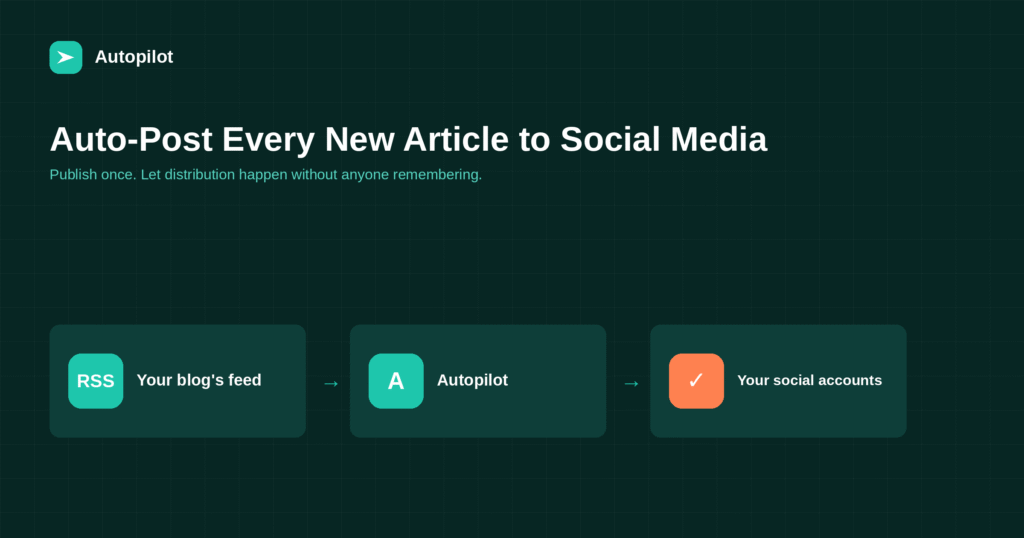
Auto-Post Every New Blog Article to Social Media Automatically
How to share every new blog article to social media automatically, what to change per network, and the mistakes that make automated posts look…