 ENEnglish
 LTLietuviškai
 DEDeutsch
 FRFrançais
 RUРусский
 ESEspañol
 PLPolski
 ITItaliano
 UKУкраїнська
 CSČeština
 PTPortuguês
 JA日本語
 LVLatviešu valoda
 ETEesti
 HUMagyar
 IDBahasa Indonesia
 TRTürkçe
 HIहिन्दी
 ELΕλληνικά
 ARالعربية
 THไทย
 VITiếng Việt
 RORomână
 MSBahasa Melayu
 BNবাংলা
#WordPress
Guides for WordPress site owners who want a blog that grows without daily work. We cover connecting a site with an application password, categories and tags, featured images and SEO plugins. You will learn which settings matter for publishing automatically and which ones slow a site down. We also explain how to keep full control: approve articles first, edit them later or switch to AUTO. All examples work on a standard WordPress 5.6 or newer installation.
 Nov 13, 2026 · 9 min read
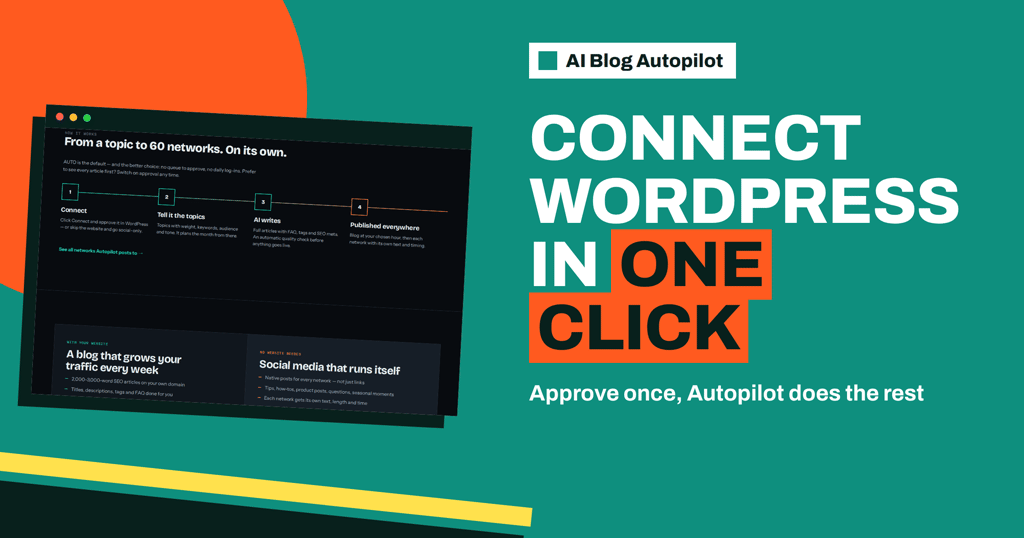
Connecting WordPress to AI Blog Autopilot in One Click
How the WordPress connection in AI Blog Autopilot works: the one-click route, the manual application password, what can block it and how to check…
 Nov 12, 2026 · 9 min read
Page Builders and Blog Content: Keeping Posts Portable
Page builders make layouts easy but can lock your articles in. Learn how to keep blog content portable, fast and clean so a redesign…
 Nov 8, 2026 · 9 min read
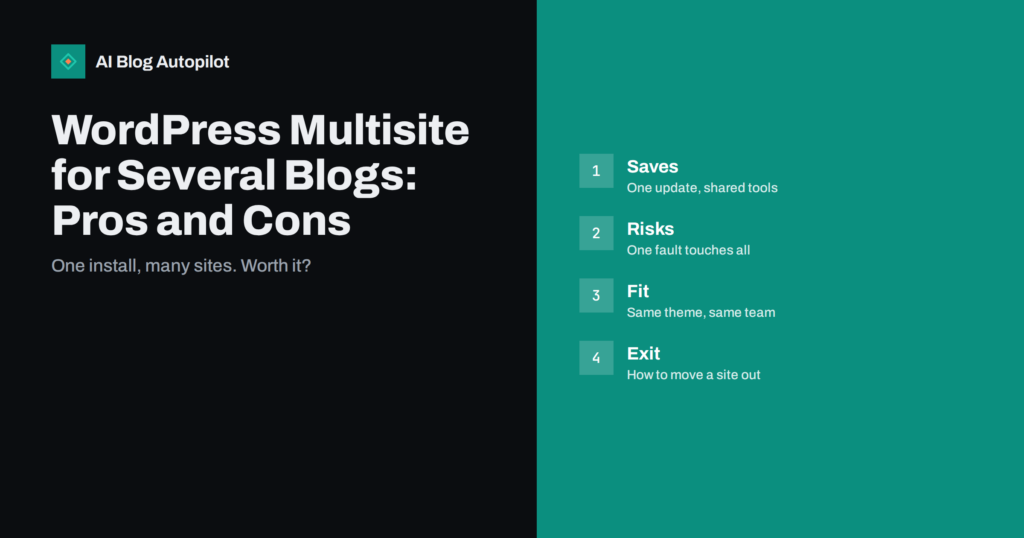
WordPress Multisite for Several Blogs: Pros and Cons
WordPress Multisite runs many sites from one install. Learn when it saves work for several blogs, where it causes trouble and when to keep…
 Nov 4, 2026 · 9 min read
WordPress Blocks for Writers: The Few You Actually Need
The WordPress block editor offers dozens of blocks, but most articles need only a handful. Learn the essential blocks, how to use them well…
 Nov 4, 2026 · 9 min read
Keeping the WordPress Media Library Tidy as the Blog Grows
A busy blog fills its WordPress media library with duplicates, huge files and unused images. Learn how to name, size, organise and clean files…
 Nov 3, 2026 · 9 min read
Pasting From Word or Google Docs Into WordPress Cleanly
Pasting from Word or Google Docs can bring hidden styles, odd spacing and broken links into WordPress. Learn a clean routine that keeps posts…
 Nov 1, 2026 · 9 min read
Caching for a WordPress Blog: What It Does and Common Mistakes
Caching can make a WordPress blog much faster, but a bad setup shows old pages or breaks forms. Learn the types, the safe settings…
 Oct 31, 2026 · 8 min read
WordPress Revisions and Old Drafts: Keeping Things Tidy
What WordPress revisions, autosaves and old drafts are, why they pile up, whether they affect speed or SEO, and how to keep them under…
 Oct 30, 2026 · 8 min read
Internal Search Result Pages: Keep Them Out of the Index
Why your blog's own search result pages should not be indexed, how they get crawled, and how to use noindex or robots rules without…
 Oct 30, 2026 · 8 min read
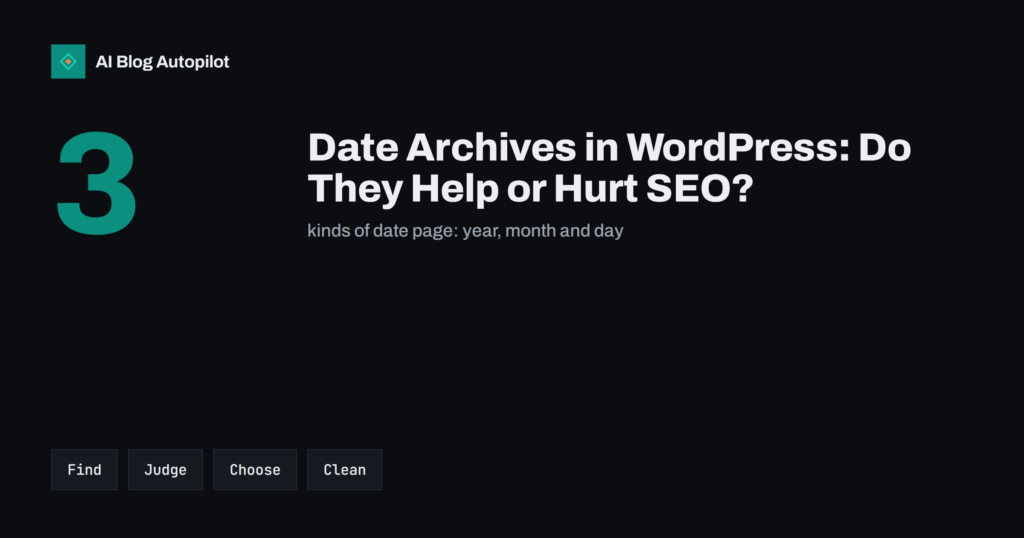
Date Archives in WordPress: Do They Help or Hurt SEO?
What date archive pages are in WordPress, why they create near-duplicate listings, and how to decide whether to noindex, redirect or leave them alone.
 Oct 30, 2026 · 9 min read
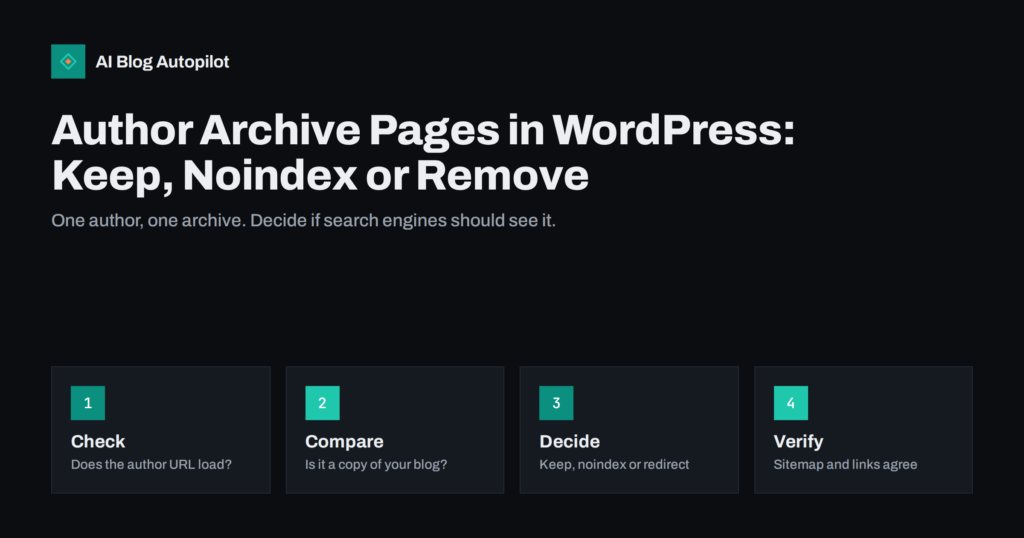
Author Archive Pages in WordPress: Keep, Noindex or Remove
What WordPress author archive pages are, why they duplicate your blog on a single-author site, and how to decide whether to keep, noindex or…
 Oct 29, 2026 · 9 min read
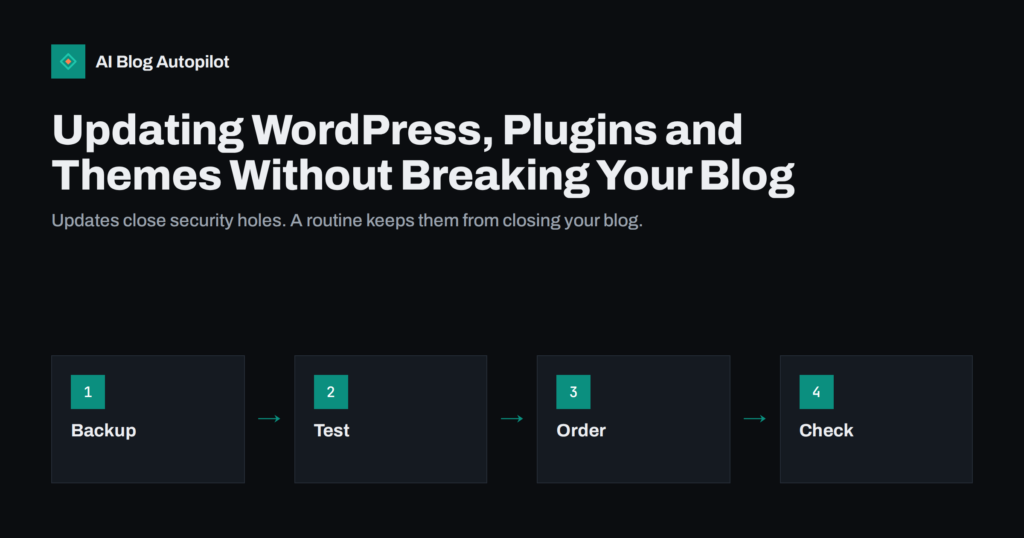
Updating WordPress, Plugins and Themes Without Breaking Your Blog
A calm routine for updating WordPress core, plugins and themes: backups, a test copy, update order, what to check afterwards and when to use…