 ENEnglish
 LTLietuviškai
 DEDeutsch
 FRFrançais
 RUРусский
 ESEspañol
 PLPolski
 ITItaliano
 UKУкраїнська
 CSČeština
 PTPortuguês
 JA日本語
JA日本語 LVLatviešu valoda
 ETEesti
 HUMagyar
 IDBahasa Indonesia
 TRTürkçe
 HIहिन्दी
 ELΕλληνικά
 ARالعربية
 THไทย
THไทย VITiếng Việt
 RORomână
 MSBahasa Melayu
 BNবাংলা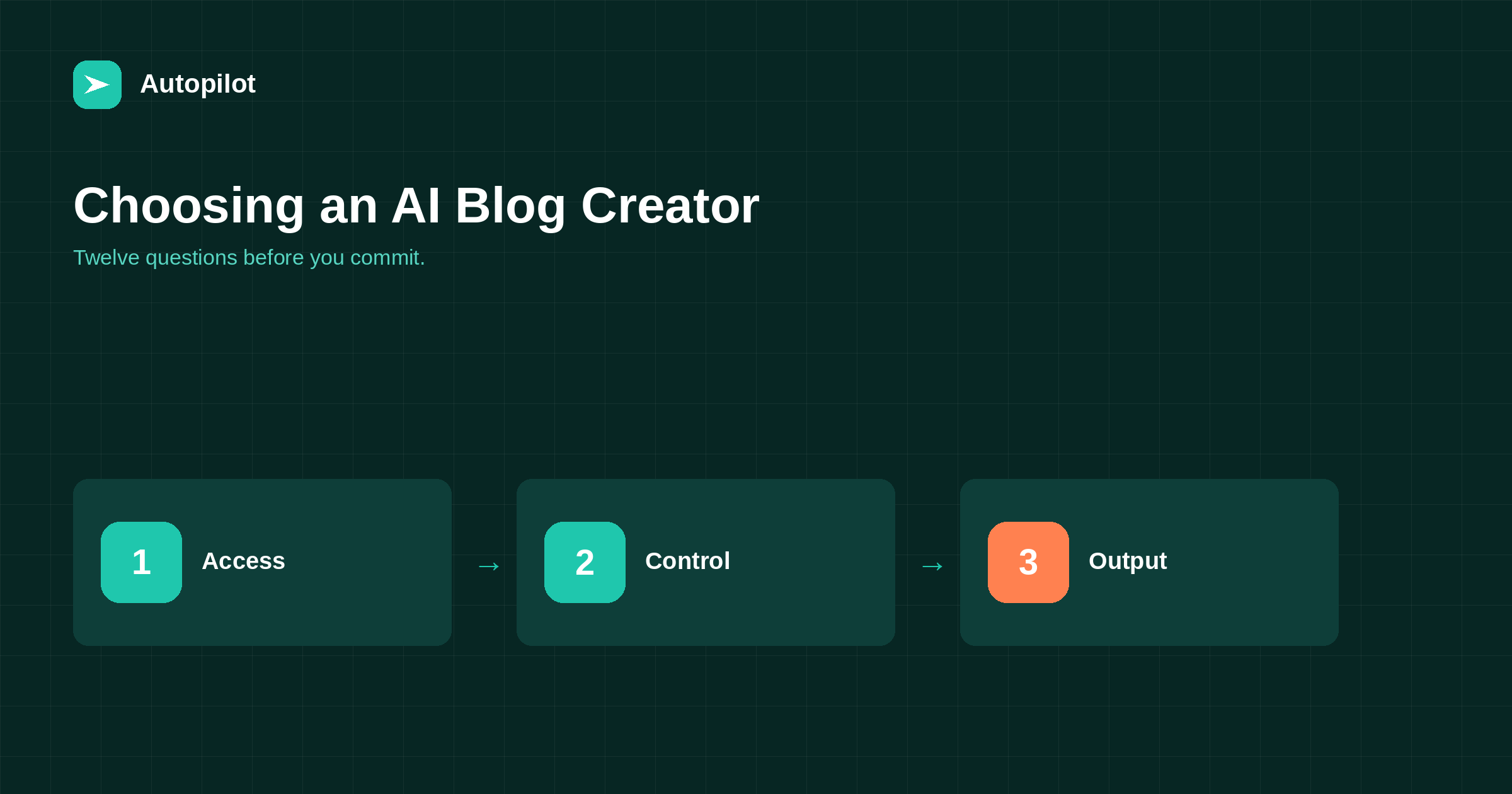
Short answer: ask how it connects to your site and what access it needs, whether you can review and approve before publishing, how you give it standing instructions, what it produces beyond the article body (titles, descriptions, FAQ, structured data, images), how it handles languages, whether it shares to social networks, how it avoids duplicate topics, what happens to internal links, how pricing works, what a trial includes, how you leave, and what it promises. Be wary of any tool that promises rankings; nobody can.
AI blog tools look similar in a demo. The differences show up in week three, when you discover that articles cannot be reviewed before they go live, or that every title needs rewriting, or that the tool needs your administrator password.
These twelve questions surface those differences before you commit.
Access and safety
1. How does it connect to your site? For WordPress, the right answer is an application password on a dedicated user with a limited role. A tool asking for your administrator login is a warning sign — connecting WordPress safely explains why.
2. What can it change? It needs to create posts and upload images. It should not need to install plugins, change settings or manage users.
3. How do you disconnect it? Revoking an application password should end access immediately without affecting anyone else’s login.
Control over what gets published
4. Can you review before publishing? Options should include drafts for approval, not just automatic publishing. Ideally you can choose per category or per site.
5. How do you give it instructions? Look for standing instructions — voice, forbidden claims, audience — that apply to every article, rather than retyping them. That is what writing a brief an AI can use depends on.
6. How does it choose topics? From your input, from search data, from your existing content? And does it avoid writing the same topic twice?
What it actually produces
7. What comes with the article? The body is the easy part. Check for:
| Element | Why it matters |
|---|---|
| Title and meta description | Decide the click in search results |
| Short answer near the top | Serves skimmers and answer engines |
| FAQ with matching structured data | Answers leftovers, supports rich results |
| Featured image | Needed for social sharing and archives |
| Internal links | Connect the new article to the rest |
| Categories and tags | Keep the archive organised |
Ask to see a real published example, not a demo article, and check each element in the page source.
8. Which languages, and how? Writing natively in a language usually reads better than translating from English — see publishing in several languages.
Publishing and distribution
9. Does it share to social networks? An article nobody sees has done half its job. Check which networks, and whether each gets an appropriate format rather than the same text everywhere.
10. Does it notify search engines? Sitemap updates happen automatically in WordPress; faster notification through IndexNow is a useful extra.
Cost and commitment
11. How does pricing work? Per article, per month, per word? Is there a cap? Do unused credits roll over? A fixed monthly price with a set number of articles is easier to budget than per-word pricing, and what a blog costs per month puts the numbers in context.
12. What does the trial include, and how do you leave? A useful trial produces real articles on your own site. Leaving should be simple: cancel, revoke the application password, keep everything already published.
Running a fair comparison
If you are choosing between two or three tools, test them the same way or the comparison means nothing.
Give each the same three topics from your own list, the same standing instructions and the same review process. Publish the results to a test category or a staging site. Then compare them on what matters to your readers rather than on the demo: how many factual corrections each article needed, how long the review took, whether the titles were usable as written, and whether the page source contained what the tool claimed.
Record the review time in minutes. Over a month it is usually the largest cost of any tool, and it is the number that differs most between them.
Red flags
A few answers should end the evaluation.
- Guaranteed rankings or traffic. Nobody controls search results. A tool that promises them is either misleading you or does not understand search.
- Undetectable content as a selling point. It suggests the product is designed around a non-problem — what AI detectors measure explains why.
- Requires your administrator password.
- No way to review before publishing.
- Published articles removed if you cancel. Content on your site should stay yours.
How AI Blog Autopilot answers them
For transparency, here is how our own product answers the questions, as of writing.
It connects to WordPress with an application password on a user you create, writes articles with a short answer, sections, FAQ and structured data, produces a featured image for each, and shares new articles to social networks. Plans are listed on the pricing page: 25 languages and Search Console topic import are available from the Pro plan, and team and client approval on the Agency plan. The first three articles are free, and cancelling leaves every published article on your site.
We do not promise rankings, because nobody honestly can. Use the same twelve questions on any alternative you consider.
Related reading
If this was useful, these cover the questions that usually come next.
- What an AI blog writer is — the category before choosing within it
- Connecting WordPress safely — the first question in practice
- What a blog costs per month — putting the price in context
The bottom line
Check access first, then control, then output, then distribution, then cost. Insist on a real published example and inspect its source. Walk away from anything promising rankings, selling undetectability, asking for your administrator password or removing content when you cancel.
GYIK
What should I look for in an AI blog creator?
Safe access through a limited account, the ability to review before publishing, standing instructions, complete output including titles, descriptions, FAQ, structured data and images, social sharing, and clear pricing.
Should an AI blog tool have my WordPress admin password?
No. Use an application password on a dedicated user with the Editor role. It can be revoked without changing anyone’s real password.
Can AI blog tools guarantee rankings?
No. Rankings depend on competition, query interpretation and search changes that no tool controls. Treat a guarantee as a reason to be suspicious.
What should a trial include?
Real articles published to your own site, so you can inspect the output in context, including its page source and how it looks on a phone.
What happens to my articles if I cancel?
They should stay on your site. Published content belongs to you; a tool that removes it on cancellation is a poor choice.
Is per-article or monthly pricing better?
A fixed monthly plan with a set number of articles is easier to budget and makes the marginal article cheap. Per-article pricing suits very irregular publishing.


