 ENEnglish
 LTLietuviškai
 DEDeutsch
 FRFrançais
 RUРусский
 ESEspañol
 PLPolski
 ITItaliano
 UKУкраїнська
 CSČeština
 PTPortuguês
 JA日本語
JA日本語 LVLatviešu valoda
 ETEesti
 HUMagyar
 IDBahasa Indonesia
 TRTürkçe
 HIहिन्दी
 ELΕλληνικά
 ARالعربية
 THไทย
THไทย VITiếng Việt
 RORomână
 MSBahasa Melayu
 BNবাংলা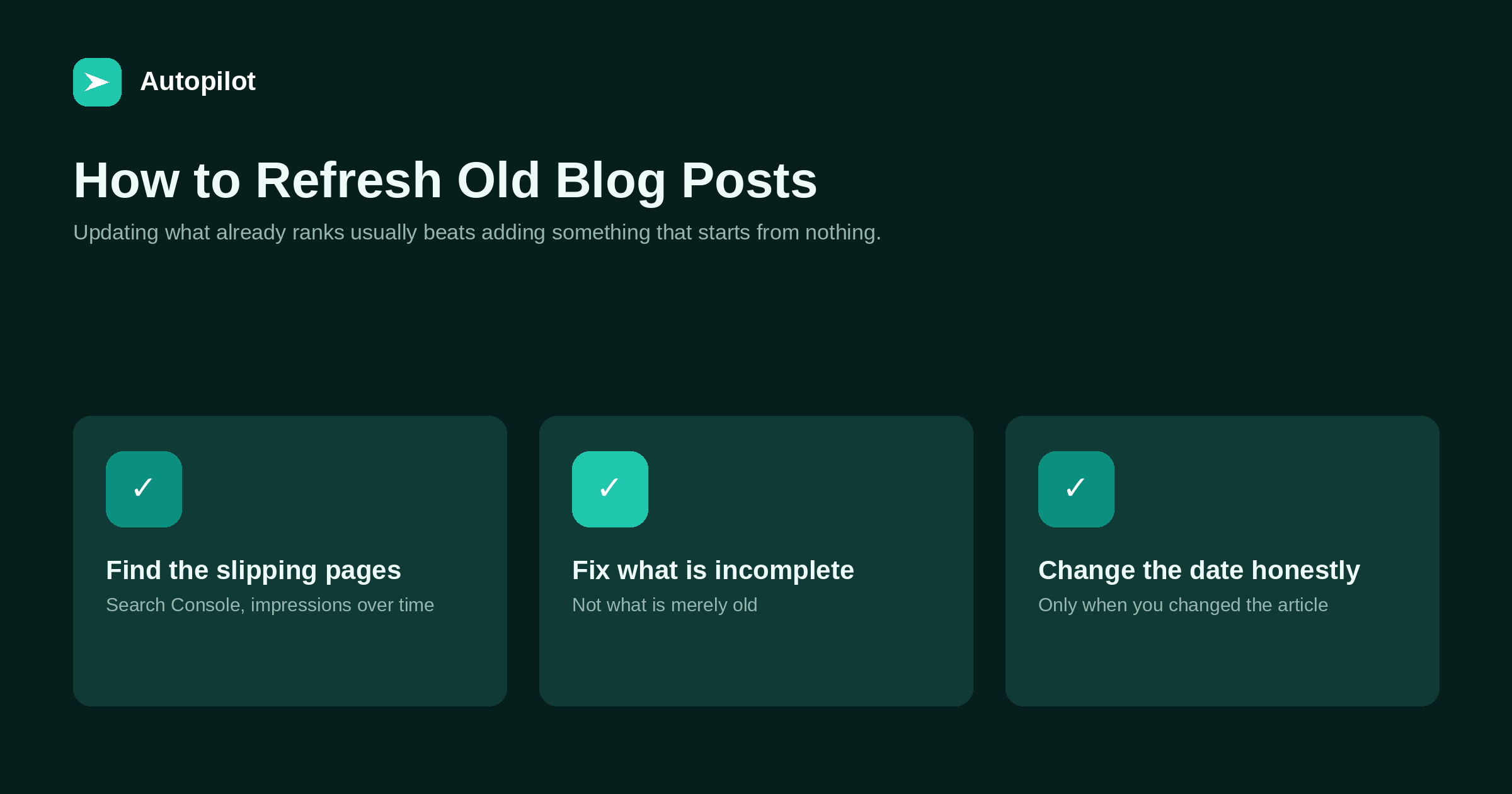
Short answer: find pages that still get impressions but have lost position, work out whether they are incomplete or simply outranked, and fix the incomplete ones. Updating an article that already has history usually produces more than publishing a new one from nothing, because the page is already indexed and already linked. Change the published or updated date only when you genuinely changed the article; bumping a date with no edit is a trust problem, not a tactic.
Every blog past its first year has a set of pages that used to do well and quietly stopped. They are the cheapest traffic available, because someone already did the hard part.
The trick is telling apart the pages worth an hour from the pages that are simply beaten, which is a different diagnosis with a different answer.
Finding the candidates
Search Console answers this faster than any tool. Compare a recent period with the same period a year earlier and sort by lost impressions.
Three patterns matter.
Impressions steady, position slipping. The best candidate. Demand still exists and something overtook you.
Impressions falling with position. Either the subject is fading or the page is genuinely outdated.
Impressions high, clicks low. Not a refresh problem at all — that is a title and description problem, covered in titles and descriptions.
Incomplete, or outranked?
This distinction decides whether an hour is worth spending.
Open the query and read the pages ranking above you. If they answer questions your article does not, your page is incomplete and adding those answers is likely to help. If they answer the same questions with more authority, more data or a better example, the page is outranked, and no amount of tidying changes that.
An outranked page is not necessarily a lost cause, but the fix is different: a genuinely stronger angle, original data, or merging it into a more substantial piece — not a refresh.
What to actually change
In rough order of how much difference it makes.
| Change | When it matters | Effort |
|---|---|---|
| Add the missing sub-questions | The page is incomplete | An hour |
| Correct outdated specifics | Figures, versions, rules | Minutes |
| Rewrite the opening | It does not answer directly | Ten minutes |
| Add or fix the FAQ | Questions left unanswered | Twenty minutes |
| Fix internal links | Old links now redirect | Minutes |
| Replace the image | Only if it is broken or wrong | Minutes |
Most refreshes that fail consist of the bottom three rows. Reformatting an article that was incomplete leaves it incomplete.
Dates, and the honest way to handle them
Freshness signals are real, which is why date fields get abused.
The rule that holds up: change the updated date when you changed the article in a way a reader would notice. Adding two sections, correcting figures, rewriting the opening — all legitimate. Fixing a typo, or nothing at all, is not.
The reason is not only ethical. A reader who sees a recent date and then finds the article describes a version of your product that was discontinued learns something about how much your dates are worth. Answer engines appear to weigh currency too, which means a page that claims freshness and does not deliver it is competing with pages that do.
Showing both a published and an updated date is the clearest arrangement: it keeps the history and tells the truth about the last edit.
Refresh or write new?
A simple test. If the query still has demand and your page is incomplete, refresh. If the query has demand and your page is complete but beaten, write something genuinely better or merge. If the query no longer has demand, leave the page alone and spend the hour on a new question from picking topics worth writing.
For most blogs past year one, a sensible ratio is a handful of refreshes in every month’s schedule. It is the slot most often skipped, because refreshing is less satisfying than publishing, and it is usually the highest-return hour available.
Keeping FAQs current, specifically
FAQ sections age faster than article bodies, because they hold the specifics: limits, availability, what is supported, how long something takes.
Two habits keep it manageable. Review the FAQ when the thing it describes changes, rather than on a schedule. And avoid putting anything in an FAQ that changes monthly — link to the page holding the current version instead, so the fact lives in one place and the article never contradicts it.
If the structured data on the page repeats the FAQ, it has to be edited in the same breath, or the markup starts describing questions the page no longer asks.
What not to change during a refresh
Two things are worth leaving alone. The URL, unless it is genuinely wrong, because changing it means a redirect and a hunt through internal links for every reference. And the core angle: if the article ranks for a question, rewriting it to answer a different question loses the history it built. A refresh deepens what is there. Changing the subject is a new article wearing an old URL.
Related reading
If this was useful, these cover the questions that usually come next.
- Delete, merge or redirect — what to do when refreshing is not enough
- Titles and descriptions — for pages with impressions but no clicks
- Picking topics worth writing — deciding between a refresh and a new article
The bottom line
Look for pages with steady impressions and slipping position, then decide whether they are incomplete or simply beaten. Fix the incomplete ones by adding the answers they lack, correct the specifics, and change the date only when you changed the article. Build a few refresh slots into every month, because the maintenance that is not scheduled is the maintenance that never happens. A refresh that changes nothing but the date is the one version of this work that costs you something, so if there is genuinely nothing to add, leave the article alone and spend the hour on the next one.
FAQ
Is updating old posts better than writing new ones?
Often, yes. An existing page is already indexed and linked, so improving it starts from something rather than from zero. Both belong in the schedule.
Should I change the publish date when I update?
Change the updated date when the article genuinely changed. Showing both published and updated dates is the clearest option and keeps the history intact.
How often should I refresh?
Review quarterly and refresh what the data says needs it. Building a few refresh slots into each month’s calendar is what makes it actually happen.
What if the article is beyond saving?
Merge it into a stronger piece and redirect the URL, or leave it if it harms nothing. Deleting without a redirect throws away whatever the page had.
Does updating guarantee rankings will recover?
No. It improves the page, which is what you control. If the page was outranked rather than incomplete, a refresh alone rarely changes the outcome.
Should automated publishing include refreshes?
Reserve the slots deliberately. Automation defaults to producing new articles, so maintenance only happens if the calendar explicitly makes room for it.


