ENEnglish
 LTLietuviškai
 DEDeutsch
 FRFrançais
 RUРусский
 ESEspañol
 PLPolski
 ITItaliano
 UKУкраїнська
 CSČeština
 PTPortuguês
 JA日本語
JA日本語 LVLatviešu valoda
 ETEesti
 HUMagyar
 IDBahasa Indonesia
 TRTürkçe
 HIहिन्दी
 ELΕλληνικά
 ARالعربية
 THไทย
THไทย VITiếng Việt
 RORomână
 MSBahasa Melayu
 BNবাংলা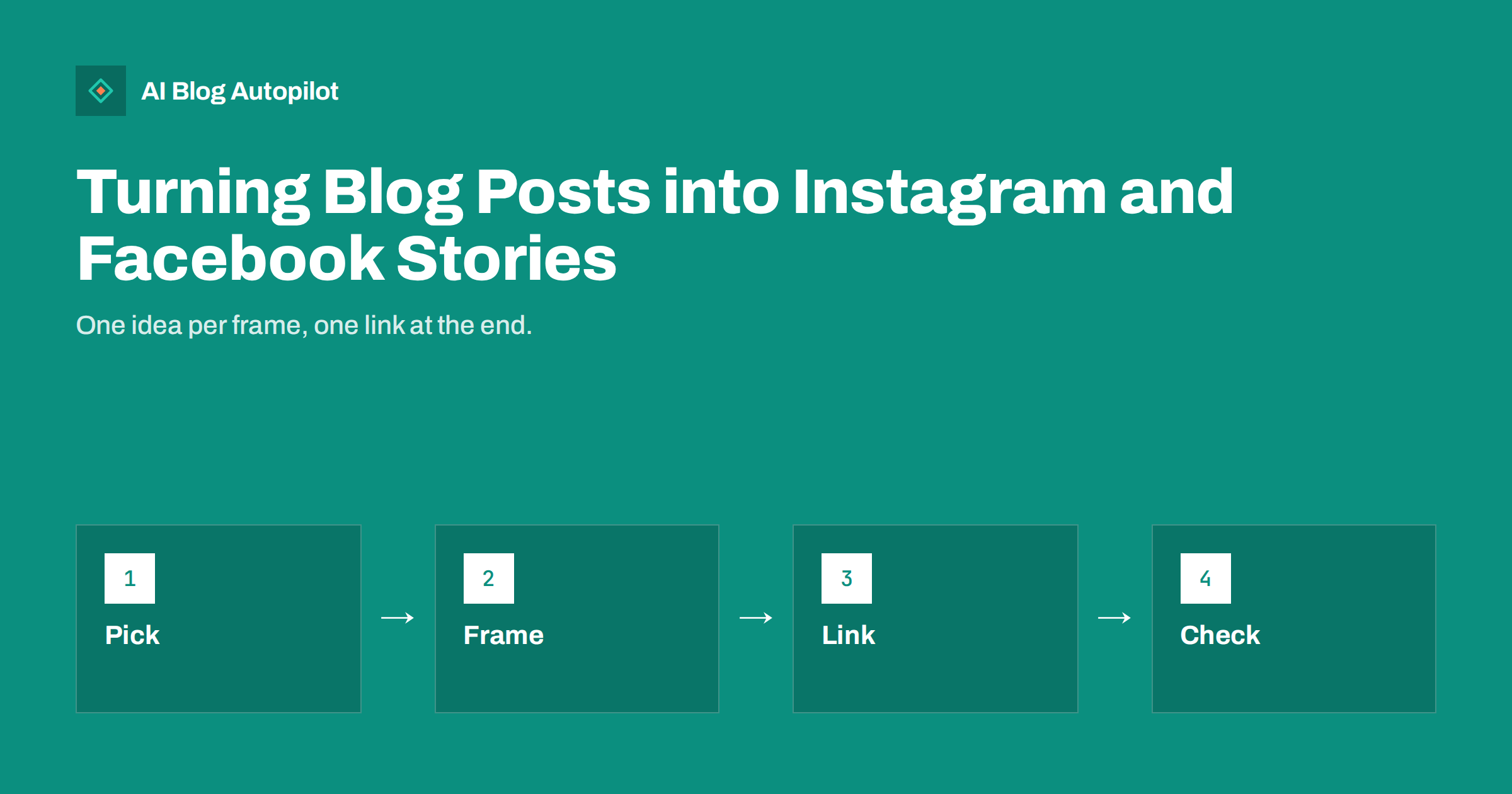
Short answer: to turn a blog post into Stories, choose one idea from it, break the idea into three to six vertical frames with large text and one point each, add a clear link or call to action at the end and keep key text away from the edges. Stories are short-lived and fast, so they work best as a teaser and a reminder, not as a copy of the article.
Stories are full-screen, vertical posts that people tap through in seconds. They are a good place to remind followers about an article, share a quick tip from it or show something behind the scenes. They are a poor place for long explanations. This guide shows how to adapt a blog post for the format without losing its value, and without spending an hour on each one.
What Stories are good for
Stories suit moments, not archives. They normally disappear after a day unless you save them to a profile highlight, and people watch them quickly, often with the sound off. That makes them useful for announcements, quick tips, polls, short stories and reminders that a new article is out.
They do not replace the article. A reader who wants the full answer must go to your blog, and the Story’s job is to make that step easy and appealing. Think of each Story as a small advertisement for one useful idea, and write it as a friend who is telling someone a thing worth knowing.
Features and rules for links, stickers and formats change over time, so check the current options in the app before you plan. Whatever the details, the principles here stay the same: one idea, large and clear, with a simple next step. Our guide to turning blog posts into social posts covers the general method for other formats.
Choose the right idea from the post
Read the article and pick the one part that works on a small screen: a tip, a short list of steps, a surprising fact, a common mistake, a before-and-after or a question. Avoid trying to summarise the whole article. A post with ten sections can supply ten different Stories over several weeks.
Good ideas are concrete. “Three signs your page is not indexed” works better than “all about indexing”. A figure from your own data, a screenshot with a highlighted detail or a quote from the article gives you something visual and specific. Our guide to quote graphics from blog posts shows how to turn a line into an image.
Check that the idea stands alone. Someone who watches the frames and never clicks should still learn something true. That builds goodwill, and the people who want more will click.
Design three to six frames
A simple structure works well. The first frame states the problem or asks a question, the middle frames give the points, and the last frame tells people where to find the full article. Keep to one point per frame. If you find yourself squeezing in a second point, make another frame, or leave it out.
Use large, high-contrast text, short lines and plenty of space. Aim for about ten words or fewer per frame, and avoid fine print. Choose a consistent look: the same fonts, colours and layout on every frame so that followers recognise your Stories at a glance. Use your brand colours, but make sure that the text can be read on every background.
Keep the pace comfortable. Frames that change too quickly frustrate people, and frames that stay too long invite a skip. A few seconds of reading time per frame is a good target, so edit the words until they can be read at a glance.
Use the right size and safe areas
Stories are vertical, with the common ratio of nine to sixteen, for example 1080 by 1920 pixels. Create the image at that size, and export it sharp and not heavily compressed. A photograph taken in landscape should be cropped on purpose and not stretched.
The top and bottom of the screen are partly covered by the profile name, the reply box and buttons. Keep important text away from those zones, leaving a margin of roughly a seventh of the height at the top and the bottom, and some space at the sides. Test one frame in the app before you build the rest, because a headline hidden by the interface is a wasted frame.
Check how the image looks on a small phone and in both light and dark display modes. If text is placed over a photograph, add a plain panel or a gentle overlay behind it. See social image sizes and crops for a reference on sizes and safe zones.
Make the link and the call to action clear
Each sequence needs one next step. The usual choice is a link to the article, added with the link feature that the app provides, along with a short line such as “Read the full guide”. Do not offer three different actions on the same frame. If the first link feature is not available to your account, point to the link in your profile and say so plainly.
Place the call to action on the final frame, and perhaps repeat a small version on the first. People who tap away early will still see it. Use a destination that fits the promise: the exact article, not the home page. Add tracking tags to the address so that you can see visits from Stories in your analytics, as in UTM tags for social shares.
Make sure the page that opens is ready for a phone visitor. If the article is slow or hard to read on mobile, the click is wasted. Our guide to mobile-first blog layout lists what to check.
Accessibility and sound
Many people watch without sound, so any speech in a video frame needs on-screen text or captions. Keep text large and the contrast strong. Avoid putting essential information only in an image, since people using screen readers may not receive it. Where the app allows, add a short description of images, and keep the same facts in the article for those who need a text version.
Do not rely on colour alone to carry meaning, and avoid flashing effects. Short, simple frames are easier for everyone, including people who are tired, distracted or reading in a second language. Our guide to accessible social posts has a checklist you can adapt for Stories.
If you use music, check that you have the right to use it and that the platform allows it for business accounts. Sound can be a nice touch, but the frames should work without it.
Save the best sequences
Because Stories disappear, save the useful ones to a profile highlight with a clear name, such as a guide, a topic or a FAQ. A new follower can then find your best tips at once. Keep the highlights tidy: remove outdated ones and rename them when the content changes.
Keep your source files. A set of frames made in a design tool or a template can be reused when you refresh the article, and a series that performed well can be posted again in a few months with updated numbers, following the approach in resharing old blog posts.
Create a small template set with a few layouts, such as a question frame, a list frame, a quote frame and a link frame. With a template, a new sequence takes minutes, and your Stories look consistent without extra thought.
Measure what the sequence did
The app shows the number of people reached, how many tapped forward or back, how many left and how many used a link. Compare these across sequences. A high number of exits on the second frame suggests that the opening was weak, and many link taps suggest that the promise was clear.
Check your site analytics for visits from the network, using the tags you added, and see whether those visitors read the article or leave at once. A small number of readers who stay is better than a large number who bounce. See social media metrics for bloggers for what to track.
Run simple tests: change only one thing at a time, such as the first frame or the order of the points, and watch the difference over several posts. Keep a note of what you tried, and drop what does not help.
Plan Stories in batches. Once a week, take the articles you published and write the frames for the coming days in one sitting. Batch work is faster than creating each sequence in the moment, and it leaves room to spot a post that is not suitable for the format. Where an article has no good visual idea, do not force one: a plain question frame with the link is enough.
Be honest in what you promise. If a frame says “the three mistakes that cost you rankings”, the article must really contain them, and the Story must not exaggerate. Readers who feel misled will not tap again, and the platforms tend to show fewer posts from accounts that people leave quickly.
Finally, keep the tone human. A short note in your own voice, an unpolished photograph from your desk or a quick answer to a question from a follower often does better than a heavily designed frame. Use design to support clarity, and not to hide the lack of an idea.
How AI Blog Autopilot helps
AI Blog Autopilot writes full SEO articles for your WordPress blog and shares each one to your social networks, each with its own text and timing. The article stays the base, and you can add your own Stories on top when you have an idea that suits the format, using the same topics and tone. See the pricing page for plans.
Related reading
- Turning Blog Posts Into Social Posts That Work
- Blog Post Carousels: Turning an Article Into Slides
- Short Video From Blog Posts: A Simple Workflow
The bottom line
Pick one idea, build three to six clear vertical frames, keep text inside the safe areas, end with one link and read the numbers afterwards. Stories should point to the article, not replace it.
KKK
How many frames should a Story sequence have?
Three to six is a good range. One idea per frame keeps each one quick to read.
What size should Story images be?
Use a vertical ratio of nine to sixteen, such as 1080 by 1920 pixels, and keep key text away from the top and bottom edges.
Should I post the same Story on both networks?
You can reuse the frames, but check each app for its current features and adjust the text and link.
Do Stories help SEO?
Not directly. They can bring readers to your article, and that traffic can lead to links and shares over time.
How do I measure Story results?
Use the app’s reach, exits and link taps, and tracking tags on your link to see visits in your analytics.