ENEnglish
 LTLietuviškai
 DEDeutsch
 FRFrançais
 RUРусский
 ESEspañol
 PLPolski
 ITItaliano
 UKУкраїнська
 CSČeština
 PTPortuguês
 JA日本語
 LVLatviešu valoda
 ETEesti
 HUMagyar
 IDBahasa Indonesia
 TRTürkçe
 HIहिन्दी
 ELΕλληνικά
 ARالعربية
 THไทย
 VITiếng Việt
 RORomână
 MSBahasa Melayu
 BNবাংলা
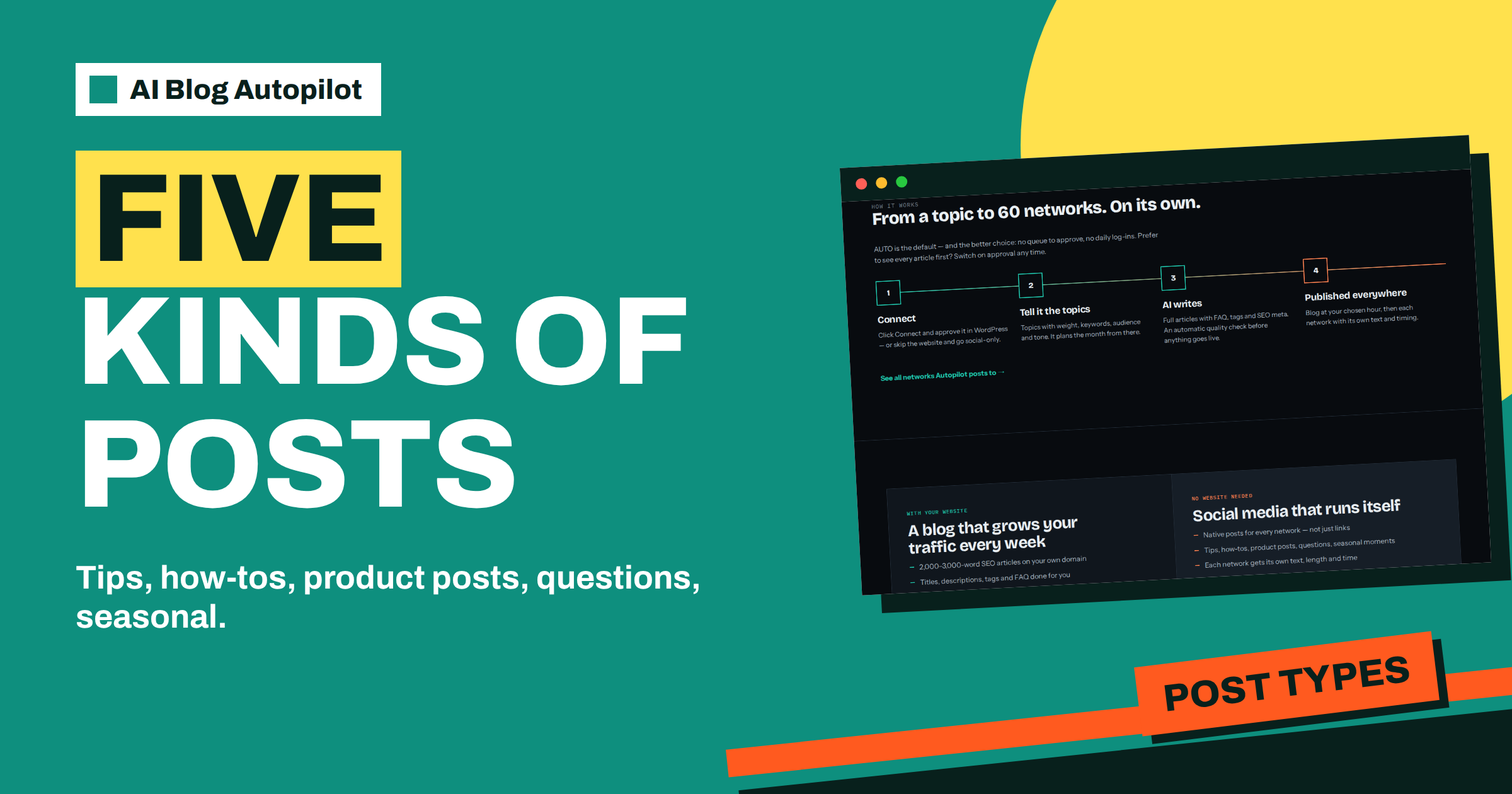
Short answer: The AI Blog Autopilot home page says social-only mode creates five kinds of native posts: tips, how-tos, product posts, questions and seasonal moments. Tips and how-tos teach, product posts sell, questions invite replies and seasonal posts keep you timely. A healthy mix leans on teaching and conversation, with selling in the smaller share.
A social page that only sells gets ignored, and one that never mentions what you sell does not pay its way. The skill lies in the mix. Many small businesses post whatever comes to mind, which means the page swings from a week of offers to a month of silence.
This guide explains the five post types named on the AI Blog Autopilot home page, what job each does and how to balance them. The product facts come from the home page and networks page. Advice about ratios and timing is general practice, so adapt it to your audience and review the results after a few weeks.
What the home page says
For people with no website, the home page describes social media that runs itself. It says Autopilot creates native posts for every network, not just links, and lists the kinds: tips, how-tos, product posts, questions and seasonal moments. It adds that each network gets its own text, length and time, and that you can add a blog later with your plan moving with you.
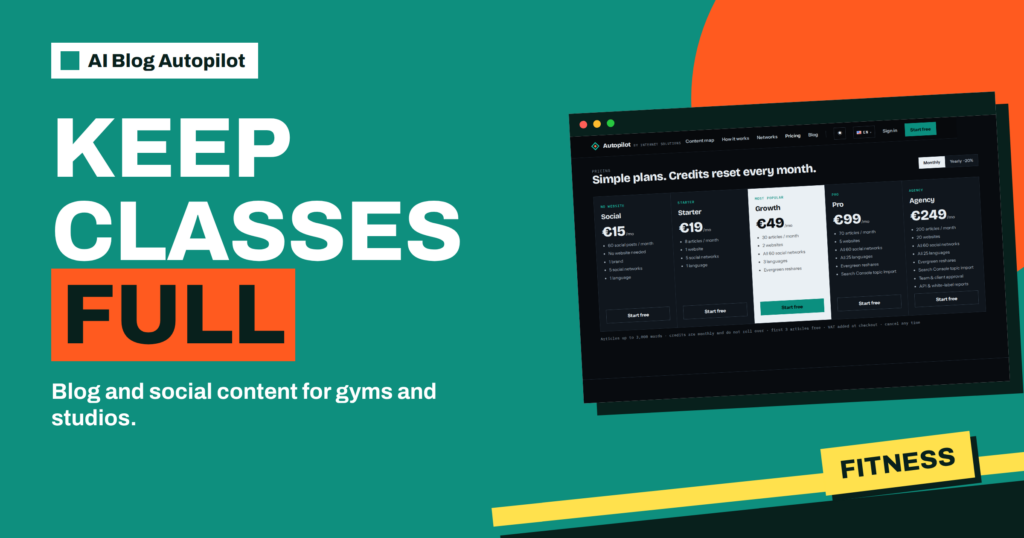
The Social plan lists 60 social posts a month for 15 euros, with no website needed, 1 brand, 5 social networks and 1 language. With a website, each article also becomes a post on every connected network.
So the same types apply in two settings: as the main content in social-only mode, and as a supplement alongside article posts. In both, knowing what each type does helps you steer the brief.
Tips: small, useful and easy to share
A tip is a single useful idea that a reader can use at once. It is short, concrete and does not need a link. A bakery might share how to keep bread fresh for an extra day, a garage how to check tyre pressure and an accountant how to keep receipts in order.
Tips build trust, because they give something before asking for anything. They are also the easiest type to share and save. A tip that solves a small problem makes people remember you when a bigger one appears.
Good tips are specific. Avoid vague advice such as stay organised. Say what to do, in one sentence, with an example if possible. In the brief, list the subjects where your expertise is strong, so that the tips come from your field and not from general knowledge.
How-tos: step by step
A how-to takes a reader through a task in several steps. It is longer than a tip, and may span a few lines or a short list. On networks that allow longer posts, it can be a full short guide. Where space is tight, it can summarise the steps and point to an article.
How-tos show competence. A reader who follows your steps and succeeds thinks well of you. They also match what people search for, since many searches begin with how to. If you have a blog, each how-to post can link to the full article, so that readers who want more can click.
Keep how-tos honest and accurate. A wrong step makes a reader trust you less, so review them, especially in fields such as health, safety, money and law. The article on social media character limits explains how much fits on each network.
Product posts: selling without shouting
A product post presents something you sell: a product, a service, a package or an offer. It is the most direct type, and the one that needs the most care. Too many of them make a page feel like an advertisement, while too few mean followers do not know what you offer.
The best product posts solve a problem. Instead of listing features, say who it is for and what it helps them do. Include the details a buyer needs, such as price policy, availability and how to order, but only facts you have supplied and checked. Autopilot’s writer is told not to invent facts, so give it a fact sheet.
Add a clear next step, such as a link or an invitation to message you. Use the type sparingly, often around one in five posts. The article on how often to post on social media gives guidance on rhythm.
Questions: starting a conversation
A question invites replies. It asks followers for an opinion, a choice or an experience. A florist might ask which spring flower people prefer, a gym which class time suits best and a software company what task they would most like to automate.
Questions raise engagement, which helps a post reach more people on many networks, and they teach you about your audience. The answers show what readers care about, which can guide your next topics. A question that gets a hundred replies is a free survey.
Make questions easy to answer. Offer a choice of two or three options, or ask about a simple experience. Reply to comments, since a question that nobody answers looks careless. Autopilot publishes the post, but only you can hold the conversation.
Seasonal moments: timely and relevant
Seasonal posts tie your business to what is happening: holidays, weather, school terms, sports events, tax deadlines or local festivals. They show that your page is alive and aware of its audience’s life.
The key is relevance. A seasonal post should connect to your business in a real way. A garden centre can mark the first frost with advice on protecting plants, but a generic greeting adds little. Where a connection is thin, skip it.
Plan seasonal posts ahead. List the dates that matter for your business and give them weight in the brief. The article on seasonal content planning shows how to build a calendar. Remember local differences, since holidays and seasons vary by country.
Balancing the mix
A balanced page has variety. A common approach is to make most posts useful, such as tips and how-tos, add regular questions and seasonal posts for connection and keep product posts for about one in five. Treat this as a starting point and adjust to your results.
Watch the patterns. Which type gets the most replies, saves or clicks? Which gets silence? If product posts perform poorly, make them more helpful. If questions bring many replies but no sales, add a clearer next step to the tips. Look at the content map, which the home page describes as a calendar and a network matrix, to see what went out and when.
Keep your brand voice constant across types. A tip and a product post should still sound like the same business. The article on brand voice guidelines for AI content describes how to define it.
Consider a short story. A small pet shop starts social-only on the Social plan. The owner’s first brief asks mostly for product posts, and after two weeks the page gets almost no response. She changes the brief: tips on feeding and grooming, how-tos on setting up a tank, a weekly question about followers’ pets, seasonal posts for holidays and a product post once a week. Within a month, replies increase, and customers mention the grooming tips in the shop. The product posts now reach people who already trust the page.
The lesson is that the same product needs different words at different moments. A mix that teaches first and sells second gives the selling room to work.
It also helps to think of a monthly pattern. In a month of sixty posts on the Social plan, for example, you might see about twenty tips, fifteen how-tos, ten questions, ten seasonal or timely posts and five product posts. This is only an illustration, since your business and audience may suggest a different split. The value of writing a pattern down is that it stops the page from drifting into a single type.
Review the pattern each month with the content map in front of you. Count how many posts of each type went out, and look at the replies and clicks. If one type dominates, adjust the weights and keywords in the brief. If a type gets no response, change the subject or the tone, not just the amount. Keep notes, since the changes you make this month will help you understand what works next quarter.
Finally, remember that people see your posts one at a time. A reader who sees only a product post on a bad day may think the page is pushy, so spreading the types evenly across the week matters. Autopilot handles the timing for each network, but the brief decides the mix.
One more point concerns reuse. A strong tip can become a how-to, a how-to can become a question and a question can become a seasonal post when the time is right. The five types are not boxes but angles on the same subject. When a subject works well, ask for another angle on it in the next brief, and your page will feel varied without losing focus. Keep a list of your five best-performing subjects and revisit them every quarter, adding new angles each time.
Lastly, keep an eye on the length of what each type needs. A tip can be two lines, but a how-to may need five or six, and a seasonal post often works best with an image or a clear date. If you notice that how-tos feel cramped on a short network, ask in the brief for a shorter summary with a link to the full article on that network. Autopilot already gives each network its own length, so your guidance only needs to say where depth matters and where brevity wins.
How AI Blog Autopilot helps
The product creates all five types of native post, each with its own text, length and timing for every network, so the mix does not rely on your memory. Try it with the three free articles on AI Blog Autopilot, no card needed, and see the plans on the pricing page.
Related reading
- Social-Only Mode: Automated Posting Without a Website
- How Autopilot Writes for Each Network
- How Often to Post on Social Media for a Business Blog
The bottom line
Use all five post types: teach with tips and how-tos, invite replies with questions, stay timely with seasonal posts and keep product posts to a smaller share, then watch the results and shift the mix in the brief.
FAQ
Which post types does social-only mode create?
The home page lists tips, how-tos, product posts, questions and seasonal moments.
How many posts does the Social plan include?
The pricing page lists 60 social posts a month for 15 euros, with 1 brand, 5 networks and 1 language.
How many product posts are too many?
There is no fixed rule, but around one in five is a common starting point. Check your own results.
Does every network get the same text?
No. Each network gets its own text, length and timing.
Can I add a blog later?
Yes. The home page says your plan moves with you.