ENEnglish
 LTLietuviškai
 DEDeutsch
 FRFrançais
 RUРусский
 ESEspañol
 PLPolski
 ITItaliano
 UKУкраїнська
 CSČeština
 PTPortuguês
 JA日本語
JA日本語 LVLatviešu valoda
 ETEesti
 HUMagyar
 IDBahasa Indonesia
 TRTürkçe
 HIहिन्दी
 ELΕλληνικά
 ARالعربية
 THไทย
THไทย VITiếng Việt
 RORomână
 MSBahasa Melayu
 BNবাংলা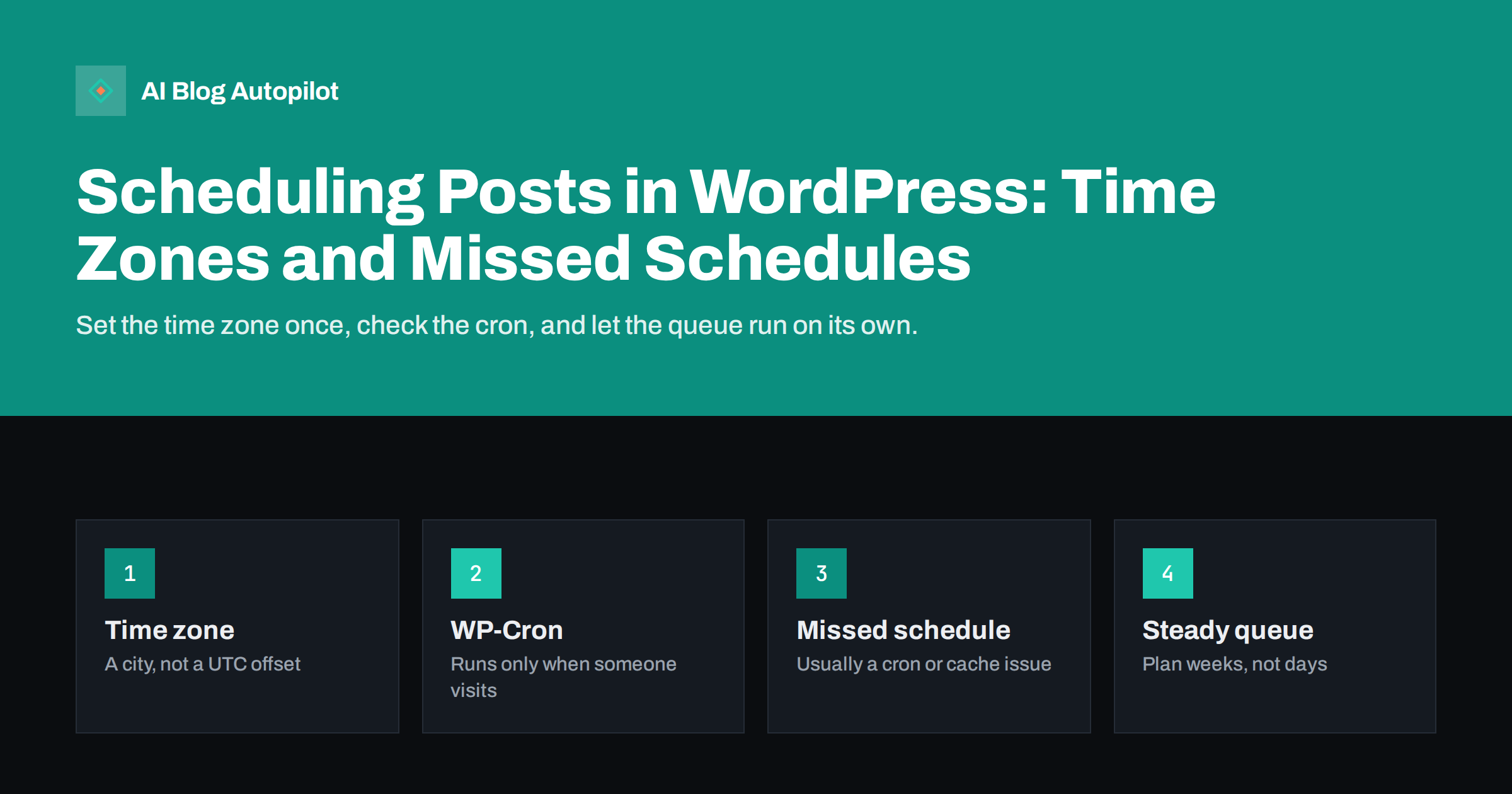
Short answer: WordPress schedules a post when you set a future date and click Schedule; the post gets the status “future” and WP-Cron publishes it when the time arrives. Set your site’s time zone to a city in Settings, General, so daylight saving time is handled for you. If posts show “Missed schedule”, the usual cause is that WP-Cron did not run, often because the site had no visits or caching and security settings blocked the cron request. A real server cron job that calls WP-Cron every few minutes fixes most cases.
Scheduling is one of the simplest ways to keep a blog consistent. You write when you have time, and readers get articles at a steady rhythm. The feature looks trivial, but there are a few details that decide whether a post goes live at 09:00 on Tuesday or quietly sits in the queue until someone notices. This guide covers how scheduling works, the settings that matter and how to fix the common problems.
How scheduling works in WordPress
When you edit a post in the block editor, the publish panel shows “Publish: Immediately”. Click it, pick a future date and time, and the main button changes from Publish to Schedule. After you confirm, the post is saved with the status future. It is not visible on the site, in feeds or in the sitemap yet, and its URL returns a “not found” page to visitors who are not logged in.
WordPress stores two timestamps for every post: the local date in your site’s time zone and the same moment in UTC. At the scheduled moment, a task registered in WP-Cron changes the status from future to publish. From that point everything behaves as if you had clicked Publish yourself: the post appears on the home page and in the RSS feed, plugins that react to publishing run, and search engines can discover it.
The important part is that WP-Cron is not a real clock. It is a list of tasks that WordPress checks when a page is loaded. If nobody visits the site at 09:00, nothing happens at 09:00. The post is published on the next visit that triggers the check, which on a busy site is seconds later and on a quiet site can be hours later.
Set the time zone correctly first
Most scheduling surprises start in Settings, General. The Timezone field offers two kinds of choices: a city, such as “London” or “Vilnius”, or a fixed offset, such as “UTC+2”.
- Choose a city. A city follows daylight saving time automatically, so a post scheduled for 09:00 in winter and one scheduled for 09:00 in summer both go live at 09:00 local time.
- Avoid fixed offsets. A UTC offset does not change with the seasons. Twice a year, your schedule silently shifts by an hour.
- Check the date and time formats. They only change how dates are displayed, not when posts are published, but a clear format makes it easier to spot mistakes in the post list.
The official General Settings documentation describes each field. Change the time zone before you schedule anything; existing scheduled posts keep the moment they were stored with, so changing the zone afterwards can move their displayed time.
If your readers are mostly in another country, schedule in your own time zone but think in theirs. A post that goes live at 09:00 in Lithuania appears at 07:00 in London and in the middle of the night in New York. Pick the time that suits the readers, not the writer.
Why posts show “Missed schedule”
“Missed schedule” in the post list means the scheduled time passed but the post is still in the future status. The causes are predictable:
- No traffic at the right time. WP-Cron runs only when a page is requested. A new or small blog may have no visits for hours.
- Full-page caching. If a cache or CDN serves pages without touching WordPress, page views do not trigger WP-Cron at all.
- The loopback request is blocked. WP-Cron starts by calling the site’s own wp-cron.php file. A firewall, a security plugin, basic authentication on a staging site or a hosting rule can block that request.
- WP-Cron is disabled without a replacement. Some hosts or developers set DISABLE_WP_CRON in wp-config.php to improve performance, but forget to add a server cron job.
- A plugin or task hangs. A slow or broken cron task can hold up the queue so that later tasks, including publishing, run late.
The Site Health screen under Tools often reports problems with scheduled events and loopback requests. Start there before changing anything.
The reliable fix: a real cron job
The standard solution is to stop depending on visits. Disable the visit-triggered WP-Cron and let the server call it on a timetable instead:
- Add
define('DISABLE_WP_CRON', true);to wp-config.php. - Create a server cron job, or a scheduled task in your hosting panel, that requests wp-cron.php every five minutes, or runs the WP-CLI command for due events.
- Schedule a test post a few minutes ahead and confirm it goes live on time.
The WordPress developer handbook explains the mechanism in its cron documentation, including how to hook WP-Cron into the system task scheduler. Many managed hosts already do this for you; ask support before adding a second job, because two jobs running the same tasks waste resources.
If you cannot set up a server cron job, a free external uptime or cron service that requests wp-cron.php every few minutes works as a fallback. It is less elegant, but it guarantees regular checks even on a site with no traffic.
What happens when a scheduled post goes live
Publishing is an event that other parts of the site react to. It helps to know what to expect, so you can check the right things:
- Feeds and sitemaps update. The post appears in the RSS feed and in the XML sitemap generated by WordPress or your SEO plugin.
- Caches need to refresh. Good caching plugins clear the home page and archive pages on publish. If yours does not, the new post may not appear in lists until the cache expires.
- Social sharing and notifications run. Tools that share new posts, send newsletters or ping search engines usually listen for the publish event, so they fire at the scheduled time, not when you wrote the post.
- The publish date is the scheduled date. The date readers and search engines see is the moment the post went live, which is what you want for freshness.
Before scheduling, preview the post as it will look, including the featured image, excerpt and meta description. A scheduled post is easy to forget, and mistakes go live while you are asleep.
Planning a steady publishing queue
Scheduling pays off when it turns publishing into a routine rather than a scramble. A few habits make the queue work:
- Keep a buffer. Aim to have one to two weeks of posts scheduled. A sick day or a busy week then does not break the rhythm.
- Use consistent slots. Readers and subscribers get used to new articles on the same days. Fixed slots also make gaps obvious in the post list.
- Spread posts out. Publishing five articles within ten minutes gives each one less attention in feeds and on social networks than spreading them across the day or the week.
- Do not over-think the minute. There is no magic time for search engines. Choose a time when your readers are awake and when you can check that everything went live.
- Check the calendar view. Several free plugins show scheduled posts on a calendar, which makes it easier to balance topics and avoid two similar articles on the same day.
A queue also helps with internal links. When you know which articles are coming, you can link new posts to those already live and come back later to add links to the scheduled ones once they are published.
Scheduling and SEO: what matters and what does not
Search engines do not reward a particular publishing hour. What they notice is that a site publishes useful content regularly and that new pages are easy to discover through links, feeds and sitemaps. Scheduling helps with the first part simply by keeping you consistent.
A few points are worth knowing:
- A scheduled post is not public, so search engines cannot crawl it early, and you do not need to noindex it.
- Avoid changing the slug after the post is live; the URL is what gets linked and shared.
- If you backdate a post by choosing a past date, WordPress publishes it immediately with that old date, which can confuse readers and feed subscribers.
- Updating an old post does not require rescheduling. Change the content and, if your theme shows it, let the “updated” date reflect the change.
How AI Blog Autopilot fits in
AI Blog Autopilot connects to WordPress in one click, writes full SEO articles with FAQ, tags and meta, and publishes them on your blog at the hour you choose. Each article is then shared to your social networks with its own text and timing. You can see every article and post on a content map calendar, and switch on approval if you want to review articles before they go live. The pricing page lists the plans.
Related reading
- How Often Should You Publish Blog Posts?
- Content Calendar on Autopilot
- How to Connect WordPress to an Automated Publishing Tool, Safely
- The Pre-Publication Checklist for Every Article
The bottom line
Scheduling in WordPress is reliable once two things are right: the time zone is set to a city, and WP-Cron actually runs. On quiet or heavily cached sites, replace the visit-triggered cron with a real server job and test it with a post scheduled a few minutes ahead. Keep a buffer of scheduled articles, spread them sensibly, and check the first few go-live moments so you know the queue works without you.
SSS
Why does my scheduled WordPress post say Missed schedule?
WP-Cron, the system that publishes scheduled posts, did not run at the right time. This usually happens on sites with little traffic, behind full-page caching, or when the loopback request to wp-cron.php is blocked. A server cron job that calls WP-Cron every few minutes is the standard fix.
Which time zone should I choose in WordPress?
Choose a city rather than a fixed UTC offset. A city follows daylight saving time automatically, so posts scheduled for 09:00 keep going live at 09:00 local time all year.
Is a scheduled post visible to search engines before it is published?
No. A post with the future status is not public, does not appear in the sitemap or feed, and returns a not-found page to visitors and crawlers until it is published.
Does the publishing time affect SEO?
There is no hour that search engines prefer. Regular publishing and easy discovery through links, feeds and sitemaps matter more. Pick a time that suits your readers and lets you check that the post went live.
How far ahead should I schedule blog posts?
One to two weeks of scheduled posts is a comfortable buffer for most blogs. It protects your rhythm during busy weeks while keeping content fresh enough to adjust if something changes.