 ENEnglish
 LTLietuviškai
 DEDeutsch
 FRFrançais
 RUРусский
 ESEspañol
 PLPolski
 ITItaliano
 UKУкраїнська
 CSČeština
 PTPortuguês
 JA日本語
JA日本語 LVLatviešu valoda
 ETEesti
 HUMagyar
 IDBahasa Indonesia
 TRTürkçe
 HIहिन्दी
 ELΕλληνικά
 ARالعربية
 THไทย
THไทย VITiếng Việt
 RORomână
 MSBahasa Melayu
 BNবাংলা
#Redirects
A redirect sends visitors and search engines from one URL to another when content moves. The HTTP status code tells them whether the move is permanent, such as 301 or 308, or temporary, such as 302 or 307. Choosing the right type helps search engines decide which URL to show and where to credit the links a page has earned. Posts under this tag cover redirect types, WordPress redirect tools, migrations and the chains and loops that cause problems. The aim is to change URLs without losing readers or search visibility.
 30 de set. de 2026 · 8 min de leitura
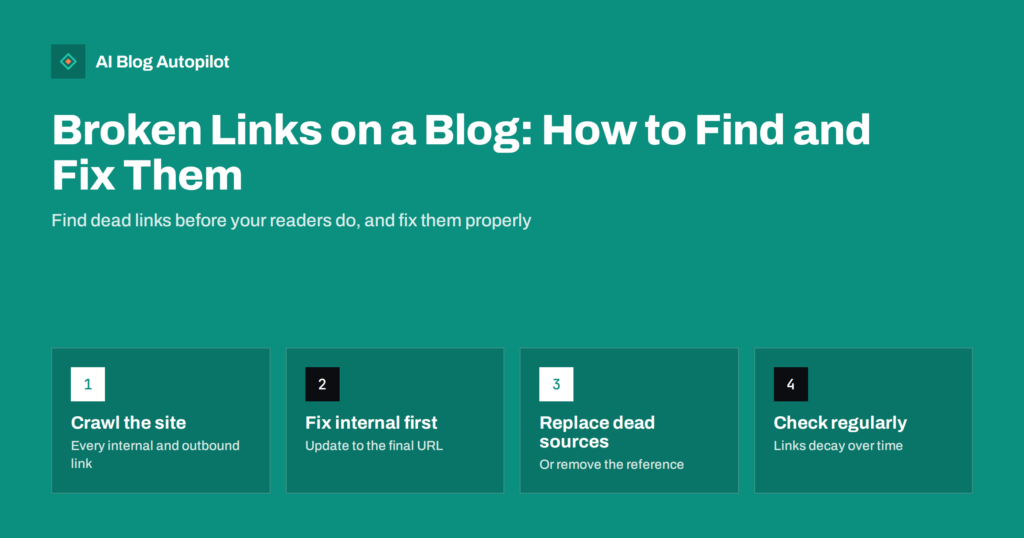
Broken Links on a Blog: How to Find and Fix Them
How broken internal and external links appear on a blog, the free ways to find them, and how to decide between updating, redirecting or…
 30 de set. de 2026 · 8 min de leitura
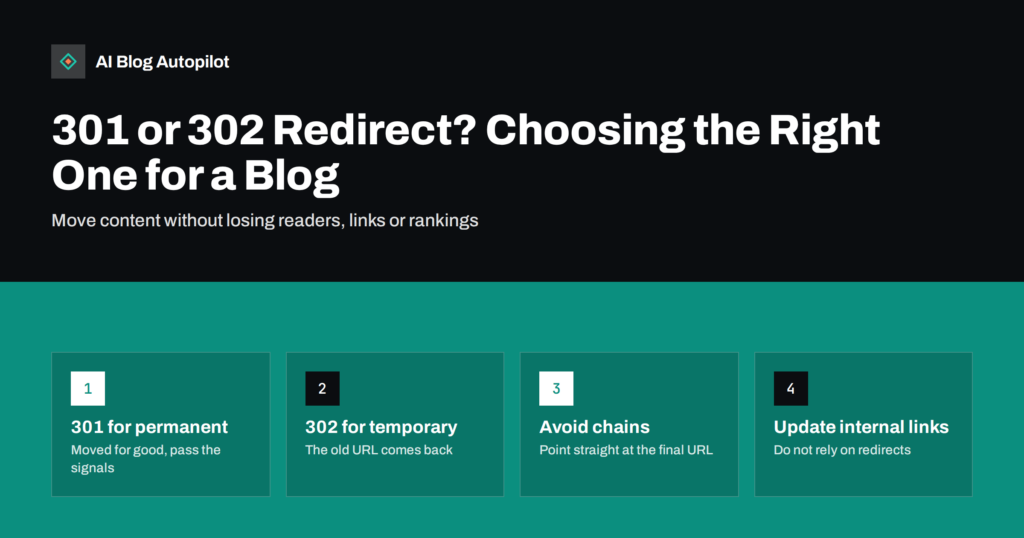
301 or 302 Redirect? Choosing the Right One for a Blog
When a blog needs a 301 redirect, when a 302 is right, how 307 and 308 fit in, and how to avoid the chains,…
 29 de set. de 2026 · 9 min de leitura
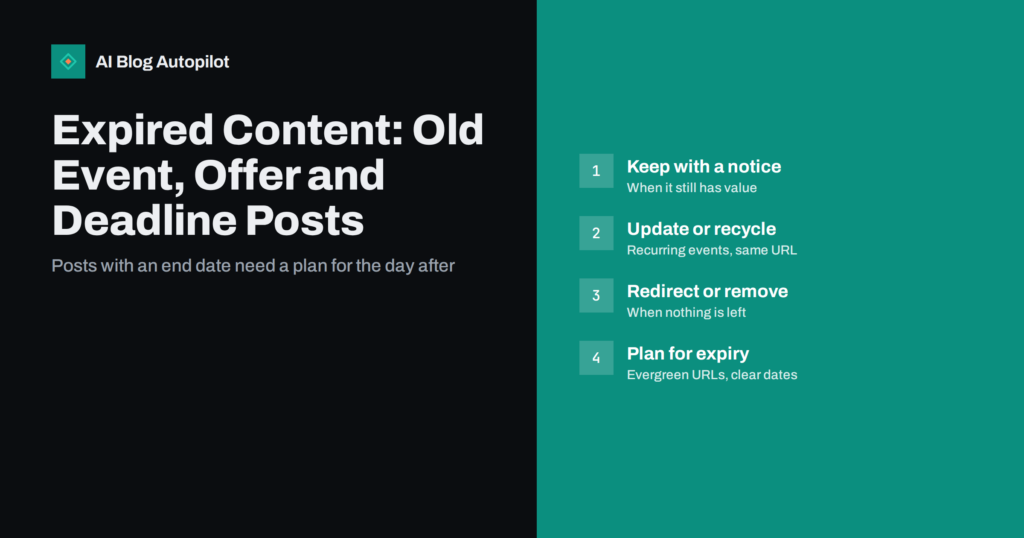
Expired Content: Old Event, Offer and Deadline Posts
What to do with blog posts about events, offers and deadlines once they pass: keep, update, redirect or remove, and how to plan time-bound…
 29 de set. de 2026 · 8 min de leitura
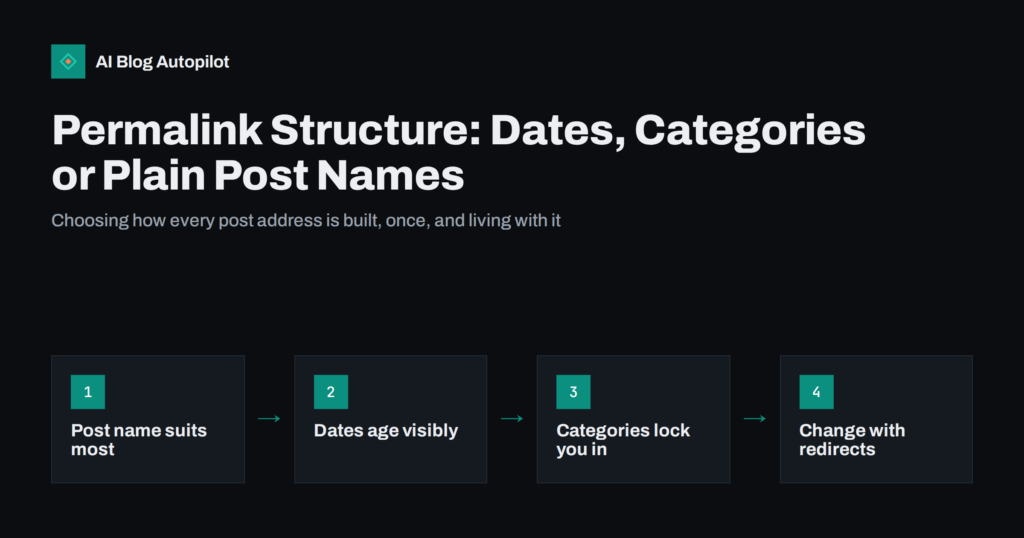
Permalink Structure: Dates, Categories or Plain Post Names
Which permalink structure suits a blog: post name, dates, categories or IDs. The trade-offs of each, and how to change structure later without losing…
 29 de set. de 2026 · 10 min de leitura
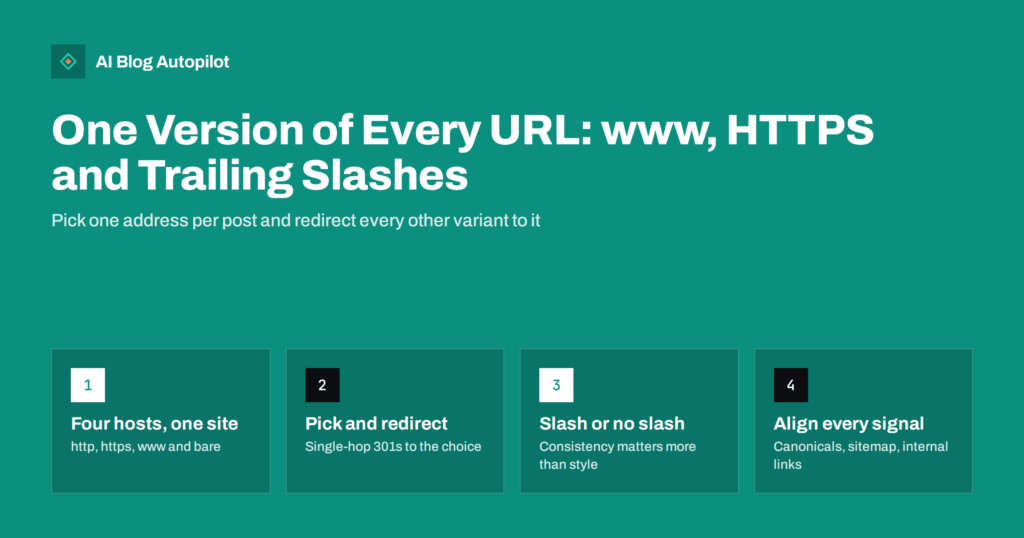
One Version of Every URL: www, HTTPS and Trailing Slashes
Why a blog should answer at exactly one address per post, how www, HTTPS and trailing slash variants split signals, and how to consolidate…
 27 de set. de 2026 · 8 min de leitura
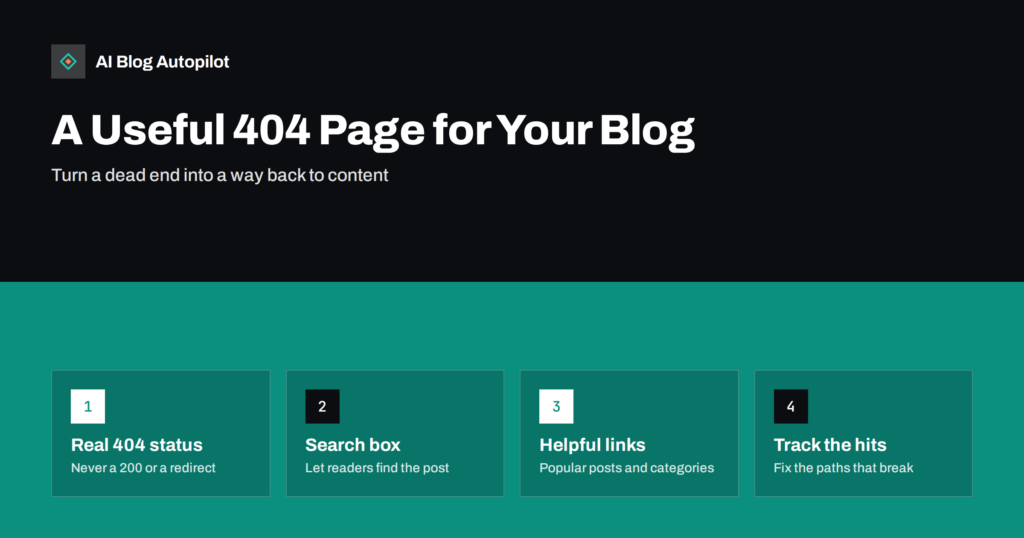
A Useful 404 Page for a Blog: What to Put on It
Visitors will hit missing pages on every blog. What a helpful 404 page includes, the status code it must return, and how to use…