 ENEnglish
 LTLietuviškai
 DEDeutsch
 FRFrançais
 RUРусский
 ESEspañol
 PLPolski
 ITItaliano
 UKУкраїнська
 CSČeština
 PTPortuguês
 JA日本語
JA日本語 LVLatviešu valoda
 ETEesti
 HUMagyar
 IDBahasa Indonesia
 TRTürkçe
 HIहिन्दी
 ELΕλληνικά
 ARالعربية
 THไทย
THไทย VITiếng Việt
 RORomână
 MSBahasa Melayu
 BNবাংলা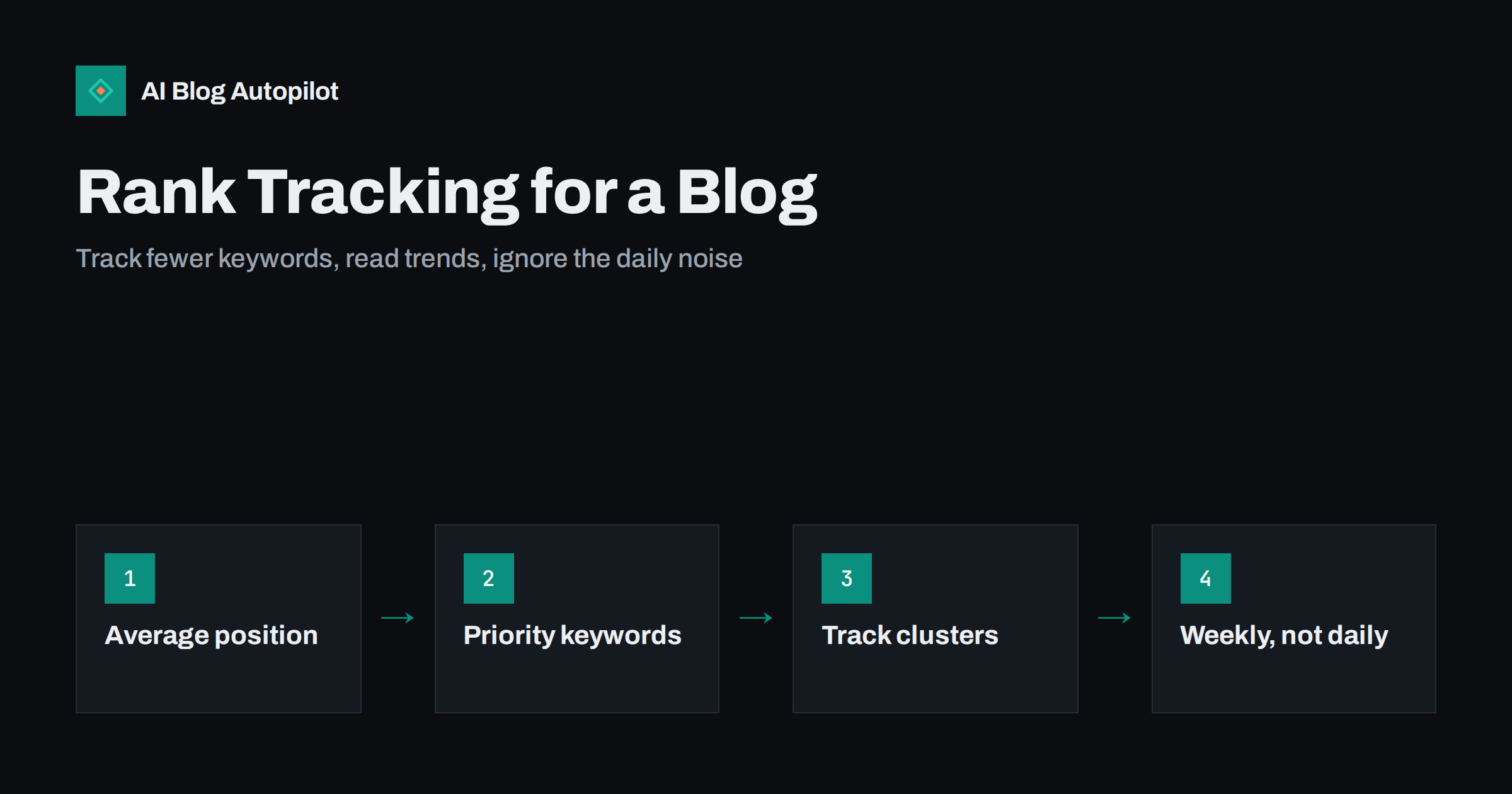
Short answer: rank tracking is useful for a blog when it follows a short list of important queries and groups of related queries over weeks and months. It is misleading when it becomes a daily check of single positions, because rankings vary by location, device, personalisation and search features. Start with Search Console, where average position reflects real impressions, add a dedicated tracker only for a small set of priority keywords, and judge progress by clicks and impressions, not by position alone.
Few numbers attract as much attention as “where do we rank?”. It is simple, it feels decisive and it is easy to report. It is also one of the easiest numbers to misread. A post can be “number one” in a tracker and receive almost no clicks, or sit at position eight and bring steady readers. Rankings can change from one hour to the next without any meaningful change in traffic.
This article explains what rank tracking can and cannot tell a blogger, how to read the position data you already have, and a practical setup that gives useful signals without the noise.
Why there is no single “true” ranking
When people talk about a page’s ranking, they imagine a fixed list that everyone sees. In reality, results vary:
- By location. Results differ between countries, and for many queries between cities. Anything with local intent varies strongly.
- By device. Mobile and desktop results can differ, and the layout on each changes how many results are visible without scrolling.
- By language and settings. The interface language and search settings affect results.
- By personal context. Search history and previous interactions can influence results for some queries.
- Over time. Search engines constantly test and adjust results, so positions often fluctuate by a few places from day to day.
On top of that, results pages include features such as answer boxes, “People also ask”, videos, images, maps and AI-generated summaries. Being in position three below several of those can mean being far down the screen.
So every ranking number is a measurement from a particular viewpoint, not an absolute fact.
Understanding average position in Search Console
Search Console reports average position for queries and pages. It is calculated from the positions at which your pages actually appeared in real searches, averaged across impressions. That makes it grounded in real data, but it has quirks worth knowing.
- It is weighted by impressions. If your page appeared at position 3 for most searches and at position 40 for a few, the average leans towards 3.
- It combines all locations and devices unless you filter by country or device.
- Adding more queries can lower it. When a page starts appearing for many new long-tail queries at lower positions, its average position for the page gets worse even though its visibility improved.
- It only covers searches where you appeared. If you drop out of the results for a query, those searches simply disappear from the data rather than counting as a very low position.
The most reliable way to use average position is at the query level, for a specific country, over a period of weeks, and always together with impressions and clicks.
What dedicated rank trackers add
Rank tracking tools check a fixed list of keywords at regular intervals from a chosen location and device, and record where your pages appear. They offer things Search Console does not:
- Consistency. The same query, location and device every time, which makes trends easier to see.
- Competitor positions. You can see who ranks above and below you.
- Search features. Many tools note which features appear for each query and whether you hold any of them.
- Queries without impressions. You can track a target you do not rank for yet, which Search Console cannot show.
The trade-off is that they measure a simulated search, not real users. A tracker’s “position 4” is one snapshot from one place. For a small blog, that is useful for a handful of important queries and unnecessary for hundreds.
What is worth tracking
A useful tracking set for a blog is short and deliberate.
- Priority queries. Ten to thirty queries that matter most to the business: the topics that lead to enquiries, sign-ups or sales.
- Cluster-level visibility. Instead of one phrase per topic, track a small group of related queries and look at the group’s overall trend. Individual phrases fluctuate; groups show direction.
- Pages rather than keywords. For each important article, watch its total clicks and impressions in Search Console. A page that gains impressions across many queries is improving, even if one headline keyword does not move.
- Click-through rate for key queries. If you rank well but few people click, the title, description or search features are the issue, not the position.
- Queries on page two. Queries where you sit around positions 8 to 20 with meaningful impressions are the best candidates for improvement. Track them before and after you update the page.
What to ignore
- Daily movements. Moving from 6 to 8 and back within a week is normal. Look at weekly or monthly trends.
- Vanity keywords. A broad, prestigious phrase you are unlikely to rank for, or that would bring the wrong readers, is not worth watching every week.
- Hundreds of tracked phrases. Large lists create reports nobody reads. If a keyword has not influenced a decision in six months, stop tracking it.
- Your own searches. Checking rankings by searching in your own browser mixes in location and personal context, and repeated manual searches can skew what you see. Use Search Console or a tracker.
- Position without traffic. A ranking that brings no clicks is not success, and a lower position that brings steady readers is not failure.
Reading a ranking change
When a tracked position moves noticeably and stays moved for more than a week or two, a short diagnosis prevents overreaction.
- Check whether traffic changed. Look at clicks and impressions for the page and query over the same period. If clicks are stable, the change may not matter.
- Look at the results page itself. Has a new feature appeared, such as a video block, an answer box or an AI summary? Has a new competitor article taken a spot above you?
- Check the page. Is it still indexed, loading correctly and showing the right title? Did anyone edit it recently, change the URL or remove a section?
- Check the wider site. If many pages moved at once, look for a site-wide cause: a technical change, a migration, or a search engine update announced around the same date.
- Decide on one action. Improve the section that answers the query, refresh outdated information, strengthen internal links to the page, or simply wait if nothing points to a problem.
Keep a short log of changes you make to important pages, with dates. When positions move, the log shows at a glance whether the movement followed something you did, which makes cause and effect much easier to see.
How often to check
For most blogs, a weekly glance at priority queries and a monthly review of pages and clusters is enough. Daily tracking makes sense mainly for large sites, news publishers, or during a migration or major change, when you need to spot problems quickly.
After updating an article, give it time. Search engines need to recrawl and reassess the page, and positions often wobble for a while before settling. Judging a change after two or three weeks is more reliable than after two days.
Rankings in the age of AI answers
AI-generated summaries in search results and AI assistants add a layer that traditional rank tracking does not capture well. Your page may be cited in an AI answer without holding a high classic position, or hold position one below a summary that answers the question directly.
That makes it even more important to judge performance by clicks, impressions and on-site outcomes rather than by position alone. Some tracking tools now record whether AI summaries appear for a query, which is useful context. For assistants outside search, manual spot checks remain the practical option.
A simple tracking setup for a small blog
| What | Where | How often |
|---|---|---|
| Clicks and impressions for the whole site | Search Console | Mensal |
| Top pages by clicks, with trend | Search Console | Mensal |
| Priority queries (10 to 30) | Search Console or a rank tracker | Weekly |
| Page-two queries with impressions | Search Console, position filter | Mensal |
| Conversions from search visitors | Analytics | Mensal |
Write the monthly numbers into a spreadsheet with one row per month. After half a year, that sheet tells a clearer story than any ranking dashboard.
How AI Blog Autopilot fits
AI Blog Autopilot writes and publishes SEO articles to your WordPress blog on a steady schedule and shares them to your social networks. It does not promise rankings, and no tool honestly can. What it provides is a consistent flow of long-form articles planned around real search queries, which gives your tracking something to measure. On higher plans, Search Console topic import connects your query data to new articles. See what Autopilot does.
Related reading
- Google Search Console: The Five Reports That Matter
- How Long Before a New Blog Post Ranks?
- Why Your Blog Posts Aren’t Ranking: Eight Real Causes
- Regex Filters in Search Console: Practical Recipes for Blogs
The bottom line
Rankings are real but relative: they depend on location, device, time and the features on the results page. Track a short list of priority queries and clusters weekly, review pages and clicks monthly, read average position with its quirks in mind, and ignore daily fluctuations. Position is a means to an end; clicks, readers and enquiries are the end.
FAQ
Why is my ranking different when I search myself?
Your results depend on your location, device, language settings and personal context. A manual search shows one viewpoint. Search Console’s average position reflects real searches across many users, and rank trackers use a fixed, consistent setup.
What does average position mean in Search Console?
It is the average position at which your pages appeared in real searches, weighted by impressions. It only counts searches where you appeared, and it can fall when a page starts appearing for many new, lower-ranking queries.
Do I need a paid rank tracker for a small blog?
Usually not at first. Search Console covers most needs. A tracker becomes useful when you want consistent daily or weekly checks for a few priority queries, competitor positions or targets you do not rank for yet.
How many keywords should a blog track?
A short list, often ten to thirty priority queries, plus groups of related queries for your main topics. Tracking hundreds of phrases creates noise and rarely leads to better decisions.
Why did my position drop but traffic stayed the same?
Often because the page began appearing for more queries at lower positions, which pulls down the average, or because of normal fluctuation. Check clicks and impressions by query before assuming a real loss.


