 ENEnglish
 LTLietuviškai
 DEDeutsch
 FRFrançais
 RUРусский
 ESEspañol
 PLPolski
 ITItaliano
 UKУкраїнська
 CSČeština
 PTPortuguês
 JA日本語
JA日本語 LVLatviešu valoda
 ETEesti
 HUMagyar
 IDBahasa Indonesia
 TRTürkçe
 HIहिन्दी
 ELΕλληνικά
 ARالعربية
 THไทย
THไทย VITiếng Việt
 RORomână
 MSBahasa Melayu
 BNবাংলা
#Publishing setup
Connecting a site so a tool can publish to it safely. We cover application passwords, which user role to use, what each permission actually allows, and how to revoke access without changing anyone’s real password. You will find the settings that matter before the first article and the ones that can wait. We also cover what to test first so a mistake shows up on one post rather than thirty. Everything here works on a standard WordPress installation without extra plugins.
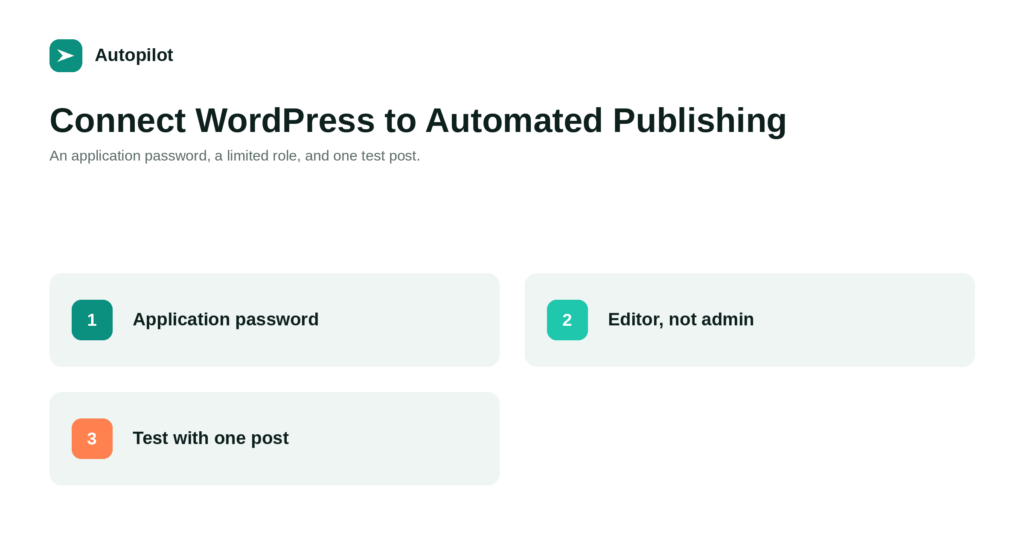 8 wrz 2026 · Czas czytania: 6 min
How to Connect WordPress to an Automated Publishing Tool, Safely
How to connect WordPress to a publishing tool without handing over your admin password: application passwords, the right user role, and what to test…
 31 sie 2026 · Czas czytania: 6 min
Security Basics for a Business Blog
Most blog compromises come from a short list of causes. Updates, strong logins, few admins, limited tool access, trusted plugins and backups cover most…
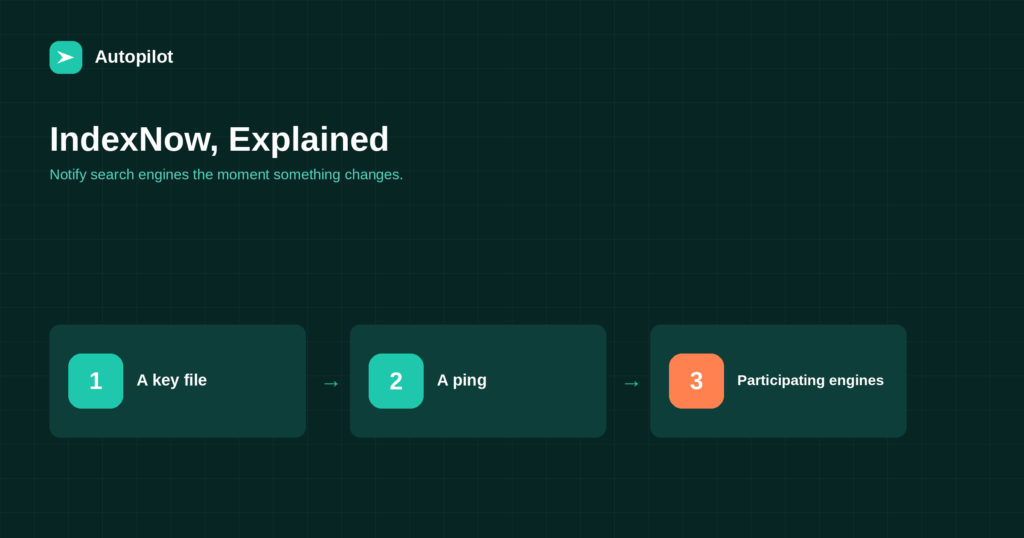 13 sie 2026 · Czas czytania: 6 min
IndexNow: Telling Search Engines About New Pages Immediately
IndexNow lets a site notify participating search engines the moment a page is added or changed. How it works, which engines use it, how…
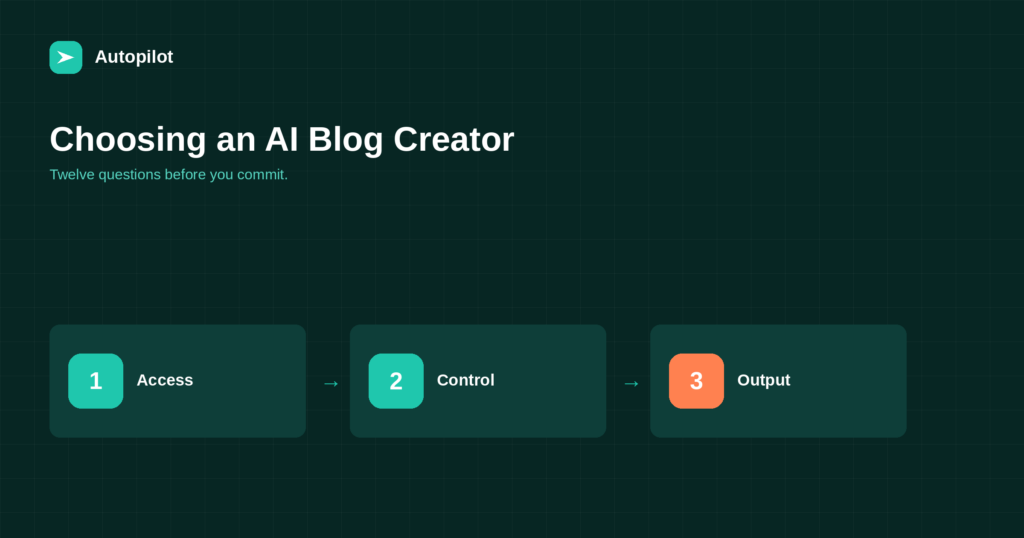 1 sie 2026 · Czas czytania: 6 min
Choosing an AI Blog Creator: Twelve Questions to Ask
Twelve questions that separate a tool you will still use in six months from one you abandon after a week: access, control, quality, publishing…