ENEnglish
 LTLietuviškai
 DEDeutsch
 FRFrançais
 RUРусский
 ESEspañol
 PLPolski
 ITItaliano
 UKУкраїнська
 CSČeština
 PTPortuguês
 JA日本語
JA日本語 LVLatviešu valoda
 ETEesti
 HUMagyar
 IDBahasa Indonesia
 TRTürkçe
 HIहिन्दी
 ELΕλληνικά
 ARالعربية
 THไทย
THไทย VITiếng Việt
 RORomână
 MSBahasa Melayu
 BNবাংলা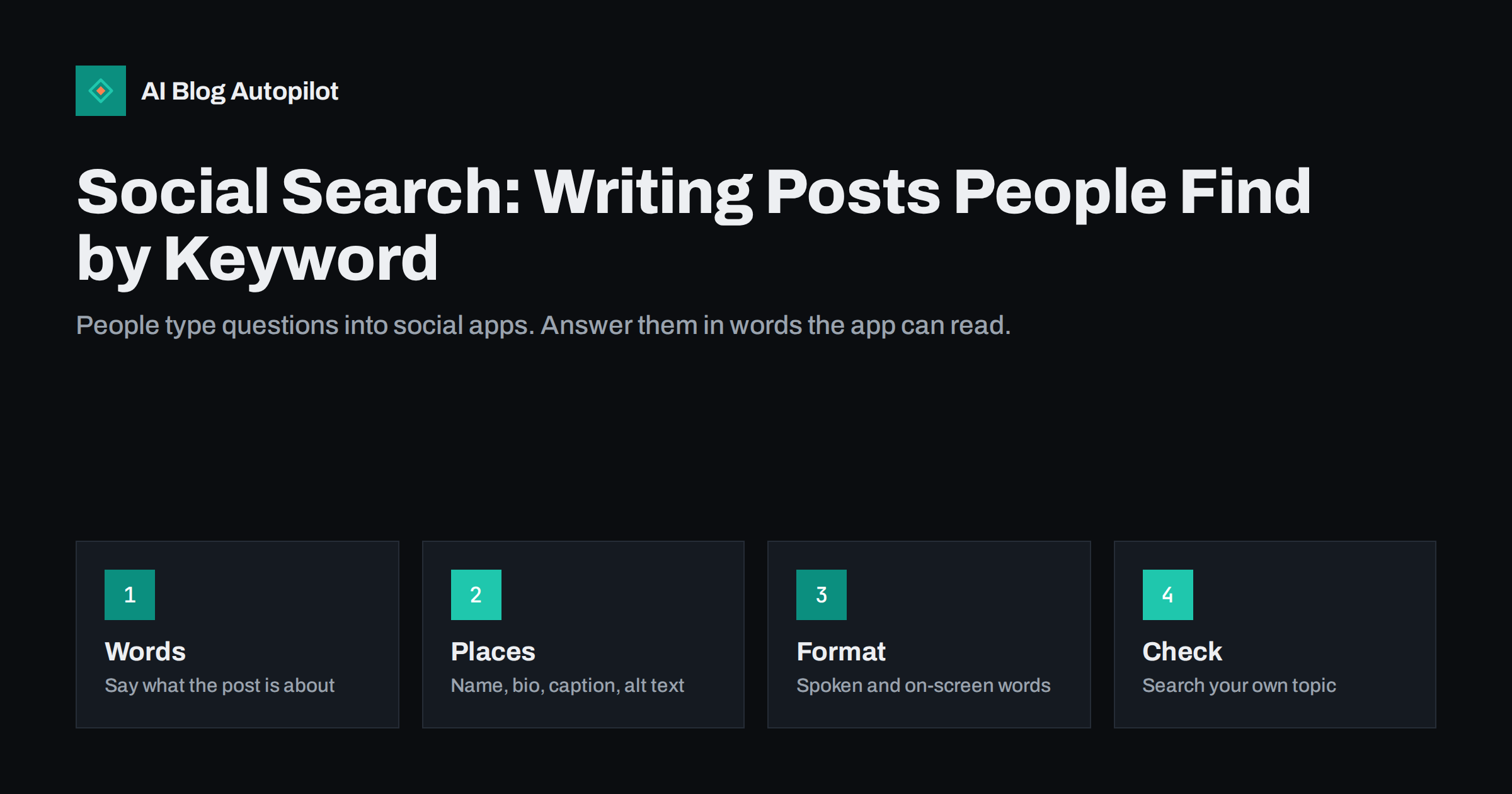
Short answer: many people now use the search box inside social apps to find tips, products, places and answers. To be found, write posts in the words your audience would type: name the topic clearly in the first line, repeat it naturally in the caption, add alt text and on-screen words, and make your profile say what you do. Keep it readable, because keyword stuffing puts people off.
Social networks used to be places where you saw what your friends posted. Today a large share of people also use them to look things up, from recipes and repair guides to restaurant ideas and software reviews. The details differ by network and change over time, but the pattern is clear enough to adapt your posts. This article shows how to write for social search without turning your voice into a list of keywords.
Another difference is the life of a post. On some networks a post is visible for hours and then disappears from view, while on others it can be found in search for months. Understanding this tells you whether to post often and briefly or to invest in a few lasting pieces.
How social search differs from web search
A web search engine looks across the whole internet and ranks pages mostly by relevance and authority. A search inside a social app looks within that app, and it mixes relevance with recency, engagement and the interests of the person searching. Results are often videos, images and short posts, not articles.
People also search differently. Queries tend to be short and informal, and they often sound like a request for a demonstration: how to do something, what a place is like, whether a product is worth it. They want a quick answer in a friendly format. That calls for clear, specific content that shows the answer fast.
Networks do not publish exactly how their rankings work, and they change. Treat the advice here as a set of reasonable habits that suit most platforms, and watch your own results to see what works for you.
Keep an eye on seasonal changes. Searches for gifts, travel, tax, gardening and many other topics rise and fall during the year, and the words people use change with them. Plan your posts a few weeks before the season, so that they are in place when the searches start.
Find the words people use
Start with what you know. Look at the questions that customers ask by email, in comments and in direct messages. Note the phrases they use, which may differ from your own terms. A person looking for a haircut may type a style name, not the word for the service you list on your site.
Use the app itself. Type the start of a topic into the search box and look at the suggestions that appear. Those suggestions come from what people really search for. Look at the titles and captions of posts that appear for your topic, and notice the words they use. Our guide to keyword research without paid tools shows other free methods that also work for social topics.
Write down a short list for each main topic: the main phrase, two or three variations and a few related questions. You will use these in captions, names and descriptions, always in a way that sounds natural.
Profile name, handle and bio
Your profile is searchable. The display name, the handle and the bio all help the network understand who you are and what you offer. If your name does not say what you do, a short descriptor can help. For example, a business might add a few words about its trade or place next to its name, where the network allows it.
Write the bio in plain words that say what you do, who you help and where, if that matters. Avoid vague slogans and long lists of buzzwords. A clear sentence is more useful to a visitor than a string of hashtags. Keep names and descriptions consistent across networks, as described in consistent social profiles, so that people recognise you wherever they find you.
If you have a link in your bio, make sure that it leads to a page that fits the promise. A visitor who came from a search for a topic should land somewhere that continues the answer. See Instagram link in bio for blogs for ideas that work on other networks too.
Check how a caption looks when it is cut off. Most apps show only the first few words in a list, so the part that carries the topic should come before the cut. Preview the post on a phone and move the key words forward if they are hidden.
Captions and the first line
The first line of a caption carries the most weight, both for readers and for search. Say what the post is about in plain words: the topic, the question or the result. If someone searches for how to repot a plant, a first line that says how to repot a plant in three steps is more likely to be found than a clever line that hides the topic.
Write the rest of the caption as you would for a person. Use the main phrase and a variation or two where they fit, add useful details and invite a response. Do not repeat the same phrase many times. Stuffing words into a caption reads badly and may reduce reach. The advice in social post first lines applies here as well.
Add a short call to action when it fits: save the post, ask a question or visit a page. Actions such as saves and replies tell the network that people found the post useful, which supports visibility.
Hashtags, tags and locations
Hashtags still help on some networks, though their weight has changed. Use a small number that are truly relevant: a broad topic tag, a more specific one and, if useful, a place or community tag. Avoid long blocks of tags that have nothing to do with the post. The tips in hashtags for blog posts cover how to choose them.
Use location tags for businesses with a local audience, such as a shop, a salon or a cafe. People search for places, and a tagged post can appear in results for that place. Make sure that the location is correct and that your business details match what appears elsewhere.
Tag people and brands only when it is real and helpful. Spam tagging annoys people and can lead to restrictions. For more, see tagging accounts in social posts.
Video, images and alt text
For video, search systems can often read more than the caption. They may use the words spoken in the video, text shown on the screen, subtitles and the cover image. Say the topic early in the video, show it in a few words on the screen and add accurate captions. This also helps people who watch without sound.
Name your files and covers well where the network allows it. A cover image with a clear title helps people choose your video in a list of results. Keep the text large and short, so it is readable on a phone.
Add alt text to images where the option exists. Describe what the picture shows in a plain sentence, as covered in social media alt text. It helps people who use screen readers, and it gives the network more information about the content.
Match the platform
Each network has its own search habits. Visual and video platforms are used to look for ideas, tutorials and products. Professional networks are used to find people, companies and expertise, and the profile text matters a lot. Some platforms behave like search engines for inspiration, where pins and images remain findable for a long time. Learn how your audience uses each one before you spend time on it.
Take a look at the networks where you already post. Search for your own topics and see who appears. Look at their format, length and style, and ask what you could add that is more helpful. Our articles on Pinterest for bloggers, TikTok for bloggers and YouTube descriptions for blogs give platform-specific ideas.
Do not try to be everywhere. Choose the one or two networks where your audience searches and focus your effort there.
Compare your own posts across formats. A short video, a carousel and a single image on the same topic may behave differently in search inside one app. Try each format a few times and keep the ones that bring real visits and responses.
Check and improve
Once a month, search for your main topics inside the apps that matter to you, using the phrases from your list. Note whether your posts appear, where and in what form. If they do not, look at the posts that do appear and compare the first line, the format and the details.
Track results over time. Look at which posts bring profile visits, saves and clicks to your site. Link them to the topics and phrases you used. Over a few months, you will see which words and formats work for your audience.
Finally, keep the content honest. A post that promises an answer but does not give it will not earn trust, even if it ranks. The goal is to be found by people who really want what you offer.
How AI Blog Autopilot helps
AI Blog Autopilot writes full SEO articles for your WordPress blog from the topics, keywords, audience and tone you set, with FAQ sections, tags and SEO meta included, and it shares each one to your social networks. The keywords and questions you list for your articles can guide how you describe your topics on social networks too, and approval mode lets you read each article first. See the pricing page for plans.
Related reading
The bottom line
Write posts in the words people type, say the topic in the first line, make your profile clear and add alt text and on-screen words. Search your own topics each month and keep everything honest.
BUJ
Do keywords matter on social media?
Yes, on many networks. People search inside apps, and clear words in captions, names and descriptions help your posts match.
How many hashtags should I use?
A few relevant ones. Long blocks of unrelated tags rarely help and can look spammy.
Does alt text help social search?
It gives the network more information about an image and helps people who use screen readers. Keep it short and accurate.
Should I put keywords in my profile name?
A few clear words about what you do can help where the network allows it, but keep the name readable and consistent.
How do I find the words my audience uses?
Look at customer questions, comments and the search suggestions inside each app, then note the common phrases.