ENEnglish
 LTLietuviškai
 DEDeutsch
 FRFrançais
 RUРусский
 ESEspañol
 PLPolski
 ITItaliano
 UKУкраїнська
 CSČeština
 PTPortuguês
 JA日本語
JA日本語 LVLatviešu valoda
 ETEesti
 HUMagyar
 IDBahasa Indonesia
 TRTürkçe
 HIहिन्दी
 ELΕλληνικά
 ARالعربية
 THไทย
THไทย VITiếng Việt
 RORomână
 MSBahasa Melayu
 BNবাংলা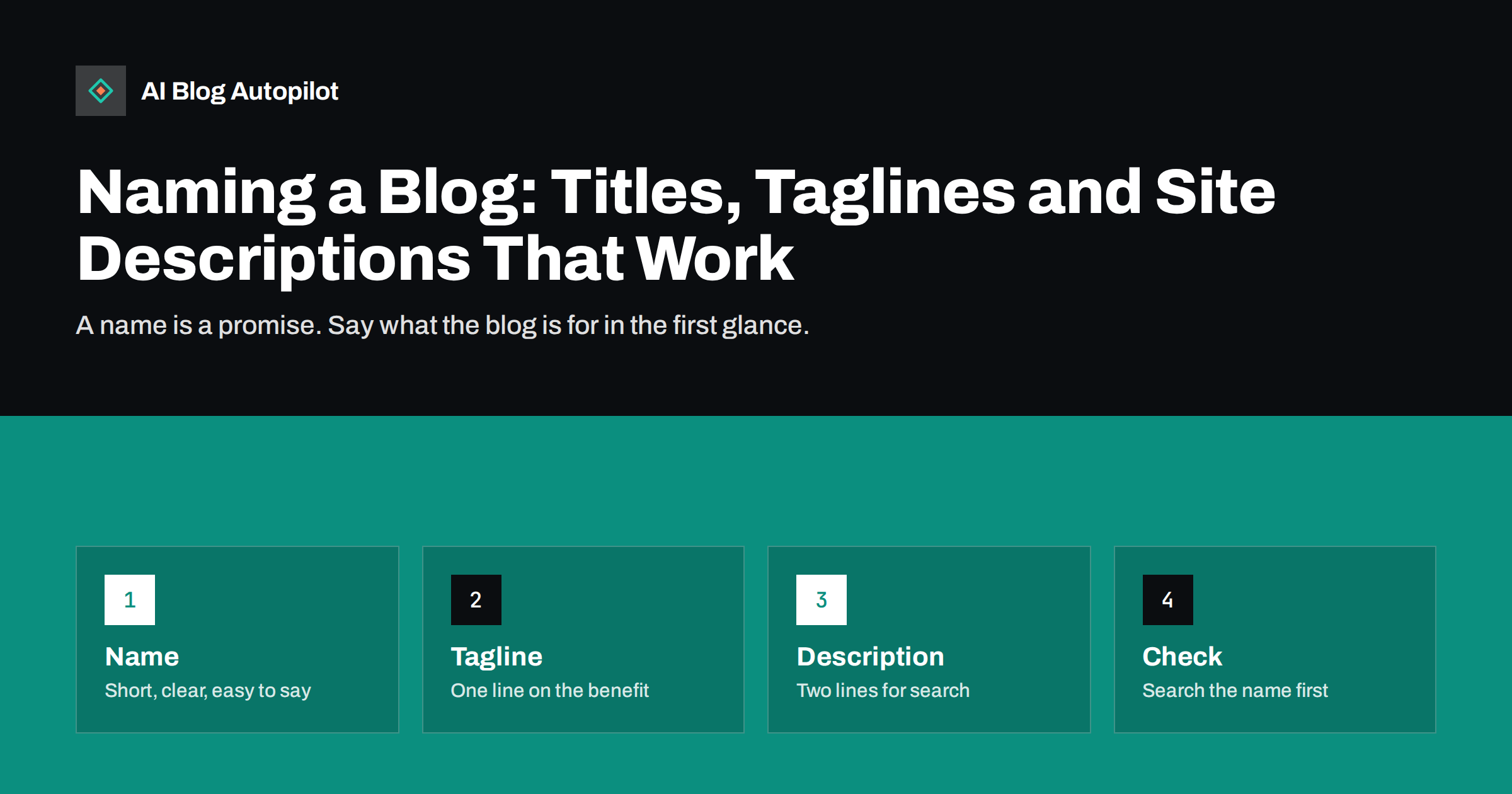
Short answer: a good blog name is short, easy to spell and say aloud, and not too close to another brand. The tagline is one line that says who the blog helps and how. The site description is one or two sentences that tell search engines and new readers what they will find. Together these three small texts shape the first impression, so they deserve an hour of careful thought.
Many blogs are named in a hurry. The owner picks a clever phrase, enters something in the settings and never returns to it. Later, the name turns out to be hard to find in search, the tagline still says “Just another WordPress site” and the description is empty. This article walks through how to choose each part, what to avoid and when a change is worth the trouble.
The advice applies to a business blog that sits on your own site as well as to a stand-alone blog. In both cases, the aim is the same: people should know in a few seconds what you offer and whether it is for them.
Name, tagline and description: what each one does
The name is what people use to refer to you. They type it into a search box, say it to a friend and see it in the browser tab. The tagline is a short line shown next to the name in the header or in the title of the home page. The site description is a longer sentence, often used as the snippet shown in search results for your home page.
Each text has a different job. The name must be memorable. The tagline must explain, in plain words, what the blog is about. The description must persuade a person who has seen your site in a list of results to click. If one text tries to do all three jobs, it usually fails at each.
In WordPress, the name and tagline are set under the general settings, where they are called the site title and the tagline. Many themes also use them in the page title that appears in the browser. The guide to setting up a blog for SEO covers the other first-day settings.
How to choose a name
Start with what you want people to remember. If the blog belongs to a business, using the business name is usually the simplest choice, since it supports brand searches and avoids confusion. If the blog is a separate project, pick a name that hints at the subject, but do not make it so narrow that you cannot grow into related topics.
Say the name aloud and write it down from memory a day later. If you hesitate over the spelling, readers will too. Avoid long names, unusual spellings, numbers that can be written two ways and words that are easily confused. A name that needs explaining every time is a cost that you pay for years.
Check that the name is free. Search for it in quotation marks, look at the main social networks and check that a matching domain is available. If another business with the same name already ranks for it, you will compete with it for every brand search. The piece on ambiguous names in AI answers shows how shared names confuse people and machines alike.
Keywords in the name: help or hindrance?
It is tempting to put your main keyword in the name, such as a phrase that describes your service and your town. This can make the subject clear, but it brings two problems. The name becomes generic, which is hard to protect and hard to remember, and it can look like an attempt to manipulate search results.
A domain made of exact keywords no longer gives the boost that it once did, as the article on exact-match domains explains. A distinctive name with a clear tagline usually does better over time, because people search for it by name and link to it by name.
A fair compromise is to use a distinctive name and put the keywords in the tagline and description, where they can be read naturally. For example, a name followed by “bookkeeping tips for small shops” tells readers and search engines what to expect, without making the name itself clumsy.
Avoid puns that need a second reading, and avoid copying the tagline of a rival. If your tagline looks like another firm’s, readers may assume that the two are linked. A plain tagline that is true and clear will serve you better than a clever one that is only half understood.
Writing a tagline
A tagline should answer a simple question: who is this for, and what will they get? Aim for about six to ten words. Use concrete words, not slogans. “Practical bookkeeping for small shops” is better than “Where success begins”. Avoid vague words such as solutions, excellence or innovation, which could describe any business.
Write the tagline for a new reader, not for existing fans. Someone who lands on your home page from a search should be able to tell in one glance that they are in the right place. If you have a clear focus, say it. If your blog covers several topics, name the common thread, such as the type of reader or the kind of problem.
Test it on a person who does not know your work. Show the name and tagline for five seconds and ask what the blog is about. If the answer is wrong or blank, rewrite it. This small test is far cheaper than months of confusion.
Writing the site description
The site description is your short pitch for the home page. Write one or two sentences, around 140 to 160 characters, that state what the blog covers, who it helps and one reason to read it. Use ordinary words and the terms your readers use. The advice in the article on meta titles and descriptions applies here too.
Search engines may rewrite what they show, so treat the description as a good default and not as a guarantee. A clear description still helps, because it gives the search engine a fair summary to start from. It also helps when your link is shared, since some networks show the description in the preview card.
Do not copy your tagline into the description. The tagline is the headline, and the description adds detail. Mention one or two topics, a kind of reader or a promise such as “step-by-step guides”. Avoid claims that you cannot support, such as “the best” or “number one”.
Share the three texts with everyone who writes for the blog or speaks for the business. When a freelancer, a social media helper or a tool describes you, it should use the same words. A shared sheet with the name, the tagline, the description and a few lines on the audience takes ten minutes to write and prevents a lot of drift.
Examples help here. A bakery blog might use the bakery name, the tagline “Bread, baking tips and seasonal recipes” and a description that adds the town and the kind of reader, such as home bakers. A software firm might use the product name, the tagline “Plain guides for small teams” and a description that names the main topics. In both cases, the reader knows within seconds what is on offer.
Where these texts appear
The name and tagline appear in the page title of the home page, in the header of your theme and often in the feed and the sitemap. Search engines may use the name for the site name shown above your result, as described in site name and favicon in search. Check that the name is written the same way everywhere, including the logo, social profiles and the About page.
The description may appear in search, in link previews and in the data that some tools read about your site. AI assistants often rely on a few pages to describe a business, and the home page and About page are among them. A clear, consistent description helps them describe you accurately. The article on the About page a business blog needs shows how to support it.
Look at how it all appears on a phone. Long names and taglines may be cut off in the header or in the browser tab, so keep the important words first.
Before you change anything, check how people find you now. Look at the search queries in your reports and see how many contain the current name. If many do, a change will cost more than it first seems, and a gentle step, such as adding a clearer tagline, may be the better route.
When to change a name
Changing a name has a cost: you lose some recognition and you must update logos, profiles and links. Do it when the name is misleading, hard to use, legally risky or no longer fits the business. Do not do it only because you are bored of it.
If you must change, plan it like a move. Keep the old name visible for a while with a line such as “formerly known as”, update every profile and make sure that old addresses lead to the new ones. The guide to rebranding a blog lists the steps.
The tagline and description are easier to change, and you can improve them as you learn how people describe you. Revisit them once a year, or when your offer changes. Keep a note of the old versions, in case a change does not work out.
How AI Blog Autopilot helps
AI Blog Autopilot writes articles for your blog based on what your business is about, so a clear name, tagline and description make it easier to describe your topics, audience and tone when you set it up. It then writes 2,000 to 3,000 word SEO articles with FAQ, tags and SEO meta, and shares each one to your social networks. See the pricing page for the plans.
Related reading
- Setting Up a New Blog for SEO: The First Day
- Rebranding a Blog: Updating the Name, Logo and Old Posts
- Brand Search Results: What People See When They Look You Up
The bottom line
Choose a short, distinctive name, write a tagline that says who the blog helps, and add a clear site description of about 150 characters. Check them once a year and change them only when there is a real reason.
BUJ
Should my blog name include keywords?
Not necessarily. A distinctive name is easier to remember, and keywords can go in the tagline and description where they read naturally.
How long should a tagline be?
About six to ten words is enough. It should say who the blog is for and what they get.
How long should the site description be?
One or two sentences, around 140 to 160 characters, so that it is less likely to be cut off in search results.
Where do I change the name and tagline in WordPress?
In the general settings of the dashboard, under site title and tagline. Some themes also have their own header settings.
Will changing the name hurt my rankings?
It can, if old addresses stop working or profiles are left inconsistent. Plan the change, keep redirects in place and update every profile.