ENEnglish
 LTLietuviškai
 DEDeutsch
 FRFrançais
 RUРусский
 ESEspañol
 PLPolski
 ITItaliano
 UKУкраїнська
 CSČeština
 PTPortuguês
 JA日本語
JA日本語 LVLatviešu valoda
 ETEesti
 HUMagyar
 IDBahasa Indonesia
 TRTürkçe
 HIहिन्दी
 ELΕλληνικά
 ARالعربية
 THไทย
THไทย VITiếng Việt
 RORomână
 MSBahasa Melayu
 BNবাংলা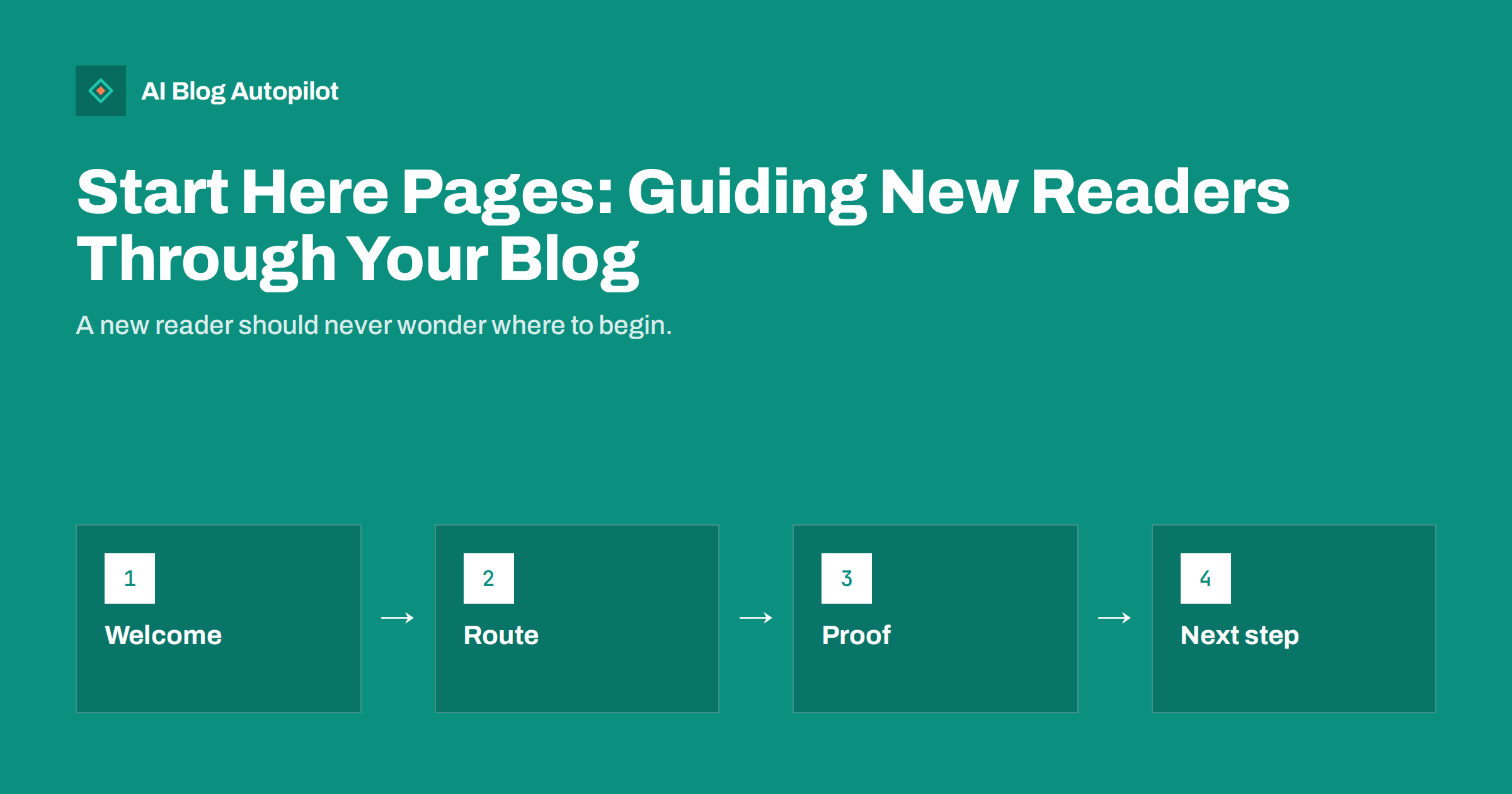
Short answer: a “start here” page is a single, permanent page that tells a new reader who the blog is for, what it covers and which articles to read first. It works best as a short welcome, three to five clearly labelled paths based on the reader’s goal, a handful of your strongest articles under each path and one obvious next step such as subscribing, booking or contacting you. It is not an archive and not an about page. It is a guided entrance for people who arrive without context, and it helps search engines and AI assistants understand how your content fits together.
Most blogs show visitors a reverse-chronological list of whatever was published last. That is useful for regular readers and almost useless for a newcomer, who sees an article about a seasonal offer next to one about a technical fix and cannot tell what the site is about. A start here page solves a real problem: the order in which you published things is not the order in which a stranger needs to read them. This article explains what belongs on the page, how to structure it and how to maintain it without it turning into another neglected corner of the site.
What a start here page is for
The page has three jobs. First, it orients: in a few sentences, a visitor learns who the blog is written for and what they can expect. Second, it routes: it offers a small number of paths so that different readers can find the material relevant to them. Third, it converts: after reading a few articles, a visitor who finds the material useful needs a next step, and the page is a natural place to offer one.
It also does a quieter job for search. A well-organised page links to your most important articles from one place, using descriptive anchor text, and it signals which pieces are central rather than incidental. For a blog that has grown past fifty or a hundred posts, this is one of the simplest ways to make the structure visible. Our article on content clusters and pillar pages explains the wider idea; the start here page is the reader-facing version of it.
Start here, about page and blog home: how they differ
These three pages are often confused, and a blog that blurs them serves none of them well.
- The about page answers “who is behind this and why should I trust them?” It describes the company, the people and the standards.
- The blog home page answers “what is new?” It lists recent articles and usually features a few categories.
- The start here page answers “where should I begin?” It is curated, relatively stable and organised around the reader’s goals rather than the calendar.
The three can link to each other. The about page can point to the start here page for “the best of our content”, and the start here page can point to the about page for credentials. They should not copy each other.
Who needs one
A start here page is most useful when a blog has several distinct topics or audiences, a large archive or visitors who often arrive from search directly on an article without context. A consultant with three service lines, a shop with a buying guide section and a how-to section, a software company writing for both beginners and experts and a local business answering customer questions would all benefit. A new blog with ten articles on one subject can wait; the category pages and a clear menu are enough until the content grows.
How to structure the page
- A short welcome of three or four sentences. Say who the blog is for, what problems it helps with and, if it matters, how often it publishes. Avoid a history of the company; that belongs on the about page.
- Three to five paths, each with a heading phrased as the reader’s goal, such as “I am setting up my first blog”, “I want more traffic from search” or “I need to fix a technical problem”. Goals work better than internal category names, which mean nothing to a stranger.
- Three to six articles under each path, in the order a reader should take them, with a one-line description of what each gives them. Choose the strongest and most durable articles, not the newest.
- A next step near the end: a subscription form, a free resource, a contact page or a booking link. Choose one, not five.
- A pointer to the full archive for readers who want everything, using the category pages or the blog home.
Keep the whole page short enough to scan in under a minute. If it needs a table of contents, it is trying to be an archive.
Choosing the articles to feature
Pick articles by evidence, not affection. Look at your analytics and Search Console data for pieces that bring steady traffic, hold attention and lead people to a second page. Add articles that answer the questions customers ask most often. Prefer evergreen pieces that will still be correct next year over time-limited posts. Avoid featuring anything that is out of date, thin or in need of a refresh; our article on refreshing old posts will help you decide which ones to bring up to standard before they appear on a prominent page.
It is acceptable, and usually wise, for the page to include a small number of articles that exist mainly to convert, such as a comparison or a pricing explainer, as long as they are genuinely useful. Label them honestly. A start here page that is secretly a sales page loses the trust it exists to build.
Where to link to it
A start here page that nobody can find has no value. Link to it from:
- the main navigation, with a plain label such as “Start here” or “New here?”;
- the blog home page, near the top;
- the footer, alongside the about and contact links;
- the author box or the end of key articles, for readers who arrive on one post and want more;
- your email welcome message and social profile links, where first-time visitors are likely to come from.
Within articles, one sentence such as “If you are new to this topic, start with our beginner’s guide” is enough. Avoid repeating the invitation in every paragraph.
SEO and AI considerations
The page can rank for broad queries such as “beginner’s guide to” a topic in your field if it is written as a genuine guide rather than a list of links. Give it a descriptive title, a single clear H1, a meta description that says who the page is for and headings phrased as the goals of real readers. Use descriptive anchor text in the links, so that each link says what the destination contains. Include the page in your XML sitemap and make sure it is indexable.
For AI assistants, a clear page that states what the blog covers and links to the central articles on each topic is a helpful signal of what the site is about. Keep the statements plain and factual, and keep them consistent with your about page and your home page.
Keeping it current and avoiding common mistakes
The page decays if no one owns it. Put a review into your regular routine, for example a quick check each quarter: do all the links still work, are the featured articles still accurate, has a stronger article been published since the last review and does the welcome still describe the blog? Add a “last reviewed” date if your readers value it. If you reorganise the blog, update the paths first, because it is the page that shows how the new structure is meant to be used. Broken or outdated links on a page that is meant to be a front door are especially damaging.
Most start here pages fail in predictable ways, so check yours against this list.
- Listing everything. Fifty links is a sitemap, not a guide.
- Organising by date or internal categories instead of by what the reader wants to do.
- Burying the page in a footer link nobody sees.
- Featuring weak or old content because it was easy to find.
- Too many calls to action, which leave the reader without a clear next step.
- Never updating it, so that the first impression is a dead link.
A useful test is to ask someone who has never seen your blog to spend two minutes on the page and then tell you what the blog is about and which article they would open first. If they hesitate, the paths are too vague or too many. Fix that before you add anything else, and repeat the test after every major change to the structure. Small changes to the wording of the path headings often make a larger difference than adding more links.
How AI Blog Autopilot helps
AI Blog Autopilot writes SEO articles for your WordPress blog from the topics, keywords, audience and tone you give it, so the archive grows with a consistent structure and each article includes an FAQ, tags and SEO meta. As the archive grows, a start here page becomes more valuable, and you can choose the strongest articles for it yourself. Approval mode lets you review every article before publication. Plans are on the pricing page.
Related reading
- The Blog Home Page: What It Should Do for Search
- The About Page a Business Blog Needs
- Content Clusters and Pillar Pages, Explained Simply
- How to Refresh Old Blog Posts (and When It Beats Writing New Ones)
The bottom line
A start here page is a small piece of work with a lasting effect. Write a short welcome, offer a few paths based on what readers want, feature the strongest articles under each, give one next step and link to the page from the places newcomers look. Review it every quarter. It turns a growing archive into a guided route and shows search engines and readers alike how your content fits together.
DUK
How long should a start here page be?
Short enough to scan in about a minute: a brief welcome, three to five paths and a few articles under each. If it needs a table of contents, it has grown into an archive.
Should the start here page be in the main menu?
Yes, with a plain label such as Start here or New here. It is intended for first-time visitors, so it needs to be where they look.
Is a start here page the same as an about page?
No. The about page explains who you are and why to trust you. The start here page guides readers to the content that matches their goal.
Can a start here page rank in search?
It can for broad beginner queries if it is written as a real guide with descriptive headings and links, not a plain list of titles.
How often should I update it?
Review it every quarter. Check that links work, that featured articles are still accurate and that newer, stronger pieces have been added where they belong.