ENEnglish
 LTLietuviškai
 DEDeutsch
 FRFrançais
 RUРусский
 ESEspañol
 PLPolski
 ITItaliano
 UKУкраїнська
 CSČeština
 PTPortuguês
 JA日本語
 LVLatviešu valoda
 ETEesti
 HUMagyar
 IDBahasa Indonesia
 TRTürkçe
 HIहिन्दी
 ELΕλληνικά
 ARالعربية
 THไทย
 VITiếng Việt
 RORomână
 MSBahasa Melayu
 BNবাংলা
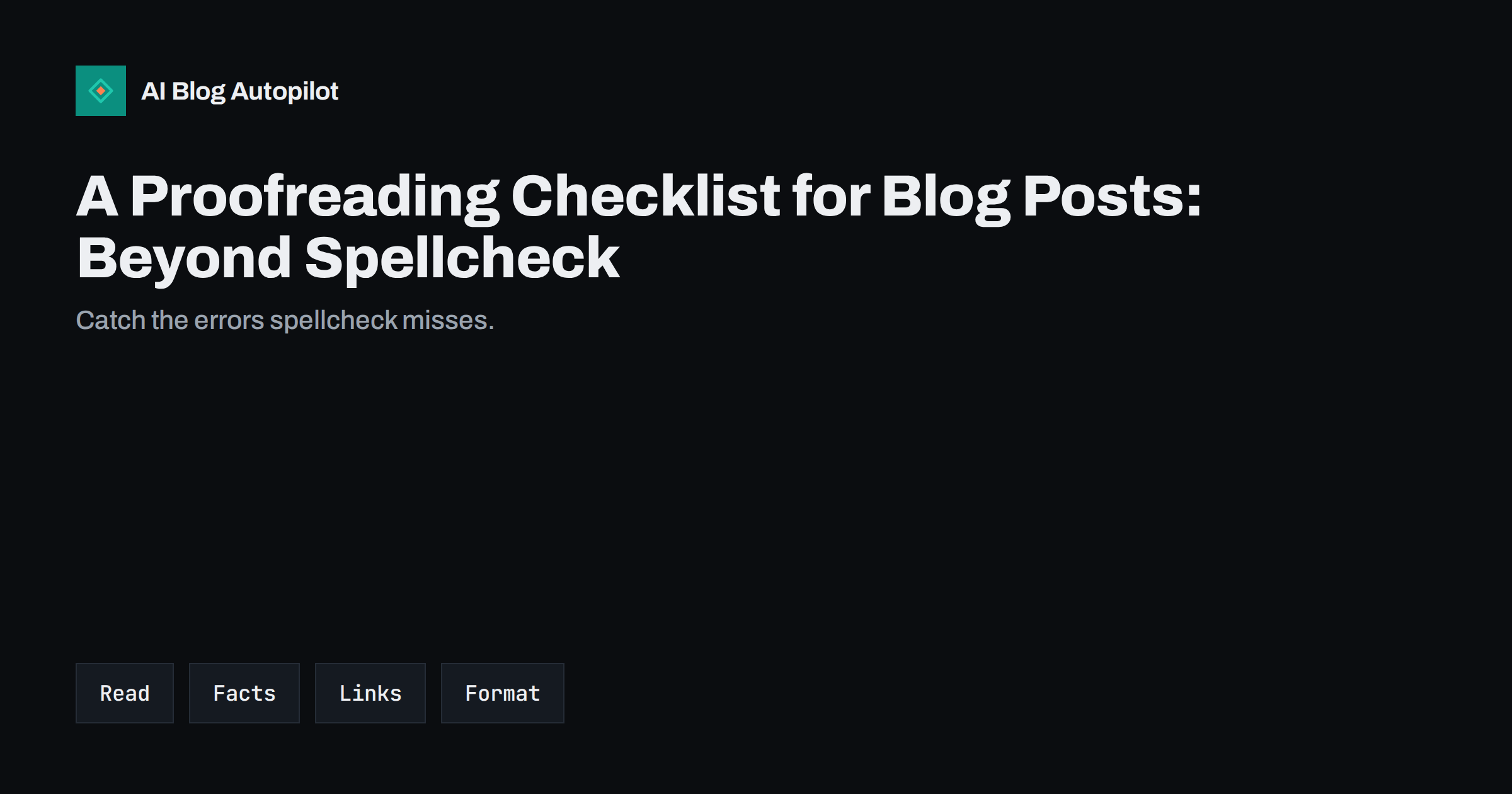
Short answer: proofread a blog post in separate passes: first the meaning and facts, then names, dates and numbers, then links and images, then spelling, grammar and punctuation, and last the formatting on a phone and a desktop. Read it aloud, wait before you review, and have another person look when the stakes are high.
Spellcheck catches typing slips, but it cannot tell that you wrote there instead of their, that a price is wrong, that a link points to the wrong page or that two paragraphs say opposite things. These errors are the ones readers remember, and they weaken trust faster than a single missing comma.
This guide gives a practical order of checks you can follow for any article, whether you wrote it yourself, received it from a colleague or produced it with an AI writing tool. It takes about twenty minutes for a long post once the habit forms.
Leave a gap before you review
The best proofreading tool is time. Right after writing, your brain reads what you meant to say, not what is on the page. If you can, leave the draft for several hours or overnight before you check it. When that is not possible, change something about the way you look at it: print it, enlarge the font, change the colour or read it on another device.
Work in a quiet place and give the task your full attention. Proofreading while answering messages leads to missed errors. Set a timer for a single focused session, and take a short break between passes so that your eyes do not slide over the same words.
If the article came from someone else, remember that you are the last line of defence. Do not assume that a colleague, a freelancer or a tool has checked everything. A short checklist makes sure the same things are verified each time, whoever wrote the draft.
Pass one: meaning and structure
Read the whole article once for sense. Does the opening answer the question promised by the title? Does each section do the job its heading suggests? Are any paragraphs repeated, out of order or missing a step? Fix big problems first, because there is no point polishing a sentence you may delete.
Check that the article is consistent. If you say there are five steps, count them. If you refer to a table, make sure it exists. If you use a name for a feature or a product, use the same name throughout. Inconsistencies confuse readers and suggest carelessness.
Ask whether the article does what the reader needs. A page that is accurate but does not answer the question is a failure. The guide to the pre-publication checklist places this check alongside the technical ones.
Be especially careful with units and currencies. A figure in pounds that should be in euros, kilometres written as miles or a decimal comma read as a thousands separator can change the meaning completely. Write the unit next to every number and check that totals add up, that percentages make sense and that ranges run in the right order.
Quotes need the same care. Check that each is word for word, that it comes from the person named and that it is not taken out of context. If you cannot confirm a quote, paraphrase it or remove it. Never invent a source, a statistic or a testimonial to fill a gap.
Pass two: facts, names, dates and numbers
Facts deserve their own pass. Check every number, date, price, percentage, quote and claim against a reliable source, and note the source. Pay special attention to figures that you typed from memory or that came from a tool. A wrong number is often more damaging than a typo, because readers may repeat it.
Check names: of people, companies, products, places and organisations. Spell them as their owners do, including capital letters and accents. Misspelling someone’s name is a common and avoidable insult. Confirm job titles and the order of names if you are unsure.
Check anything that changes with time. Prices, opening hours, rules, software versions and laws all change, and an article that was right last year may be wrong now. Add a review date to pages that depend on them. The guide to fact-checking content before you publish goes through the steps in detail.
Check how the article looks when shared. Paste the web address into a message or a social post and look at the preview: title, description and image. A cropped face, an unreadable title or a missing image can make the best article look careless, and it is easy to correct before sharing.
Also check the page for leftovers from drafting: notes to yourself, placeholder text, a comment such as add link here, or a heading that was meant to be deleted. Search the text for brackets, question marks and the letters TBD, which often mark unfinished spots.
Pass three: links, buttons and images
Click every link. Internal links should go to the intended page, and external links should open working pages that support the claim you make. Check that link text describes the destination, not just here or click this. Remove links to pages that are redirected, broken or no longer relevant.
Test buttons, forms and calls to action. Does the contact button go to the right place? Does the form send? Is the phone number correct and tappable on a mobile? A broken call to action wastes the reader’s interest at the moment they were ready to act.
Check the images. Each should be relevant, sharp, correctly sized and credited where required. Look at the alt text, which should describe the image for someone who cannot see it, and the file names, which should be tidy. The guide to writing alt text shows how.
Look separately at the beginning and the end of each paragraph, where mistakes hide. People often read the middle of a line carefully and skim the edges. Reading backwards, one sentence at a time from the last to the first, breaks the flow of meaning and forces your eyes to look at each sentence as a separate piece.
If English is not your first language or you write for readers in another language, ask a fluent reader for a quick look at the most important pages. A second opinion on tone and idiom is worth far more than another spellcheck.
Pass four: spelling, grammar and punctuation
Now read for language. Use the spellchecker first, then read each sentence on its own. Look for the usual traps: confused words such as affect and effect, missing small words, doubled words, wrong plurals and apostrophes, and tenses that drift between past and present. Check one spelling convention, such as UK or US, and keep to it.
Read it aloud, or use a tool that reads text to you. Your ear will catch awkward rhythm, long sentences that run out of breath and repeated words in the same paragraph. If you stumble when reading a sentence, a reader will stumble too. Shorten it or split it.
Check punctuation, especially in lists and headings. Be consistent about full stops at the end of list items and about capitals in headings. The guide to title case and sentence case explains how to choose and apply one rule.
Pass five: formatting on real devices
Preview the post as a reader will see it. Open it on a phone and on a computer. Look for headings that wrap badly, tables that run off the screen, images that are too large or too small, and paragraphs that become walls of text on a narrow screen. Fix what looks wrong on the device most of your readers use.
Check the heading structure: one main title, then second-level headings for the main sections and third-level headings for sub-points, in order. Check that lists are real lists and not typed dashes, and that bold text is used for emphasis, not decoration. Good structure helps readers skim and helps search engines and assistants understand the page.
Check the technical items too: the title, the meta description, the web address, the category and the tags. A typo in the title is seen by everybody who finds the article in search results.
Check tone and sensitivity
Read the article as someone who disagrees with you, or as someone affected by the topic. Does any phrase sound careless, dismissive or unfair? Are claims about people, groups or competitors accurate and fair? Remove jokes that could hurt and words that assume everyone shares your situation.
Check that you have the right to use everything on the page: quotes, images, data and screenshots. Credit sources and follow licences. If the article mentions customers, check that you have permission, and that no private details slip in.
If the post contains advice that affects health, money or legal rights, have a qualified person review it before publishing. A careful note that the article is general information is not a substitute for accuracy.
Build the habit into your workflow
Turn this list into a short checklist that you keep with your drafts. Tick each item before publishing. For a small team, share the checklist and agree who checks what. For a solo writer, a printed list beside the keyboard works well.
Keep a list of your personal slips. Everyone has favourites: a word they always misspell, a name they mistype, a habit of leaving a paragraph half-finished. Searching for those specifically at the end of a draft catches most of your errors quickly.
When you find an error after publishing, correct it promptly and, if it matters, note the correction. The guide to handling corrections on a blog explains how.
How AI Blog Autopilot helps
AI Blog Autopilot checks length, structure, keyword and meta automatically before an article goes live, and weak articles wait for you instead of publishing. You can also switch on approval to read each article first. A human proofreading pass is still worth making, especially for facts. See the pricing page for plans.
Related reading
- The Pre-Publication Checklist for Every Article
- How to Edit an AI Draft: The Four Passes That Matter
- How to Handle Corrections on a Blog
The bottom line
Proofread in separate passes for meaning, facts, links, language and layout, read aloud, leave a gap and turn your habits into a checklist.
DUK
Why is spellcheck not enough?
It cannot catch correct words used wrongly, wrong facts, broken links, repeated paragraphs or inconsistent names.
How long should proofreading take?
About twenty minutes for a long article once you have a routine, plus time for fact-checking where needed.
Should I proofread on screen or on paper?
Either, but change the format from what you wrote in. Printing or enlarging the text helps you see errors.
What should I check first?
Meaning and structure, because there is no point polishing sentences you may delete.
What if I find a mistake after publishing?
Fix it promptly, and if it changes the meaning, add a short note about the correction.