 ENEnglish
 LTLietuviškai
 DEDeutsch
 FRFrançais
 RUРусский
 ESEspañol
 PLPolski
 ITItaliano
 UKУкраїнська
 CSČeština
 PTPortuguês
 JA日本語
JA日本語 LVLatviešu valoda
 ETEesti
 HUMagyar
 IDBahasa Indonesia
 TRTürkçe
 HIहिन्दी
 ELΕλληνικά
 ARالعربية
 THไทย
THไทย VITiếng Việt
 RORomână
 MSBahasa Melayu
 BNবাংলা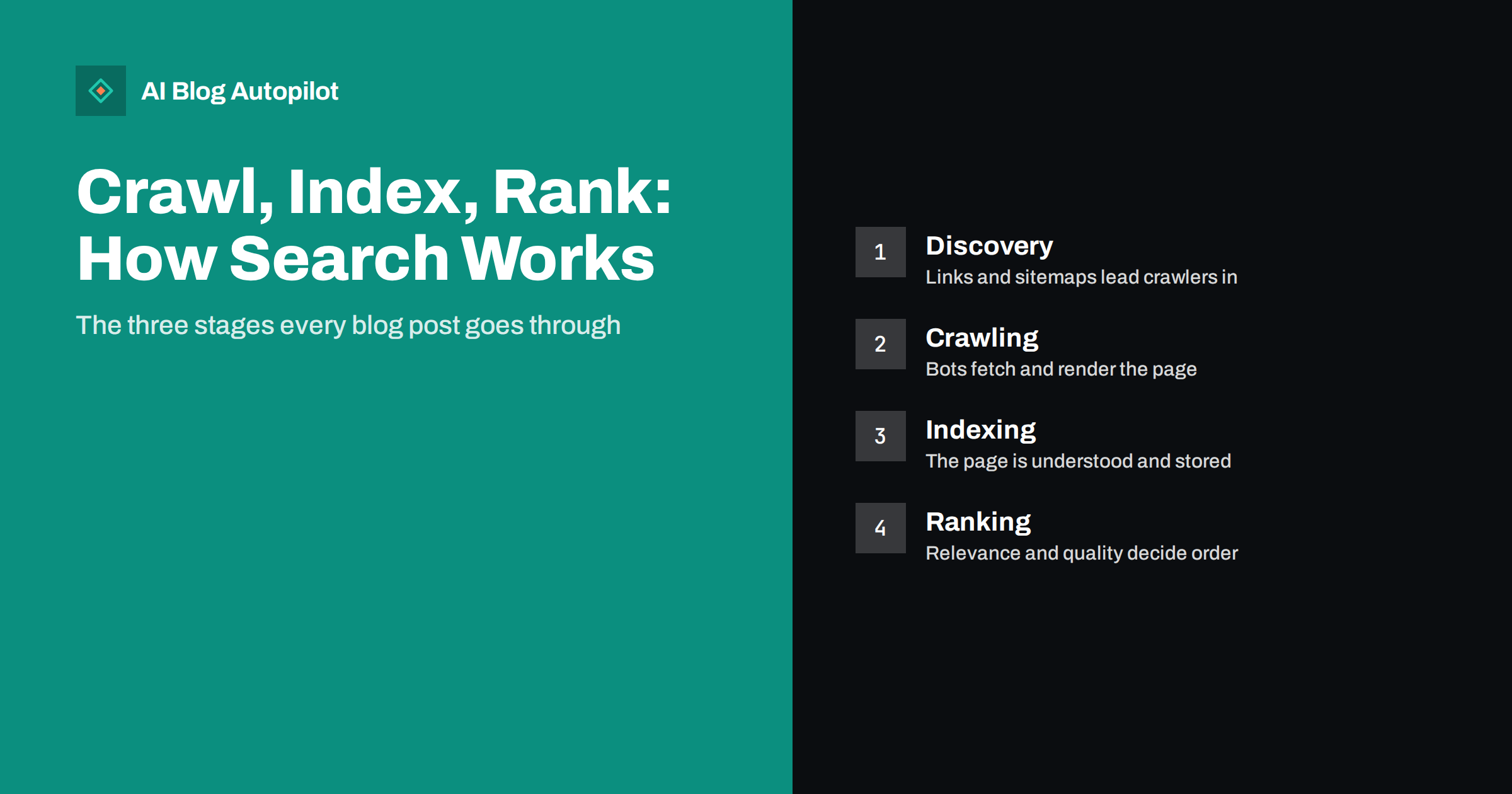
Short answer: search engines work in three stages. First they crawl: automated programs discover your page through links and sitemaps and fetch it. Then they index it: they analyse the content, decide whether it is worth keeping and store it. Finally they rank it: when someone searches, they choose and order the most relevant, useful indexed pages. A blog post can fail at any stage, and each stage has different fixes. Most visibility problems on small blogs are actually crawling or indexing problems, not ranking ones.
When a new article does not appear in search, the natural reaction is to ask why it is not ranking. Often that is the wrong question. The article may never have been found, or it may have been found and not indexed. Ranking is only the last of three steps.
Understanding the three stages makes SEO far less mysterious. It tells you which problem you actually have, and which tools and fixes apply. This guide explains each stage in plain terms and what a blogger controls at each one.
The big picture
A search engine’s job is to answer a question in a fraction of a second from billions of pages. It cannot read the web live for each search, so it prepares in advance: it collects pages, understands and stores them, and then retrieves from that store when a search happens.
- Crawling is collecting: finding URLs and fetching their content.
- Indexing is understanding and storing: analysing what each page is about and deciding whether to keep it.
- Ranking is answering: selecting and ordering indexed pages for a specific search.
Google’s own overview of how search works describes the same three stages and is a good short read. Other search engines follow the same broad model.
Stage one: discovery and crawling
Before a page can be crawled, a search engine has to learn that its URL exists. The main routes are:
- Links from pages already known, both on your site and on other sites. Internal links are the most reliable route for a new post.
- XML sitemaps, which list the URLs you want crawled and are submitted through tools like Search Console.
- Direct notifications, such as requesting indexing for a URL or, for participating engines, IndexNow.
Once a URL is known, a crawler (Googlebot, Bingbot and others) fetches it, much as a browser does. Modern crawlers also render pages, running JavaScript to see content that appears after the initial HTML loads, though rendering may happen later than the initial fetch.
Crawlers do not fetch everything instantly. They prioritise based on how important and how frequently updated a site seems, and they avoid overloading servers. For a small blog, new posts are commonly crawled within days, sometimes hours, sometimes longer.
What blocks crawling
Crawling fails, or is slowed, when:
- Robots.txt disallows the URL, so the crawler is not permitted to fetch it.
- The server returns errors or times out, especially repeatedly.
- The page is only reachable through forms, search boxes or scripts that crawlers do not use to find links.
- No links point to the page and it is not in the sitemap, making it an orphan the crawler never finds.
- Redirect chains or loops send the crawler in circles.
- Login walls hide content from anonymous visitors, including crawlers.
What you control: a clean robots.txt, a working sitemap, reliable hosting, and internal links to every post, ideally from a category page and from related articles. Internal linking on autopilot covers the linking habit.
Stage two: indexing
After fetching a page, the search engine analyses it: the text, headings, title, images, links, structured data, language and more. It works out what the page is about and how it relates to other pages, including whether it is a duplicate of something already stored.
Then it decides whether to index the page, which means storing it so it can appear in results. Indexing is not automatic. Search engines do not keep every page they crawl. Pages may be left out when:
- they carry a noindex directive;
- they are duplicates or near-duplicates of another page, in which case one version is chosen as the canonical and the others are folded into it;
- they are thin or low value, adding little beyond what is already indexed;
- they return errors or redirect elsewhere;
- the search engine has simply not prioritised them yet, which is common for new or weakly linked pages on young sites.
Search Console’s pages report shows which of your URLs are indexed and, for those that are not, the reason given, such as “Excluded by noindex tag”, “Duplicate without user-selected canonical” or “Crawled, currently not indexed”.
What helps indexing
Indexing is partly technical and partly about perceived value. What you control:
- No accidental noindex. Check your SEO plugin and the WordPress visibility setting. Noindex on a blog explains where it hides.
- Correct canonicals, each page pointing to itself unless it genuinely is a copy. Canonical tags explained covers the details.
- Distinct content. Avoid publishing several posts on nearly the same topic; merge them into one strong page.
- Substance. Pages that answer a question thoroughly and specifically are more likely to be judged worth keeping than short, generic ones.
- Internal links that signal a page matters.
- A clean sitemap listing only indexable, canonical URLs.
Stage three: ranking
When someone searches, the search engine interprets the query, retrieves candidate pages from its index and orders them. It considers many factors, which search engines describe in broad terms rather than as a formula. The main groups are:
- Meaning of the query: what the person is looking for, including synonyms and intent.
- Relevance: how well a page’s content matches that meaning.
- Quality and helpfulness: signals that the content is useful, reliable and created with expertise.
- Usability: whether the page works well, loads reasonably fast and is usable on mobile.
- Context: the searcher’s location, language and settings.
Links from other sites remain one of the signals search engines use to judge importance and trust. For a new blog with few links, specific topics where competition is weaker are usually the most realistic targets. Long-tail keywords for new blogs explains that approach.
Rankings are not fixed. They change as the index changes, as competitors publish, and as search engines update their systems. Algorithm updates covers how to think about those changes.
Crawl budget: does a small blog need to worry?
Crawl budget is the number of URLs a search engine is willing and able to crawl on a site in a given period. It is shaped by how much load your server can handle and by how much demand there is for your content. The term comes up often in SEO discussions, and for most blogs it is not a real constraint.
Search engines have indicated that crawl budget is mainly a concern for very large sites, with many thousands or millions of URLs, or for sites that generate huge numbers of URL variations. A blog with a few hundred or even a few thousand posts is normally crawled comfortably.
What can waste crawling on a smaller site is not the number of articles but the number of pointless URLs:
- endless combinations of filters, sorting and tracking parameters;
- internal search result pages linked from somewhere crawlable;
- calendar or archive pages that go on indefinitely;
- long redirect chains and many broken links.
If your site avoids those, crawl budget is one thing you can safely stop thinking about, and your attention is better spent on content and internal links.
Diagnosing which stage is the problem
When a post does not appear in search, work through the stages in order.
- Was it discovered? Inspect the URL in Search Console. If the tool says the URL is unknown, the problem is discovery: add internal links and check the sitemap.
- Was it crawled? The inspection result shows the last crawl date. If crawling failed, look for robots.txt blocks, server errors or redirects.
- Was it indexed? If crawled but not indexed, read the reason. Fix noindex or canonical issues; for “crawled, currently not indexed”, strengthen the content and internal links.
- Is it ranking? If indexed, search a distinctive phrase from the post. If it appears for that but not for your target query, the problem is ranking: relevance, competition or intent.
This order saves a lot of wasted effort. There is no point rewriting a post’s content to rank better if it was never indexed because of a stray noindex tag.
Common misconceptions
- “Submitting a sitemap guarantees indexing.” It helps discovery; indexing is still a decision the search engine makes.
- “Indexed means ranking.” An indexed page may rank on page ten, or only for obscure phrases.
- “Robots.txt removes pages from search.” It stops crawling, not necessarily indexing. Use noindex to keep a page out of results.
- “Requesting indexing repeatedly speeds it up.” One request is enough; repeated requests do not help.
- “New posts should appear immediately.” Hours to weeks is normal, depending on the site. How long before a new post ranks sets realistic expectations.
How AI Blog Autopilot fits into the pipeline
AI Blog Autopilot publishes articles to WordPress as normal posts at the hour you choose, so they enter your sitemap and category pages like any other post, and it keeps a steady publishing pace per site. Each article is written around a real search query with FAQ, tags and SEO meta, which supports the indexing and ranking stages. Crawlability still depends on your site’s settings. See the AI Blog Autopilot home page for details.
Related reading
- XML Sitemaps Explained for People Who Publish
- Why Your Blog Posts Aren’t Ranking: Eight Real Causes
- Google Search Console: The Five Reports That Matter
- Bing Webmaster Tools for Bloggers: Is It Worth Setting Up?
The bottom line
Every blog post must be discovered and crawled, then indexed, before it can rank. Crawling depends on links, sitemaps, robots.txt and a healthy server; indexing depends on the absence of noindex and canonical errors and on the page offering something distinct and useful; ranking depends on relevance, quality and competition. When a post is missing from search, diagnose the stages in order, and fix the earliest one that fails.
DUK
What is the difference between crawling and indexing?
Crawling is when a search engine’s bot fetches a page. Indexing is when the search engine analyses that page and decides to store it so it can appear in results. A page can be crawled without being indexed.
How do search engines find new blog posts?
Mainly through links from pages they already know, including your own category pages and related articles, and through XML sitemaps. Requesting indexing in Search Console or using IndexNow for participating engines can speed up discovery.
Why is my page crawled but not indexed?
Search engines do not index every page they crawl. Common reasons are thin or duplicate content, weak internal linking, or simply low priority on a young site. Strengthening the content and linking to it from relevant pages usually helps.
How long does it take for a new post to be indexed?
It varies from hours to a few weeks, depending on how often your site is crawled, how well the post is linked and how much value it adds. Established, regularly updated sites are usually crawled more often.
Does being indexed mean my page will rank?
No. Indexing only makes a page eligible to appear. Where it ranks depends on relevance to the query, quality, usability and competition from other pages.


