 ENEnglish
 LTLietuviškai
 DEDeutsch
 FRFrançais
 RUРусский
 ESEspañol
 PLPolski
 ITItaliano
 UKУкраїнська
 CSČeština
 PTPortuguês
 JA日本語
JA日本語 LVLatviešu valoda
 ETEesti
 HUMagyar
 IDBahasa Indonesia
 TRTürkçe
 HIहिन्दी
 ELΕλληνικά
 ARالعربية
 THไทย
THไทย VITiếng Việt
 RORomână
 MSBahasa Melayu
 BNবাংলা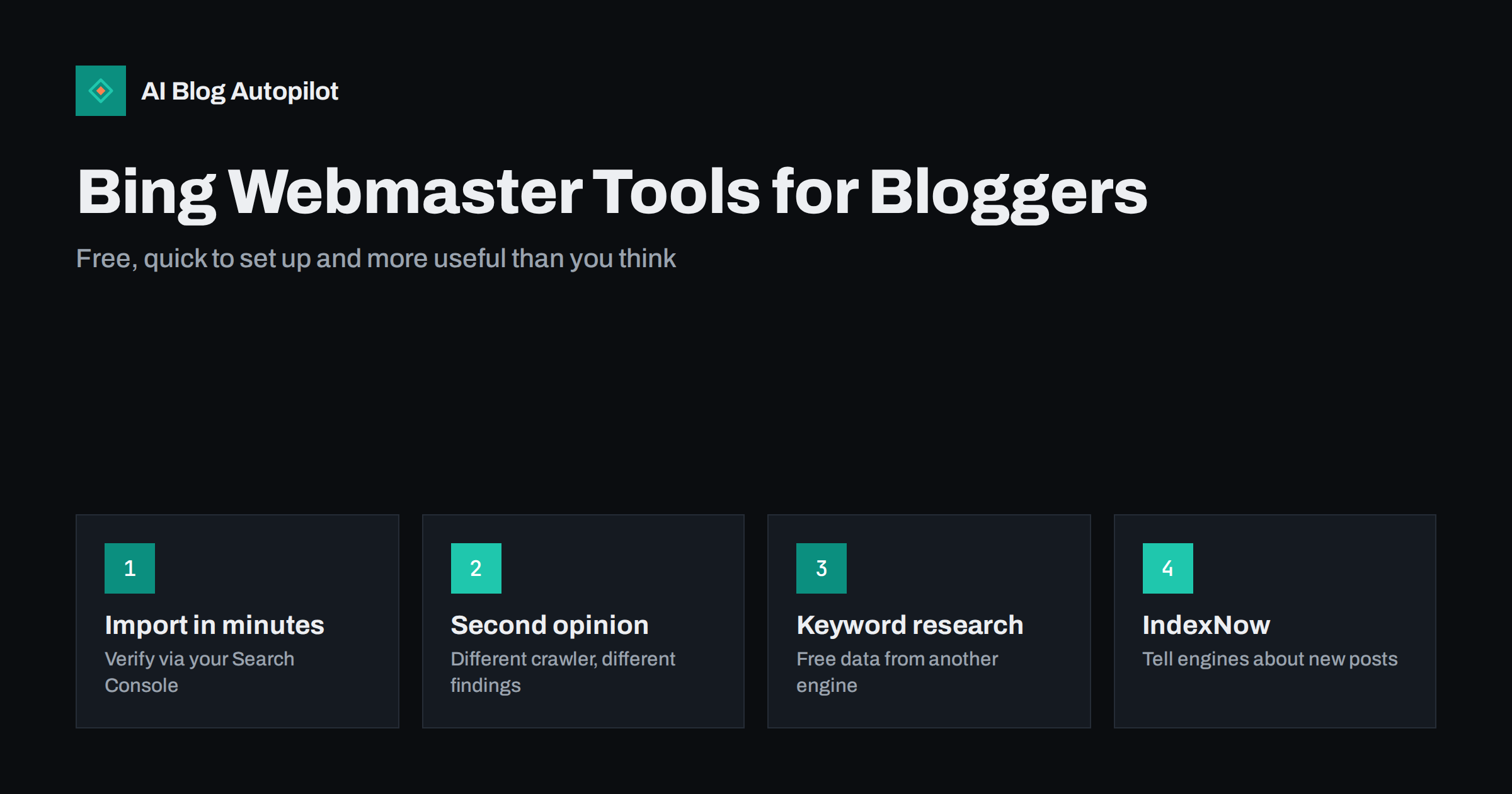
Short answer: yes, for most blogs Bing Webmaster Tools is worth the few minutes it takes to set up. It is free, can import and verify your sites directly from Google Search Console, and shows how Bing crawls, indexes and ranks your content. Bing’s index is also used by other search services, so its reach is wider than Bing itself. The most useful parts for bloggers are the search performance report, URL inspection, sitemap submission, the site scan for technical issues, keyword research and IndexNow for notifying search engines about new posts.
Most bloggers set up Google Search Console and stop there. That is understandable: Google has the largest share of search in most markets. But ignoring Bing Webmaster Tools means ignoring a free second view of your site, from a different search engine with a different crawler, and a set of features that Search Console does not offer.
This article explains what Bing Webmaster Tools is, how to set it up quickly, which reports are worth your time, and where it adds something Search Console does not.
Why Bing matters more than its market share suggests
Bing’s share of searches is smaller than Google’s in most countries, but it is not trivial, and it varies by audience. It is the default search engine in some browsers and operating systems, and desktop users in workplaces often use it without choosing it.
Bing’s index also reaches beyond Bing.com. Several other search services draw on Bing’s results or index, so being indexed well by Bing can bring visibility in more places than one search engine. And as AI assistants increasingly look things up on the web, the search indexes behind them matter more, not less.
It is also a useful early-warning system. Because Bing uses its own crawler, it sometimes reports problems, such as blocked resources, redirect loops or pages it cannot fetch, from a different angle than Google does. Two independent views of the same site catch more issues than one.
None of this makes Bing more important than Google for a typical blog. It makes it worth the small effort of setting up and checking occasionally.
Setting it up in a few minutes
- Prisijungti to Bing Webmaster Tools with a Microsoft, Google or Facebook account.
- Choose to import from Google Search Console. Authorise access, select the sites to import, and Bing verifies them automatically and brings over your sitemaps.
- Or add the site manually, verifying with an XML file, a meta tag or a DNS record, as you would in Search Console.
- Check the sitemap was imported or submit it, usually at the address your SEO plugin provides.
- Wait a few days for data to populate before drawing conclusions.
If you publish in several languages or target several countries, add each version as it is set up in Search Console, whether as one property or several. Keeping the structure identical in both tools makes later comparisons straightforward.
The import route is the quickest, and it keeps the two tools consistent. Bing’s webmaster guidelines are also worth a read once, because they state plainly what Bing expects from sites.
The reports worth using
| Feature | What it shows | How often to check |
|---|---|---|
| Search Performance | Clicks, impressions, average position, queries and pages in Bing | Kas mėnesį |
| URL Inspection | Whether a page is indexed and any issues Bing found | When a page seems missing |
| Sitemaps | Sitemap status and the number of URLs discovered | After changes |
| Site Scan | An on-demand crawl reporting technical SEO issues | Quarterly or after changes |
| Site Explorer | How Bing sees your site’s structure and URLs | Occasionally |
| Keyword Research | Query ideas and impression estimates from Bing data | When planning content |
| Backlinks | Sites linking to yours, as Bing sees them | Occasionally |
For most blogs, a monthly look at Search Performance plus the occasional Site Scan covers the essentials.
URL Inspection deserves a special mention for troubleshooting. If an important article does not appear in Bing, inspecting it shows whether Bing has discovered the URL, whether it is indexed, and whether anything such as a robots.txt rule, a noindex tag or a crawl error is in the way. The live check fetches the page as Bing sees it now, which is useful after you have fixed something and want to confirm the fix before requesting indexing.
The Backlinks report is also handy as a second source of link data. Different search engines discover different links, so the list will not match what you see elsewhere, but it can reveal mentions of your articles you did not know about, which are useful for outreach and for spotting sites worth thanking or building relationships with.
Search performance: a second set of query data
The search performance report works much like Search Console’s: queries, pages, clicks, impressions, click-through rate and average position. Comparing the two is often revealing.
- Different queries. Bing’s audience may search differently, surfacing questions and phrasings you do not see in Google data.
- Different strengths. A post that ranks modestly in Google may rank well in Bing, or the other way round, which can hint at what each engine values in that page.
- More data for small sites. When a young blog has little Google data, Bing data adds a few more signals to plan from.
The same techniques used for Google data apply: filter for questions, look for striking-distance queries and check which pages rank for which topics. Finding article ideas in query data describes them.
Site Scan: a free technical audit
Site Scan crawls your site on demand, up to a limit of pages, and reports technical SEO issues grouped by severity. Typical findings on blogs include:
- missing or duplicate title tags and meta descriptions;
- titles or descriptions that are too long or too short;
- images without alt text;
- broken internal links and redirect chains;
- pages blocked by robots.txt or marked noindex;
- missing language or canonical information.
Treat the output as a to-do list to review, not a score to perfect. Some warnings are minor or intentional, such as noindex on internal search pages. But it is a useful free check, especially after a redesign or migration. How to audit a blog in a week puts findings like these into a wider process.
Keyword research from a second search engine
Bing Webmaster Tools includes a keyword research tool that shows query suggestions, related keywords and impression trends from Bing’s own data, filtered by country and language. It is free for verified site owners.
Its figures reflect Bing searches only, so they are smaller than total demand, but the relative comparisons and the related-query suggestions are genuinely useful. Combined with Search Console, autocomplete and trend tools, it strengthens a free research process. Keyword research without paid tools shows how the pieces fit together.
IndexNow and URL submission
Bing supports IndexNow, an open protocol that lets a site notify participating search engines immediately when a URL is added, updated or deleted, rather than waiting to be recrawled. Several search engines participate, and a notification to one is shared with the others.
For a blog, IndexNow can shorten the time between publishing and being discovered by participating engines. Many WordPress SEO plugins and some hosting providers support it with a simple toggle. Bing Webmaster Tools also lets you submit individual URLs manually, within a daily quota.
Google does not participate in IndexNow, so it does not replace sitemaps or Search Console. IndexNow and fast indexing covers how to set it up and what to expect.
What to skip or treat with caution
- Chasing every Site Scan warning. Fix errors that affect indexing and readers; ignore minor notices that do not.
- Comparing numbers directly with Google. The engines count differently and have different audiences; compare trends, not totals.
- Daily checking. For a blog, monthly review is enough unless something is wrong.
- Treating Bing as a replacement for Search Console. Use both; they complement each other.
A simple monthly routine
- Open Search Performance, compare the last month with the previous one, and note any big changes.
- Scan the query list for new questions and topics.
- Check that the sitemap status is healthy and the number of discovered URLs is rising as you publish.
- Once a quarter, run Site Scan and fix the errors that matter.
If you manage several blogs, add them all to one account. The dashboard lists every site with its headline numbers, which makes a quick monthly pass across all of them practical, and access can be shared with colleagues or clients without sharing your login.
Fifteen minutes a month is enough to benefit from the tool without it becoming another chore.
How AI Blog Autopilot fits in
AI Blog Autopilot publishes articles to your WordPress site as normal posts, so they appear in your sitemap and can be picked up by Bing and other search engines like any post you write yourself. Setting up Bing Webmaster Tools and, if your SEO plugin supports it, IndexNow, helps new articles get discovered promptly. See the AI Blog Autopilot home page for how publishing works.
Related reading
- Google Search Console: The Five Reports That Matter
- IndexNow: Telling Search Engines About New Pages Immediately
- XML Sitemaps Explained for People Who Publish
The bottom line
Bing Webmaster Tools is free, takes minutes to set up through a Search Console import, and gives a second view of how your blog is crawled, indexed and found. Use its search performance report for extra query data, Site Scan for periodic technical checks, keyword research for planning and IndexNow for faster discovery. Check it monthly, compare trends rather than totals, and use it alongside Search Console rather than instead of it.
DUK
Is Bing Webmaster Tools free?
Yes. It is free for any site owner who verifies their site. Verification can be done by importing sites from Google Search Console or by adding a file, meta tag or DNS record.
Do I need Bing Webmaster Tools if I already use Google Search Console?
It is not required, but it is worthwhile. It shows how a different search engine sees your site, adds query data, and offers features such as Site Scan, keyword research and IndexNow support that complement Search Console.
How do I add my blog to Bing Webmaster Tools?
Sign in and choose the option to import from Google Search Console, which verifies your sites and imports sitemaps automatically. Alternatively, add the site manually and verify it with a file, meta tag or DNS record.
What is IndexNow?
IndexNow is an open protocol for notifying participating search engines when pages are added, updated or deleted. Bing supports it, and many WordPress plugins can send notifications automatically. Google does not participate.
How often should I check Bing Webmaster Tools?
Monthly is enough for most blogs: review search performance, check sitemap status and look for new queries. Run a Site Scan every few months or after major site changes.


