 ENEnglish
 LTLietuviškai
 DEDeutsch
 FRFrançais
 RUРусский
 ESEspañol
 PLPolski
 ITItaliano
 UKУкраїнська
 CSČeština
 PTPortuguês
 JA日本語
JA日本語 LVLatviešu valoda
 ETEesti
 HUMagyar
 IDBahasa Indonesia
 TRTürkçe
 HIहिन्दी
 ELΕλληνικά
 ARالعربية
 THไทย
THไทย VITiếng Việt
 RORomână
 MSBahasa Melayu
 BNবাংলা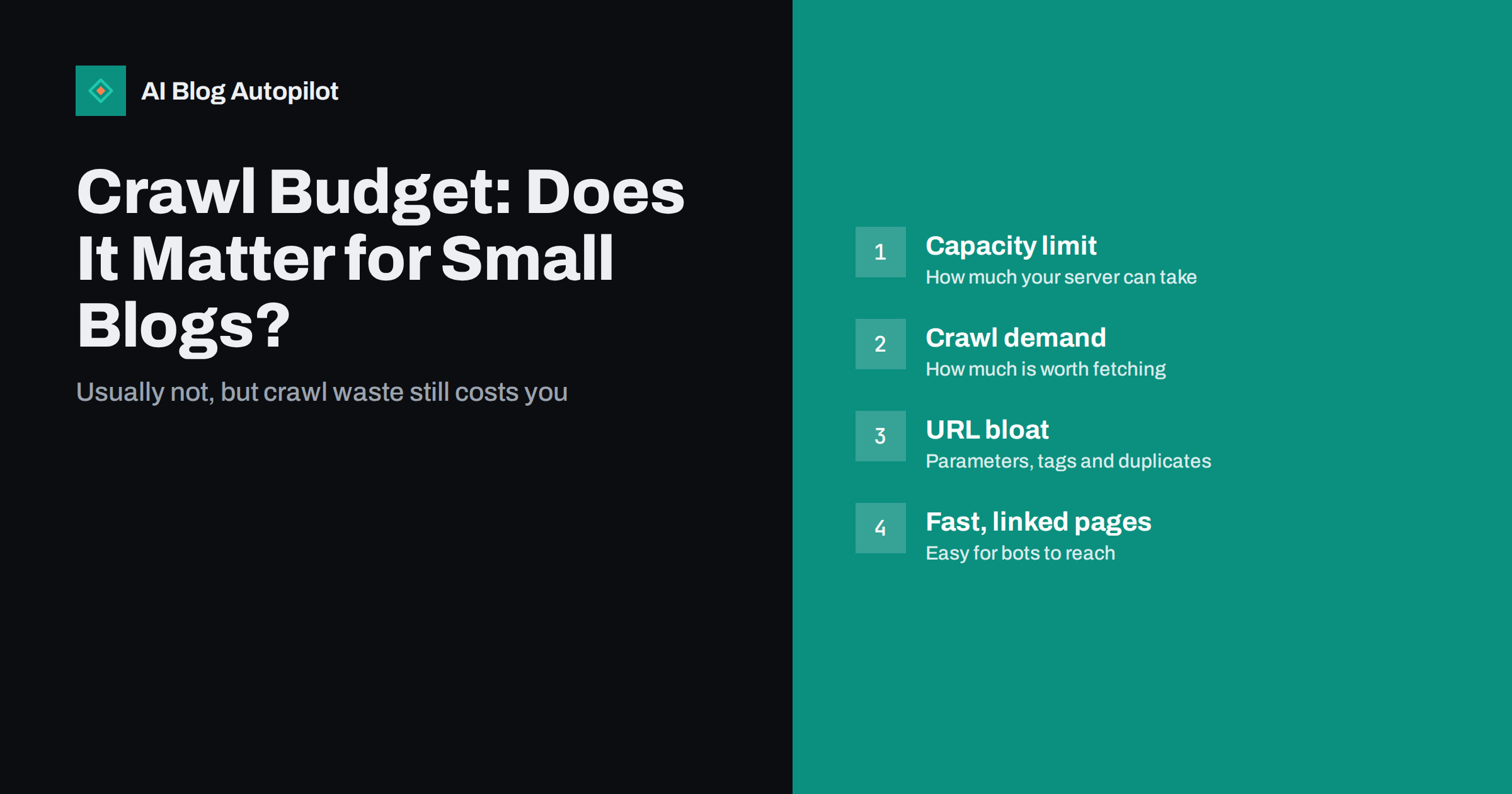
Short answer: crawl budget is the number of URLs a search engine is willing and able to crawl on your site in a given period. For a typical blog with hundreds or even a few thousand posts, it is almost never the reason pages are not indexed; search engines say it mainly concerns very large or very frequently changing sites. Small sites still benefit from reducing crawl waste, such as duplicate URLs, endless parameters and redirect chains, because it makes new content easier to find and keeps technical signals clean.
Crawl budget is one of those SEO terms that sounds important and gets blamed for many things. When a new post takes a while to appear in search, or Search Console lists pages as “discovered, currently not indexed”, it is tempting to conclude that the site has run out of crawl budget.
For most blogs, that conclusion is wrong, and chasing it can distract from the real causes. This guide explains what crawl budget is, when it genuinely matters, how to tell whether you have a crawling problem and what small sites should do instead.
What crawl budget means
Search engines discover and fetch pages with automated crawlers. They cannot crawl every URL on the web constantly, so they decide how much to crawl on each site and which URLs to prioritise. Google describes this as a combination of two things in its guide to managing crawl budget:
- Crawl capacity limit: how much crawling your server can handle without slowing down or returning errors. If your site responds quickly and reliably, the limit rises; if it slows down or throws server errors, crawlers back off.
- Crawl demand: how much the search engine wants to crawl your site, based on how popular and important your URLs seem, how often they change and whether there are new URLs to discover.
Crawl budget is the result of both: the set of URLs a crawler can and wants to fetch. It is not a fixed number you can look up, and it changes over time.
When crawl budget actually matters
Google’s own documentation is explicit that its crawl budget guidance is aimed at large sites, such as sites with hundreds of thousands or millions of pages, or medium-sized sites with content that changes very rapidly, such as daily-updated listings. It also notes that if new pages are generally crawled on the day they are published, crawl budget is not something to focus on.
A typical business blog, even one that publishes every day for several years, has a few thousand posts at most. At that scale, search engines are normally able to crawl everything they consider worth crawling. If some pages are not indexed, the reason is usually about their quality, their duplication or how well they are linked, not about crawl capacity.
There are exceptions where a small site behaves like a big one:
- URL explosions. Faceted filters, calendar archives, tracking parameters or session IDs can turn a few hundred real pages into hundreds of thousands of crawlable URLs.
- Very slow or unstable hosting. If the server regularly times out or returns 5xx errors, crawlers reduce their rate, which slows discovery of everything.
- Large auto-generated sections. Tag pages for every keyword, internal search pages or thin programmatic pages can multiply the crawlable surface far beyond the real content.
Signs you have a crawling problem, not a quality problem
Before assuming crawl budget is the issue, check what the data says.
- Open the Crawl stats report in Search Console (under Settings). It shows total crawl requests, download size and average response time, broken down by response code, file type and purpose.
- Look at response codes. A large share of server errors (5xx) or timeouts suggests your hosting is limiting crawling. A large share of redirects or 404s suggests crawlers are wasting requests on URLs that do not need to exist.
- Check response time. If average response time is high and rising, crawlers may slow down to protect your server.
- Look at what is being crawled. Use URL inspection on sample pages, and if possible your server logs, to see whether crawlers spend their time on real articles or on parameter URLs, feeds and archives.
- Check new post discovery. Inspect a recently published post. If it was crawled within a day or two, discovery is working fine.
If new posts are crawled quickly but some still are not indexed, you have an indexing decision issue. Search engines crawled the page and decided not to keep it, which points to content, duplication or internal linking rather than crawl budget.
Common sources of crawl waste on blogs
Even when crawl budget is not a limiting factor, crawl waste is worth cleaning up. It creates duplicate signals, dilutes internal linking and makes your site harder to understand.
- Parameter URLs. Links with ?utm_source=, ?replytocom= or sorting parameters create duplicate versions of the same page. Keep tracking parameters out of internal links and make sure canonical tags point to the clean URL.
- Tag sprawl. Hundreds of tags with one or two posts each produce many thin archive pages. Consolidate tags and keep them meaningful.
- Date and author archives. On single-author blogs, author archives duplicate the main blog listing. Date archives rarely serve readers. Consider disabling or noindexing them.
- Internal search results. Crawlable search result pages create an infinite space of URLs. Keep them out of crawling and indexing.
- Redirect chains. Internal links that pass through two or three redirects waste requests. Update links to point straight at the final URL.
- Broken internal links. Every link to a 404 is a wasted request and a dead end for readers.
- Attachment pages. Some setups create a separate page for every uploaded image. These are usually thin and better redirected to the parent post or disabled.
How to help crawlers spend their time well
The practices that help crawling are mostly ordinary good site maintenance:
- Keep an accurate XML sitemap that lists only canonical, indexable URLs you want in search, with correct last-modified dates.
- Link to new posts from existing pages. A new article linked from the blog home page, a category page and a few related articles is discovered quickly.
- Use robots.txt carefully. Blocking crawling of truly useless URL patterns, such as internal search, can help. But do not block pages you want indexed or resources like CSS and JavaScript needed to render them.
- Return correct status codes. Real 404 or 410 for deleted pages, 301 for moved pages and no soft 404s.
- Keep the server fast and stable. Good hosting, caching and a lean theme help both readers and crawlers.
- Consider IndexNow for search engines that support it, to notify them when URLs are added or changed.
It also helps to think about crawling from the crawler’s point of view. A bot arriving at your home page follows links. Every real article that can be reached in a few clicks through category pages and related links is easy to find. Every article that is only reachable through deep pagination, or not linked at all, depends on the sitemap and waits longer. A flat, well-linked structure is the single most useful thing a small site can do for discovery.
Note that noindex does not save crawling: a crawler has to fetch the page to see the noindex tag. Robots.txt prevents crawling but not indexing of URLs linked from elsewhere. Use each for its purpose.
Myths about crawl budget
“Publishing more will exhaust my crawl budget.” For normal blogs, no. Search engines crawl more when a site has more worthwhile content and signals of demand.
“I can increase crawl budget with a setting.” There is no setting to request more crawling. Faster, more reliable servers and content that people link to and visit increase it naturally.
“Crawl rate equals ranking.” Being crawled more often does not make a page rank higher. Crawling is a prerequisite for indexing, not a ranking signal.
“Discovered, currently not indexed means no budget left.” This status often simply means the search engine has not yet prioritised the URL. On small sites it is usually resolved by improving internal linking and content value.
A simple crawl health routine for small sites
- Monthly: glance at the Crawl stats report for spikes in errors or response time.
- Monthly: check the page indexing report for new patterns of excluded URLs.
- Quarterly: run a site crawl to find broken links, redirect chains and parameter duplicates.
- After any theme, plugin or hosting change: test response times, status codes and robots.txt.
- Whenever you publish: make sure new posts are linked from at least one existing page and appear in the sitemap.
How AI Blog Autopilot fits in
AI Blog Autopilot publishes articles to your WordPress blog at a steady pace per site, and each article arrives with its tags, meta and FAQ prepared. Because articles are published through WordPress, they appear in your normal blog listings and sitemap like any other post. Keeping tags meaningful and your hosting fast remains your side of the job, and the crawl routine above applies either way. See how AI Blog Autopilot works.
Related reading
- XML Sitemaps Explained for People Who Publish
- IndexNow: Telling Search Engines About New Pages Immediately
- Soft 404 Errors: What They Are and How to Fix Them
- Page Speed on a Content Site: What Actually Helps
The bottom line
Crawl budget is a real concept, but it is a concern for very large or rapidly changing sites, not for most blogs. If your new posts are crawled within a day or two, crawl budget is not your problem. Focus instead on reducing crawl waste, keeping your server fast and stable, linking new posts from existing pages and maintaining an accurate sitemap. When pages are crawled but not indexed, look at their content and linking, not at crawl capacity.
DUK
How do I know my crawl budget?
There is no single number. The Crawl stats report in Search Console shows how many requests Google makes to your site, its response codes and response times. That gives you a picture of crawling activity rather than a fixed budget.
Does a small blog need to worry about crawl budget?
Usually not. Search engines say crawl budget mainly matters for very large sites or sites with rapidly changing content. For a blog with hundreds or a few thousand posts, indexing issues almost always have other causes.
Does noindex save crawl budget?
Not directly. A crawler must fetch the page to see the noindex tag, so the URL is still crawled, though often less frequently over time. Use robots.txt to prevent crawling of URLs that should never be fetched.
Can slow hosting reduce how often my site is crawled?
Yes. If your server responds slowly or returns errors, crawlers reduce their rate to avoid overloading it. Fast, reliable hosting lets them crawl more when they need to.
What does discovered, currently not indexed mean?
It means the search engine knows the URL exists but has not crawled or indexed it yet. On small sites it usually reflects low priority, which better internal linking and stronger content tend to improve.


