 ENEnglish
 LTLietuviškai
 DEDeutsch
 FRFrançais
 RUРусский
 ESEspañol
 PLPolski
 ITItaliano
 UKУкраїнська
 CSČeština
 PTPortuguês
 JA日本語
JA日本語 LVLatviešu valoda
 ETEesti
 HUMagyar
 IDBahasa Indonesia
 TRTürkçe
 HIहिन्दी
 ELΕλληνικά
 ARالعربية
 THไทย
THไทย VITiếng Việt
 RORomână
 MSBahasa Melayu
 BNবাংলা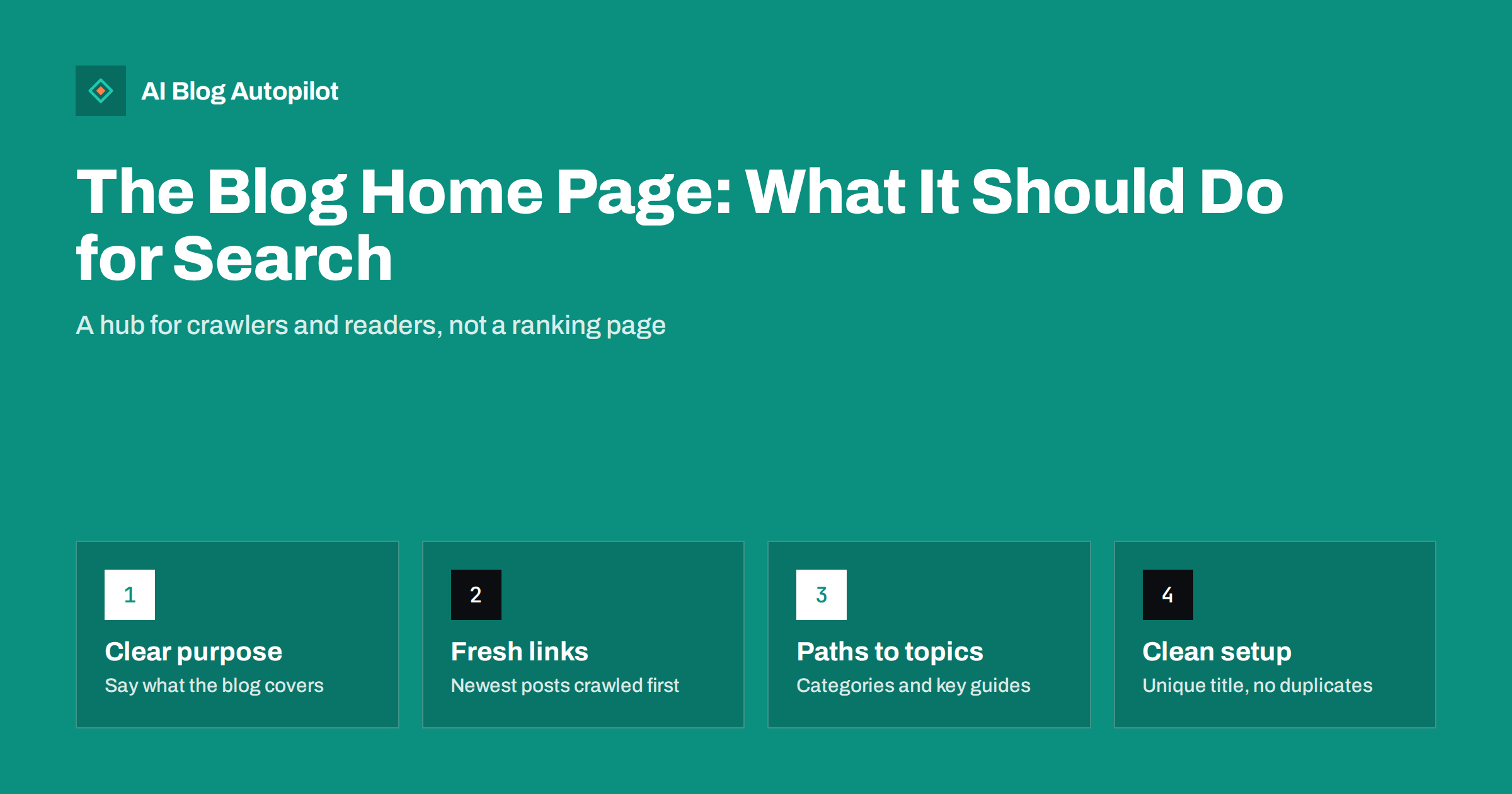
Short answer: the blog home page, the page that lists your latest articles, is mainly a hub rather than a page that ranks. Its job for search is to help crawlers find new posts quickly, pass internal links to important articles and topics, and tell visitors and search engines what the blog is about. Give it a clear title and description, a short introduction, visible links to categories and key guides, and clean pagination, and it does that job well.
Site owners spend hours on individual articles and very little time on the page that lists them. Yet the blog home page is often one of the most linked-to pages on the site, it is usually crawled frequently, and it is the first thing many visitors see when they click “Blog” in the menu. A few decisions about this page affect how quickly new posts are found and how well older ones are supported. This guide covers those decisions.
Which page we are talking about
There are two common setups, and it helps to know which one you have:
- The blog is the whole site. The home page of the domain lists the latest posts. This is common for personal and publication-style blogs.
- The blog is a section of a business site. The domain’s home page presents the business, and a separate page such as
/blog/lists the posts. This is the usual setup for company blogs. In WordPress it is configured by choosing a static front page and a separate posts page.
You can check which setup you have in WordPress under the reading settings, where the front page and posts page are chosen. Most of the advice below applies to both. Where the blog is a section, the business home page does the job of ranking for the company’s name and main services, and the blog page supports it.
What the blog home page should and should not rank for
Because its content changes every time you publish, a listing page is a poor target for a specific query. Search engines prefer a stable page that answers the question directly. So do not try to make the blog page rank for “keyword research tips” when you have a dedicated article about it.
What the blog page can reasonably appear for:
- Searches for your brand plus “blog”, such as “[company] blog”.
- Broad descriptions of what the blog covers, if you give it a meaningful introduction, though a category or pillar page usually does this better.
Everything else is the job of individual articles, category pages and pillar pages. Knowing this prevents a common mistake: stuffing the blog page with keyword paragraphs that nobody reads.
It also helps to accept that the blog page will receive relatively few visits from search directly. Its value shows up elsewhere: in how quickly new articles are crawled and indexed, and in how many readers move from one article to another. Those are the measures to watch, not the blog page’s own rankings.
The title, description and introduction
The blog page needs its own title tag and meta description, just like any other page. Themes often generate something generic like “Blog” or repeat the site’s home page title, which creates duplicates.
- Title: name what the blog is about and who it is for, followed by the brand. For example, “Guides on bookkeeping for small businesses | Brand Blog”.
- Meta description: one or two sentences that describe the topics and the kind of articles readers will find.
- H1 and introduction: a visible heading and two or three sentences at the top that say what the blog covers. This helps first-time visitors decide to stay and gives search engines some stable text on a page that otherwise changes constantly.
Keep the introduction short. Readers came to see articles, and a long block of text pushes them down the page.
Links: the page’s most important SEO job
The blog page usually receives internal links from the main menu on every page of the site. That makes it a strong internal hub, and what it links to matters.
- Latest posts. New articles appear at the top, one click from the menu. This is the main way crawlers discover new content quickly, alongside your sitemap.
- Categories or topics. A short, visible list of main categories helps readers browse and gives category pages steady internal links. Keep categories few and meaningful; the guide on categories and tags explains how.
- Key guides. A small “Start here” or “Most useful guides” block can link to your best evergreen articles, which otherwise disappear from the listing as newer posts push them down.
- Links to commercial pages, where relevant. A short note about what the business does, with one link, helps readers who arrive via the blog find the service.
Avoid long blocks of tag clouds or dozens of archive links by month. They dilute the page’s links without helping readers.
A useful test is to imagine a first-time visitor who arrived from a search result and clicked “Blog” in the menu. Within a few seconds they should understand what the blog is about, see the newest articles and find a path to the topic they care about. If they have to scroll past a banner, a newsletter box and a slider before seeing a single article title, the page is working against both readers and crawlers.
The same logic applies to featured or “sticky” posts. Pinning one important guide to the top is fine. Pinning five means the newest articles are pushed down, and returning readers stop noticing what is new.
Excerpts, full posts and duplicate content
Some themes show full articles on the listing page. That creates two problems: the page becomes very long and slow, and the same text appears on the listing and on the article, which confuses search engines about which page to show.
Use excerpts instead: the title, a featured image, a short summary and a link. The summary can be your meta description or a hand-written excerpt. Make sure each post’s title is a proper link, and that the link text is the title rather than a generic “Read more” only. Screen reader users and search engines both benefit from descriptive link text.
Pagination and older posts
As the blog grows, older posts move to page 2, page 3 and beyond. Each extra click distance makes them a little harder to reach. Some practical rules:
- Use normal paginated URLs such as
/blog/page/2/with plain links between pages. Crawlers follow these reliably. - Do not set paginated pages to noindex by default, and do not point their canonical tags at page 1. Each paginated page lists different posts.
- If you use infinite scroll or a “Load more” button, make sure the same posts are also reachable through paginated URLs that work without JavaScript.
- Show a sensible number of posts per page. Ten to twenty is typical and keeps pages reasonably light.
Pagination alone is a weak way to support older content. Categories, internal links from newer articles and a “Start here” block do more.
Speed and layout
A listing page with many images can be heavy. Use appropriately sized thumbnails rather than full-size images, load images below the first screen lazily, and avoid sliders and carousels at the top that delay the main content. On phones, a simple single-column list with clear titles is easier to scan than a complex grid.
Check the page with a speed tool occasionally, because it tends to become slower as plugins add widgets to the sidebar and footer over time.
Also look at what the sidebar actually contains. Social media feeds, embedded videos and advertising blocks are common causes of slow listing pages, and they are rarely what readers came for. If a widget brings no measurable clicks, removing it usually improves both speed and focus. The featured image of each listed post deserves meaningful alt text as well, which your theme normally takes from the image settings.
A checklist for your blog home page
- Unique title tag and meta description that describe the blog.
- One H1 and a short introduction saying what the blog covers.
- Latest posts shown as excerpts with linked titles and images with alt text.
- A short list of main categories and a few key guides.
- Crawlable pagination with indexable paginated pages.
- Reasonable page weight on mobile.
- No duplicate copy of the full articles.
- Linked from the main menu on every page of the site.
How AI Blog Autopilot fits in
AI Blog Autopilot publishes articles to WordPress with a title, meta description, excerpt, tags and featured image, which are the pieces a theme uses to build a clean blog listing. The layout of the listing page itself stays with your theme. Because Autopilot publishes on a steady schedule, the blog page always has fresh posts at the top for readers and crawlers to find. See how Autopilot works on the home page.
Related reading
- Setting Up a New Blog for SEO: The First Day
- Breadcrumbs and Navigation for a Growing Blog
- Blog Design That Helps People Read
The bottom line
The blog home page is a hub, not a ranking target. Give it a clear title, a short introduction and excerpts rather than full posts, link prominently to categories and your best guides, and keep pagination crawlable. Done well, it gets new posts found quickly and keeps older ones within reach.
DUK
Should the blog home page be indexed?
Yes. It is a useful hub page, often searched with your brand name, and it links to all recent posts. There is rarely a reason to set it to noindex.
Should I show full posts or excerpts on the blog page?
Excerpts. Full posts make the page long and slow and duplicate the article text on two URLs. A title, image and short summary with a link is better for readers and search engines.
Can the blog page rank for my main keyword?
It is unlikely and not the right goal. Its content changes whenever you publish. Target main topics with dedicated articles, category pages or pillar pages, and let the blog page link to them.
Should paginated blog pages be noindexed?
Generally no. Each paginated page lists different posts and helps crawlers reach older content. Keep them indexable with plain links and self-referencing canonical tags.
Does infinite scroll hurt SEO on a blog page?
It can if older posts are only loaded by JavaScript when a visitor scrolls. Make sure the same posts are also available on paginated URLs with normal links, so crawlers can reach them.
How many posts should the blog page show?
Ten to twenty per page is typical. It keeps the page reasonably light while still giving readers a good choice. Support older posts with categories and internal links rather than very long pages.


