ENEnglish
 LTLietuviškai
 DEDeutsch
 FRFrançais
 RUРусский
 ESEspañol
 PLPolski
 ITItaliano
 UKУкраїнська
 CSČeština
 PTPortuguês
 JA日本語
JA日本語 LVLatviešu valoda
 ETEesti
 HUMagyar
 IDBahasa Indonesia
 TRTürkçe
 HIहिन्दी
 ELΕλληνικά
 ARالعربية
 THไทย
THไทย VITiếng Việt
 RORomână
 MSBahasa Melayu
 BNবাংলা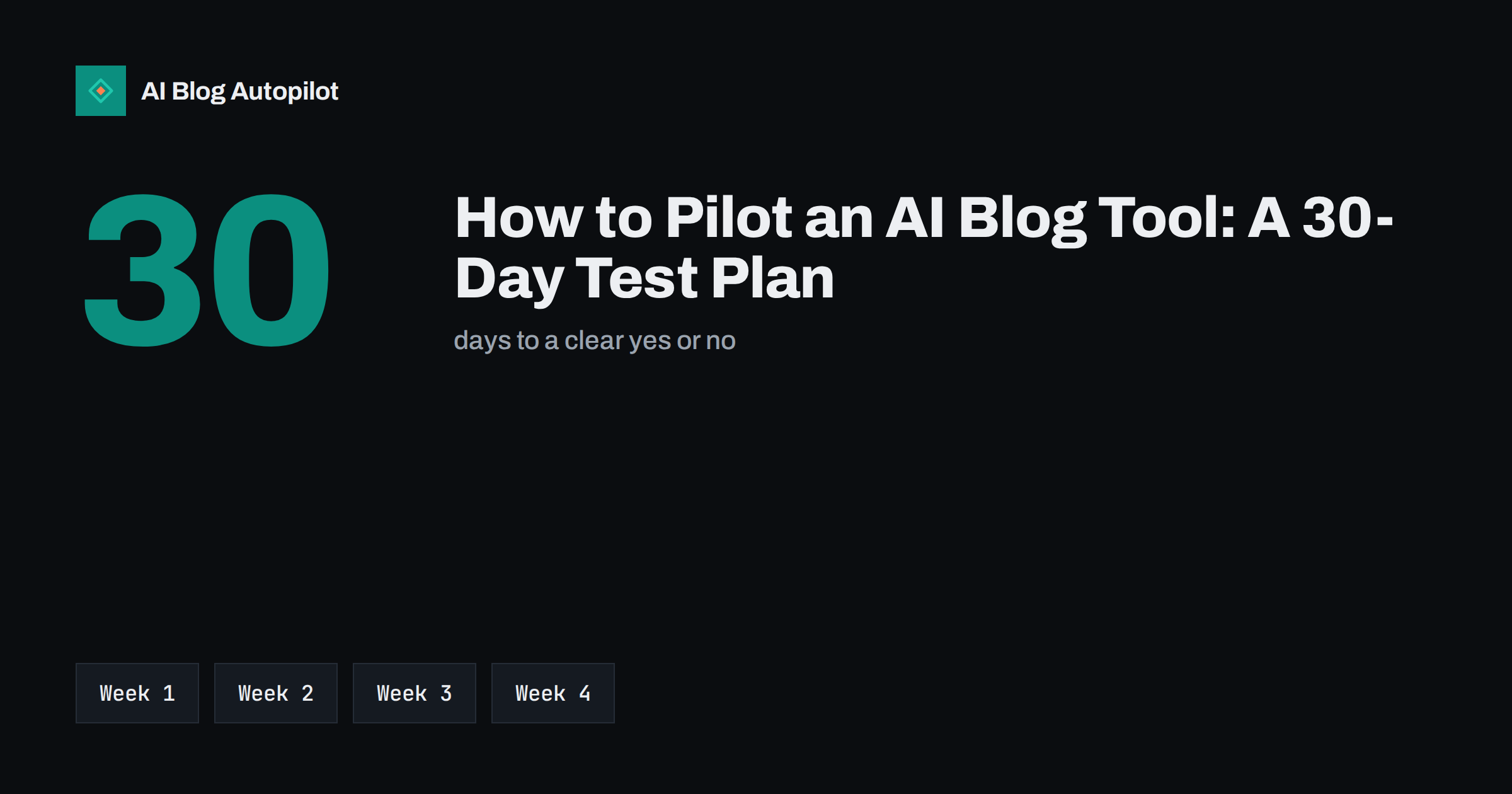
Short answer: a good pilot of an AI blog tool lasts about 30 days, uses your real topics and your real website, and ends with a decision based on criteria you wrote down before you started. In week one you set up and define success, in week two you review the first drafts, in week three you publish a small number of articles, and in week four you score the results against your criteria. Judging a tool on a single impressive demo article tells you very little; judging it on a month of ordinary work tells you a lot.
Most businesses do not have the time to compare ten tools in depth, and they do not need to. They need to find out whether one tool can deliver articles that they are happy to publish under their own name, with an amount of effort they can sustain. This plan is built for that purpose, and it works for any tool, including ours.
Decide what success means first
Pilots go wrong when nobody knows what a good result looks like. Before you open any account, write down three to five measurable statements. Keep them practical and tied to your own situation, not to a vendor’s promises.
- Quality: “At least seven of ten drafts need only light edits before I would publish them.”
- Effort: “Setup and review together take under two hours a week.”
- Accuracy: “No invented facts about our products, prices or policies survive review.”
- Fit: “The tone sounds like us, and the articles match the topics we chose.”
- Technical: “Articles reach WordPress with titles, tags, meta and images in place.”
Add one or two limits of your own, such as a budget ceiling or a requirement to publish in two languages. Write the statements in a shared note with the start date. They are your test paper, and you will mark the tool against them at the end.
It also helps to agree who makes the final decision. A pilot with three opinions and no owner tends to drift into a vague “maybe”. Name one person, give them the note and ask them to sign off the criteria before the pilot begins. If a colleague wants a criterion added later, add it only if it can be tested within the 30 days.
Choose the test set of topics
A pilot needs a fair sample, so choose topics that represent your normal work, not only the easy ones. Pick six to ten topics: a mix of simple how-to subjects, one or two topics that need your specialist knowledge, and at least one that depends on facts about your own business. The last two are the hardest for any automated writer, and they will reveal the most about how the tool handles accuracy.
Prepare the inputs that a real user would provide: your audience, your tone, the words you use for your products and the claims you must never make. If a tool cannot accept this kind of guidance, note it as a weakness. If it accepts the guidance but ignores it, note that too, because it will cost you editing time every week.
Keep a baseline for comparison. Take one article that you wrote or commissioned recently and note how long it took and what it cost. This gives you a fair point of reference: not whether the tool is perfect, but whether it is better than the way you work now in time, cost and consistency. A tool that is merely different is not an improvement.
Week one: set up and connect
The first week is about the practical side. Create the account, describe your business, add the topics and connect your WordPress site, preferably to a test copy or to a draft-only setting so that nothing goes live by accident. Record how long each step takes and whether you needed help. A tool that is hard to set up is likely to be hard to live with.
- Time the setup from sign-up to the first generated draft.
- Check what permissions the connection requests, and confirm you can revoke it.
- Look at the settings for approval, so that you can review before anything is published.
- Confirm which languages, publishing times and output formats are available.
- Note what is explained clearly and what you had to guess.
Do not skip the small print at this stage. Read what the tool says about who owns the output, how your data is used and what happens to your content if you cancel. These answers are easy to find in week one and awkward to discover in month six. Keep a copy of the terms as they stood on the day you signed up.
Week two: review the first drafts properly
Read the first three or four drafts in full, as a critical editor would. Use the same checklist for each so that the comparison is fair. Check the opening, the structure, the facts, the examples, the tone, and whether the article answers the question it promises to answer. Mark every sentence that you would change and every claim you cannot verify.
- Facts: verify names, numbers and statements against sources you trust.
- Specificity: look for concrete advice, not general filler that could appear on any site.
- Repetition: notice phrases and structures that repeat from one article to the next.
- Search basics: check the title, headings, meta description, FAQ and internal links.
- Originality: run a quick check for text copied from other pages.
Count the minutes spent editing each draft. This number matters more than any quality rating, because it is the true cost of using the tool. If edits shrink from the first draft to the fourth, the tool or your guidance is improving. If they grow, that is a warning.
Week three: publish a few and watch
Publish two to four of the best-reviewed articles on your real site. A small number is enough. The aim is not to win traffic in a fortnight, since new pages take time to be discovered and ranked, but to confirm that the whole pipeline works from end to end. Check that the published page looks right on a phone, that images load, that the structured data is valid and that internal links point to the right places.
Resist the urge to edit the live pages repeatedly in the first days. Frequent changes make it harder to tell what worked, and you want a clean view of how the pipeline behaves by default. If you spot an error, fix it, write down what it was and add a line to your guidance so that it does not return.
Request indexing in Search Console for each new page and note the dates. Keep an eye on how quickly the pages are crawled and on any warnings. If the tool also shares posts to social networks, check those posts for accuracy and tone, and make sure that links and previews work.
Week four: score and decide
Return to the success statements and score each one honestly: met, partly met or not met. Add the total editing time and the cost of the plan you tested. Then answer four plain questions. Would you publish these articles under your own name? Did the effort stay within your limit? Did the tool handle facts about your business safely? Would you be comfortable running it for six months?
- If most criteria are met, move to a paid plan and keep the review habit.
- If results are mixed, extend the pilot by two weeks with better guidance and a narrower topic list.
- If key criteria fail, stop, record why and try a different approach.
Be careful with partial results. A tool can write good articles on simple topics and weak ones on specialist subjects, and that may still be useful if you use it only for the first kind. Decide what the tool is for before deciding whether it passes. Whatever the result, write a short note of what you learned. It will help you decide faster next time and gives you a record to compare with any alternative.
Mistakes that spoil a pilot
Even a well-planned pilot can be undermined by habits that feel reasonable at the time.
A few errors are common. The first is testing on easy topics only, which makes any tool look good. The second is changing the criteria halfway, which turns the pilot into a search for reasons to say yes. The third is judging on traffic after two weeks, when no honest tool can show it. The fourth is skipping the fact-check because the drafts read well. Fluent writing is not proof of accuracy, and the checks in week two are the most valuable part of the whole exercise.
Also be careful with the human side. If a colleague who dislikes the idea reviews the drafts, ask them to use the same checklist as everyone else. If the owner is in love with the idea, ask a neutral person to score the results. Fair marking depends on neutral checks. Finally, avoid comparing a pilot with an ideal. The alternative to the tool is not a perfect writer with unlimited time; it is whatever you are really doing now, including the weeks when the blog goes quiet.
How AI Blog Autopilot helps
AI Blog Autopilot starts with 3 free articles and no card, which is enough to run the first weeks of a plan like this. You give it your topics, keywords, audience and tone, and you can switch on approval to see every article before it goes live. See the pricing page for plans.
Related reading
- Can You Really Automate a Blog? An Honest Answer
- Editorial Review: Draft, Approve or Full Auto?
- AI Blog Creator: What to Look For
- The Pre-Publication Checklist for Every Article
The bottom line
A tool is worth keeping only if it passes your own test on your own topics. Write the criteria first, use a fair sample, review the drafts as an editor, publish a few to prove the pipeline and score the result at day 30. A clear yes, a clear no or a short extension are all good outcomes, because each one replaces guesswork with evidence.
DUK
How long should a pilot of an AI blog tool last?
About 30 days is enough to test setup, draft quality, publishing and effort. Ranking results take longer, so do not judge on traffic.
How many articles do I need to test?
Review at least six to ten drafts across different topics, and publish two to four of the best on your real site.
What should I measure?
Editing time per article, factual accuracy, fit with your tone, technical quality of the published page and total cost.
Should I publish pilot articles on my live site?
Yes, a few, once reviewed. Connect to a test copy or use approval mode first so that nothing goes live unchecked.
What if the results are mixed?
Extend the pilot by two weeks with sharper guidance and fewer topics, then score the same criteria again.