ENEnglish
 LTLietuviškai
 DEDeutsch
 FRFrançais
 RUРусский
 ESEspañol
 PLPolski
 ITItaliano
 UKУкраїнська
 CSČeština
 PTPortuguês
 JA日本語
JA日本語 LVLatviešu valoda
 ETEesti
 HUMagyar
 IDBahasa Indonesia
 TRTürkçe
 HIहिन्दी
 ELΕλληνικά
 ARالعربية
 THไทย
THไทย VITiếng Việt
 RORomână
 MSBahasa Melayu
 BNবাংলা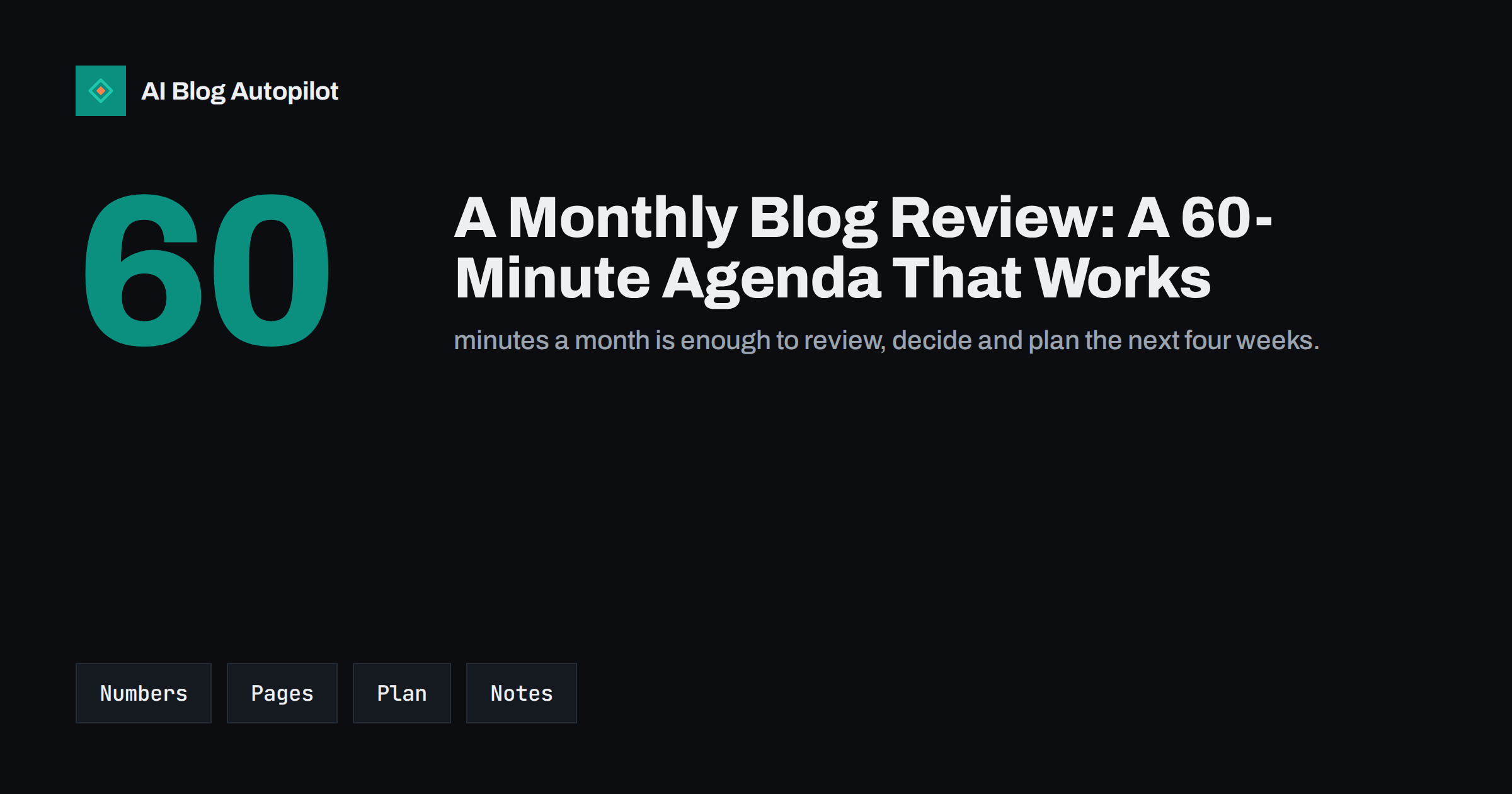
Short answer: a monthly blog review is a fixed, one-hour routine that looks at a small set of numbers, picks out the articles that need attention, decides what to publish and improve next and records the decisions. A workable agenda is ten minutes on results, fifteen on search performance, fifteen on individual articles, ten on technical health and ten on planning, with the final minutes spent writing down what was decided. Its value is not the analysis itself but the rhythm: problems get noticed while they are small, and the plan stays connected to evidence instead of habit.
Many blogs are run in bursts. Articles get published for a few weeks, nobody looks at the numbers, a traffic dip goes unnoticed for a quarter and then someone commissions a big audit. A monthly review prevents most of that. It does not need to be elaborate, it does not need specialist tools and it can be done by one person. What it needs is a fixed slot, a consistent set of questions and the habit of writing down what you decided. This article provides an agenda you can copy, explains what to look for at each step and describes the usual traps.
Prepare in ten minutes before the hour starts
A review goes badly when the first half hour is spent hunting for data. Prepare a small dashboard or a saved set of reports so that everything is one click away. A simple setup is enough: a Search Console performance report with the last 28 days compared with the previous 28, your analytics overview with the same comparison, a list of articles published and updated during the month and a note file for decisions. Our article on a simple SEO dashboard in Looker Studio shows how to build a single page of this kind, and our guide to Search Console reports lists the few that matter.
Decide in advance who attends. For a small business it is usually the person who owns the blog and, if they exist, whoever writes and whoever handles sales or support. Keep the meeting short and the invitation recurring, ideally in the same week each month, so that the habit forms.
The agenda, minute by minute
- Results against goals (10 minutes). Look at the five numbers you chose in advance. Typical choices are organic clicks from search, visits from all sources, the conversions that matter to your business (enquiries, sign-ups, sales), the number of articles published and the number indexed. Compare with the previous month and with the same month last year if you have it. State the change in one sentence for each number, and say whether it is within normal variation.
- Search performance (15 minutes). In Search Console, look at the queries and pages that gained and lost the most clicks. Note articles ranking on the second page, which are often the cheapest improvements. Check the click-through rate for pages with many impressions and few clicks, where a better title or description might help. Our article on striking-distance keywords describes how to find them.
- Articles (15 minutes). Pick three to five articles: the best performers to learn from, the ones that fell the most and those you published recently. For each, decide one action: leave alone, refresh, merge, improve the title, add internal links or remove. Resist the urge to rewrite everything; choose the actions that will have the most effect.
- Technical health (10 minutes). Check the Pages report for new indexing problems, the Core Web Vitals report for pages flagged as poor, the sitemap status, security warnings and any manual action messages. Look at broken links reported since last time. Most months this takes two minutes because nothing has changed, which is the point.
- Plan (10 minutes). Choose the topics for the next four weeks, using the evidence from the previous steps. Include at least one refresh. Check the list against your existing articles to avoid duplicates, and assign owners and dates.
Use the last minutes to write the notes: what happened, what you decided and who will do what by when. That record is what turns a conversation into a process.
Choosing the numbers that matter
A review dies when it tries to track thirty metrics. Pick a small number that connects to the purpose of the blog and keep them stable so you can see trends. If the goal is enquiries, then enquiries from blog visitors belong at the top, and traffic is a supporting measure. If the goal is brand awareness, impressions and branded searches might matter more. Our articles on measuring whether a blog is working and on traffic versus leads explain how to choose. Be aware of the usual measurement quirks: Search Console and analytics will not match exactly, as our comparison article explains, and a month with unusual events, such as a holiday or a site migration, needs a note beside the number rather than a conclusion.
Reading the signals without overreacting
Blog traffic fluctuates for ordinary reasons: seasons, weekdays, news cycles and the randomness of small numbers. A change of a few per cent in either direction is rarely meaningful. Look for patterns over several months, large movements and changes that coincide with something you did, such as a redesign or a batch of new articles. If traffic drops sharply, follow a structured diagnosis rather than a panic; our article on what to do when blog traffic drops provides one. If it rises, find out why before celebrating, so that you can repeat the cause. Annotate your analytics with the changes you make so that future reviews can connect cause and effect, as described in our article on annotating your analytics.
Turning the review into actions
The review is only useful if it changes what happens next. Limit the output to a short list of actions, ideally no more than five. Each should be specific, have an owner and a due date, and be small enough to finish within the month. Examples include refreshing the three oldest articles that still bring traffic, rewriting the titles of two pages with low click-through, merging two overlapping posts, adding internal links from new articles to the strongest older ones and fixing a group of broken links. Put larger projects, such as a redesign or a migration, into a separate quarterly plan so that they do not crowd out the routine work.
Check last month’s list at the start of every meeting. Mark what was done, what was not and why. A pattern of unfinished tasks signals that the list is too long or that the blog does not have enough time allocated to it, and that is a finding worth acting on.
A one-page template for the notes
A fixed template makes the review faster and the history easier to read. Copy this structure into a document or spreadsheet and fill it in every month.
- Date and attendees. One line.
- Numbers. Each of the five metrics with this month, last month and the change, plus a comment if something unusual happened.
- What changed on the site. Redesigns, plugin updates, migrations, new sections, batches of new articles. This is the list that explains movements later.
- Search findings. The pages and queries that moved, and one hypothesis for each.
- Article decisions. The three to five articles reviewed and the action chosen for each.
- Technical notes. New errors, warnings or nothing to report.
- Plan for next month. Topics, refreshes, owners and dates.
- Open questions. Things you could not answer, to look into before the next review.
After a few months, the file becomes a valuable history. You can see which changes preceded growth, which experiments failed and how the blog responded to events. It also helps when someone new joins, because they can read a year of decisions in ten minutes and understand why the blog looks the way it does. Keep it somewhere the whole team can open, and do not let it grow into a report that nobody reads: one page per month is the limit.
Common traps
- Skipping months. A missed review becomes two and then the habit is gone. Keep it short enough that skipping is never necessary.
- Collecting data without deciding anything. If no action comes out of the hour, change the agenda.
- Chasing small fluctuations and rewriting pages that were fine.
- Measuring only traffic. A blog that attracts visitors who never act is not working.
- Changing too many things at once, which makes it impossible to tell what helped.
- Not writing it down. Memory fails, and next month you will repeat the same discussion.
Once the routine is stable, extend it quarterly with a slightly longer look at the content inventory, topic gaps and the overall plan, following the approach in our guide to auditing a blog in a week.
How AI Blog Autopilot helps
AI Blog Autopilot keeps the publishing side of the blog moving: it writes SEO articles for your WordPress site from the topics, keywords, audience and tone you set, with FAQ, tags and SEO meta, and shares each one to your social networks. The monthly review is where you steer it, by updating the topics and keywords from what you learned. On the Pro and Agency plans, topics can also be imported from Search Console. Plans are listed on the pricing page.
Related reading
- How to Measure Whether a Blog Is Working
- A Simple Blog SEO Dashboard in Looker Studio, Step by Step
- Annotating Your Analytics: A Change Log for Your Blog
- How to Audit a Blog in a Week
The bottom line
Block one hour a month, prepare a one-page set of reports, work through results, search performance, articles, technical health and planning in that order, and finish by writing down the decisions. Keep the numbers few, the actions fewer and the notes clear. The review will not make the blog better by itself, but it ensures that you notice what is happening and act on it before small problems grow.
FAQ
How long should a monthly blog review take?
About an hour once the routine is established, plus a few minutes to prepare the reports. If it takes longer, you are probably tracking too many numbers.
Which metrics should I check every month?
Choose around five tied to the blog’s purpose, such as organic clicks, total visits, conversions, articles published and pages indexed. Keep them stable so you can see trends.
Who should attend the review?
The blog owner, and if possible the writer and someone from sales or support. For a one-person business, a solo review with written notes works well.
How do I avoid overreacting to small changes?
Look at trends across several months, compare with the same period last year when possible and treat changes of a few per cent as normal variation.
What should I do with the notes?
Keep one shared file with the date, the findings, the decisions and the owners. Start the next review by checking what was completed.