ENEnglish
 LTLietuviškai
 DEDeutsch
 FRFrançais
 RUРусский
 ESEspañol
 PLPolski
 ITItaliano
 UKУкраїнська
 CSČeština
 PTPortuguês
 JA日本語
JA日本語 LVLatviešu valoda
 ETEesti
 HUMagyar
 IDBahasa Indonesia
 TRTürkçe
 HIहिन्दी
 ELΕλληνικά
 ARالعربية
 THไทย
THไทย VITiếng Việt
 RORomână
 MSBahasa Melayu
 BNবাংলা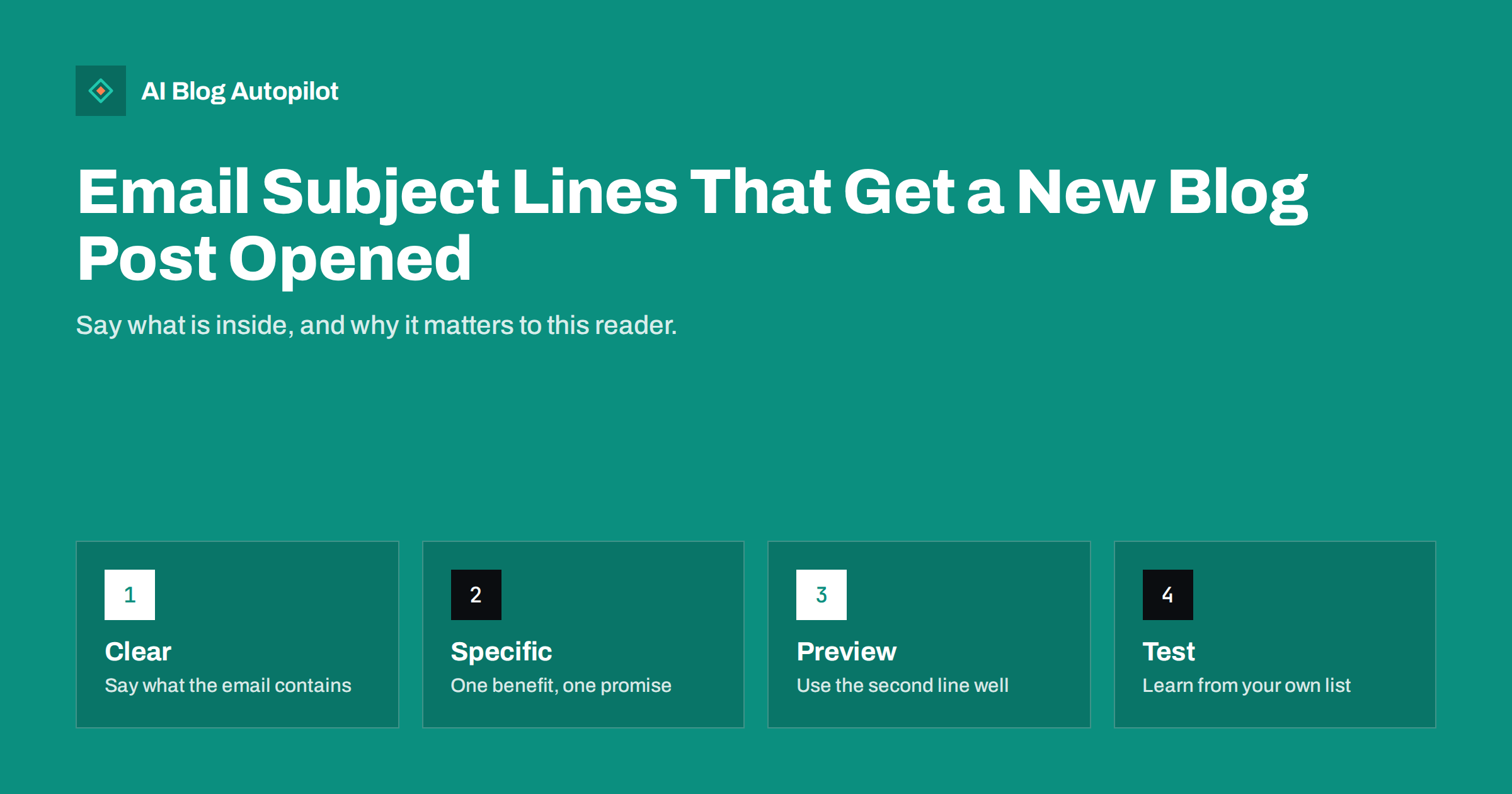
Short answer: a good subject line for an email about a new blog post tells the reader plainly what the article gives them, is specific about the benefit and is short enough to read on a phone. Pair it with preview text that adds detail rather than repeating the subject, avoid clickbait, capital letters and false urgency and test one change at a time on your own list. The article title is a useful starting point, but it was written for search and for the page, so it often needs adjusting for the inbox, where the reader is deciding in a second whether you deserve attention.
Email is one of the most reliable ways to bring readers back to a blog, because the audience chose to hear from you. Yet many blog emails are sent with the post title copied into the subject line, a generic preview and no thought about how the message looks next to forty others. The subject line is the only part most subscribers ever read. This article sets out principles for writing it, a set of patterns that work, mistakes that damage trust and a simple way to learn what your own audience responds to.
What a subject line has to do
A subject line has one job: to earn the open from the right person. That sounds obvious, but it excludes some common aims. It is not there to trick everyone into opening, because a subscriber who feels misled opens less next time and may mark the message as spam. It is not there to summarise the whole article. And it is not there to be clever for its own sake. The best subject lines let the right reader recognise instantly that this message is for them, and let the wrong reader skip it without resentment.
Think about the context. The subscriber sees a sender name, a subject line and a short piece of preview text, usually truncated, often on a phone. Whatever you write competes with messages from friends, colleagues and shops. Clarity wins over cleverness in that setting.
Principles that hold up
- Be clear about the contents. If the email is about a guide to reading Search Console reports, the subject should say so, or say what the reader will be able to do afterwards.
- Be specific. “Five checks before you publish” beats “Improve your blog”. Numbers, named subjects and concrete outcomes are more believable than abstract promises.
- Lead with what matters. Put the most important words first, because long lines are cut off on small screens. Aim for something that makes sense in roughly the first 40 characters.
- Write for one person. Use plain language that sounds like a message from someone the reader knows, not a campaign.
- Match the promise to the content. If the subject line raises a question, the article must answer it. Disappointment trains subscribers to ignore you.
- Be consistent with your sender name. A familiar name, ideally a person or a clearly recognisable brand, sets expectations before the subject is read.
Patterns that work for blog emails
No formula works for every list, but a few patterns are reliable starting points. Try them and see which suits your readers.
- The plain statement: “How to read the Page Indexing report.” Direct, honest and good for audiences that value clarity.
- The benefit: “Cut your editing time in half with a checklist.” Use only if the article really delivers it.
- The question: “Is your blog slowing down your site?” Works when the question matches a real worry and the article answers it.
- The number: “Seven mistakes in redirects (and the fixes).” Useful for list articles; avoid inflating the number to reach a round figure.
- The how-to: “How to set up a start here page in an hour.” Specific and time-bound.
- The result or story: “What we learned from 120 customer surveys.” Appropriate when you have something real to report.
- The digest line: for a weekly email with several articles, name the lead item and mention the count: “A new guide to redirects, plus two shorter reads.”
Our article on how to write a headline people click covers the principles behind these forms. The difference is that an email subject line has less room and is read in a different mood, so it usually needs to be shorter and more personal than the page title.
Length, punctuation and style
There is no magic length, but shorter lines are generally safer on mobile. Many email apps show somewhere between 30 and 60 characters of a subject line depending on the device, so put the key words early. Avoid all capitals, strings of exclamation marks and a heavy use of symbols; they look like spam and can trigger filters. A single emoji can help a line stand out for some audiences, and it can look unprofessional for others, so test it rather than assume. Sentence case reads as friendlier than title case in the inbox, though what matters most is consistency with the rest of your brand. Avoid starting every message in the same way, since repetition makes your emails blend into one another.
Preview text: the second subject line
The preview text is the snippet that appears next to or below the subject. If you do not set it, the email app shows the first words of the message, often something unhelpful such as “View this email in your browser”. Set it deliberately. Treat it as an extension of the subject line: if the subject names the topic, the preview can add the benefit or the proof (“A short checklist you can use on every article, with a printable version”). Do not repeat the subject. Keep it to a single sentence that reads well when cut off. Check it on a phone, since the visible length varies.
Avoiding clickbait and false urgency
Clickbait works once. A subject such as “You will not believe what happened” followed by an ordinary article teaches subscribers that your subject lines mean nothing. Similarly, false urgency (“Last chance!” for something with no deadline) damages trust and, in some places, can create legal problems if the claim is misleading. Curiosity is legitimate when the answer is real: “The redirect mistake that cost us a month of traffic” is acceptable if the article truly tells that story. Test yourself by asking whether the subject line would still feel honest after the reader has finished the article.
Keep in mind the rules that govern commercial email in your region, including honest subject lines, clear identification of the sender and an easy way to unsubscribe. Where you collect addresses matters too; only email people who agreed to hear from you. Our guide to building an email newsletter from blog posts covers the wider setup.
Examples: before and after
Seeing the changes side by side makes the principles concrete. Each pair below uses an invented article title for illustration.
- Before: “Redirect Chains and Loops: Finding and Fixing Them on a Blog”. After: “How to find redirect loops before readers do”. The second is shorter, speaks to the reader and names a benefit.
- Before: “Our Latest Blog Post!!!” After: “A one-page checklist for editing AI drafts”. The first says nothing about the content; the second tells the reader exactly what they get.
- Before: “You will never guess this SEO secret”. After: “The one setting that stopped our posts being indexed”. The second is curious but specific, and the article can deliver it.
- Before: “Newsletter #42”. After: “Three short reads on Search Console, plus one long guide”. A weekly digest benefits from naming the content rather than the issue number.
Notice that the improved lines are not necessarily more exciting. They are clearer, which is what readers who have chosen to receive your emails want. Excitement is easy to overdo, and clarity rarely goes out of fashion.
Testing and learning
Your list is not the average list. The only reliable way to find out what works is to test, in a controlled and modest way.
- Change one thing at a time, such as a number versus a question, or a short line versus a longer one.
- Split the list at random if your tool supports it, and send both versions at the same time.
- Look at more than opens. Email apps can inflate open figures by pre-loading images, so clicks to the article and reading time on the site are more trustworthy signs.
- Wait for enough data. A small list can make a difference of a few opens look important when it is just noise.
- Keep notes. Record each test, the result and what you decided, so that you build up knowledge instead of repeating experiments.
Tag the links in your email so that visits are identifiable in analytics. Our article on UTM tags for social shares applies equally to email campaigns.
How AI Blog Autopilot helps
AI Blog Autopilot writes full SEO articles on your WordPress blog from the topics, keywords, audience and tone you set, with FAQ, tags and SEO meta, so that each week you have something worth emailing about. It also shares each article to your social networks. Writing and testing the subject line for your own list stays with you, since you know your subscribers best. Plans are on the pricing page.
Related reading
- Building a Newsletter From Your Blog Posts
- How to Write a Headline People Actually Click
- Templates, Checklists and Other Reasons to Subscribe
- How to Promote a Blog Post After You Publish It
The bottom line
Write the subject line for the person in the inbox: clear about what is inside, specific about the benefit, short enough for a phone and honest about the promise. Use the preview text to add detail, avoid shouting and false urgency, and test one change at a time with your own subscribers. A good subject line brings readers back to your blog for the right reason, and keeps them opening what you send.
FAQ
How long should an email subject line be?
Shorter is safer on phones. Put the key words in roughly the first 40 characters, since longer lines may be cut off depending on the app and device.
Should I use the blog post title as the subject line?
It is a fair starting point, but titles are written for search and the page. Adjusting the line for the inbox, with a clearer benefit, often works better.
Are emojis in subject lines a good idea?
They help with some audiences and look out of place with others. Test one on your own list before making it a habit.
What is preview text?
It is the snippet shown beside the subject line in the inbox. Set it yourself to add detail rather than letting the app show unrelated text from the top of the email.
Is open rate a reliable measure?
Not entirely, because some email apps pre-load images and inflate opens. Clicks to the article and engagement on your site give a clearer picture.