ENEnglish
 LTLietuviškai
 DEDeutsch
 FRFrançais
 RUРусский
 ESEspañol
 PLPolski
 ITItaliano
 UKУкраїнська
 CSČeština
 PTPortuguês
 JA日本語
JA日本語 LVLatviešu valoda
 ETEesti
 HUMagyar
 IDBahasa Indonesia
 TRTürkçe
 HIहिन्दी
 ELΕλληνικά
 ARالعربية
 THไทย
THไทย VITiếng Việt
 RORomână
 MSBahasa Melayu
 BNবাংলা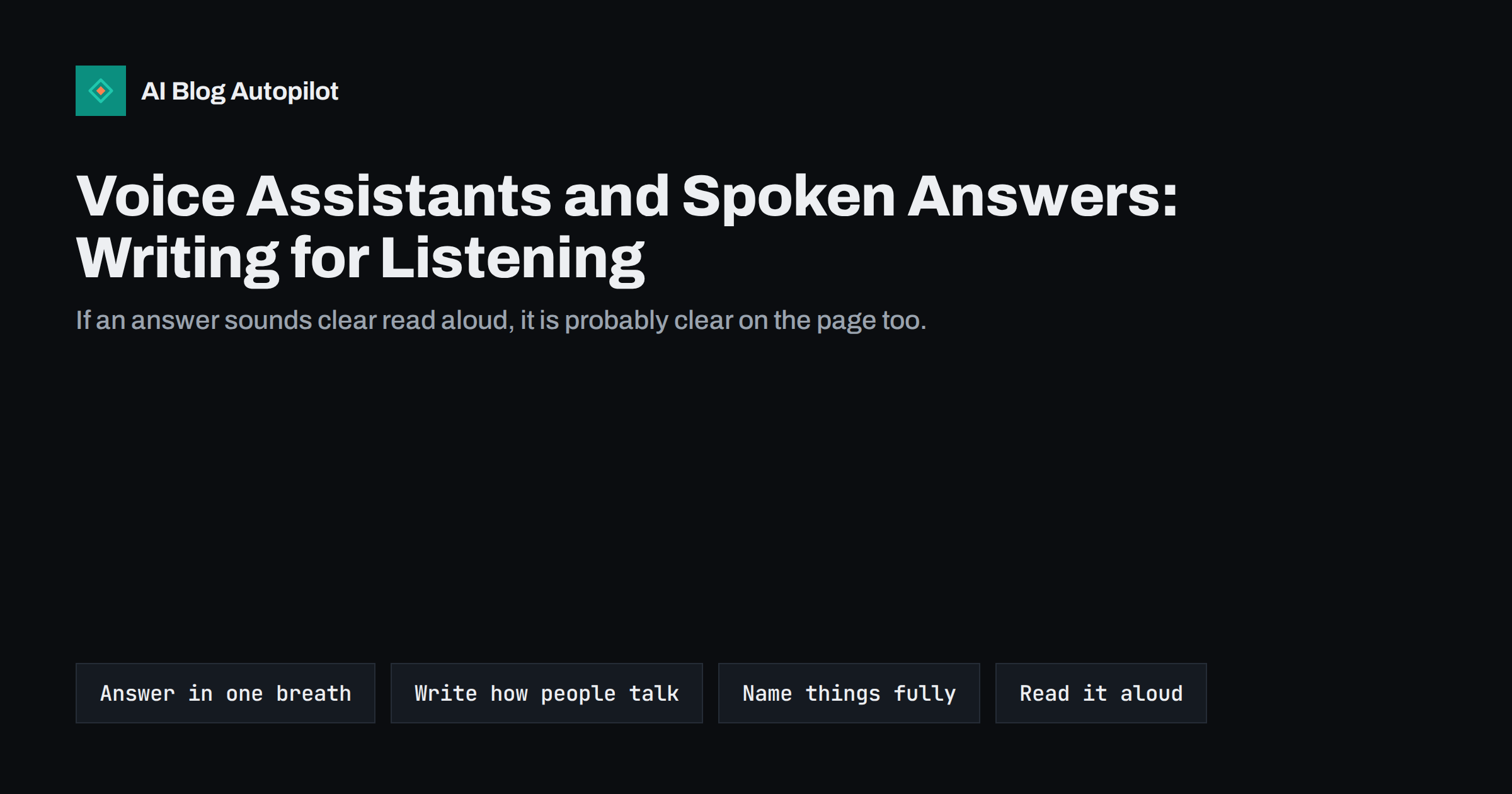
Short answer: to write for voice assistants and spoken answers, put a short, direct answer at the start of each section, use plain sentences that sound natural when read aloud, name things fully instead of relying on pictures or vague references, and keep facts such as hours, prices and addresses accurate and easy to find. Nobody can promise that an assistant will read your page, but writing that works when spoken is usually clearer for everyone, including people who read on a small screen or use a screen reader.
People increasingly ask questions out loud, to phones, speakers, cars and assistants built into search. The answer may be spoken back in a sentence or two, with no screen at all. That changes what a good answer looks like: it has to make sense in the ear, without headings, tables or images to lean on. This guide looks at how to adapt blog writing for that situation without turning every post into a script, and where to be cautious about what is known and what is not.
What is different about spoken answers
A reader on a page can skim, scroll back and look at a table. A listener cannot. That has several consequences for the text that gets read out.
- Length. Spoken answers are short. A system will usually pick a sentence or two, or a short summary, not a whole section.
- Directness. The answer must come first. A listener will not wait through three sentences of background.
- Self-containment. The extract has to make sense alone, without the paragraph before it.
- Sound. Awkward phrasing, long lists in one sentence or heavy punctuation become obvious when spoken.
The questions are also different. Spoken queries are often full sentences, phrased as people speak, such as “how long does it take to…” or “where can I find…”. Many of them are local or practical, asked when someone is on the move.
Be realistic about what you can control
It helps to be honest about the limits. Assistants use different sources and methods, and these change. Some read answers from search results, some from their own knowledge, some from business listings, and some now generate a reply from several pages. No tag or setting guarantees that your page will be read out. Beware of advice that promises “voice search optimisation” through special markup or tricks.
What you can do is make your content clear, correct and easy to extract. That is useful whichever system reads it, and it costs little.
Lead each section with a short answer
The most useful habit is to start each section with a direct answer, in one or two sentences, before the detail. If someone asks “how long does a new blog post take to rank”, the best opening is a plain statement of the typical range and what affects it, then the reasons and caveats afterwards.
A pattern that works
- Heading that names the question or topic in plain words.
- Answer sentence that stands alone and uses the key terms.
- Support: reasons, steps, examples and exceptions.
Keep the answer sentence under about thirty words where you can, and make sure it does not depend on “it”, “this” or “that” referring to something earlier.
Write the way people talk
Spoken language is plainer than written language. You do not have to write like a transcript, but you can remove the stiffness that makes sentences hard to hear.
- Prefer short and medium sentences with one idea each.
- Use ordinary words. “Use” is easier than “utilise” and “start” is easier than “commence”.
- Avoid stacked clauses and long parentheses, which are hard to follow by ear.
- Spell out abbreviations on first use, and avoid symbols that are read awkwardly.
- Write numbers and units in a way that sounds natural, such as “two to three weeks” instead of a dense range with symbols.
Reading your draft aloud is the fastest test. Mark the places where you stumble, run out of breath or lose track, and rewrite them.
Name things fully
When a sentence is lifted out of its page, vague references break. Compare “It usually takes two weeks” with “A new blog post usually takes about two weeks to appear in search results”. The second works anywhere. A few habits help:
- Repeat the subject by name at the start of an answer instead of using a pronoun.
- Do not rely on images, colours or layout, as in “see the chart above” or “the green box”.
- Describe visual content in text, so the facts are available without the picture.
- Use the same name for the same thing throughout, so that listeners do not wonder whether two terms mean different things.
Local and practical questions
Many spoken questions are about places, hours and prices. If your business serves a local area, check that the basic facts are correct everywhere they appear: your site, your business profile and the directories people use. Inconsistent opening hours or addresses make it hard for any system to give a reliable answer, and annoy customers.
On your blog, you can support local questions by:
- Stating the area you serve in plain words on relevant pages.
- Giving clear answers to practical questions, such as how to book, what it costs and what to bring.
- Keeping time-sensitive information, such as seasonal hours or offers, up to date and dated.
- Adding structured data for your business details where it fits, as a help, not a promise.
Structure that helps extraction
Clear structure helps systems find the part of a page that answers a question.
- Use headings that describe the content of each section.
- Keep lists for real lists, such as steps, and introduce them with a clear sentence.
- Put the definition or answer in the first sentence of a paragraph, not the last.
- Use an FAQ for short, separate questions, written in complete answers that stand alone.
Structured data for FAQs and for how-to content can describe this structure, but whether any system uses it for spoken answers is not guaranteed. Treat it as a way to make the content clear, not as a switch that turns voice answers on.
Accessibility is the same job
Much of what suits a listener also suits people who use screen readers, who hear the page read in order. Clear headings, descriptive links, text alternatives for images and plain wording help them in the same way. Writing for ears therefore improves the page for a wider audience. Avoid link text like “click here”, since a list of links read aloud then makes no sense. Describe the destination instead.
How to test your pages
- Read key sections aloud, or use the text-to-speech tool on your phone, and listen for confusion.
- Ask a few assistants the questions your page answers and compare what they say with your text.
- Check your analytics for question-style queries in Search Console and see which pages answer them.
- Update facts regularly, particularly hours, prices and contact details.
Results vary between assistants and over time, so treat tests as a sanity check and do not read too much into one answer.
A worked example: rewriting one section
Take a section from a post about publishing schedules that begins: “There are many opinions on this, and honestly it depends, but it is something that many bloggers wonder about, and the short version is that most of them do fine with about one post a week.” Read aloud, the answer arrives at the end of a long, hesitant sentence, and the opening gives a listener nothing to hold on to.
A rewrite for the ear would say: “Most small business blogs do well with one new post a week. The right rhythm depends on how much time you have and how long each post takes to prepare.” The answer comes first, the sentence names its subject and the second sentence adds the only caveat that matters. The detail that follows can be as rich as you like, because a listener who needs more can ask a follow-up question and a reader will scroll on.
Do this for the top of every important section and the page improves for everyone. It takes a minute per section and often shortens the text.
Questions to ask yourself when you review a post
- If only the first sentence of each section were read out, would the post still make sense?
- Does every answer name its subject and avoid “it”, “this” and “that”?
- Are numbers, prices and times written the way someone would say them?
- Are the facts current, and is the date of the last check shown where it matters?
Keep in mind that tools and habits will keep changing. New assistants appear, older ones change how they pick sources and the share of spoken queries differs between countries and age groups. Because of this, avoid building a strategy on one device or one product. A clear, correct and well-structured page keeps its value whichever system reads it, and that is the most reliable investment you can make.
How AI Blog Autopilot helps
AI Blog Autopilot writes articles that include a FAQ, tags and SEO meta, and runs an automatic quality check on length, structure, keyword and meta before anything goes live. It is instructed never to make up statistics, quotes or sources, which matters when short extracts are read out of context. Articles are written natively in 25 languages. See the pricing page for plans.
Related reading
- Conversational Queries: Writing for How People Ask AI
- Answer-First Writing: Structuring Posts for AI Answers
- How a Local Business Gets Mentioned in AI Answers
- Accessibility for a Blog: The Fixes That Matter Most
The bottom line
Writing for spoken answers means writing clearly: a short direct answer first, plain sentences, full names instead of vague references and accurate local and practical facts. Nobody can promise that an assistant will read your page, so avoid tricks and focus on content that makes sense when heard. Read your text aloud, test with a few assistants, keep facts current and remember that the same habits help screen-reader users and anyone reading on a small screen.
GYIK
Can I optimise a blog for voice search?
You can make content clearer for spoken answers by leading with short direct answers, using plain wording and keeping facts accurate. No setting or markup guarantees that an assistant will read your page.
How long should an answer be for a voice assistant?
Short. Aim for one or two sentences, ideally under about thirty words, that make sense on their own, followed by the detail for readers who want it.
Does structured data help voice assistants?
It can describe the content clearly, but whether any system uses it for spoken answers is not guaranteed. Treat it as a way to clarify content, not as a switch.
Why avoid words like it and this in answers?
When a sentence is read out of context, pronouns have nothing to refer to. Naming the subject makes the answer work anywhere.
Is writing for voice the same as writing for accessibility?
Largely. Clear headings, descriptive links, text descriptions of images and plain wording help both listeners and people who use screen readers.