ENEnglish
 LTLietuviškai
 DEDeutsch
 FRFrançais
 RUРусский
 ESEspañol
 PLPolski
 ITItaliano
 UKУкраїнська
 CSČeština
 PTPortuguês
 JA日本語
 LVLatviešu valoda
 ETEesti
 HUMagyar
 IDBahasa Indonesia
 TRTürkçe
 HIहिन्दी
 ELΕλληνικά
 ARالعربية
 THไทย
 VITiếng Việt
 RORomână
 MSBahasa Melayu
 BNবাংলা
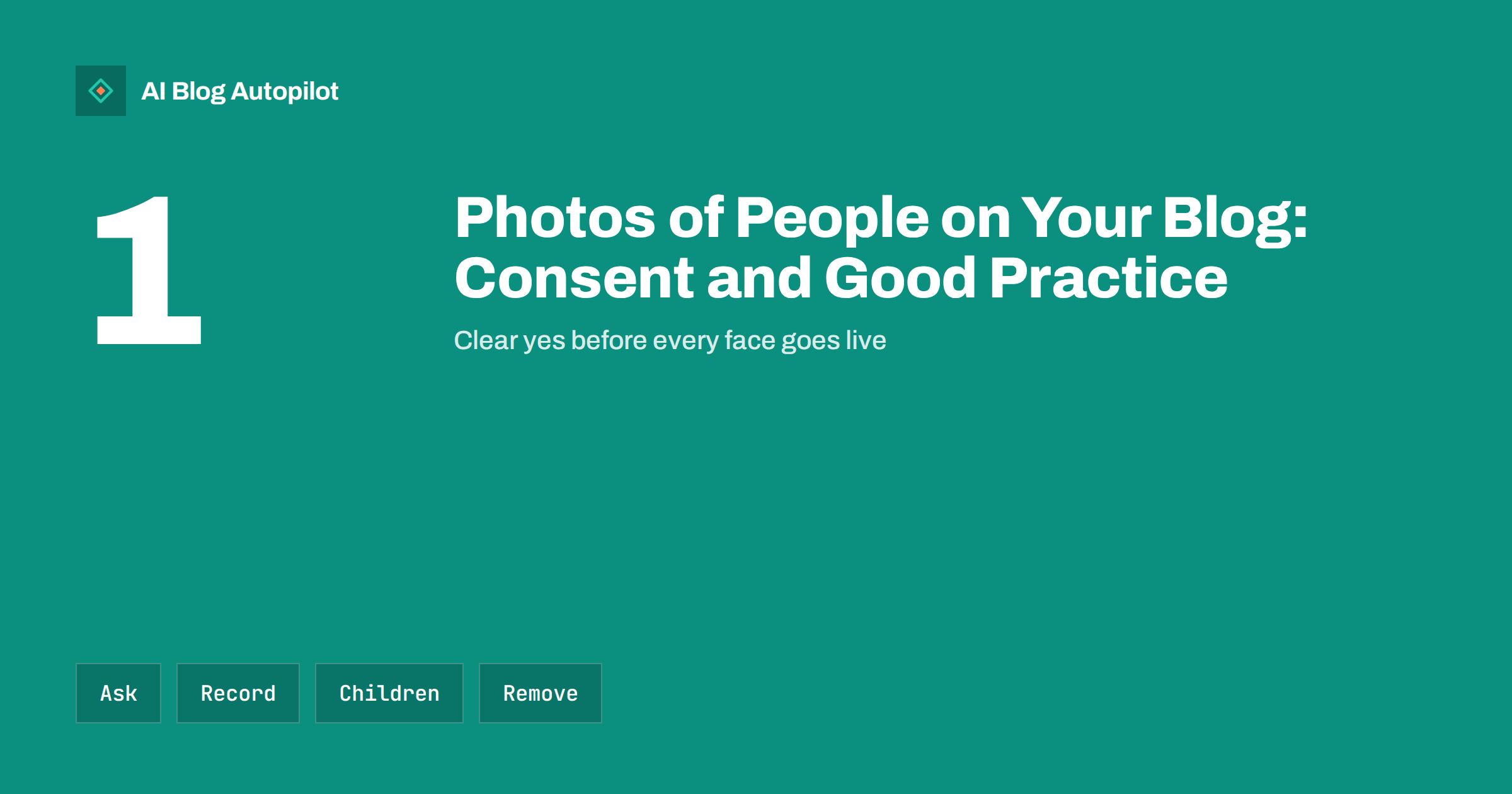
Short answer: before you publish a photo that shows an identifiable person on your blog, get their clear agreement, explain where and how the photo will be used and keep a record of it. Take extra care with children, with staff, with customers in private spaces and with images that reveal sensitive details. Make it easy to ask for a photo to be removed, and act on such requests quickly. Laws differ between countries, so check local rules and seek advice for anything unclear.
Photographs of real people give a business blog warmth and credibility. Visitors trust a team page with real faces more than one with stock images, and a customer story with a photo is more convincing than plain text. But a face is personal data in many countries, and publishing it without agreement can cause complaints, takedown requests and, in serious cases, legal claims.
This guide is practical rather than legal. It explains the situations that come up on business blogs, a simple consent routine and the points where you should stop and ask for professional advice. It applies to photographs, screenshots of video calls, event pictures and any image where a person can be recognised.
There is a search angle, too. Images of people are often shown in image search, with the name of the file and the surrounding text as context. A file called with a person’s full name, or a caption with a name and a place, makes it easy to find that person. Think about what your file names, captions and descriptions reveal, and use only what the person has agreed to.
Why consent matters
People have a reasonable expectation that their image will not be used for purposes they did not agree to. A photo that is fine in a private album can feel intrusive when it appears on a company website that is visible to everyone and indexed by search engines. Once an image is public, copies may spread and are hard to remove.
In many places, the rules treat a clear photo of a person as personal data. That means you need a lawful reason to use it, you must tell people how it will be used and they may have the right to object or to ask for removal. Consent is the simplest reason for a small business, because it is clear and easy to explain.
Beyond the law, there is trust. A person who feels used or surprised may tell others, and a customer who finds their face in a promotion they never approved will not return. The cost of asking is a few seconds, and the cost of not asking can be much higher.
When you need to ask
The safe rule is to ask whenever a person is identifiable and the photo will be used in your marketing or on your website. That includes staff, clients, partners, speakers, volunteers and visitors. A picture where faces are small, blurred or turned away is different, but do not assume that nobody will recognise a person by clothes, place or context.
Crowd photos at public events are more complex. In some countries, you can publish general crowd shots without individual consent, while in others you cannot. If you plan to use event photos, put a notice at the entrance, tell people how to avoid being photographed and offer a clear way to ask for removal. For close-up or posed pictures, ask each person directly.
Photos taken by others need care too. If a customer sends you a picture that shows a friend or a child, you need permission from those people as well as from the sender. The article on customer stories and contributions on a business blog explains how to handle material sent in by readers.
What good consent looks like
Consent should be clear, specific and given freely. Tell the person what you will use the photo for, where it will appear, such as the website, social networks or printed material, and for how long. Do not hide this in a long document. A short message in plain words is better than a page of legal text.
Written consent is best, and an email or a form with a tick box is enough for most cases. Include the name, the date, the description of the use and the way to withdraw. If the photo is taken at an event, a verbal agreement is common, but note it down, ideally with a short message afterwards that confirms it.
Do not make consent a condition of something unrelated. Staff may feel pressure to agree because of their employer, so make sure there is a real option to say no, and do not penalise anyone who refuses. In an employment setting, consent may not be considered freely given, so check the rules in your country or use another basis with advice.
Staff photos
Team pages are among the most visited parts of a business website, and the photos on them need consent. Ask each person, show them the picture before it goes live and let them choose among a few shots. Tell them what you will do when they leave the company: most firms remove the photo within a reasonable time.
Update the page when people join and leave. Old photos of former staff create a risk and make a site look neglected. Put the task in your regular review, so that it does not depend on someone remembering.
Some roles need extra care. People who work in security, in sensitive public positions or in situations where they could be at risk may not want their face and name published. Offer an alternative, such as a first name and a role, or an illustration. The guide to the about page a business blog needs shows how to build trust without exposing anyone.
Children and vulnerable people
Children need special protection. In most countries you need the consent of a parent or guardian, and you should be careful about what the photo reveals: names, school uniforms, locations and routines. A good rule is to avoid naming a child next to their photo, and to avoid publishing pictures that show them in private or vulnerable settings.
The same caution applies to other people who may not be able to give informed consent, such as patients, residents of a care home or clients in a difficult situation. If your business works in such fields, set a clear policy and ask for advice from a professional body or a lawyer before publishing any images.
When in doubt, leave it out. A picture of hands at work, a product on a table or a view of a room can tell the story without a face, and carries far less risk.
Customers, private spaces and sensitive details
Photos taken inside homes, clinics, shops and workplaces can reveal more than the person. A glimpse of an address, a name on a letter, a screen with data, a licence plate or valuables in the background can cause harm. Check the whole frame before you publish and crop or retake anything that shows private information.
Be careful with images that might reveal health, religion, political views or other sensitive matters, directly or by context. A photo at a medical appointment or a religious event says something about a person that they may wish to keep private. Treat such images with the highest level of care, and avoid them unless the person clearly wants to be shown.
Customer photos in testimonials need the same consent as any other image. Ask for permission to use both the words and the picture, and let the person see the final text. The article on image rights for blog posts adds guidance on licences and ownership of pictures.
Review the log once or twice a year. Remove images whose consent has expired or whose purpose has ended, such as a campaign that finished or a former employee. A regular clean-up keeps your site accurate and lowers the number of old images that can cause trouble later. It is also a good moment to check that image file names and descriptions do not contain full names that you no longer want to publish.
Train everyone who adds images. A short guide of one page, with the questions to ask before uploading a photo of a person, prevents most mistakes. Include who to contact when someone is unsure, and where the consent forms are kept. People who publish content on your behalf, including freelancers and agencies, should receive the same guide.
Keep a record and handle removal requests
Create a simple consent log. A spreadsheet with the person’s name, the image or its file name, the date, the use agreed, the way consent was given and the date to review is enough. Store the signed form or the email in a safe folder, and limit access to those who need it.
Make it easy for people to ask for removal. Put a contact address on your privacy page and mention it near events and photo shoots. When a request arrives, reply promptly, remove the image from your site and your social profiles and confirm in writing. Check also the version stored in your media library, in cached pages and in sitemaps.
Remember that you cannot control copies made by others, and that search engines may keep a cached version for a while. If an image remains in search results after removal, you can ask the search engine to update it. The guide on privacy and analytics on a business blog covers related points about data and notices.
How AI Blog Autopilot helps
AI Blog Autopilot creates a featured image for each article that you can review before it goes live, so you do not have to collect photos of real people just to illustrate your posts. When you add your own photos of people, apply the consent routine above. See the pricing page for plans and monthly credits.
Related reading
- Image Rights for Blog Posts: Stock, Screenshots and Generated Images
- Privacy and Analytics on a Business Blog
- Customer Stories and Contributions on a Business Blog
The bottom line
Ask before you publish a recognisable face, say how it will be used, keep a record and remove images promptly on request. Take extra care with children and private settings.
GYIK
Do I always need consent to publish a photo of a person?
When the person is identifiable and the photo is used in your marketing or website, ask. Rules vary by country, so check local law.
Is verbal consent enough?
It can be, but a written record is safer. Send a short message after the event that confirms what was agreed.
What about photos of crowds at public events?
Rules differ. Put up notices, offer a way to opt out and ask for consent for close-up or posed pictures.
How do I handle a removal request?
Reply promptly, remove the image from your site, social profiles and media library, and confirm in writing.
Can staff refuse to be photographed?
Yes. Give a real option to say no and use an alternative, such as a name and role, without any penalty.