 ENEnglish
 LTLietuviškai
 DEDeutsch
 FRFrançais
 RUРусский
 ESEspañol
 PLPolski
 ITItaliano
 UKУкраїнська
 CSČeština
 PTPortuguês
 JA日本語
JA日本語 LVLatviešu valoda
 ETEesti
 HUMagyar
 IDBahasa Indonesia
 TRTürkçe
 HIहिन्दी
 ELΕλληνικά
 ARالعربية
 THไทย
THไทย VITiếng Việt
 RORomână
 MSBahasa Melayu
 BNবাংলা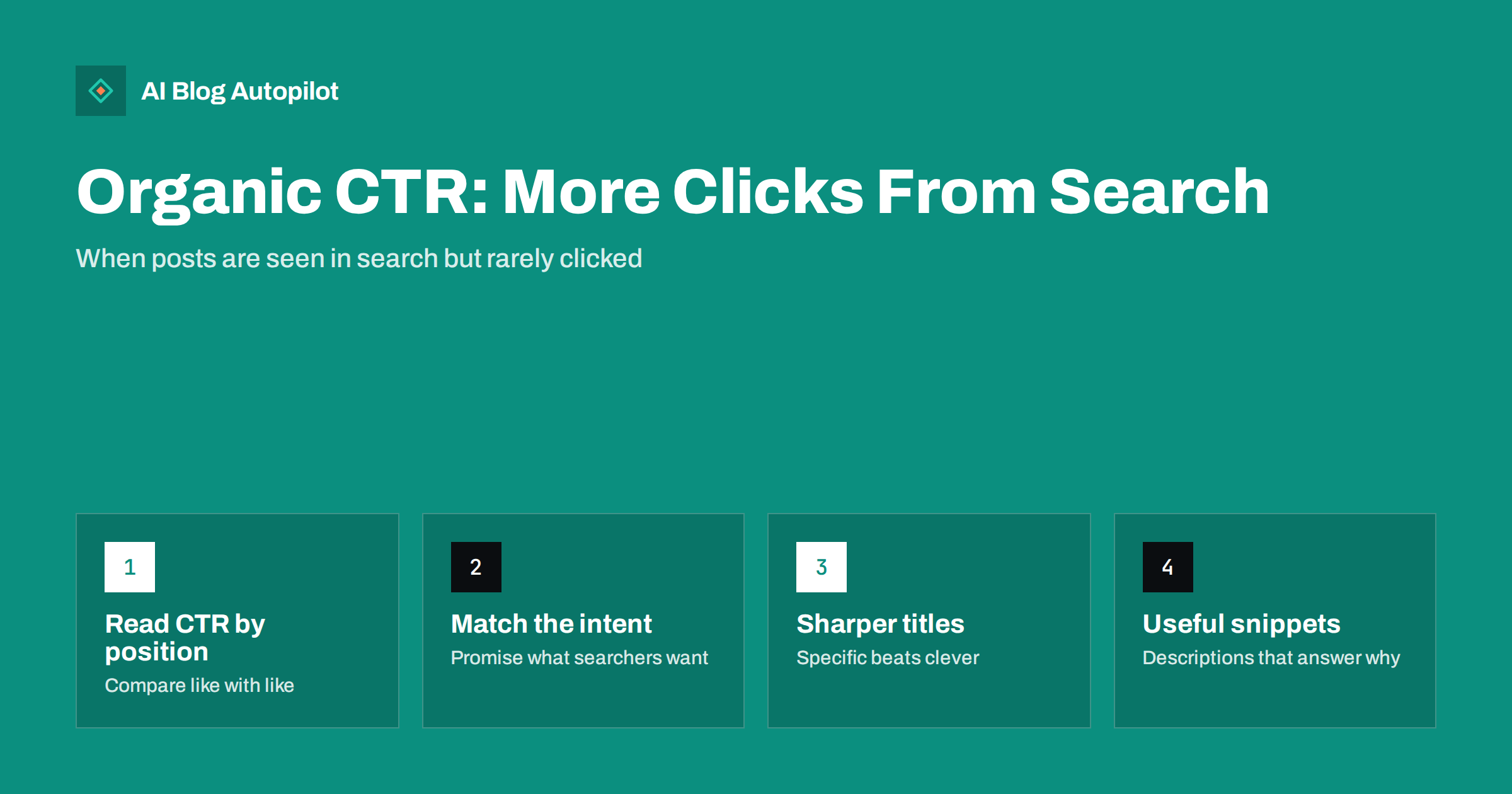
Short answer: organic click-through rate (CTR) is the share of people who click your result after seeing it in search: clicks divided by impressions. It depends heavily on position and on what else appears on the results page, so compare it only between pages with similar positions and query types. You can usually improve it by matching the searcher’s intent more precisely in your title, writing a specific meta description, keeping the URL readable and making sure the page deserves the click.
Many bloggers look at Search Console and see a familiar pattern: an article has thousands of impressions and only a handful of clicks. It is appearing in search, but people are choosing other results. That gap is what click-through rate measures, and it is one of the few search metrics you can influence directly without new content or new links.
This guide explains how to read CTR properly, what influences it, how to find the posts worth working on and which changes tend to help, along with the ones that backfire.
What organic CTR actually measures
In Search Console, CTR is calculated as clicks divided by impressions. An impression is counted when your result appears on a results page the searcher loaded, even if they did not scroll to it in some layouts. A click is counted when someone clicks through to your site.
Three details make CTR easy to misread:
- Position dominates. Results near the top get far more clicks than results further down. A page at position eight with a low CTR may be performing normally for that position.
- Averages hide differences. A page’s CTR is an average across every query it appears for. It may do very well for its main query and poorly for dozens of loosely related ones that inflate impressions.
- The results page changes. Ads, AI answers, featured snippets, video carousels, map packs and “People also ask” boxes all compete for attention. The same position can produce very different CTRs depending on what surrounds it.
So CTR is not a score where higher is always better. It is a diagnostic: when a page’s CTR is clearly lower than similar pages at similar positions, something about how it appears in search is probably not persuading people.
What shapes whether people click
Searchers decide in a second or two, based on a small amount of information. The elements that matter are:
- The title link. Usually taken from your title tag, though search engines may rewrite it. It is the most prominent part of the result. Google explains how it chooses the text in its guide to title links.
- The snippet. Often drawn from your meta description, but frequently replaced with text from the page that matches the query better.
- The URL or breadcrumb. A readable path signals what the page is and where it sits.
- The site name and favicon. Recognition matters. People click brands they know or that look credible.
- Rich result features. Dates, ratings, images or other enhancements, where eligible, change how a result looks.
- Intent match. Above everything, does the result look like it answers what the person actually wanted?
Finding the posts worth working on
Do not try to improve CTR for every post. Focus on pages where a change could make a real difference.
- Open the Performance report in Search Console, choose the last three months and switch on clicks, impressions, CTR and average position.
- Go to the Pages tab and sort by impressions. The pages seen most often are where CTR changes have the biggest effect.
- Look for outliers. Among pages with a similar average position, which have a much lower CTR than their neighbours? Those are candidates.
- Click into a candidate page and open the Queries tab. Check which queries drive its impressions and where it ranks for each. You may find it ranks well for one query and appears far down for many others.
- Search the main query yourself. Look at the actual results page. What do competing titles promise? Are there ads, AI answers, videos or a featured snippet pushing results down?
Pages in positions roughly one to ten with high impressions and below-average CTR are usually the best opportunities. Pages on page three will not gain much from better titles; they need better rankings first.
Match the search intent in the title
The most common reason for a low CTR is a mismatch between what the title promises and what the searcher wants. Someone searching “how to fix a leaking tap” wants steps. A title like “Everything You Need to Know About Taps” does not look like steps.
Look at the query and ask what kind of result the person expects:
- A how-to query wants a process: “How to Fix a Leaking Tap in Six Steps”.
- A comparison query wants a verdict: “Subdomain or Subfolder: Which Is Better for a Blog?”.
- A definition query wants clarity: “What Is a Canonical Tag? A Plain-English Explanation”.
- A list or options query wants a scan-able set: “Nine Ways to Speed Up a WordPress Blog”.
- A problem query wants a cause and fix: “Why Your Posts Aren’t Indexed and How to Fix It”.
If the page itself does not match the intent, retitling alone will not work for long. People who click and do not find what they wanted go back to the results, and the page will not hold its position.
Writing titles that earn the click honestly
Good titles are specific, accurate and easy to understand at a glance.
- Put the main topic early. Searchers scan the first few words. Long titles can be cut off on narrow screens.
- Be specific about what the reader gets. “A Seven-Point Checklist” or “With Examples” tells people what kind of page it is.
- Name the audience or situation when it matters: “for Small Businesses”, “on WordPress”, “Without a Developer”.
- Use a year only when the topic is time-bound and update it when the content is updated. A stale year actively discourages clicks.
- Avoid clickbait. Curiosity-gap titles might win a click but lose the visitor, and search engines often rewrite titles that do not match the page.
- Keep the title and the H1 consistent. They do not need to be identical, but they should describe the same page.
Meta descriptions and snippets
A meta description does not directly affect rankings, but it often appears as the snippet and can persuade someone to click. Google describes how snippets are chosen in its snippet documentation.
Useful meta descriptions tend to:
- Summarise what the page answers in one or two sentences.
- Include the main topic naturally, since matching words may be highlighted.
- Say what makes the page useful: steps, examples, a checklist, a comparison.
- Stay roughly within the length that displays without truncation, around 150 to 160 characters as a working guide.
Because search engines often generate their own snippet from page text, the opening of your article matters too. A clear, direct first paragraph that answers the main question gives search engines a strong passage to show, and it tends to become the snippet when your meta description does not match a query.
Other factors worth checking
URLs. A short, readable slug such as /soft-404-errors/ looks more trustworthy than a string of numbers and parameters.
Site name and favicon. Make sure your site name is set correctly and your favicon is a clear, recognisable image. They appear next to every result.
Dates. For topics where freshness matters, a visible recent date can help. Only show an updated date when the content has genuinely been updated.
Structured data. Correct Article or other appropriate markup helps search engines understand the page. It does not guarantee any visual enhancement, but it removes one possible obstacle.
Testing changes and avoiding mistakes
CTR changes need patience to measure. After updating a title or description, note the date and wait until search engines have recrawled the page and enough impressions have accumulated, often several weeks for smaller sites. Then compare the same period length before and after, checking that average position did not change significantly at the same time, because a position change alone will move CTR.
Common mistakes to avoid:
- Changing titles every few days, which makes it impossible to see what worked.
- Rewriting titles on pages that rank on page two or three, where CTR is not the real problem.
- Promising something in the title that the page does not deliver.
- Stuffing several keyword variations into one title.
- Chasing a CTR benchmark from another site, when position and results layout make comparisons meaningless.
How AI Blog Autopilot helps
Every article AI Blog Autopilot writes comes with its title, meta description, tags and FAQ prepared, and each is planned around a real search query rather than a vague topic. That gives each post a clear intent from the start. Titles and meta are part of the automatic quality check before publishing, and you can still edit any post in WordPress when Search Console shows a title that deserves a rewrite. See how AI Blog Autopilot works.
Related reading
- Meta Titles and Descriptions: What to Write and What to Automate
- How to Write a Headline People Actually Click
- Google Search Console: The Five Reports That Matter
- How to Write a URL Slug That Still Makes Sense in Two Years
The bottom line
Organic CTR tells you how persuasive your result is compared with others at a similar position. Read it by page and by query, focus on well-ranked pages with high impressions and weak CTR, and fix the mismatch between what searchers want and what your result promises. Specific, accurate titles, clear meta descriptions, a direct opening paragraph and readable URLs earn clicks honestly. Measure changes over weeks, not days.
GYIK
What is a good organic CTR for a blog post?
There is no universal good number, because CTR depends mainly on position, query type and what else appears on the results page. Compare each page against your own pages at similar positions rather than against published benchmarks.
Does CTR affect rankings?
Search engines do not publish CTR as a ranking factor, and the relationship is debated. What is clear is that a better CTR at the same position brings more visitors, which is worth having regardless.
Why does Google show a different title from the one I wrote?
Google sometimes rewrites title links when it thinks another text better describes the page for the query, for example when a title is very long, vague or does not match the content. Clear, accurate titles are rewritten less often.
How long should I wait before judging a title change?
Wait until the page has been recrawled and has collected enough impressions for a fair comparison. For many small sites that means several weeks. Compare equal periods and check that average position has not changed at the same time.
Why does a page have many impressions but almost no clicks?
Often it appears for many loosely related queries at low positions, which inflates impressions. Check the Queries tab for that page to see where it ranks for each query and whether the main one has a CTR problem.


