ENEnglish
 LTLietuviškai
 DEDeutsch
 FRFrançais
 RUРусский
 ESEspañol
 PLPolski
 ITItaliano
 UKУкраїнська
 CSČeština
 PTPortuguês
 JA日本語
JA日本語 LVLatviešu valoda
 ETEesti
 HUMagyar
 IDBahasa Indonesia
 TRTürkçe
 HIहिन्दी
 ELΕλληνικά
 ARالعربية
 THไทย
THไทย VITiếng Việt
 RORomână
 MSBahasa Melayu
 BNবাংলা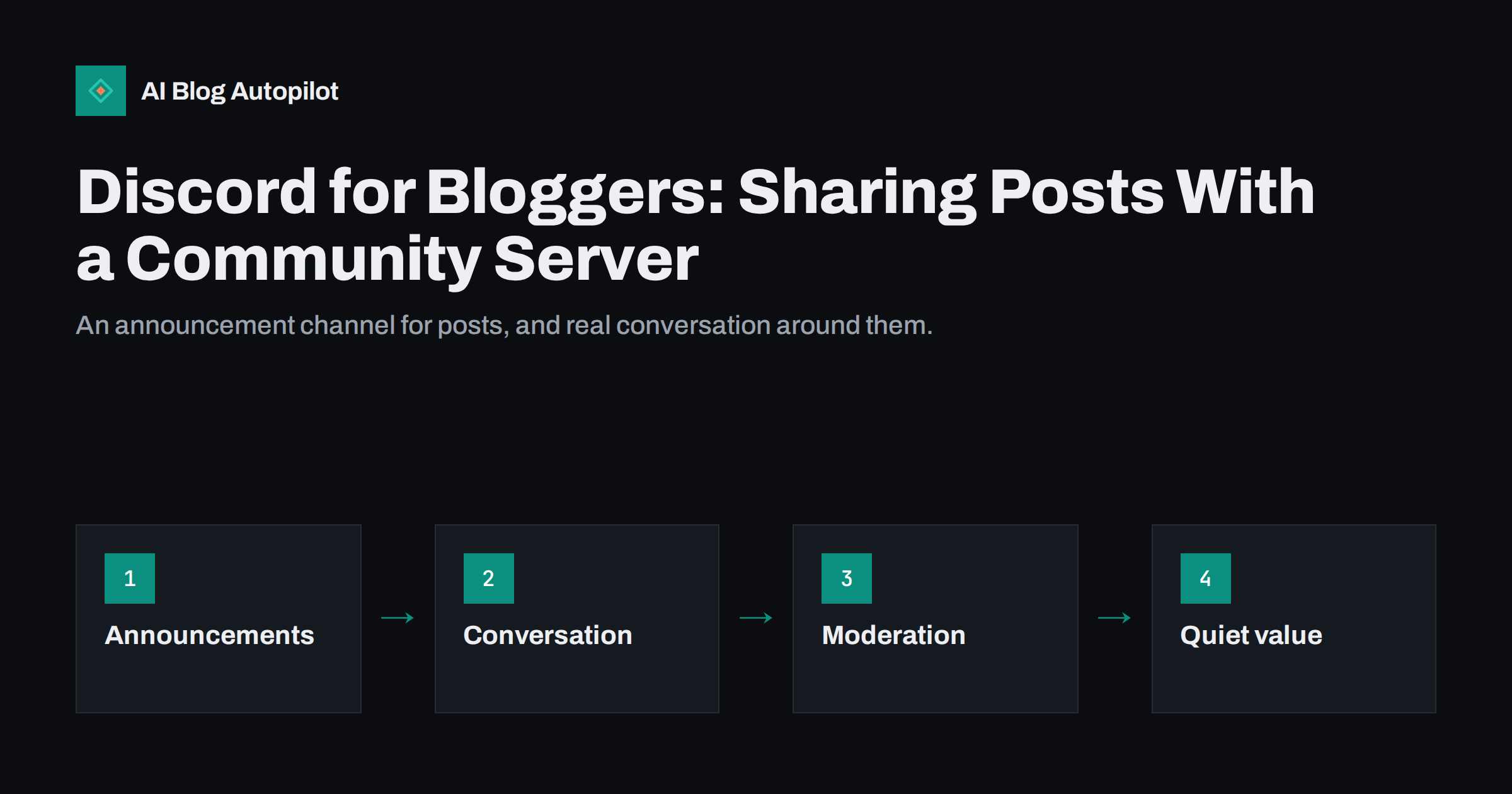
Short answer: Discord works for bloggers who want a closer community of regular readers rather than broad reach. Create a small server with a read-only announcement channel where every new post appears automatically, a few discussion channels around your topics, clear rules and basic moderation. Invite readers from your blog and newsletter, take part in the conversation yourself, and use the server for feedback and questions that become future articles. It suits hobby, gaming, tech, creative and learning topics best, and needs regular attention to stay alive.
Most social networks are built for reaching strangers. Discord is built for talking with people who already chose to be there. That makes it a poor tool for discovery but a very good one for turning occasional readers into a community. If your blog has loyal readers who comment, email you or ask questions, a Discord server can give them a place to talk with you and with each other. This guide covers when it is worth it, how to set it up and how to share posts there without annoying anyone.
What Discord is good for, and what it is not
Discord organises people into servers, each with its own text and voice channels. Members see messages from the servers they have joined, and there is no public timeline where your posts reach new people the way they do on other networks.
That shapes what it can do for a blog:
- Good for: keeping regular readers informed about new posts, discussions about your topic, quick questions and answers, feedback on drafts or ideas, events such as live Q&A sessions, and a sense of belonging around your blog.
- Not good for: reaching people who have never heard of you, search visibility or large referral traffic.
Topics with natural communities do best: gaming, programming, technology, design, writing, music, education, crafts, fitness and many hobbies. A blog for a local plumbing business is unlikely to need a Discord server; a blog about home automation or language learning might thrive with one.
It is also worth knowing that conversations in a Discord server are not public web pages. Search engines do not index them, and members cannot easily find an old answer unless the server is well organised. That is one more reason to turn the best discussions into blog articles, where they become searchable and useful to everyone, not only to the people who happened to be online that day.
Is a server worth starting?
Before creating a server, ask a few honest questions:
- Do readers already talk to you? Comments, replies and emails suggest people want conversation. Silence suggests a server would be silent too.
- Can you show up regularly? A community needs someone to welcome new members, answer questions and keep discussions going, at least in the beginning.
- Does your audience use Discord? Some audiences live there; others have never installed it.
- Is there a reason to join beyond announcements? If the server only repeats your posts, a newsletter or RSS feed does that job with less effort.
If the answers are mostly yes, start small. An empty server with fifteen channels feels abandoned; a small one with three active channels feels cosy.
A simple server structure
For a blog community, a handful of channels is enough to begin with:
- welcome or rules: what the server is for, the rules, and how to get started.
- new-posts: a read-only channel where each new article appears with its title, a short description and the link.
- general: open conversation about your topic.
- questions: a place for members to ask for help, which is often where the best article ideas come from. A forum channel keeps each question in its own thread.
- feedback or ideas: suggestions for future posts and comments on recent ones.
Add more channels only when a topic keeps coming up and starts crowding the general channel. Use roles to mark yourself, moderators and perhaps long-standing members, and set permissions so only you or your tools can post in the announcements channel.
Sharing new posts in the server
The announcement channel is where the blog and the server meet. A few habits make it useful rather than noisy:
- One message per post. Title, two or three sentences on what it covers and who it is for, and the link.
- Let the link preview work. Discord builds an embed from your page’s Open Graph tags, so a good title, description and featured image on the blog side make each announcement look right.
- Post automatically if you can. Discord webhooks let tools post messages to a channel without a bot account, which is how most automatic announcements work.
- Start a thread for discussion. Opening a thread under each announcement, or a matching post in the general channel, gives members an obvious place to react.
- Use mentions sparingly. Notifying everyone for each post quickly makes people mute the server. Let members opt in to a “new posts” role if they want notifications.
If your server is set up as a Community server, announcement channels can be followed by other servers, so a partner community can receive your new posts in one of its channels.
Consider what happens when you publish several posts in one day or week. A burst of five announcements in an hour pushes conversation out of view and makes the channel feel like a feed. Spreading announcements out, or grouping a busy week into one round-up message with links to each article, keeps the channel readable and gives each post a fair chance of being noticed.
Turning readers into members
People rarely find a Discord server by chance. You need to invite them:
- Add an invite link to your blog’s sidebar, footer or about page, with one sentence on what members get.
- Mention the server at the end of articles where discussion is likely, such as tutorials, opinion pieces or project write-ups.
- Invite newsletter subscribers, who are already your most engaged readers.
- Link it from your other social profiles.
- Use a permanent invite link that does not expire, and check it still works from time to time.
Give people a reason to join that they cannot get elsewhere: early access to posts, a chance to ask you questions directly, occasional live sessions, behind-the-scenes notes or a place to share their own work.
Keeping conversation alive
The hardest part of a small server is the early months, when there are few members and long silences. What helps:
- Be present. Welcome new members by name, answer questions and post a few conversation starters each week.
- Ask specific questions. “What tool do you use for X?” gets more answers than “What do you think?”
- Bring the blog into the conversation. Share a draft idea and ask for input, or ask members which topic they want next.
- Bring the conversation into the blog. Turn good questions into articles and credit the members who asked, with their permission.
- Hold occasional events. A monthly voice or text Q&A gives people a reason to come back.
Do not measure success by member count alone. Fifty people who talk regularly are worth more than two thousand who joined once and muted the server.
Rules, moderation and safety
Even small servers attract spam bots and the occasional difficult member. Set things up before problems appear:
- Write short, clear rules and ask members to accept them when joining.
- Turn on Discord’s built-in safety settings, such as verification levels and AutoMod filters for spam and harmful content.
- Restrict who can post links or mention everyone, especially for new members.
- Appoint at least one trusted moderator besides yourself once the server grows.
- Deal with problems calmly and consistently, and remove spam quickly.
Remember that members share personal messages in your space. Be clear about what the server is for, never share members’ messages outside without permission, and follow Discord’s own guidelines for communities.
Moderation also covers the tone you set yourself. If you respond to criticism of an article with curiosity rather than defensiveness, members learn that honest feedback is welcome, and the server becomes a place where you hear things you would never see in comments or analytics.
Measuring whether it is working
Discord’s server insights show joins, leaves, active members and message activity for servers that meet certain requirements. Combine them with your own observations:
- Are the same members coming back and talking?
- Do announcements get reactions and replies?
- Are there questions you could answer in articles?
- Do visits from Discord to your blog show up in analytics, ideally tagged with UTM parameters?
After three to six months, decide honestly. If the server has become a lively place, invest more. If it is quiet despite your efforts, it is fine to keep only the announcement channel or to close it and focus elsewhere.
How AI Blog Autopilot helps
AI Blog Autopilot publishes SEO articles to your WordPress blog and shares every one to the social networks you connect, with Discord among the 58+ networks it posts to. Each network gets its own text and timing, so your announcement channel stays up to date while you spend your time on the conversation. Network limits per plan are on the pricing page.
Related reading
- A Telegram Channel for Your Blog: Setup and Posting
- Building a Newsletter From Your Blog Posts
- Sharing Blog Posts on Reddit Without Getting Banned
- Turning Customer Questions Into Blog Topics
The bottom line
Discord is not a traffic machine, but it can turn regular readers into a community. Start a small server with a read-only channel for new posts, a few discussion channels and clear rules, invite readers from your blog and newsletter, and take part yourself. Share each article once with a good preview and a thread for discussion, turn members’ questions into future posts, and judge the server by how many people talk rather than how many joined.
GYIK
Is Discord good for promoting a blog?
It is better for building a community of existing readers than for reaching new people. There is no public feed for discovery, but a server gives loyal readers a place to discuss your posts and ask questions.
How do I share blog posts on Discord automatically?
Most tools use Discord webhooks, which post messages to a chosen channel. Point the webhook at a read-only announcement channel so each new post appears with its title, description and link preview.
What channels should a blog Discord server have?
Start with a welcome or rules channel, a read-only new-posts channel, a general discussion channel and a questions channel. Add more only when a topic keeps coming up.
How do I get people to join my Discord server?
Add a permanent invite link to your blog, newsletter and social profiles, mention it in articles that invite discussion, and give members something extra, such as direct questions, early access or occasional live sessions.
How do I keep a small Discord server active?
Be present in the early months, welcome new members, ask specific questions, share ideas for future posts and hold occasional events. Turning members’ questions into articles shows that taking part matters.