ENEnglish
 LTLietuviškai
 DEDeutsch
 FRFrançais
 RUРусский
 ESEspañol
 PLPolski
 ITItaliano
 UKУкраїнська
 CSČeština
 PTPortuguês
 JA日本語
 LVLatviešu valoda
 ETEesti
 HUMagyar
 IDBahasa Indonesia
 TRTürkçe
 HIहिन्दी
 ELΕλληνικά
 ARالعربية
 THไทย
 VITiếng Việt
 RORomână
 MSBahasa Melayu
 BNবাংলা
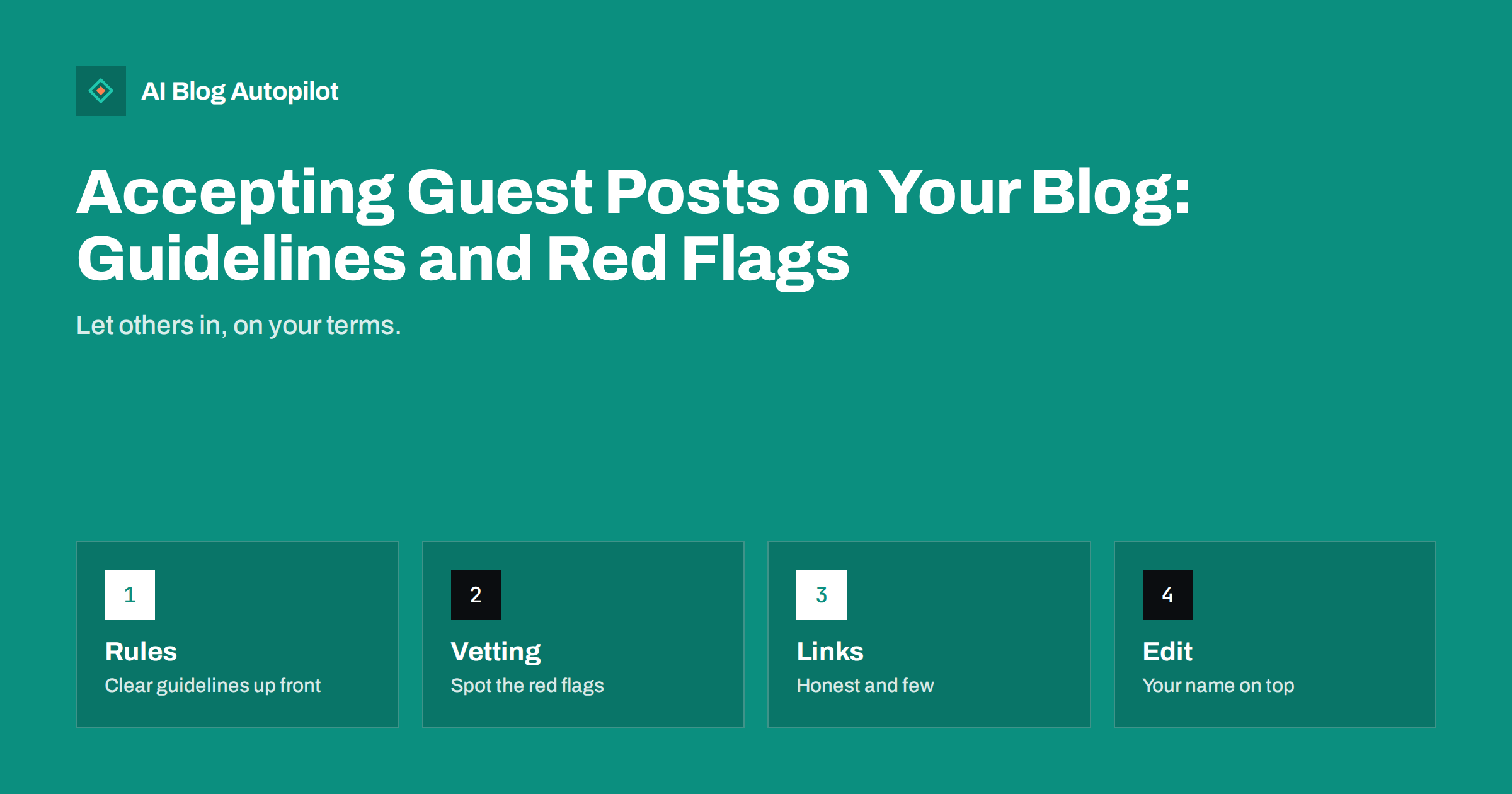
Short answer: accept guest posts only from people who can offer something your readers need, and say so in written guidelines. Check each pitch for originality and expertise, edit as you would your own writing, keep links few and relevant, mark sponsored links properly and be ready to refuse anything that looks like a link-selling scheme.
Guest posts can bring fresh knowledge to a blog. An expert in a field you only touch can add depth, and a customer can share a story you could not tell yourself. But an open door attracts a flood of low-quality pitches, many of them written only to place a link.
This guide looks at guest posting from the host’s side. If you want to write guest posts for other sites, see our guide to what still works in guest posting. Here the focus is on how to set rules, judge pitches, edit and protect your blog from content that harms it.
Decide whether you want guest posts at all
Begin with your reasons. Good reasons include adding expert voices, covering topics outside your own experience, building relationships with partners and giving customers a platform. Weak reasons include filling a calendar because you are short of time or hoping that others will bring you links.
Consider the cost. Each guest post needs reading, checking and editing, and that can take as long as writing a short piece yourself. If you receive many unwanted pitches, the time spent replying adds up. Decide how many guest posts you would accept in a year, and say no to the rest without guilt.
Remember that your name and reputation sit on the page. Readers do not distinguish between what you wrote and what you published. If a guest article is poor, misleading or promotional, it reflects on you. If you cannot review a topic well, do not publish a guest article on it. The advice on an editorial policy page can help you decide the standards.
Write guidelines and publish them
Clear guidelines save time. Put them on a page and link to it from your contact page. State the topics you want, the topics you do not, the length, the style and the level of detail. Explain how to pitch: a short summary of the idea, a few lines about the author and links to previous work.
Set rules on links. Say how many links are allowed, that they must be relevant and useful to readers and that you may add rel attributes or remove links at your discretion. State that you do not publish content in exchange for payment unless you label it clearly as sponsored.
Describe your editorial process. Say that you will edit for clarity, accuracy and style, that you may change the title and that you will agree a publication date. Explain who owns the copyright and whether authors may republish elsewhere. The guide on plagiarism and originality covers the checks.
Red flags in pitches
Some signs show quickly that a pitch is about links, not readers. The message does not mention your blog by name or refers to it in generic terms. It offers a topic that has nothing to do with your subject. It asks which links are allowed, how much you charge, or whether you accept “dofollow” links before any discussion of ideas.
Other warning signs include articles already written and sent as attachments, bylines for people who cannot be found, an author photo that looks stock, and a suggestion that you can publish the piece under your own name. Pitches from addresses with generic names and many identical messages across the web are another sign.
Check the sender. Search for the author’s name, look for a real profile, previous articles on respected sites and relevant expertise. If the person has written the same article on twenty blogs with only the brand name changed, decline. A short, polite standard reply saves time.
Check quality and originality
Ask for a unique article that has not been published elsewhere. Run a quick search for key sentences to check that it is not copied, and look carefully for text that seems generic or written by a machine with no real expertise. Content that merely repeats common advice adds nothing for readers.
Check facts and sources. Verify claims, numbers and quotations, and ask for links to sources. If the author cannot support a statement, remove it. Read the article as a reader who knows little about the subject and ask whether they would learn something real. The guide to fact-checking content before you publish lists the steps.
Look at fit. A guest post should match the tone and level of your blog. If it needs a full rewrite to fit, decide whether it is worth the effort. It is perfectly acceptable to decline an article that is well written but wrong for your readers.
Pay attention to where guest authors want to send readers. A link to an author’s own helpful resource, such as a study, a tool or a related guide, can be a service to the reader. A link to a page whose only purpose is to sell something, or to a site on an unrelated subject, serves nobody except the sender. Ask yourself whether the link would be there if no link benefit existed.
Handle links honestly
Links are the heart of the matter. A guest author may reasonably link to their own site once or twice, and perhaps to a source. Everything else should serve readers. Remove links to unrelated commercial pages, and be sceptical of links with exact-match anchor text that reads awkwardly in the sentence.
If an author has paid or been paid, or if there is any other commercial arrangement, the links must be marked as sponsored, and the article should say so. Search engines publish guidance on this, and breaking it risks penalties. The article on nofollow, sponsored and UGC links explains the attributes.
Keep a log of the guest posts you publish and the links in them. Review it from time to time, because sites linked to in the past can change owner or purpose. Remove or mark any link that no longer serves readers.
Edit as you would your own work
Edit every guest post. Fix errors, tighten sentences, check headings, add internal links to your own relevant pages and make sure the article answers its question early. Keep the author’s voice where possible, but do not hesitate to change anything unclear or inaccurate.
Add an author box with a short biography, a photo if provided and one link to the author’s profile or site. State clearly that the article is by a guest, so readers know who is speaking. The guide to author bios and bylines helps with the format.
Agree the final version with the author before publication, and make clear that later changes by the author should be requested through you. Avoid disputes by recording the agreement in an email. After publishing, share the post and thank the author, which builds goodwill.
Think about the relationship, not only the article. A good guest author can become a regular contributor, a speaker at your events or a source of introductions. Keep a simple list of contributors, the topics they know and how their pieces performed, and stay in touch with those who did well. Treat them as partners, and they are more likely to share the post with their own audience.
Offer something in return that is honest and proportionate: a clear byline, a link to their profile, promotion on your social networks and perhaps a mention in your newsletter. You do not need to pay for editorial content, but you should respect the effort involved, especially for experts who give their time.
Plan for problems after publication
Things can go wrong after a guest article is live. The author may ask to change links later, the claims may turn out to be wrong, or a link target may change to something unsuitable. Decide in advance that you may edit or remove a guest post at any time, and say so in your guidelines.
Check older guest posts once a year. Test links, confirm that the facts are still right and refresh anything out of date. If an article is no longer accurate and cannot be fixed, remove it and redirect the address to a sensible page. See handling corrections for how to be open about changes.
Watch your search performance too. If pages with guest content start to attract spam links or lose visibility, review the pattern. Guest posts that exist only for links tend to stand out in time.
What to say when you decline
Prepare a short, polite reply for pitches you will not accept. Thank the sender, say that the idea does not fit your current plans, and point to your guidelines in case they want to try again with something more suitable. Avoid detailed critique unless the pitch was close; long replies encourage long conversations.
For obvious link schemes, you need not answer at all. A quick filter that moves such messages to a separate folder saves time. If the same sender returns repeatedly, block the address.
Keep a record of pitches you accepted and declined, with a line on why. After a year, you will see which kinds of idea fit your blog best, and you can improve your guidelines to attract more of them. That is the real purpose of guidelines: to bring in contributions that readers value and discourage the rest.
How AI Blog Autopilot helps
If you cannot produce enough of your own articles to keep a blog active, accepting weak guest posts is not the answer. AI Blog Autopilot writes full articles on your topics and shares them to your networks, so you can accept guest posts only when they truly add something. See the plans for details.
Related reading
The bottom line
Accept guest posts only when they help your readers, publish clear guidelines, vet and edit every piece, keep links honest and few, and be prepared to say no.
GYIK
Should a small business blog accept guest posts?
Only if they add real value for your readers and you have time to vet and edit them. Otherwise it is fine to decline.
What are the biggest red flags in a guest post pitch?
Generic messages, off-topic ideas, early questions about links or payment, unverifiable authors and articles already written for many sites.
How many links should a guest post include?
Few and relevant. One or two links to the author’s own site plus useful sources is usually plenty.
Do I need to label sponsored guest posts?
Yes. If money or other value changed hands, label the post and mark the links as sponsored.
Can I edit or remove a guest post later?
Yes, and you should say so in your guidelines so authors know that you may update or remove content.