ENEnglish
 LTLietuviškai
 DEDeutsch
 FRFrançais
 RUРусский
 ESEspañol
 PLPolski
 ITItaliano
 UKУкраїнська
 CSČeština
 PTPortuguês
 JA日本語
JA日本語 LVLatviešu valoda
 ETEesti
 HUMagyar
 IDBahasa Indonesia
 TRTürkçe
 HIहिन्दी
 ELΕλληνικά
 ARالعربية
 THไทย
THไทย VITiếng Việt
 RORomână
 MSBahasa Melayu
 BNবাংলা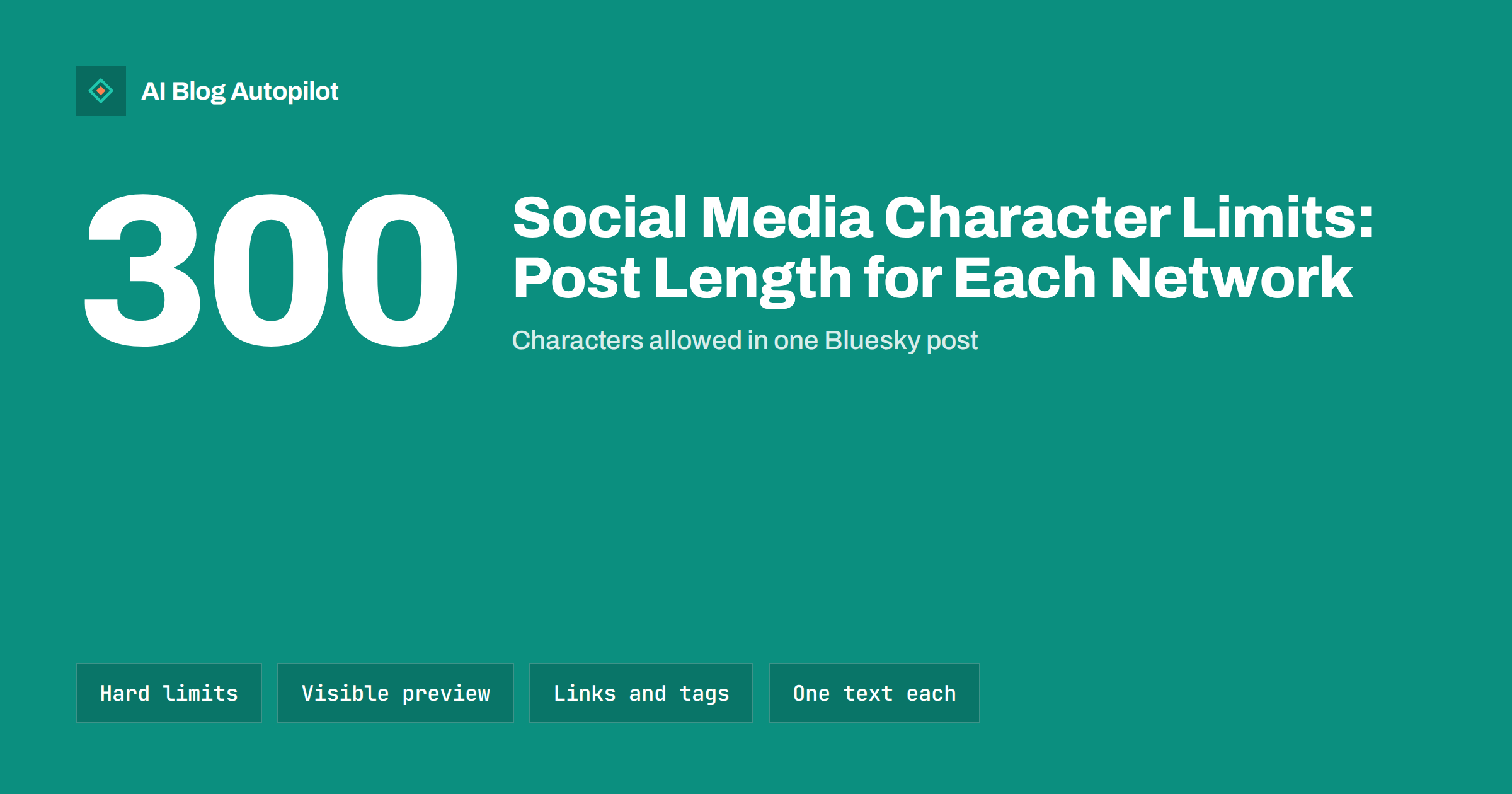
Short answer: common post limits are 280 characters on X for standard accounts, 300 on Bluesky, 500 on Threads and on most Mastodon servers, 3,000 on LinkedIn, 2,200 for an Instagram caption, 500 for a Pinterest description with a 100-character title, and 4,096 for a Telegram message. Facebook allows very long posts. The more useful number is how much readers see before the text is cut off, which is often only the first line or two, so put the point and the reason to click at the start.
Anyone who shares blog posts on several networks runs into character limits sooner or later. A post that fits LinkedIn comfortably is far too long for Bluesky, and a short X post looks thin on Facebook. This guide lists the limits that matter for sharing articles, explains what counts towards them and shows how to write one share per network without rewriting everything from scratch.
Character limits on the main networks
These are the commonly documented limits for standard accounts at the time of writing. Networks change them from time to time, and paid tiers sometimes allow more, so check each network’s own help pages if a number is critical for you:
| Network | Main post limit | Notes for blog shares |
|---|---|---|
| X | 280 characters | Paid subscribers can post much longer; links use a fixed shortened length |
| Bluesky | 300 characters | Link cards do not use the text limit when the link is attached as a card |
| Threads | 500 characters | A link preview can be added; short, conversational text works best |
| Mastodon | 500 characters by default | Each server can set its own limit, some allow far more |
| 3,000 characters | Text is cut after the first few lines with a “see more” link | |
| Very long posts allowed | Only the first lines show in the feed before “see more” | |
| 2,200 characters per caption | Up to 30 hashtags; links in captions are not clickable | |
| 100-character title, 500-character description | Only the start of the description is usually visible | |
| Telegram | 4,096 characters per message | Captions on photos are shorter, 1,024 characters for standard accounts |
| 300-character title | Long text posts are allowed; each community sets its own rules | |
| Discord | 2,000 characters per message | Longer for paid accounts; server rules matter more than the limit |
For blog shares, you rarely need to go near the maximum on the long-form networks. The short networks are where limits actually shape what you write.
The limit is not the length readers see
Most networks show only the start of a post in the feed. On LinkedIn and Facebook, a longer post is cut after a few lines and the reader has to tap “see more”. On Instagram, a caption usually shows only its first line or so under the image. On Pinterest, the description is shortened in most views.
That changes how you should write a share:
- Put the point first. The opening line should say what the article helps with or what the reader will learn.
- Do not start with filler. “New post on the blog!” uses the most valuable space on the least useful words.
- Treat the rest as optional. Readers who expand the post want detail; readers who do not should still understand why the article matters.
A useful test: cover everything after the first 120 characters or so and ask whether the visible part would make you click.
What counts towards the limit
Character counts are less simple than they look:
- Links: some networks count a link at a fixed length regardless of the real URL, others count the full address, and some show the link as a preview card that does not use the text limit at all.
- Hashtags and mentions: these count as normal characters. Five long hashtags can take a large share of a 300-character post.
- Emoji: some networks count an emoji as more than one character, so a post full of emoji can hit the limit sooner than expected.
- Non-Latin scripts: some networks count characters in certain languages differently, so posts in Japanese, Chinese or Korean may have different effective limits.
- Line breaks: these usually count as characters too.
If a post is close to the limit, paste it into the network’s own composer before relying on any external counter.
How long a blog share should be on each network
The best length is usually far below the maximum. Practical ranges for sharing an article:
- X and Bluesky: one or two short sentences: the main insight and why it matters, plus the link. Leave room so the post does not feel crammed.
- Threads and Mastodon: two to four sentences in a conversational tone. A question or an opinion invites replies better than a headline.
- LinkedIn: a short paragraph or a few lines with a clear takeaway, sometimes with a short list. Professional readers respond to a specific insight more than to a summary of the article.
- Facebook page: two to four sentences that explain who the article is for, with the link preview doing the visual work.
- Instagram: a caption that stands on its own, because the link is not clickable. Tell readers where to find the article, such as the link in your profile.
- Pinterest: a clear title with the main keyword and a description of one or two sentences that says what the reader will get.
- Telegram: a short message with the headline, one or two lines of context and the link. Followers get notifications, so respect their attention.
Writing one share per network without starting over
Writing a separate text for each network sounds like extra work, but it can be quick if you start from the right material:
- Write one core sentence that captures the article’s main insight in plain words.
- Write one supporting sentence that explains why it matters or who it is for.
- Use the core sentence alone for the shortest networks.
- Use both sentences plus a question or a short list for the longer networks.
- Adjust tone, keeping it more formal on LinkedIn, more conversational on Threads and Mastodon, more visual on Instagram and Pinterest.
This avoids the most common mistake: posting the same long text everywhere, which gets cut off on short networks, or posting the same short text everywhere, which looks thin on long-form ones.
Hashtags and links inside the limit
On short networks, every character spent on hashtags is a character not spent on the message. One or two relevant hashtags are usually enough on X, Bluesky, Threads and Mastodon, where some communities rely on hashtags for discovery. On LinkedIn, a few relevant hashtags at the end are common. Instagram allows many more, but a handful of specific ones is usually more useful than the maximum.
Links work differently too. Where the network creates a preview card, you do not need to repeat the article title in the text; the card shows it. Where links are not clickable, as in Instagram captions, do not paste a long address that readers cannot use.
Threads of several posts
When an article deserves more than one short post, a thread on X, Bluesky or Threads can carry the main points one by one. Keep each post readable on its own, put the link in the first or last post, and do not split a single sentence across posts just to fit more in.
Previews deserve a final check before you publish. If a post looks fine in the composer but the link card shows an old image or the wrong title, the problem is usually in the article’s own sharing tags rather than in the post text, and fixing those tags once improves every future share.
Common mistakes with post length
- Cutting mid-word or mid-sentence because a tool trimmed the text automatically.
- Burying the point below the visible preview on LinkedIn and Facebook.
- Too many hashtags on short networks, leaving little room for the message.
- Repeating the title that the link card already shows.
- Ignoring server differences on Mastodon, where limits and norms vary.
Testing which length works for your audience
General guidance gives you a starting point, but your own followers decide what works. A simple test takes a few weeks. For one network at a time, alternate between a very short share, a single sentence with the link, and a fuller share of three or four sentences with a clear takeaway. Keep the topics and timing similar so length is the main difference.
After a month, compare link clicks, replies and reactions per post rather than totals. On some accounts short shares win because readers scroll fast; on others, especially on LinkedIn, a fuller post that explains one insight earns more discussion and more clicks. Keep the pattern that performs better, then test again a few months later, because audiences and feeds change over time.
How AI Blog Autopilot helps
AI Blog Autopilot shares every article it publishes to your social networks and gives each network its own text, length and timing, so a short network gets a short post and a long-form network gets more context. It supports 58+ networks, and it can also run social-only without a website. See the pricing page for which networks each plan includes.
Related reading
- Turning an Article Into Social Posts That Get Read
- Hashtags for Blog Posts on Social Media: How Many and Which
- Bluesky, Threads and Mastodon: Sharing Blog Posts There
- Turning a Blog Post Into an X Thread That Gets Read
The bottom line
Character limits range from 280 or 300 characters on the shortest networks to thousands on LinkedIn, Facebook and Telegram, but the visible preview matters more than the maximum. Put the main point in the first line, remember that links, hashtags and emoji count, and write one share per network from a single core sentence instead of pasting the same text everywhere.
FAQ
What is the character limit on X?
Standard accounts can post up to 280 characters. Paid subscribers can post much longer text, but most readers still see only the start in their feed, so short posts remain the norm for sharing articles.
How long can a LinkedIn post be?
A LinkedIn post can be up to 3,000 characters. Only the first few lines are shown before “see more”, so the opening line should carry the main point.
Do links count towards character limits?
It depends on the network. Some count a link at a fixed length, some count the full address and some show it as a preview card that does not use the text limit.
What is the best length for sharing a blog post?
Usually far below the maximum: one or two sentences on X and Bluesky, a few sentences on Facebook, Threads and Mastodon, and a short paragraph on LinkedIn.
Should I use the same text on every network?
No. A text that fits LinkedIn gets cut off on short networks, and a very short one looks thin on long-form networks. Start from one core sentence and adapt it to each network.