ENEnglish
 LTLietuviškai
 DEDeutsch
 FRFrançais
 RUРусский
 ESEspañol
 PLPolski
 ITItaliano
 UKУкраїнська
 CSČeština
 PTPortuguês
 JA日本語
JA日本語 LVLatviešu valoda
 ETEesti
 HUMagyar
 IDBahasa Indonesia
 TRTürkçe
 HIहिन्दी
 ELΕλληνικά
 ARالعربية
 THไทย
THไทย VITiếng Việt
 RORomână
 MSBahasa Melayu
 BNবাংলা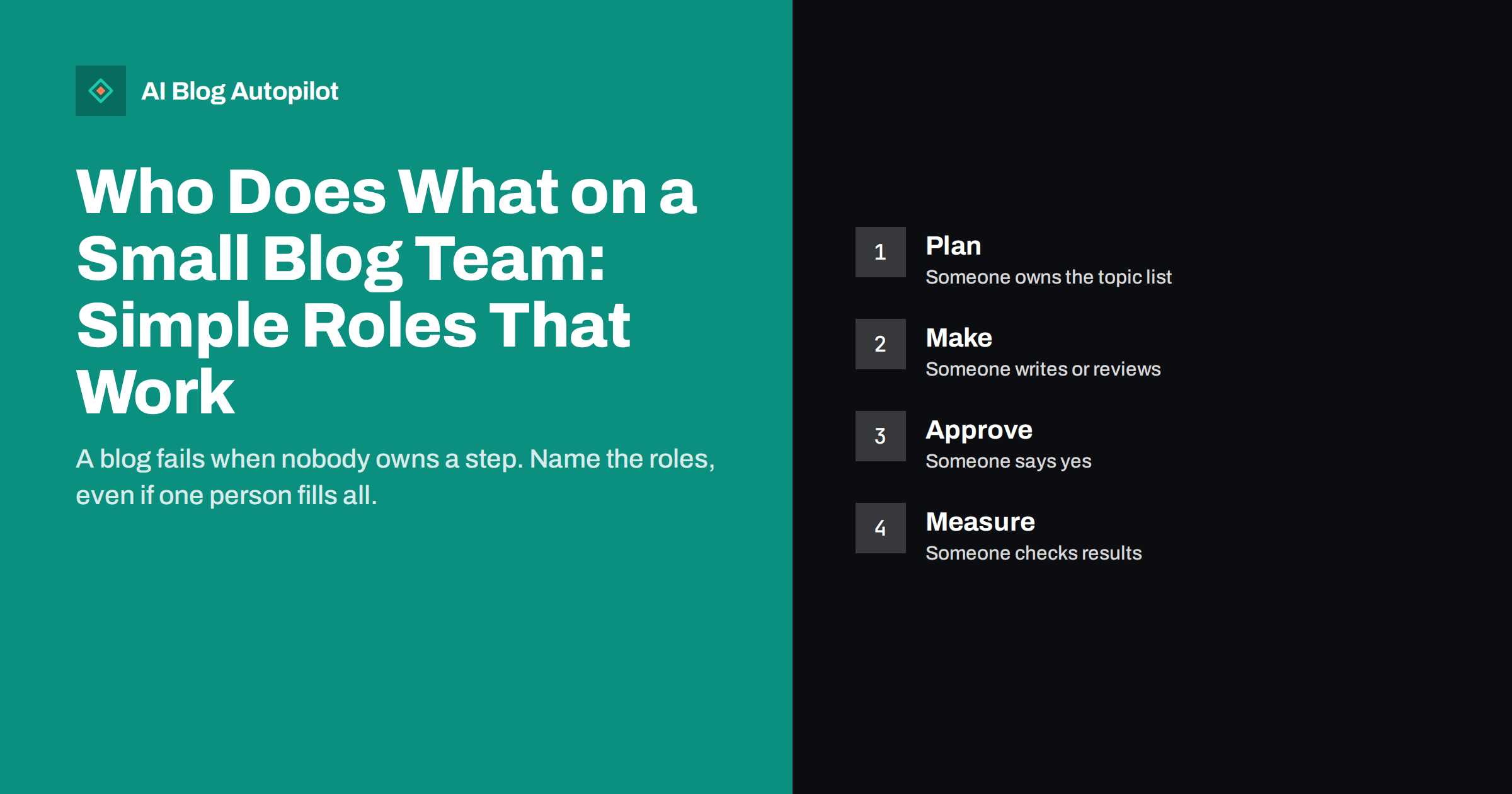
Short answer: a small blog needs six jobs done: choosing topics, writing or producing drafts, editing and fact checking, approving, publishing and sharing, and measuring results. In a team of one, one person holds every job. In a team of three, each person may hold two. What matters is that every job has a name next to it, so that nothing is left to chance.
Blogs often start with enthusiasm and then slow down because nobody is sure who should do the next step. One person thinks that another is checking facts, the writer assumes someone will schedule the post and nobody reads the results. This article describes the roles in plain language, shows how to share them in teams of different sizes and gives a one-page template that you can fill in this week.
If you work with a tool that helps produce content, the same logic applies: the tool does a task, and a person owns the result. Writing that down keeps the standard of your blog tied to people who care about it.
Why roles matter
A role is simply a clear responsibility. When it is missing, tasks fall between people. A post waits for approval that nobody knows they must give, a topic list becomes out of date because no one owns it, or an old article stays wrong because no one is in charge of updates. These are small problems that add up to a blog that stops.
Roles also reduce stress. People know what is expected of them and what is not. They can say no to a request that belongs to someone else and yes to the work that is theirs. In a small team, this is more helpful than long meetings.
It is useful to separate a role from a person or a job title. A role is a piece of work, and a person may do several of them. That is normal in a small business. The purpose is to make sure that each piece has an owner, even if the owner is you.
Do not forget the dull jobs. Renewing the domain, keeping plugins updated, checking that backups run and answering comments are small tasks, yet each can stop the blog if ignored. Give them an owner and a date in the same way as the creative work.
The six jobs of a blog
The first job is planning: choosing what to write and when. The planner keeps the topic list, links topics to the goals of the business and balances different types of posts. The second is making the content: writing, or briefing and reviewing a draft produced by a tool or a freelancer. The third is editing and fact checking: improving clarity, checking numbers and names and making sure that the text fits your style.
The fourth is approving. Someone decides that a post is ready to go live, particularly on topics that carry risk, such as health, money or claims about customers. The fifth is publishing and sharing: scheduling the post, setting up the images and tags, and sharing it to your channels. The sixth is measuring: looking at results and feeding what is learned back into the plan.
There are other tasks, such as design and technical care of the site, but these six cover the blog’s flow. Add a seventh, an owner for updates of old posts, if your site has a lot of content. The routines in a monthly blog review agenda help the measuring job.
One person, six hats
If you are the only person, you hold all roles. The risk is that you do not notice the gaps, since you do everything in your head. Write the six jobs on a page and tick them off for each post. It sounds simple, but it prevents the most common failure: skipping the editing or measuring step when you are busy.
Try to separate the hats in time. Write on one day and edit on another, because you will see errors that you could not see right after writing. Read the text aloud or in a different view. Approve with a short checklist, such as the one in the pre-publication checklist, and not only by feel.
Plan your time realistically. A blog that takes a couple of hours a week can still work if the hours are used in the right order. The article on a blog in two hours a week shows a way to split that time.
Two or three people
With a small team, split the roles by strength and by independence. The person who writes should not be the only person who checks, because writers miss their own errors. If you have two people, one can plan and approve while the other writes and publishes, and each reviews the other’s work in one step.
With three people, you can have one owner for planning and measuring, one for making and editing and one for approving and publishing. Rotate if the load is uneven. Make sure that each person knows who covers when someone is away. A simple holiday plan avoids gaps in publishing.
Document how work moves from one person to the next: where drafts live, how comments are given and how a post is marked as ready. A simple shared document or a board with a few columns is enough. Our guide to a content calendar on autopilot shows how to keep a plan visible.
Working with freelancers and agencies
If you buy writing from outside, keep the planning, approving and measuring roles inside the business. Outsiders can write and even edit, but they cannot decide what matters to your customers or accept responsibility for your claims. Give them a clear brief, which the article on how to write a content brief explains, and a style guide.
Agree on who checks facts. A freelancer may research well but cannot know your private details, such as prices, terms or processes. Mark the facts that only you can confirm, and review them yourself before approval. Our article on running client blogs as an agency describes how agencies handle approvals with clients.
Review the arrangement regularly. If drafts need heavy rewriting, improve the brief or change the supplier. If approvals take too long, set a time limit for replies and agree what happens if it passes.
Roles when AI helps with drafts
When a tool produces the first draft, the roles change, but they do not disappear. Someone still plans the topics and gives the tool good instructions. Someone must edit and check the facts, because a draft can contain errors. Someone approves. The tool replaces part of the writing work, not the responsibility for what is published.
Decide how much review each type of post needs. A simple how-to may need a quick read, while a post that talks about your products or gives advice on sensitive topics needs a careful check. The options for review are discussed in editorial review: draft, approve or full auto.
Keep the human voice. Add real examples, customer questions and experience that only your team has. This is what makes a blog yours, and it is the part that cannot be handed to a tool. See how to edit AI-written drafts for a practical method.
Access and permissions
Roles in the team are different from roles in the website software, but they should match. Give each person the lowest level of access that lets them do their job. A writer may need to create drafts but not publish, an editor may need to edit all posts and a publisher may need full control over scheduling. The details are in WordPress user roles for a blog team.
Use personal accounts, not a shared login, so that you can see who did what and remove access when someone leaves. Keep a list of who has access to the site, the social accounts and the analytics tools, and review it every few months.
When someone leaves, hand over their work with notes. A short document that lists open drafts, planned topics and login details held in your password manager saves weeks of confusion. The guide to handing over a blog offers a checklist.
Add a line about decisions. Say who can change the topic list, who can stop a post and who decides when a post is delayed. These decisions come up often, and agreeing in advance who makes them avoids arguments when time is short.
A one-page role sheet
Write a page with six rows, one for each job. In each row, put the name of the person who owns it, who covers when they are away and what a finished job looks like. For planning, it might be an updated topic list every month. For approving, it might be a ticked checklist for each post. For measuring, it might be a short note once a month.
Share the page with everyone involved and keep it where people can find it. Review it every quarter, because work changes. If a role has no owner, fix that first. If a person holds too many roles for their time, move one to someone else or reduce the number of posts.
The sheet does not need to be fancy. Its value lies in the conversation that creates it and the clarity that follows. Many teams find that after writing it down, they notice two or three jobs that nobody was doing.
How AI Blog Autopilot helps
AI Blog Autopilot writes full SEO articles for your WordPress blog from the topics, keywords, audience and tone you set, with FAQ sections, tags and SEO meta included, and it shares each one to your social networks. It takes on the drafting work, while you keep the roles of choosing topics, approving and measuring, and approval mode lets you read each article before it is published. See the pricing page for plans.
Related reading
- Editorial Review: Draft, Approve or Full Auto?
- A Monthly Blog Review Agenda
- A Blog in Two Hours a Week
The bottom line
Name an owner for each of the six jobs: planning, making, editing, approving, publishing and measuring. One person can hold many roles, but each role must exist. Write it on one page and review it every quarter.
FAQ
How many people does a blog need?
One person can run a small blog if every job has an owner. More people help with editing and approval, not just writing.
Who should approve blog posts?
Someone who understands the business and takes responsibility for its claims, ideally not the person who wrote the draft.
Do roles change if a tool writes drafts?
The writing work shifts, but planning, fact checking, approval and measuring still need owners.
What is the most common gap?
Measuring and updating. Many blogs publish well at first and then nobody reviews results or refreshes old posts.
How often should I review roles?
Every quarter is enough for most teams, or whenever someone joins, leaves or changes their workload.