 ENEnglish
 LTLietuviškai
 DEDeutsch
 FRFrançais
 RUРусский
 ESEspañol
 PLPolski
 ITItaliano
 UKУкраїнська
 CSČeština
 PTPortuguês
 JA日本語
JA日本語 LVLatviešu valoda
 ETEesti
 HUMagyar
 IDBahasa Indonesia
 TRTürkçe
 HIहिन्दी
 ELΕλληνικά
 ARالعربية
 THไทย
THไทย VITiếng Việt
 RORomână
 MSBahasa Melayu
 BNবাংলা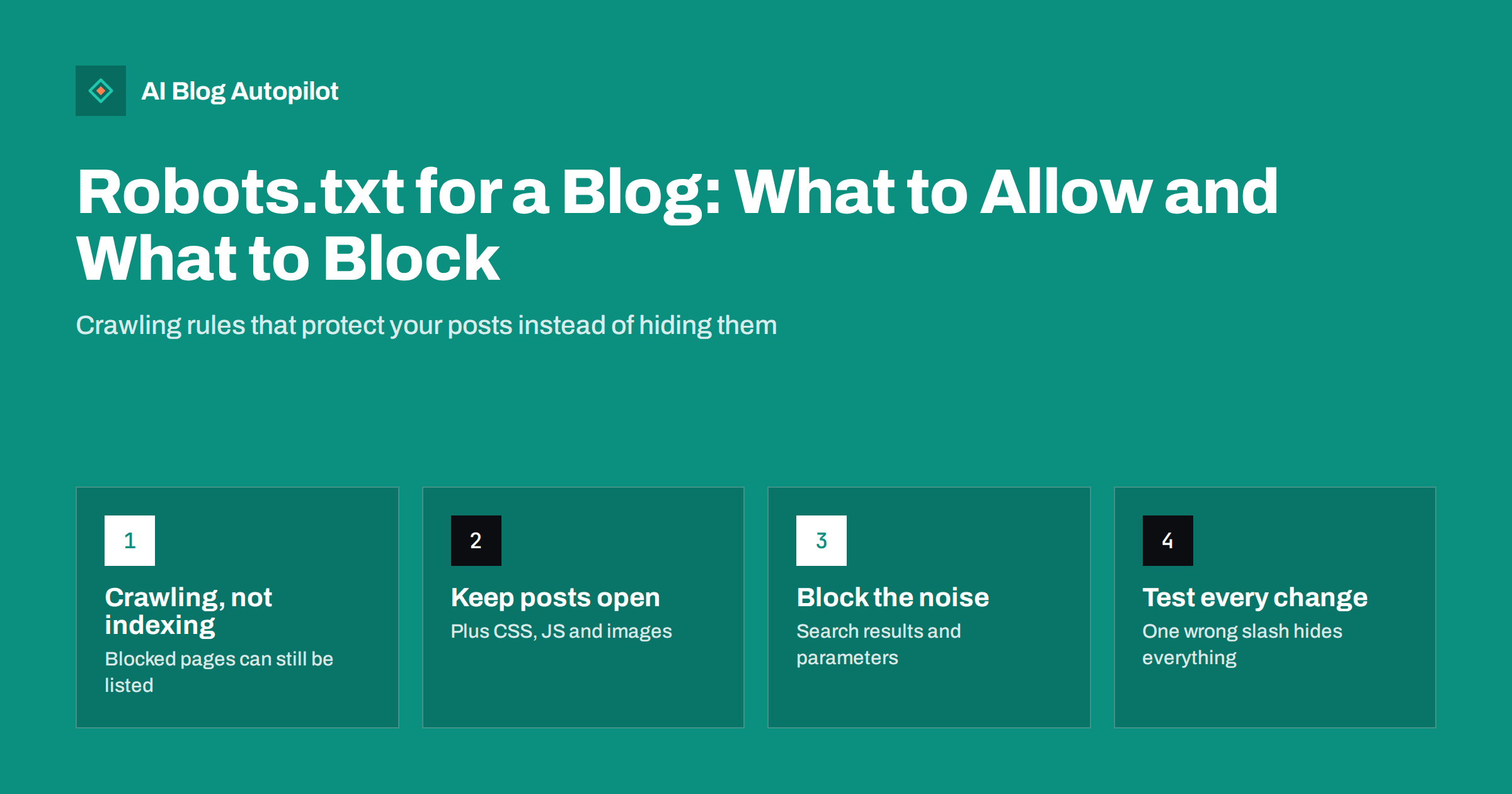
Short answer: robots.txt is a small text file at the root of your site that tells crawlers which paths they may fetch. On a typical blog it should allow everything that readers see, including posts, category pages, images, CSS and JavaScript, and block only low-value paths such as internal search results or admin areas. It controls crawling, not indexing, so it is the wrong tool for keeping a page out of search results. Most blog problems with robots.txt come from blocking too much, not too little.
Robots.txt is one of the oldest files on the web and one of the easiest to get wrong. It is short, it is invisible to readers, and a single misplaced line can stop search engines from reading your whole blog.
The good news is that a blog rarely needs anything clever. This guide explains what the file does, what a sensible version looks like, and how to check that yours is not quietly working against you.
What robots.txt actually does
When a well-behaved crawler visits a site, it first requests /robots.txt. The file contains groups of rules. Each group starts with a User-agent line naming the crawler it applies to, followed by Disallow and Allow lines listing path prefixes. An asterisk as the user-agent means the group applies to any crawler that does not have its own group.
The rules are a request, not a lock. Reputable search engines follow them. Scrapers and malicious bots may ignore them entirely, which is why robots.txt is never a security measure. Anything you genuinely want private needs a password or must not be on the public server at all.
The format is described in the Robots Exclusion Protocol, published as RFC 9309. Google also maintains a practical guide to how its crawlers interpret the file in Search Central. Both are worth a skim if you ever need something beyond the basics.
Crawling is not indexing
This is the single most misunderstood point, and it causes real damage.
Disallowing a URL tells crawlers not to fetch it. It does not tell search engines to leave it out of results. If other pages link to a blocked URL, a search engine can still list it, usually with no description, because it knows the page exists but was not allowed to read it.
To keep a page out of results, the page must be crawlable and carry a noindex directive, either as a robots meta tag in the HTML or as an X-Robots-Tag HTTP header. If you block the page in robots.txt as well, the crawler never sees the noindex, and the instruction is wasted.
So the rule of thumb for a blog is simple:
- Use robots.txt to stop crawlers wasting time on paths that produce endless or useless URLs.
- Use noindex to keep specific, crawlable pages out of search results.
- Use a password for anything that must stay private.
What a sensible blog robots.txt looks like
For most blogs, a short file is the right file. A typical WordPress setup might look like this:
User-agent: *
Disallow: /wp-admin/
Allow: /wp-admin/admin-ajax.php
Disallow: /?s=
Disallow: /search/

Sitemap: https://example.com/sitemap.xml
Reading it line by line:
- The admin area is blocked because it has no value in search, while the one admin file that front-end features sometimes call is left open.
- Internal search result pages are blocked because every search a visitor types creates a new URL, and those pages are thin duplicates of your real content.
- The
Saidikaartline points crawlers to your XML sitemap. It must be a full URL, and you can list more than one.
Everything else is allowed by default. You do not need an Allow: / line, and you should resist the urge to list every folder you can think of.
What must never be blocked
Search engines render pages much as a browser does. If they cannot load your stylesheets, scripts or images, they may see a broken or empty layout and misjudge the page, including how it works on a phone.
On a blog, keep these open:
- Posts and pages. Obvious, yet a leftover rule from a staging site sometimes blocks them.
- Theme and plugin assets. Older advice suggested blocking
/wp-content/or/wp-includes/. Do not. Those folders hold the CSS, JavaScript and uploaded images your pages depend on. - Images. Blocking the uploads folder removes your images from image search and can affect how previews look.
- Category and tag archives you want found. If an archive is weak, improve it or set it to noindex; do not hide it with robots.txt.
- Your sitemap and feed, if you rely on them for discovery.
Paths that are usually worth blocking
Blocking is useful when a path can generate a large number of URLs that add nothing. Common candidates on content sites:
- Internal search results, as above.
- Filter and sort parameters that create many versions of the same listing, such as
?orderby=on a shop-style archive. - Session or tracking parameters if your platform exposes them in links.
- Cart, checkout and account pages on sites that sell something alongside the blog.
- Staging copies, which should also be password protected, since blocking alone will not stop them being listed if someone links to them.
For a small blog, crawl efficiency is rarely a real problem. Search engines can crawl a few hundred or a few thousand posts without strain. Blocking parameters matters more on large sites or on platforms that create URL variations you did not intend.
Syntax details that trip people up
The file is simple, but a few details matter:
- Location. It must be at the root of the host, such as
https://example.com/robots.txt. A file in a subfolder is ignored. Each subdomain needs its own file. - Paths are prefixes and case-sensitive.
Disallow: /blogalso blocks/blog-news/and/blog/anything./Blog/and/blog/are different paths. - Wildcards. Major search engines support
*for any sequence of characters and$for the end of the URL.Disallow: /*?replytocom=blocks comment reply links wherever they appear. - Most specific rule wins. When an Allow and a Disallow both match, Google uses the longer, more specific rule. Other crawlers may differ slightly, so keep rules simple.
- A named group replaces the general one. If you add a group for a specific crawler, including the AI crawlers many companies now run, that crawler follows only its own group and ignores the asterisk group. Repeat any shared rules inside it.
- An empty Disallow allows everything.
Disallow:with nothing after it means nothing is blocked.Disallow: /means everything is blocked.
Also note that noindex inside robots.txt is not supported by Google. It was never an official rule and Google stopped honouring it in 2019. Put noindex on the page instead.
The mistakes that hide a whole blog
Almost every serious robots.txt incident on a blog is one of these:
- The launch leftover. A site built behind
Disallow: /goes live without the line being removed. In WordPress, the “discourage search engines” setting under Reading can have a similar effect and is easy to forget. - Blocking assets. Rules copied from old guides block theme folders, and pages render badly for crawlers.
- Blocking to deindex. Someone blocks a page to remove it from results, the page stays listed without a description, and the noindex they add later is never seen.
- A prefix that is too short.
Disallow: /pmeant for one folder blocks every URL starting with p. - A server error. If
/robots.txtreturns a server error rather than a normal page or a 404, Google may pause crawling the site until it can read the file. A missing file (404) simply means everything is allowed.
How to check and test your file
Checking takes a few minutes and is worth doing after every theme change, migration or plugin swap.
- Open the file. Visit
yourdomain.com/robots.txtin a browser. Read every line and ask what each one is for. - Check the robots.txt report in Search Console. It shows the version Google last fetched, when it fetched it, and any parsing problems.
- Inspect a few important URLs. The URL Inspection tool tells you whether crawling is allowed for a specific post. Test a recent post, an old post, a category page and an image.
- Watch the pages report. A rising count of “Blocked by robots.txt” or “Indexed, though blocked by robots.txt” usually points to a rule that is too broad or a page you should noindex instead.
- Keep a copy. Store the previous version before you edit, so a mistake can be reverted in seconds.
How AI Blog Autopilot fits in
AI Blog Autopilot writes SEO articles and publishes them to your WordPress blog on a schedule, then shares each one to your social networks. It publishes through the normal WordPress connection and does not edit your robots.txt, so the crawling rules stay entirely in your hands. Because new posts appear regularly, it pays to confirm once that your post URLs, images and theme files are open to crawlers. You can see how the publishing side works on the AI Blog Autopilot home page.
Related reading
- AI Crawlers, robots.txt and llms.txt: What Site Owners Should Know
- XML Sitemaps Explained for People Who Publish
- Setting Up a New Blog for SEO: The First Day
- Why Your Blog Posts Aren’t Ranking: Eight Real Causes
The bottom line
For a blog, the best robots.txt is short. Keep posts, archives, images and theme files open, block only paths that create endless low-value URLs, point to your sitemap, and never use the file to remove pages from search results. Check it after every significant change, because a single line can undo months of publishing.
KKK
Does every blog need a robots.txt file?
No. If the file is missing and the server returns a 404, crawlers treat the whole site as allowed. Having one is still useful because it lets you point to your sitemap and block low-value paths such as internal search results.
Can robots.txt remove a page from Google?
Not reliably. Blocking a URL stops crawling, but the page can still appear in results if other pages link to it. To remove a page, leave it crawlable and add a noindex meta tag or header, or delete it and let it return 404 or 410.
Should I block category and tag pages in robots.txt?
Usually not. If an archive page is thin or duplicated, set it to noindex or improve it with a proper description. Blocking it in robots.txt stops crawlers seeing the noindex and can also cut off a path they use to find your posts.
Is it safe to block the wp-content folder?
No. That folder contains your theme files, scripts, stylesheets and uploaded images. Search engines need them to render your pages correctly, and blocking them can make pages look broken to crawlers and remove images from image search.
How quickly do changes to robots.txt take effect?
Search engines cache the file and typically refetch it within about a day. The Search Console robots.txt report shows when Google last fetched it, and you can request a recrawl there after an urgent fix.


