 ENEnglish
 LTLietuviškai
 DEDeutsch
 FRFrançais
 RUРусский
 ESEspañol
 PLPolski
 ITItaliano
 UKУкраїнська
 CSČeština
 PTPortuguês
 JA日本語
JA日本語 LVLatviešu valoda
 ETEesti
 HUMagyar
 IDBahasa Indonesia
 TRTürkçe
 HIहिन्दी
 ELΕλληνικά
 ARالعربية
 THไทย
THไทย VITiếng Việt
 RORomână
 MSBahasa Melayu
 BNবাংলা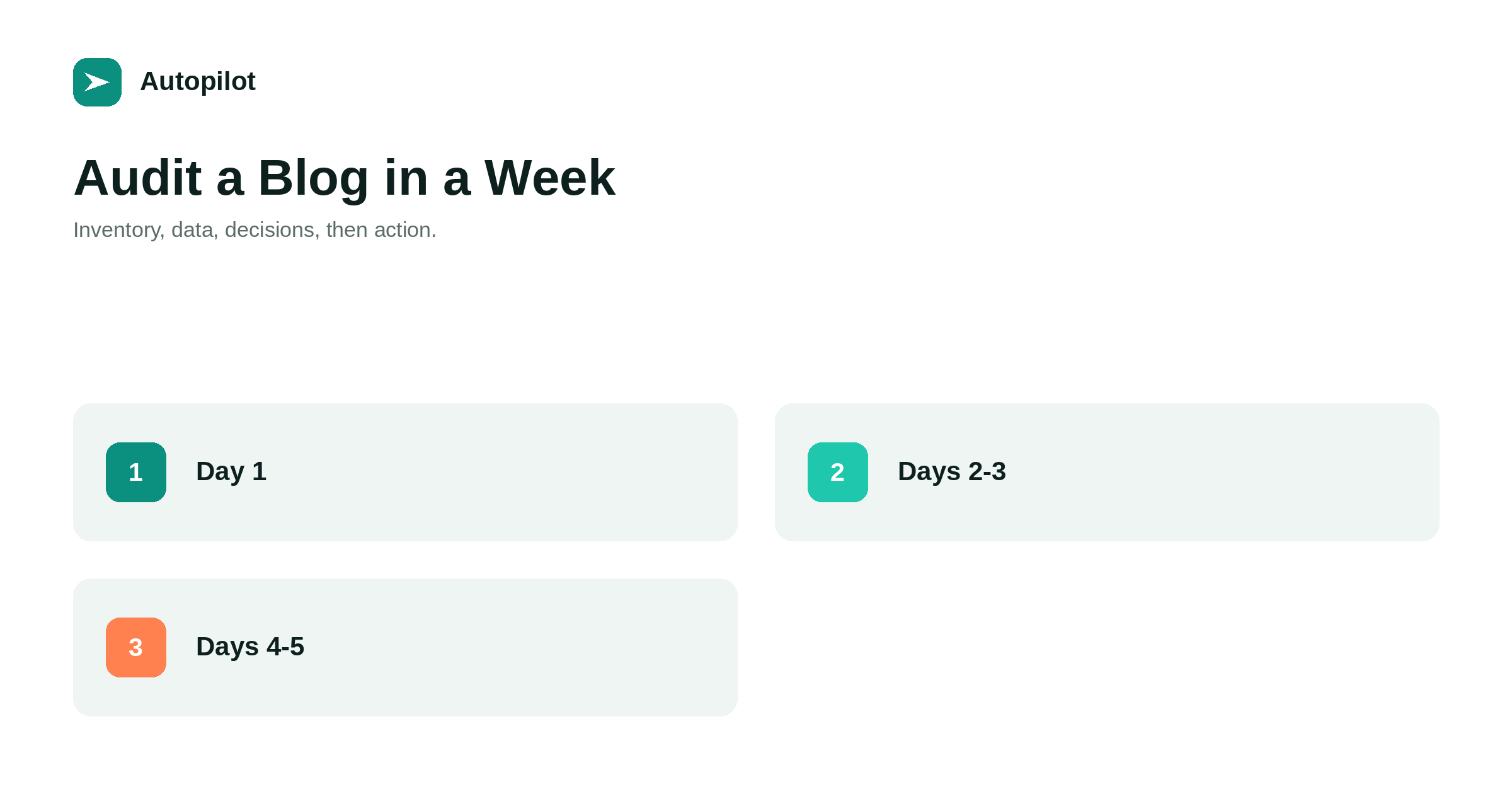
Short answer: an audit gives every published page a decision: keep as it is, improve, merge with another, or remove. Spend the first day building an inventory of every URL, the next two adding data — traffic, impressions, queries, links, age, word count, and whether it answers a distinct question — then two days deciding and prioritising. Act on the highest-value decisions first: merging competing articles, refreshing pages close to working, fixing technical problems. A blog of a few hundred posts can be audited this way in a week.
Most blogs accumulate without review. Articles are published, some work, most are forgotten, and after a few years the archive contains duplicates, outdated advice and pages nobody reads alongside the ones that do all the work.
An audit is the process of looking at everything once and deciding what each page should become. Done in a structured way, it takes days rather than months.
What an audit is for
The output of an audit is a decision for every page, and a prioritised list of actions.
| Decision | When | Action |
|---|---|---|
| Keep | Performing and accurate | Nothing, or light updates |
| Improve | Close to working, or outdated | Refresh, expand, retitle |
| Merge | Overlaps with another page | Combine and redirect |
| Remove | No value, no traffic, no links | Delete or noindex |
| Investigate | Unexpected behaviour | Check technical issues |
Without the decisions, an audit is just a spreadsheet. Without priorities, the decisions never get acted on.
Day one: inventory
List every published URL: posts, pages, category and tag archives. Your sitemap, a site crawler or an export from the CMS provides the list.
Record the title, URL, publication date, category and word count for each. a content inventory covers setting up the spreadsheet so it stays useful after the audit.
Days two and three: data
Add performance data to each row.
- Search data from Search Console: clicks, impressions, average position, top queries, over twelve months.
- Analytics: visits and, where possible, enquiries from sessions including the page.
- Links: external links and internal links pointing to the page.
- Technical status: indexed or not, canonical, response code.
Twelve months smooths seasonality. the Search Console reports that matter covers pulling the search data.
Finding overlaps
The single most valuable finding in most audits is overlap: several articles answering the same question.
Sort the inventory by primary query or topic, and look for clusters of pages with similar titles or the same top queries. Search Console’s query report, filtered by a query, shows which of your pages appear for it. Pairs and groups found this way are merge candidates, and merging them is often the change with the biggest effect — see deleting, merging or redirecting.
Days four and five: decisions
Go through the inventory and assign a decision to each page, with a short reason. Work quickly; most pages are obvious.
Be careful with removal. A page with no traffic may still have external links, serve a customer need, or support another page. Check links and purpose before deleting, and redirect rather than delete when there is any value to preserve.
Prioritising
Rank the actions by expected value and effort. High value, low effort first.
Typical high-value actions: merging competing articles, refreshing pages ranking in positions eight to twenty, rewriting titles on pages with impressions but few clicks, fixing technical problems such as accidental noindex. Low-value actions, such as tidying pages nobody visits, can wait.
Acting on it
An audit’s value comes from action. Schedule the top twenty actions over the following month, and track them in the inventory.
Record what you changed and when, so the next audit can see whether it worked. refreshing old posts covers refreshing; merges and removals should include redirects and updated internal links.
How often
A full audit once a year suits most blogs, with lighter quarterly checks of the most important pages. Blogs publishing heavily may need a lighter audit twice a year, since overlaps accumulate faster.
Keeping the inventory updated as you publish makes each audit quicker than the last.
Technical checks during the audit
While the data is gathered, a few technical checks are worth running across the whole site: pages returning errors, internal links pointing at redirects or missing pages, pages accidentally set to noindex, canonicals pointing to the wrong URL, and orphan pages with no internal links.
A site crawler finds most of these in one pass. They are often quick to fix and sometimes explain why a good page performs badly. Why posts do not rank lists the most common ones.
Auditing a very large archive
For blogs with thousands of posts, a full page-by-page review in a week is not realistic. Segment instead: audit the top ten percent of pages by traffic individually, audit the rest by category and pattern, and apply bulk decisions to groups, such as noindexing all tag archives with fewer than three posts.
Sampling helps too. Review twenty pages from a category closely; if most need the same fix, apply it across the category rather than checking every page.
Involving the team
Share the decisions with anyone who writes or sells. Writers learn which kinds of article work; sales learns which articles to use; everyone learns which subjects are already covered. An audit that stays in one person’s spreadsheet changes less than one discussed for half an hour.
Recording the baseline
Before acting, save a copy of the inventory with its data. That baseline lets you compare results after the changes and see which kinds of action helped.
What an audit cannot do
An audit improves the archive; it does not guarantee traffic gains. Some improvements show within weeks, others take months, and some do not show at all because competitors and search behaviour changed.
What it reliably produces is an archive where every page has a reason to exist, which is a better foundation for everything published afterwards.
Related reading
If this was useful, these cover the questions that usually come next.
- A content inventory — the spreadsheet the audit runs on
- Deleting, merging or redirecting — acting on the decisions
- Refreshing old posts — improving what you keep
The bottom line
Inventory every URL on day one, add twelve months of search, analytics, link and technical data over the next two days, and spend two days deciding keep, improve, merge or remove for each page. Prioritise merges, near-ranking refreshes, title rewrites and technical fixes, act on the top twenty, and repeat yearly.
KKK
What is a content audit?
A review of every published page to decide whether to keep, improve, merge or remove it, followed by a prioritised plan of action.
How long does a blog audit take?
A blog of a few hundred posts can be audited in about a week: a day for inventory, two for data, two for decisions.
What data do I need for an audit?
Search Console clicks, impressions, positions and queries; analytics visits and outcomes; external and internal links; and technical status.
Should I delete pages with no traffic?
Not automatically. Check for links and purpose first, and redirect rather than delete when there is any value.
What is usually the most valuable finding?
Overlapping articles answering the same question. Merging them is often the change with the biggest effect.
How often should I audit a blog?
A full audit yearly, with lighter quarterly checks of important pages.


