 ENEnglish
 LTLietuviškai
 DEDeutsch
 FRFrançais
 RUРусский
 ESEspañol
 PLPolski
 ITItaliano
 UKУкраїнська
 CSČeština
 PTPortuguês
 JA日本語
 LVLatviešu valoda
 ETEesti
 HUMagyar
 IDBahasa Indonesia
 TRTürkçe
 HIहिन्दी
 ELΕλληνικά
 ARالعربية
 THไทย
 VITiếng Việt
 RORomână
 MSBahasa Melayu
 BNবাংলা
#Blog setup
Setting up a blog so that the decisions made on day one do not become problems in year two. We cover permalinks, time zones, categories, the default settings worth changing and the ones you can leave. You will find what to decide before the first post, because changing it after the hundredth means redirects and cleanup. We also cover the technical basics that affect every page at once, such as HTTPS, a sitemap and making sure the site is actually indexable. Everything here applies to a standard WordPress installation.
 12 Νοε 2026 · 8 λεπτά ανάγνωσης
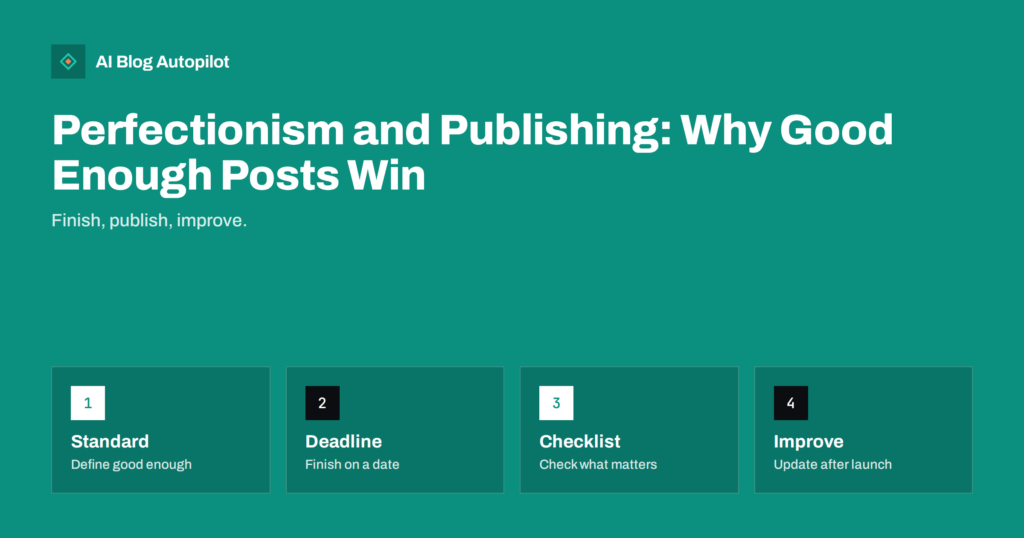
Perfectionism and Publishing: Why Good Enough Posts Win
Waiting for a perfect post means publishing nothing. Set a clear standard for good enough, finish drafts on time and improve posts after they…
 12 Νοε 2026 · 8 λεπτά ανάγνωσης
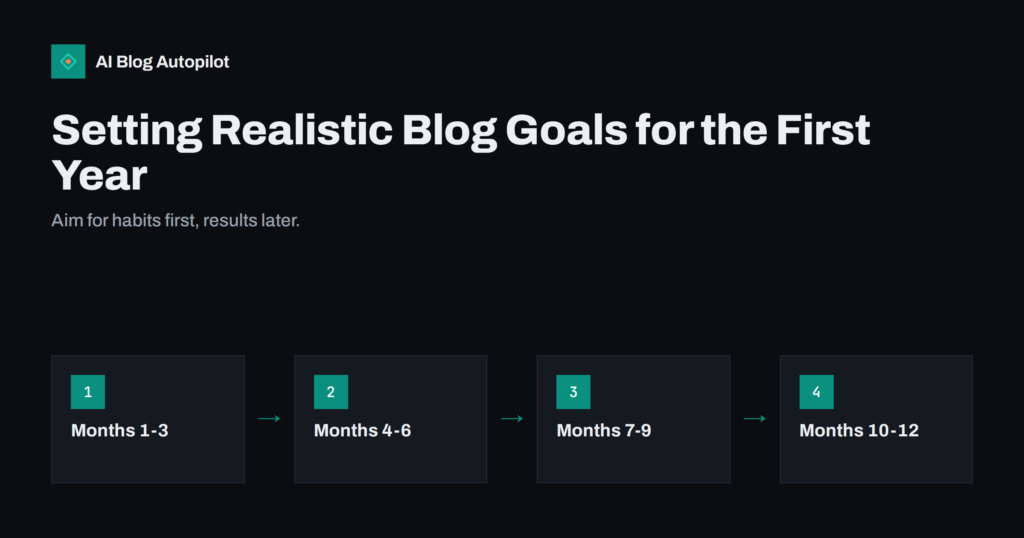
Setting Realistic Blog Goals for the First Year
What should a new business blog aim for in year one? Set goals for output, visibility, trust and leads, quarter by quarter, without chasing…
 8 Νοε 2026 · 9 λεπτά ανάγνωσης
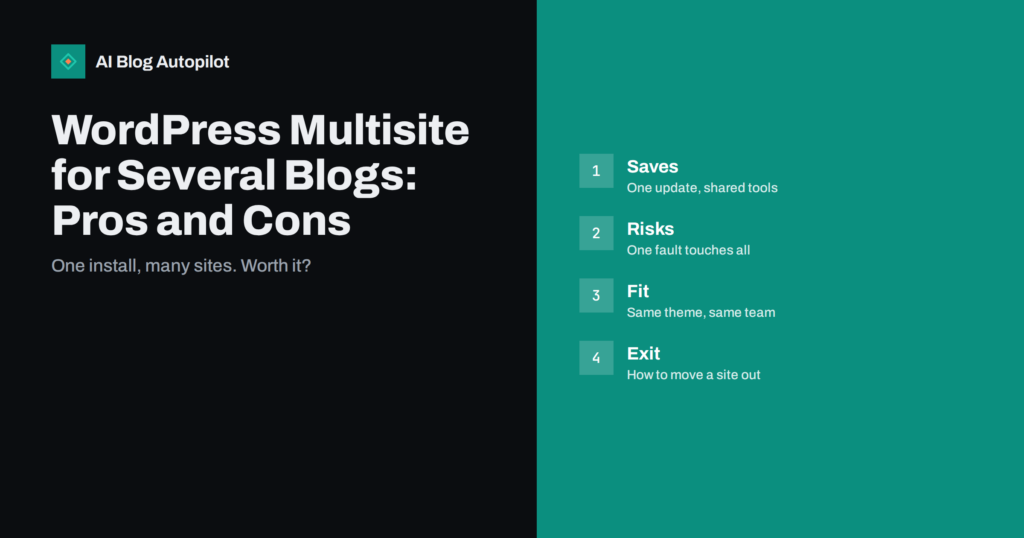
WordPress Multisite for Several Blogs: Pros and Cons
WordPress Multisite runs many sites from one install. Learn when it saves work for several blogs, where it causes trouble and when to keep…
 1 Νοε 2026 · 9 λεπτά ανάγνωσης
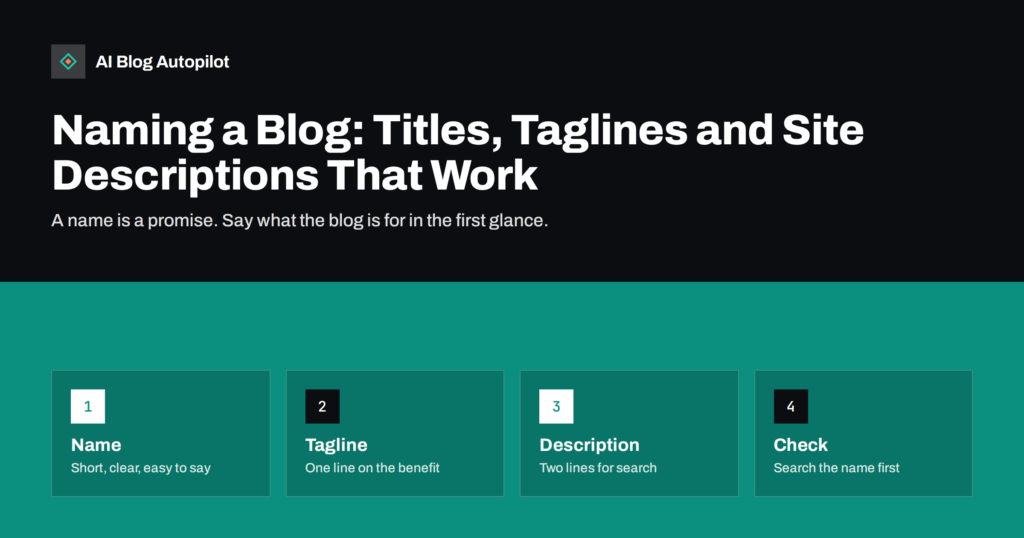
Naming a Blog: Titles, Taglines and Site Descriptions That Work
How to choose a blog name, write a tagline and set a site description that explain your focus to readers, search engines and AI…
 29 Οκτ 2026 · 9 λεπτά ανάγνωσης
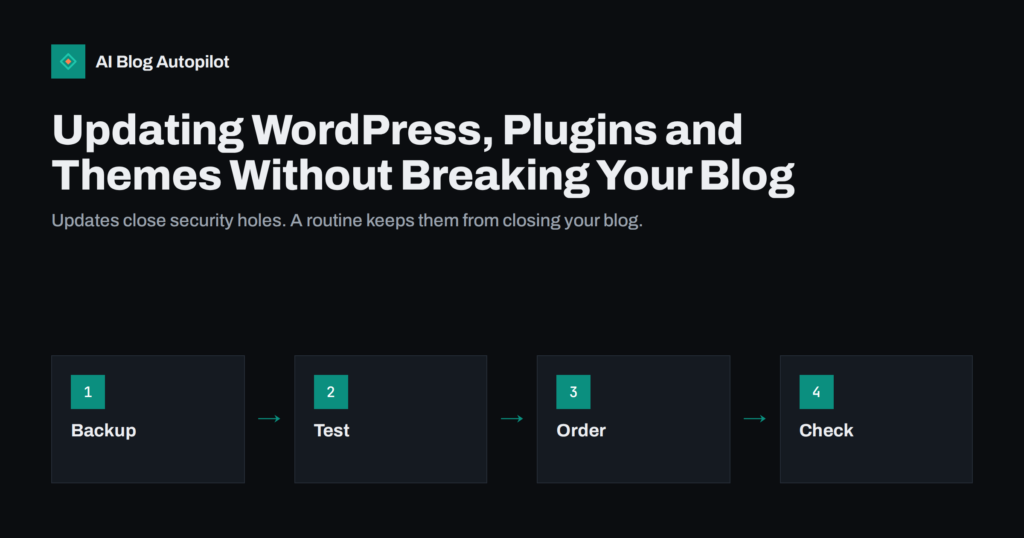
Updating WordPress, Plugins and Themes Without Breaking Your Blog
A calm routine for updating WordPress core, plugins and themes: backups, a test copy, update order, what to check afterwards and when to use…
 27 Οκτ 2026 · 8 λεπτά ανάγνωσης
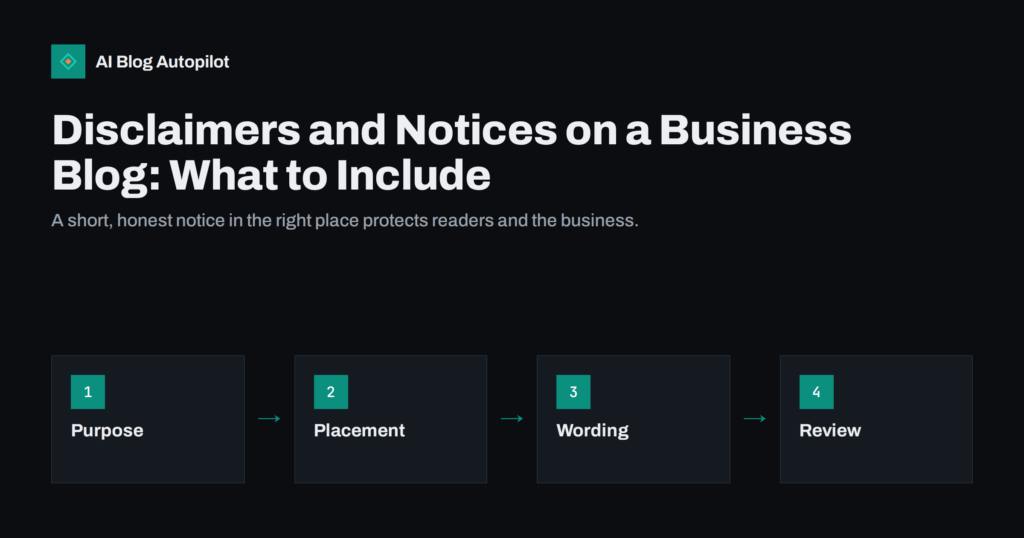
Disclaimers and Notices on a Business Blog: What to Include
Which disclaimers and notices a business blog may need: general information, affiliate and sponsored links, AI use, corrections and where to place each one.
 27 Οκτ 2026 · 8 λεπτά ανάγνωσης
Documentation or Blog Post: Where Each Answer Belongs
When a question belongs in documentation and when in a blog post: how to split the two, link them and keep both accurate for…
 23 Οκτ 2026 · 8 λεπτά ανάγνωσης
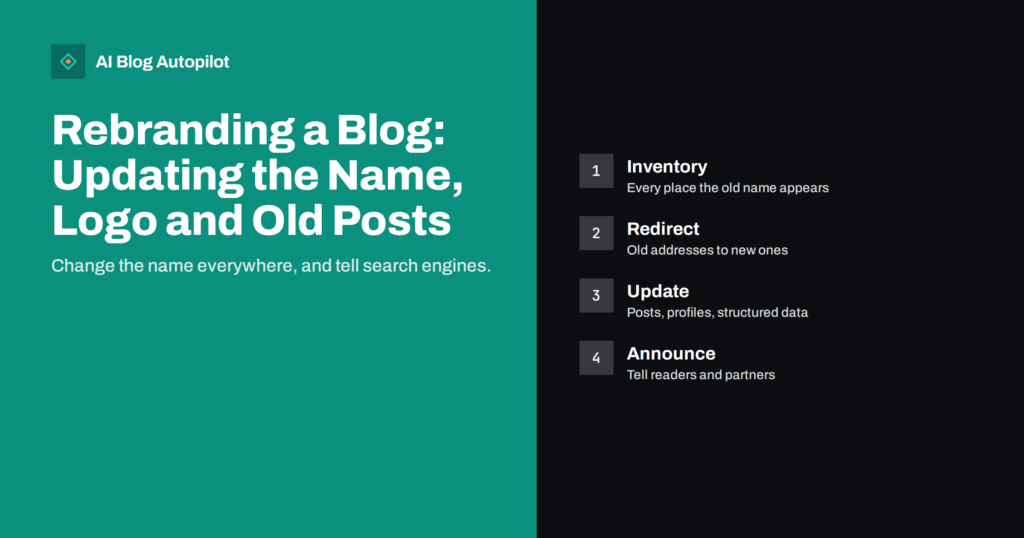
Rebranding a Blog: Updating the Name, Logo and Old Posts
A practical plan for changing a business name or look without losing readers or rankings: what to update, what to redirect and how to…
 23 Οκτ 2026 · 9 λεπτά ανάγνωσης
A Press or Media Page for a Small Business Website
What to put on a press page so journalists, podcasters and AI assistants find accurate facts, approved images and a real contact: a small…
 22 Οκτ 2026 · 9 λεπτά ανάγνωσης
Start Here Pages: Guiding New Readers Through Your Blog
A start here page gives new visitors a clear route through your blog. What to put on it, how to organise it, how to…
 20 Οκτ 2026 · 8 λεπτά ανάγνωσης
A Blog for a Restaurant, Café or Hotel: What to Write
A restaurant, café or hotel blog should answer what guests ask before they book. Here are the topics, formats and routines that work for…
 19 Οκτ 2026 · 8 λεπτά ανάγνωσης
Choosing a WordPress Theme for a Content Blog: A Checklist
A theme shapes speed, readability and how easily you publish. Use this checklist to pick one that suits a content site and to avoid…