ENEnglish
 LTLietuviškai
 DEDeutsch
 FRFrançais
 RUРусский
 ESEspañol
 PLPolski
 ITItaliano
 UKУкраїнська
 CSČeština
 PTPortuguês
 JA日本語
 LVLatviešu valoda
 ETEesti
 HUMagyar
 IDBahasa Indonesia
 TRTürkçe
 HIहिन्दी
 ELΕλληνικά
 ARالعربية
 THไทย
 VITiếng Việt
 RORomână
 MSBahasa Melayu
 BNবাংলা
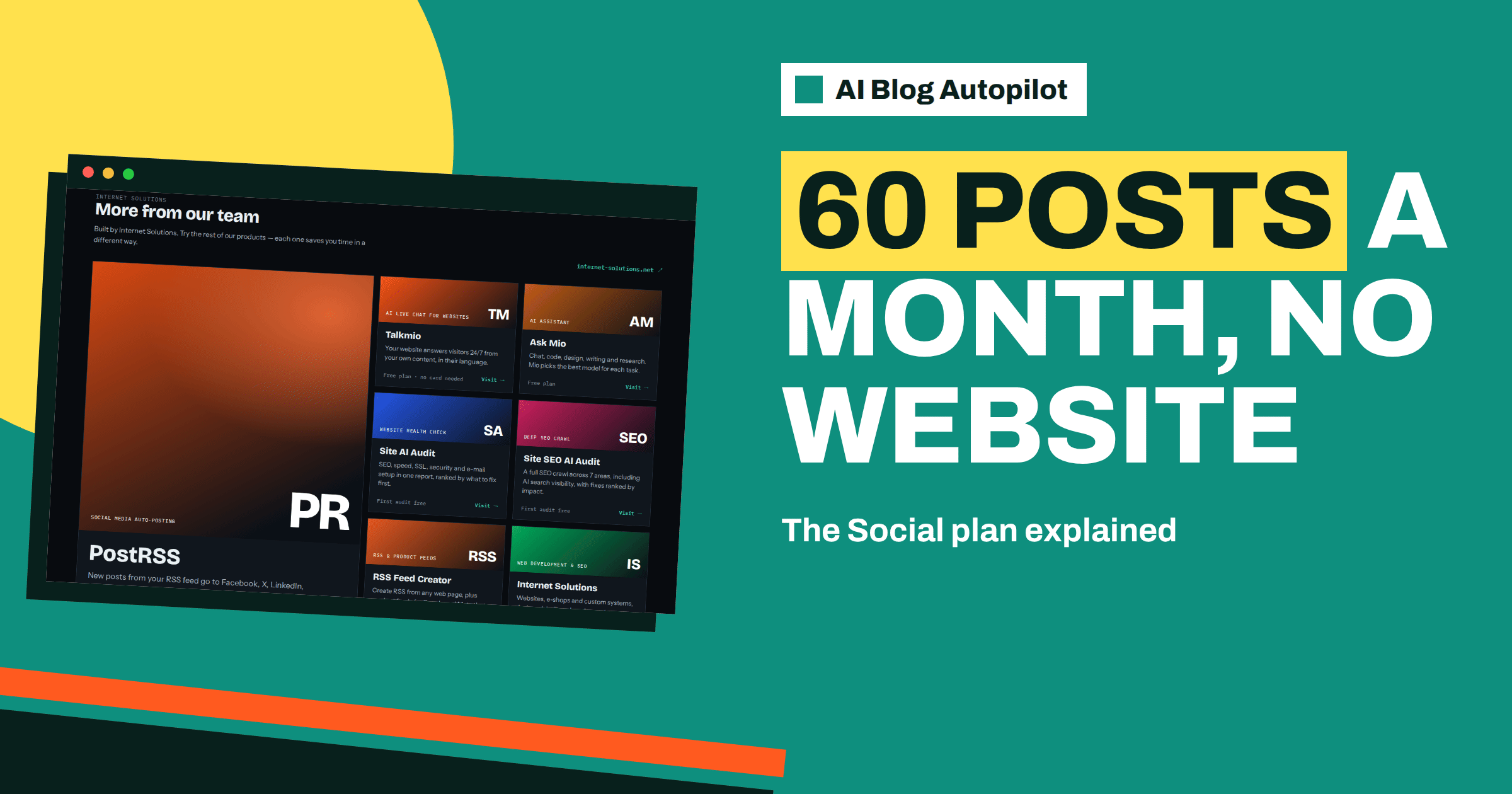
Short answer: the Social plan of AI Blog Autopilot costs 15 euros a month and lists 60 social posts a month, no website needed, 1 brand, 5 social networks and 1 language. It suits businesses and individuals who want a steady social presence without running a blog. If you add a website later, your plan moves with you.
Not every business has a blog, and not every business needs one right now. A hairdresser, a food truck, a coach or a freelance designer may reach customers mainly through social networks. For them, the hard part is not setting up an account, it is posting week after week. Gaps in posting make an account look abandoned, and starting again after a break feels harder each time.
This guide explains what the pricing page says about the Social plan, how to think about 60 posts a month, how to choose five networks, and when it makes sense to move to a plan with articles. All plan facts come from the product’s pricing and home pages. Check them there before you buy, because plans can change.
What the plan lists
The pricing page shows the Social plan, labelled as the no-website option, at 15 euros a month. It lists 60 social posts a month, no website needed, 1 brand, 5 social networks and 1 language. There is also a monthly and yearly switch, with yearly billing shown at 20 percent lower. VAT is added at checkout, and you can cancel at any time.
Two limits stand out. One brand means one business identity: if you run two businesses, they need two separate arrangements or a plan with more room. Five networks means you must choose where to appear, which is a good discipline anyway. One language means all your posts are in the same language, so decide which one your audience prefers.
The home page describes what social-only mode produces: native posts for every network, not just links, covering tips, how-tos, product posts, questions and seasonal moments. Each network gets its own text, length and time. That describes the quality you can expect: posts written for the place where they appear. The article on social-only mode explains the idea in general terms.
Who the plan suits
It suits local businesses that rely on a social profile as a shop window, such as cafes, salons, repair shops and studios. It suits one-person businesses that cannot afford hours each week for writing posts. It suits new ventures that have a landing page but no blog, and organisations that want to test how automatic posting feels before committing to articles.
It also suits businesses whose website runs on a platform the product does not connect to. The home page lists WordPress, a webhook or API option, and says more platforms are coming. If your site is on something else and you cannot use the webhook route, social-only mode lets you benefit now and add the blog connection later.
It does not suit businesses that need long articles for search traffic. Social posts reach people who already follow you or who see shared content, but they do not build the kind of search presence that a blog does. If search matters to you, plan to add articles at some point.
What 60 posts a month means
Sixty posts a month is about two a day on average, or roughly 14 a week. That is a generous rhythm for a small business, more than most manage by hand. The key question is how the count works across networks. The pricing page states 60 social posts a month, but it does not say here whether one idea sent to several networks counts once or several times. Check this in the account before you plan, because it changes how many different ideas you get.
Suppose each post counts once per network. Then 60 posts spread over 5 networks gives 12 posts on each, or about three a week per network. If a single idea shared to all five counts as one, you would have 60 separate ideas, which is far more than you need. Knowing which is true helps you decide how to divide your attention.
Either way, do not feel you must use every post. Consistency and quality matter more than hitting the number. A calm rhythm that you can keep up, and answer comments on, will do more for your account than a flood.
Choosing your five networks
Pick networks by audience, not by fashion. Ask where your existing customers already spend time and where a new customer would look for a business like yours. A restaurant might choose a photo-led network plus a general social network. A consultant might choose a professional network and one conversation-led network. Be honest about which accounts you can watch for replies.
The networks page lists the full range by type: social networks, messaging channels, team chats, blogs and publishing platforms, and read-later tools. With only five slots, most small businesses will choose from the first two groups. A messaging channel can work well for regular customers who want updates, since a short summary reaches them directly.
Start with three and add two once you have seen how they perform. Leaving a slot open gives you room to try something new. The guide to choosing social networks for a blog offers a method that applies equally well to a social-only plan.
Giving the product good topics
Even without a blog, the product plans from topics, with weight, keywords, audience and tone. For social-only use, think of topics as themes you want to be known for. A bakery might choose seasonal bakes, behind-the-scenes stories, tips for storing bread and answers to common questions. A physiotherapist might choose posture tips, exercises, myths and clinic news.
Give each theme a weight that reflects how much of the month it should take. Add the words a customer might use, describe who you are talking to and choose a tone. A tone like warm, practical and brief gives better results than a vague word like professional. The article on setting up topics in AI Blog Autopilot goes through the settings step by step.
Include your facts. If you have opening hours, a booking method, a delivery area or a policy that customers often ask about, keep a clear record of it and check that posts never contradict it. The home page says the writer is instructed never to make up statistics, quotes or sources, but a human check of anything specific is still wise.
Reviewing and replying
Automatic posting does not replace conversation. When someone comments or sends a message, a person from your business should answer, and soon. Decide who does it and how often they check. A simple rule is to look at each network once a day for five minutes. That small habit makes an automated account feel alive.
Use approval at the start if you want to see posts first. The home page says AUTO is the default and approval is optional. For a social-only business with a distinctive voice, reviewing the first few weeks helps you see whether the tone is right. After that, many owners switch to AUTO and check the content map instead, where each cell of the network matrix links to the live post and failed posts show a reason.
Reconnections will happen from time to time. The home page shows an example in which the content map says LinkedIn needs reconnecting and one click fixes it. Look at the map weekly and fix any warning quickly so that a network does not stay silent.
A simple monthly routine
Week one: set up the account, write the business description, connect your five networks and choose your themes. Week two: read every post for the first time, adjust tone and fix any wrong facts in the brief. Week three: look at what people responded to, using each network’s own insights, and adjust weights toward themes that drew interest. Week four: plan next month’s special dates, such as sales, holidays or events, and make sure the brief covers them.
After the first month, keep a short monthly review of fifteen minutes. Look at which networks brought enquiries, which ones took effort without results and which themes worked. Drop weak networks and replace them. The plan limit of five makes these decisions concrete.
Plan for special dates in advance. Holidays, sales, local events and seasonal moments are named on the home page as typical post types. Put the dates in a calendar a month ahead and make sure your topic settings mention them, so the month includes posts that fit the moment instead of generic ones. A short note about what is happening at your business each week gives the product more to work from than a general description alone.
When to upgrade
Move to a plan with articles when you want search traffic, when you have a website that deserves regular content or when you need more networks or languages. The pricing page lists Starter at 19 euros for 8 articles and 1 website, Growth at 49 euros for 30 articles, 2 websites, all networks and 3 languages, and higher plans above that. The home page says that you can add a blog later and your plan moves with you.
Before upgrading, count what you will actually use. If you cannot yet review eight articles a month, the extra cost buys nothing. If you can, articles give each social post something substantial to point to, and the networks then share every article automatically. The guide to choosing an AI Blog Autopilot plan compares the plans side by side.
How AI Blog Autopilot helps
The product handles the writing, timing and posting for each network, so a small business can keep a steady presence without a blog. You can try the writing with the free articles first, with no card needed. See AI Blog Autopilot for how it works and the pricing page for the Social plan details.
Related reading
- Social-Only Mode: Automated Posting Without a Website
- Choosing an AI Blog Autopilot Plan
- How Often to Post on Each Social Network
The bottom line
The Social plan gives a small business 60 posts a month across five networks without a website: choose networks by audience, give it clear themes and facts, reply to people and upgrade only when articles earn their place.
FAQ
How much does the Social plan cost?
The pricing page lists 15 euros a month, with yearly billing shown at 20 percent lower and VAT added at checkout.
What does the Social plan include?
It lists 60 social posts a month, no website needed, 1 brand, 5 social networks and 1 language.
Can I add a blog later?
Yes. The home page says you can add a blog later and your plan moves with you.
Do I have to approve every post?
No. AUTO is the default mode, and approval is optional if you want to see posts first.
Can I cancel at any time?
Yes. The pricing page says you can cancel at any time, and credits are monthly and do not roll over.
{“@context”: “https://schema.org”, “@type”: “FAQPage”, “mainEntity”: [{“@type”: “Question”, “name”: “How much does the Social plan cost?”, “acceptedAnswer”: {“@type”: “Answer”, “text”: “The pricing page lists 15 euros a month, with yearly billing shown at 20 percent lower and VAT added at checkout.”}}, {“@type”: “Question”, “name”: “What does the Social plan include?”, “acceptedAnswer”: {“@type”: “Answer”, “text”: “It lists 60 social posts a month, no website needed, 1 brand, 5 social networks and 1 language.”}}, {“@type”: “Question”, “name”: “Can I add a blog later?”, “acceptedAnswer”: {“@type”: “Answer”, “text”: “Yes. The home page says you can add a blog later and your plan moves with you.”}}, {“@type”: “Question”, “name”: “Do I have to approve every post?”, “acceptedAnswer”: {“@type”: “Answer”, “text”: “No. AUTO is the default mode, and approval is optional if you want to see posts first.”}}, {“@type”: “Question”, “name”: “Can I cancel at any time?”, “acceptedAnswer”: {“@type”: “Answer”, “text”: “Yes. The pricing page says you can cancel at any time, and credits are monthly and do not roll over.”}}]}