 ENEnglish
 LTLietuviškai
 DEDeutsch
 FRFrançais
 RUРусский
 ESEspañol
 PLPolski
 ITItaliano
 UKУкраїнська
 CSČeština
 PTPortuguês
 JA日本語
 LVLatviešu valoda
 ETEesti
 HUMagyar
 IDBahasa Indonesia
 TRTürkçe
 HIहिन्दी
 ELΕλληνικά
 ARالعربية
 THไทย
 VITiếng Việt
 RORomână
 MSBahasa Melayu
 BNবাংলা
#Accessibility
Making a blog usable by everyone, including people using screen readers, keyboard navigation or magnification. We cover alt text, heading structure, colour contrast, link text, captions and forms. You will find which fixes matter most and how to check them with free tools. We also explain why accessible pages tend to be clearer for all readers and easier for search engines to understand. The aim is steady improvement, not a perfect score on day one.
 ৪ নভে, ২০২৬ · 9 মিনিটে পড়া
WordPress Blocks for Writers: The Few You Actually Need
The WordPress block editor offers dozens of blocks, but most articles need only a handful. Learn the essential blocks, how to use them well…
 ৩ নভে, ২০২৬ · 8 মিনিটে পড়া
Inclusive Language in Blog Posts: Clear Words for Every Reader
Inclusive language means writing so more readers feel addressed and understood. See practical rules for clear, respectful blog posts without stiff phrasing.
 ৩ নভে, ২০২৬ · 9 মিনিটে পড়া
Memes and GIFs in Business Social Posts: When They Fit
Memes and GIFs can make a business post feel human, or look careless. Learn when they fit, how to avoid rights problems and how…
 ২ নভে, ২০২৬ · 9 মিনিটে পড়া
Language Switchers on a Multilingual Blog: Placement and Pitfalls
A language switcher lets readers and crawlers move between versions of a page. See where to put it, how to label it and the…
 ৩০ অক্টো, ২০২৬ · 8 মিনিটে পড়া
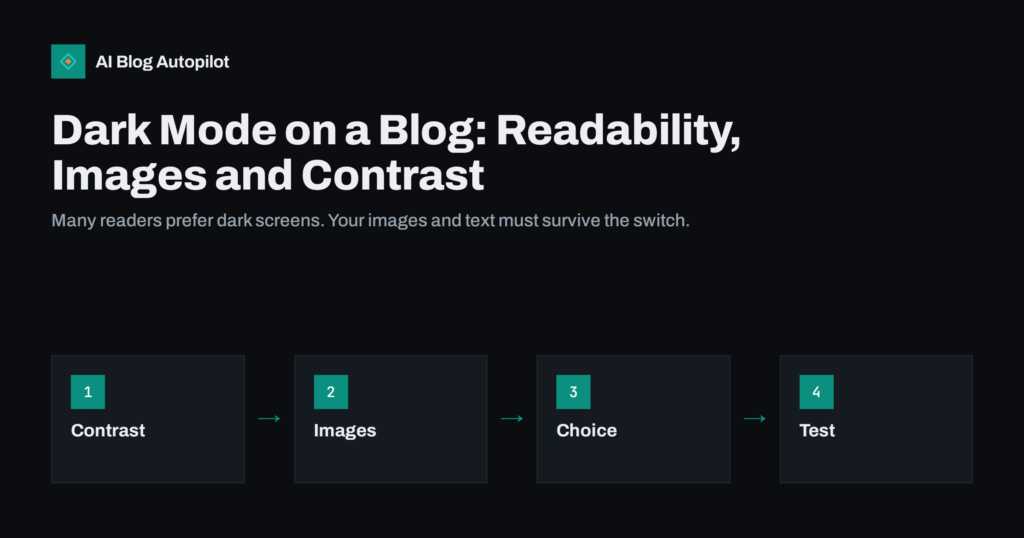
Dark Mode on a Blog: Readability, Images and Contrast
How a dark colour scheme affects blog readability, images, logos and accessibility, and what to test before you offer dark mode to your readers.
 ২১ অক্টো, ২০২৬ · 8 মিনিটে পড়া
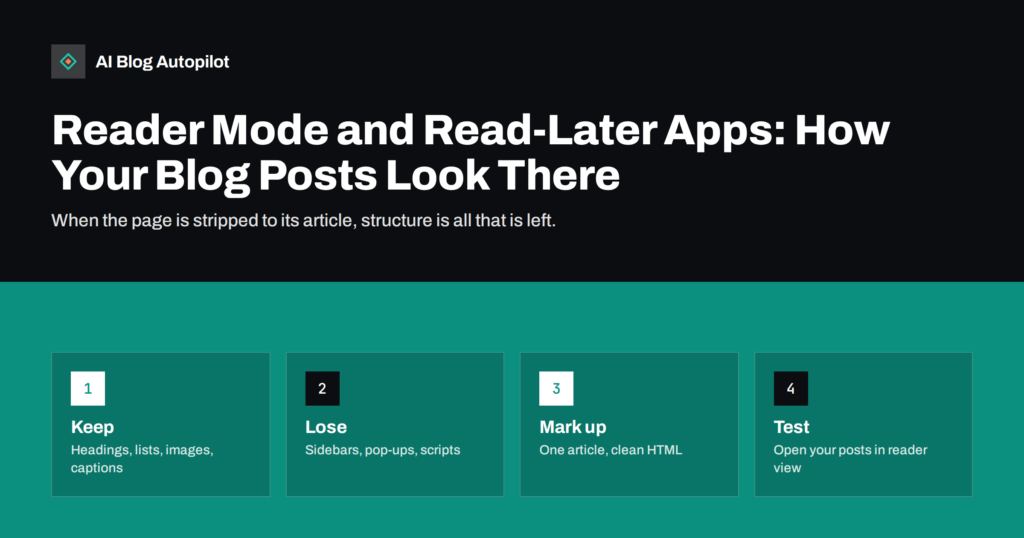
Reader Mode and Read-Later Apps: How Your Blog Posts Look There
Browser reader modes and read-later apps strip your page to its article. What they keep, what they drop and how to mark up posts…
 ২০ অক্টো, ২০২৬ · 8 মিনিটে পড়া
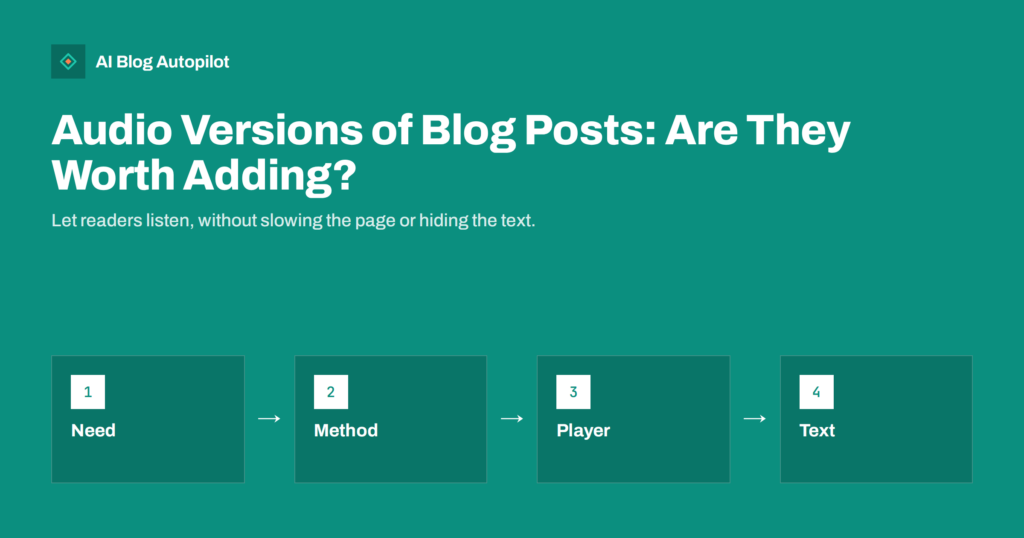
Audio Versions of Blog Posts: Are They Worth Adding?
A listen option can help readers who are busy, tired or visually impaired. Learn when audio versions of articles pay off, how to add…
 ১৮ অক্টো, ২০২৬ · 9 মিনিটে পড়া
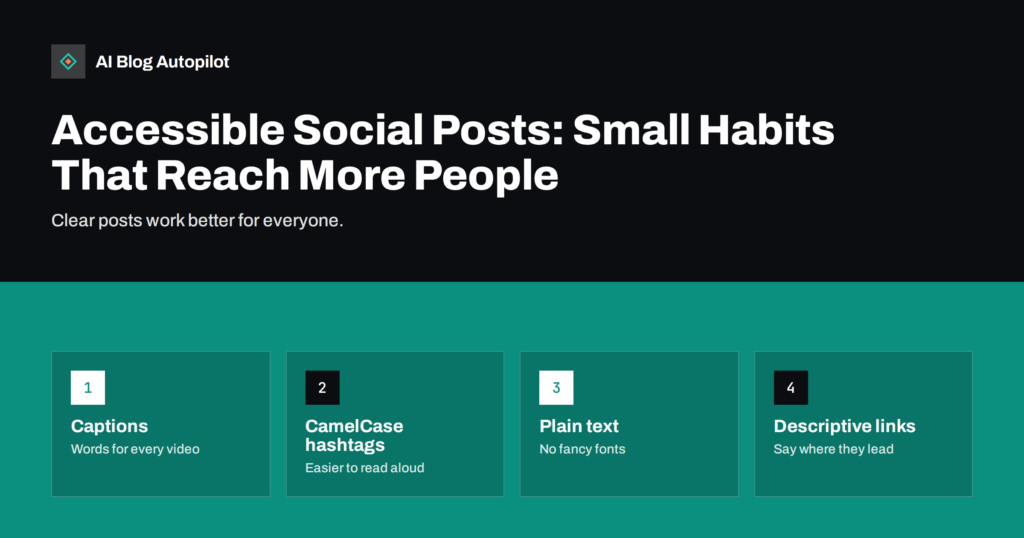
Accessible Social Posts: Small Habits That Reach More People
Accessible posts are easier for everyone to read. Habits for captions, hashtags, fonts, images, emoji and links that help screen reader users and busy…
 ১৬ অক্টো, ২০২৬ · 9 মিনিটে পড়া
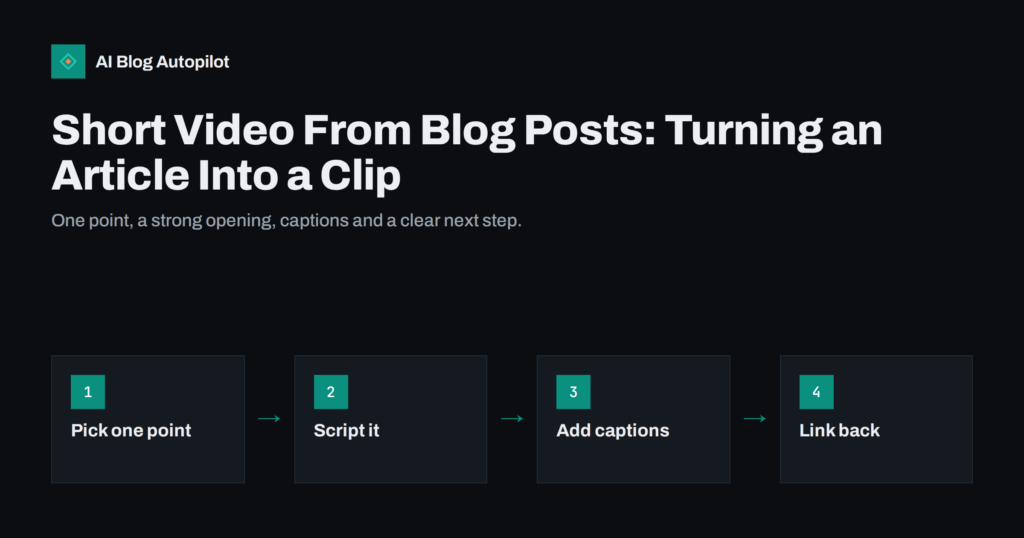
Short Video From Blog Posts: Turning an Article Into a Clip
How to turn a blog article into a short video for social networks: choosing one point, scripting, captions, simple tools, and sending viewers back…
 ১৫ অক্টো, ২০২৬ · 9 মিনিটে পড়া
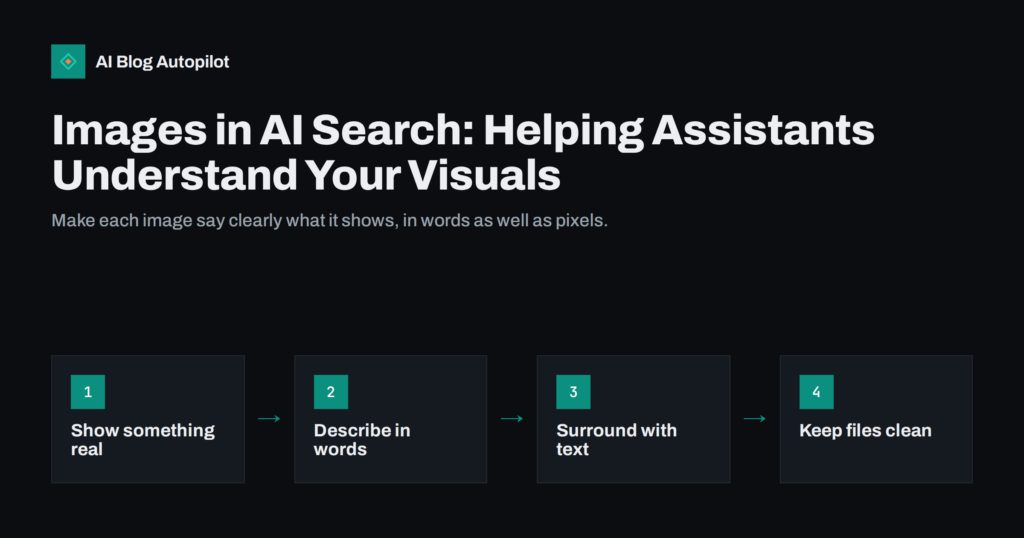
Images in AI Search: Helping Assistants Understand Your Visuals
How AI assistants and visual search read images, and what a blog can do: useful pictures, alt text, captions, nearby text, file basics and…
 ১৫ অক্টো, ২০২৬ · 8 মিনিটে পড়া
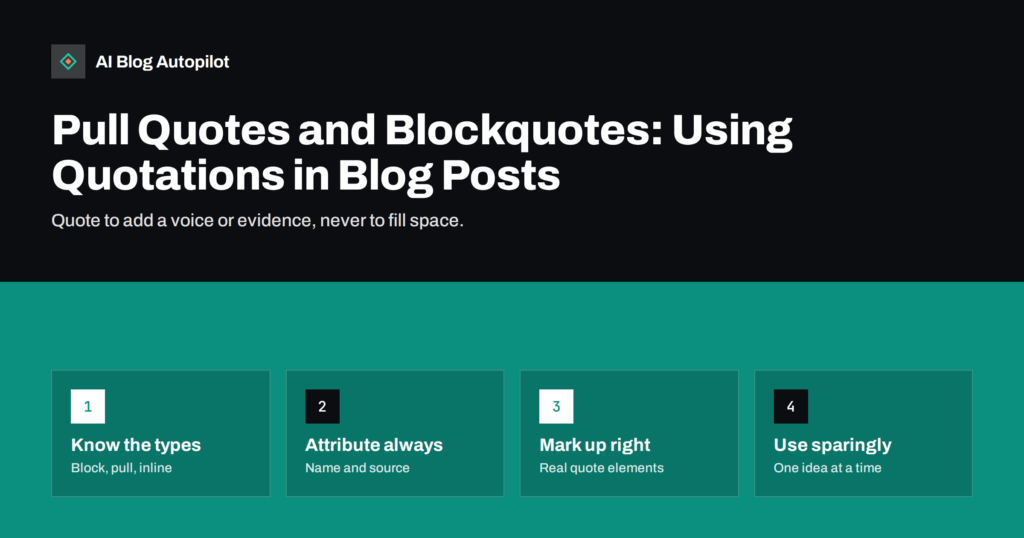
Pull Quotes and Blockquotes: Using Quotations in Blog Posts
How to use blockquotes, pull quotes and inline quotations in blog posts: when each fits, how to attribute them, how to mark them up…
 ১৪ অক্টো, ২০২৬ · 8 মিনিটে পড়া
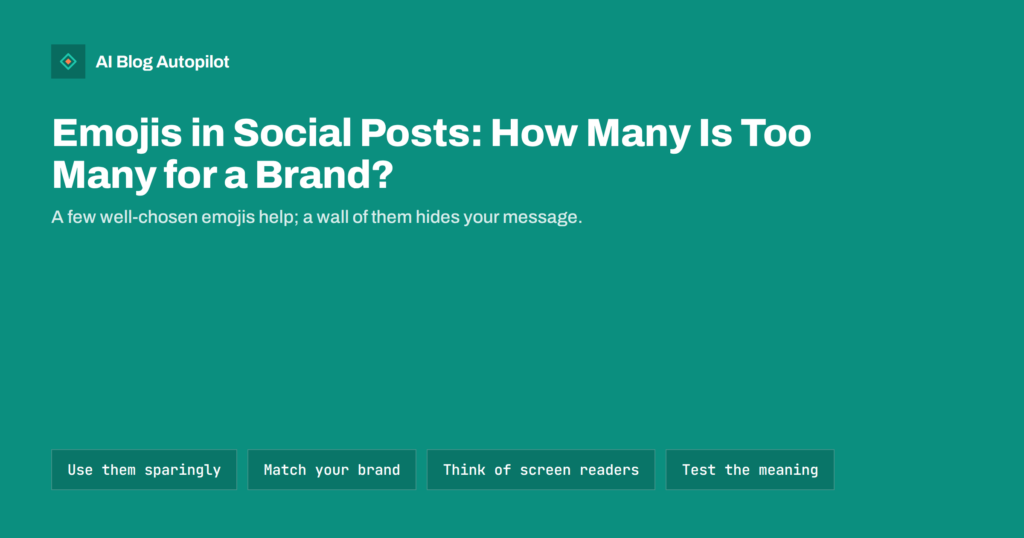
Emojis in Social Posts: How Many Is Too Many for a Brand?
How a business can use emojis in social posts: where they help, how many is enough, what to avoid, accessibility concerns and keeping a…