 ENEnglish
 LTLietuviškai
 DEDeutsch
 FRFrançais
 RUРусский
 ESEspañol
 PLPolski
 ITItaliano
 UKУкраїнська
 CSČeština
 PTPortuguês
 JA日本語
JA日本語 LVLatviešu valoda
 ETEesti
 HUMagyar
 IDBahasa Indonesia
 TRTürkçe
 HIहिन्दी
 ELΕλληνικά
 ARالعربية
 THไทย
THไทย VITiếng Việt
 RORomână
 MSBahasa Melayu
 BNবাংলা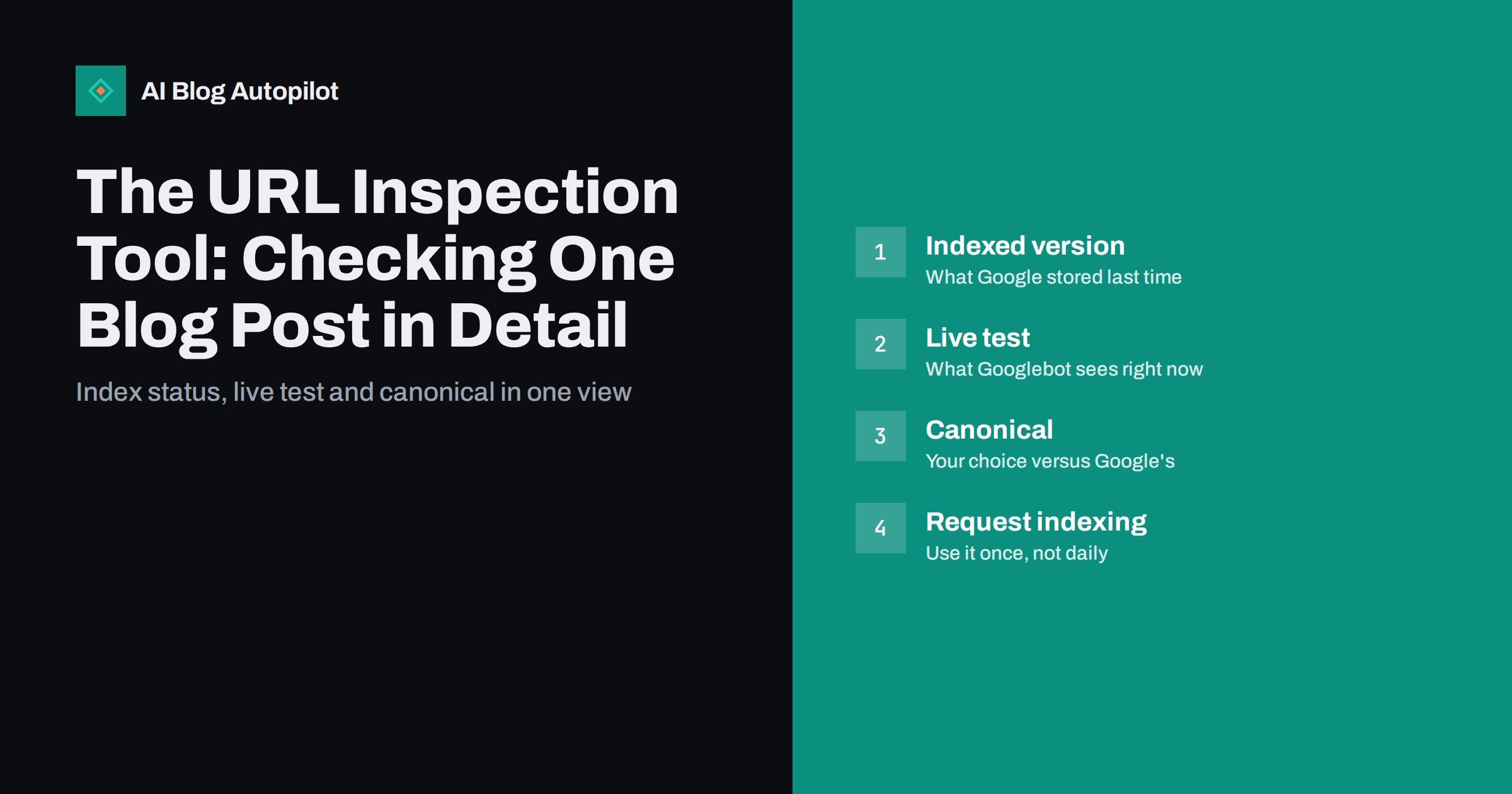
Short answer: the URL Inspection tool in Google Search Console shows what Google knows about one specific URL on your site: whether it is indexed, when it was last crawled, which canonical Google chose and whether any structured data was detected. A live test lets you check the page as Googlebot fetches it right now. Use it to diagnose why a particular post is missing from search, then fix the cause before you click “Request indexing”.
Most Search Console reports summarise hundreds of pages at once. URL Inspection is the opposite: a microscope for a single address. When one important article is not showing up, or a fix you made does not seem to take effect, this is the tool that tells you what Google actually saw. This guide walks through each part of the report, in the order you will meet it, and explains what to do with the answers.
How to open an inspection
You need a verified Search Console property that covers the URL. Then there are three common ways in:
- Paste the full URL into the search bar at the top of Search Console and press Enter.
- Click the magnifier icon next to a URL in another report, such as Page indexing or Performance.
- Choose “URL inspection” from the left-hand menu.
Always paste the exact URL readers use, including the protocol and trailing slash your site uses. Inspecting http:// when the site lives on https://, or a version without the slash, can show a different result because Google may treat it as a separate or redirecting URL.
Reading the top-level verdict
The first thing you see is a summary for the indexed version, which is what Google stored the last time it processed the page. The common verdicts are:
- URL is on Google. The page is indexed and can appear in results. It does not guarantee rankings or traffic, only eligibility.
- URL is on Google, but has issues. The page is indexed but something such as structured data has problems. Open the enhancement section to see what.
- URL is not on Google. The page is not in the index. The details below explain why: it may not have been discovered, it may be blocked, marked noindex, a duplicate of another URL or simply crawled but not selected for indexing.
Remember that this verdict describes the past. If you fixed something yesterday, the indexed version may still reflect the old state until Google crawls the page again.
The page indexing details, section by section
Expand the page indexing panel and you will see three groups of information. Each answers a different question.
Discovery
This shows how Google found the URL: which sitemaps list it and which referring pages link to it. If the sitemap line is empty, check that your XML sitemap includes the post and is submitted. If there are no referring pages, the post may be poorly linked from the rest of your blog.
Crawl
Here you find the last crawl date, which crawler was used (usually the smartphone crawler), whether crawling was allowed by robots.txt, whether the page fetch succeeded and whether indexing was allowed. A “blocked by robots.txt” or “noindex detected” line explains most “not on Google” cases immediately.
Indexing
The two canonical fields matter most. “User-declared canonical” is what your page says through its canonical tag. “Google-selected canonical” is what Google decided. If they differ, Google believes another URL is the main version, and that other URL is the one that appears in search. Our guide to canonical tags explains why this happens and how to make your signals consistent.
The live test: what Googlebot sees now
The “Test live URL” button fetches the page again in real time. It is the right tool after you change something, because it ignores the stored version. The live test tells you:
- Whether the URL is currently available to Google, and whether robots.txt or a noindex rule blocks it.
- The rendered HTML Googlebot produced, which is useful when content is loaded by JavaScript.
- A screenshot of the rendered page, so you can see whether the main text actually appears.
- Page resources that could not be loaded, and any JavaScript console messages.
- The HTTP response, including status code and headers.
A successful live test is good news but not a promise. It does not check everything the indexing process checks, such as whether Google considers the page a duplicate or whether it judges the content worth indexing. Treat it as “nothing technical is in the way”, not as “this will be indexed”.
Common findings on blog posts and what to do
Most inspections on a blog end in one of a handful of situations.
- Noindex detected. Often caused by an SEO plugin setting, a “discourage search engines” option left on after launch, or a template that marks certain post types noindex. Remove the rule, run a live test and then request indexing.
- Blocked by robots.txt. Check the rule that matches the URL. Blocking a whole folder by accident is more common than people think.
- Alternate page with proper canonical tag. Google is indexing the canonical version instead. That is correct if you intended it, and a problem if the canonical points to the wrong post.
- Duplicate, Google chose different canonical than user. Two of your pages are too similar. Merge them, differentiate them or align the canonical.
- Crawled, currently not indexed. Google fetched the page but decided not to index it for now. This is usually about perceived value, internal linking or overlap with other posts, not a technical error.
- Discovered, currently not indexed. Google knows the URL exists but has not crawled it yet. Stronger internal links and patience usually help on a small site.
- Soft errors and server errors. If the page returns an error code or looks like an empty page, fix the server or template issue first.
When to request indexing, and when not to
The “Request indexing” button asks Google to recrawl the URL with some priority. It is useful in a few situations:
- You published an important new post and want it crawled soon.
- You fixed a blocking problem such as a stray noindex.
- You substantially updated an article and want the new version picked up.
It does not force indexing, does not improve rankings and has a daily quota. Clicking it repeatedly for the same URL does nothing extra. For sites that publish often, a clean sitemap and good internal linking do the same job at scale, and some search engines also accept instant notifications through IndexNow.
Checking structured data and other enhancements
Below the indexing panel, the tool lists enhancements detected on the indexed version, such as breadcrumbs or other structured data types that Google supports for rich results. Each shows as valid, valid with warnings or invalid. If an item is invalid, the details point to the missing or incorrect property. Fix it in your template or plugin, confirm the fix with the live test, and remember that valid markup makes a page eligible for a rich result but never guarantees one.
The tool can also reveal markup you did not know was there. Themes and plugins often add structured data automatically, sometimes twice. If you see duplicate types, check which plugin outputs them before adding more by hand.
A five-minute routine for a missing post
When a reader or client asks “why is this article not in Google?”, this routine usually finds the answer quickly:
- Inspect the exact URL and read the verdict.
- Check the crawl section for robots.txt blocks, noindex and fetch errors.
- Compare user-declared and Google-selected canonical.
- Run a live test and look at the screenshot and HTML to confirm the main text is present.
- Check discovery: is the post in the sitemap and linked from at least a few other posts?
- Fix what you found, run the live test again, then request indexing once.
If everything is clean and the page is still “crawled, currently not indexed”, the problem is usually the content itself or its overlap with other posts. That is a job for editing, not for the button.
How AI Blog Autopilot fits in
AI Blog Autopilot publishes articles to your WordPress blog with titles, descriptions, tags and FAQ sections filled in, and it runs an automatic quality check on length, structure, keyword and meta before anything goes live. It does not replace Search Console, and it cannot change how Google indexes a page. What it does is keep a steady flow of complete, well-structured posts, so your time with URL Inspection goes on the few pages that need attention. See how Autopilot works.
Related reading
- Google Search Console: The Five Reports That Matter
- How Long Before a New Blog Post Ranks?
- Why Your Blog Posts Aren’t Ranking: Eight Real Causes
The bottom line
URL Inspection is the fastest way to see one page through Google’s eyes. Read the verdict, check crawl permissions and canonical choice, use the live test after every fix, and request indexing only when something has actually changed. Most answers are in the report; the work is reading it in the right order.
الأسئلة الشائعة
What is the difference between the indexed version and the live test?
The indexed version shows what Google stored the last time it processed the page. The live test fetches the page right now. Use the live test to confirm a fix, and expect the indexed version to update only after Google recrawls the page.
Does requesting indexing make a page rank faster?
It can get a page crawled sooner, but it does not change rankings and does not guarantee indexing. Requesting it several times for the same URL has no extra effect, and there is a daily limit.
Why does the tool say my post is not on Google when it looks fine?
The most common reasons are a noindex rule, a robots.txt block, a canonical pointing elsewhere, or Google choosing not to index the page yet. The page indexing details show which one applies.
Can I inspect a URL on a website I do not own?
No. URL Inspection only works for URLs inside a Search Console property you have verified. For other sites you can use public tools such as the Rich Results Test, which shows less detail.
How often should I use URL Inspection on a blog?
Use it when something looks wrong with a specific page, after fixing a technical problem, or when an important new post has not appeared after a reasonable time. For routine monitoring, the Page indexing report is more efficient.
Why does Google show a different canonical from the one I set?
Your canonical tag is a strong hint, not an instruction. If other signals such as internal links, redirects, sitemap entries or near-identical content point to another URL, Google may select that one instead. Make all signals point to the same preferred URL and the choice usually follows.


