 ENEnglish
 LTLietuviškai
 DEDeutsch
 FRFrançais
 RUРусский
 ESEspañol
 PLPolski
 ITItaliano
 UKУкраїнська
 CSČeština
 PTPortuguês
 JA日本語
JA日本語 LVLatviešu valoda
 ETEesti
 HUMagyar
 IDBahasa Indonesia
 TRTürkçe
 HIहिन्दी
 ELΕλληνικά
 ARالعربية
 THไทย
THไทย VITiếng Việt
 RORomână
 MSBahasa Melayu
 BNবাংলা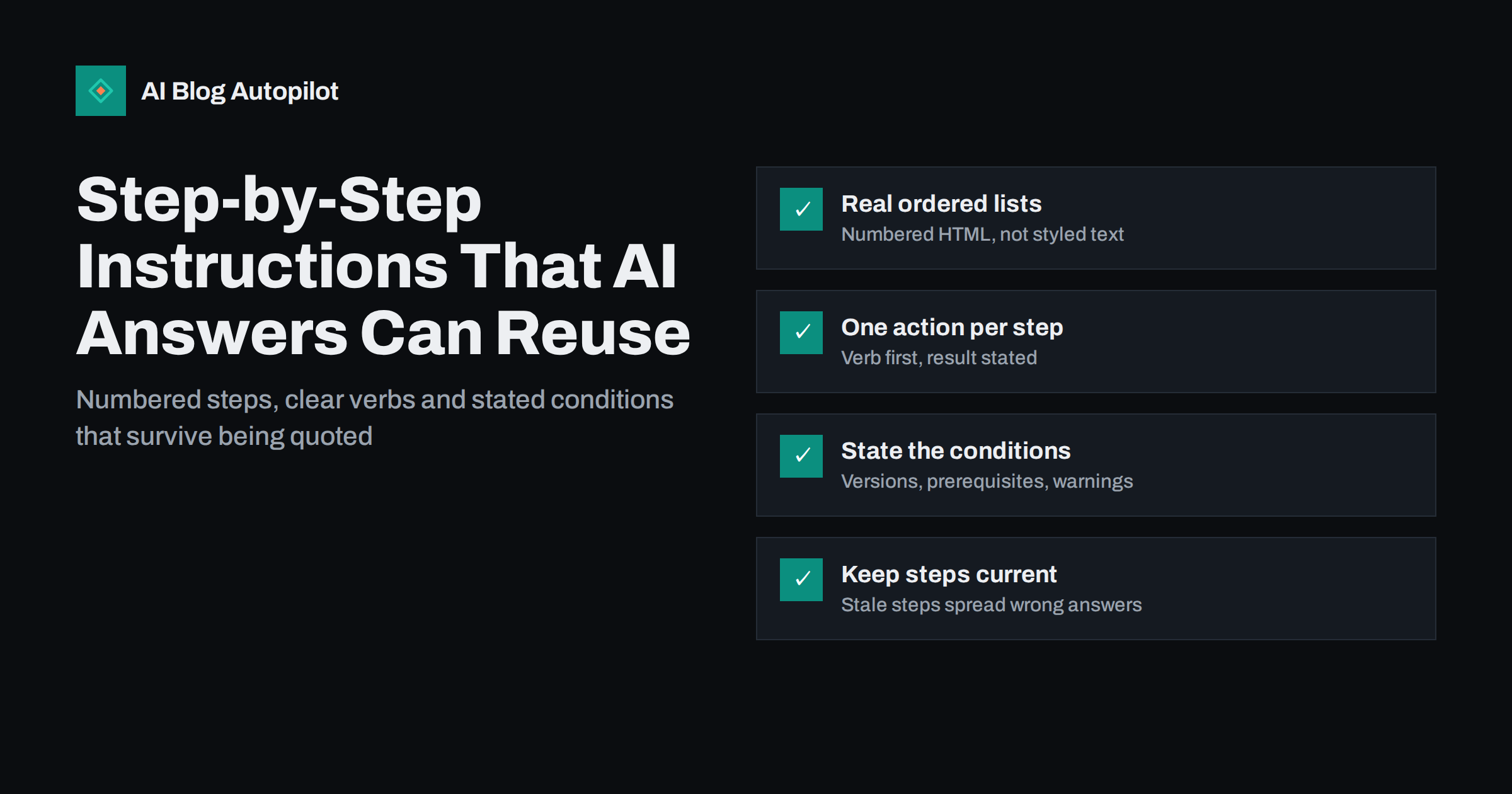
Short answer: instructions that AI answer engines can reuse are the same instructions that people can follow: a real numbered list, one action per step, each step starting with a verb, the prerequisites stated before step one, and the expected result after the steps that matter. Name the interface elements exactly, mention which version or setting the steps apply to, and keep warnings next to the step they belong to. When a system summarises your steps, clear structure makes it more likely the summary stays correct.
“How to” questions are among the most common things people ask search engines and AI assistants. When an assistant answers one, it often condenses steps from one or more pages into a short list. If your instructions are vague, out of order or buried in paragraphs, the summary can come out wrong, or your page is simply passed over for one that is easier to read.
This guide covers how to structure and word procedural content so that it helps readers first and survives being quoted.
Why procedural content is different
Most writing can be summarised loosely without harm. Instructions cannot. If a summary of an opinion piece drops a nuance, the reader gets a slightly flatter version of the argument. If a summary of instructions drops a step or changes the order, the reader ends up with something that does not work, or worse, something that breaks.
That makes the structure of the original more important. The clearer the boundaries between steps, and the more each step contains everything needed to perform it, the less room there is for a summary to go wrong.
It also means that readers of procedural content behave differently. They are usually switching between your page and the task itself, reading a step, doing it, coming back. They skim for the next number, not the next paragraph.
Use a real numbered list
The single most important decision is to put steps in an ordered list element, not in a sequence of paragraphs or in text styled to look like a list.
- It preserves order. An ordered list tells browsers, screen readers and crawlers that the sequence matters.
- It separates steps cleanly. Each list item is a distinct unit, which makes it easy to tell where one step ends and the next begins.
- It helps skimming. Readers returning from the task can find their place by number.
Paragraphs that begin “First, … Then, … After that, …” work in conversation but are harder to follow on a screen and harder to extract accurately. If a procedure has more than three steps, it belongs in a list.
For long procedures, split the steps into stages with a short heading for each, such as “Prepare”, “Install” and “Check”. Each stage then gets its own short numbered list. Lists of twenty steps are hard to follow; three lists of six or seven are not.
Write each step so it stands alone
A good step can be read in isolation and still make sense. That helps a reader who scrolls back to it, and it helps any system that quotes a single step.
- Start with a verb. “Open Settings”, “Select Permalinks”, “Copy the key”. The verb tells the reader what to do before anything else.
- One action per step. “Open Settings and select Permalinks, then choose Post name and save” is four actions. Split it, or at least keep closely linked actions such as “select and save” together deliberately.
- Name things exactly. Use the label the reader will see on screen, in the same capitalisation. If a button says “Save Changes”, write “Save Changes”, not “save your settings”.
- Say where. “In the left menu, select Tools” is clearer than “Select Tools”, especially in interfaces with several menus.
- State the result when it matters. “A confirmation message appears at the top of the page.” This tells readers they are on track and helps them notice when something went wrong.
- Avoid references backwards. “Repeat the previous step for each item” works in a list but breaks when quoted alone. Where possible, say what to repeat.
Put the conditions before the steps
Many instructions fail not because the steps are wrong but because the reader’s situation is different from the writer’s. State the conditions clearly and early.
- Prerequisites. What the reader needs before starting: an account, a permission level, a file, a tool, a backup.
- Scope. Which version, plan, platform or device the steps apply to. “These steps apply to the desktop version” saves mobile users from frustration.
- Time and difficulty. A rough sense of how long it takes and whether technical knowledge is needed. Use honest ranges.
- What the reader will end up with. One sentence describing the outcome, so they can check whether this is the procedure they need.
These details are also what an answer engine needs to decide whether your steps fit the question it was asked. A page that says clearly “for WordPress sites using the block editor” is easier to match to the right question than one that leaves the reader to guess.
Handle warnings, options and branches
Real procedures have exceptions. How you handle them decides whether the instructions stay followable.
- Keep warnings next to the step. A warning about data loss belongs immediately before the step that could cause it, not in a note at the end of the article.
- Mark optional steps. Start them with “Optional:” so readers who want the quickest path can skip them.
- Branch clearly. If the path differs by situation, say so at the branching step: “If you see a login screen, go to step 5. If you see the dashboard, continue.” For larger differences, write separate lists under separate headings.
- Do not hide steps in notes. If a note contains an action the reader must perform, it is a step. Put it in the list.
Add context around the list, not inside it
The list itself should be lean. Explanation, background and reasoning belong around it.
A useful pattern is: a one or two sentence answer that summarises the procedure, the prerequisites, the numbered steps, then a short section on checking the result and fixing common problems. This gives quick readers the answer, careful readers the detail, and troubleshooters a place to look when a step does not behave as described.
A troubleshooting section is particularly valuable. Questions such as “why is the button greyed out” or “what if the option is missing” are exactly the follow-ups people ask assistants after a first attempt fails. Answering them on the same page keeps the whole task in one place.
Screenshots, code and markup
Screenshots help people follow steps in visual interfaces. They do not replace text: a system reading your page may not interpret images, and readers using screen readers rely on the words. Describe each step fully in text and use screenshots as confirmation, with alt text that says what the image shows.
Commands, file paths and settings values should go in code formatting so they are copied exactly. Keep one command per block where possible, and say where to run it.
On structured data: schema.org still defines a HowTo type, but Google stopped showing HowTo rich results in its search results in 2023. Adding the markup does no harm, but it is not a shortcut to visibility. Clean HTML structure, with headings, an ordered list and plain descriptive text, carries most of the value for both readers and answer engines.
Keep procedures current
Procedural content ages faster than almost anything else on a blog. Interfaces change, menu items move, options are renamed. A tutorial that was perfect two years ago can now send readers to a button that no longer exists, and if an assistant has summarised it, the outdated steps can spread further than your page.
- Record what the steps were tested on. A line such as “Tested with version X” tells readers and you when the content might be stale.
- Review high-traffic tutorials regularly. Work through the steps yourself every few months, or whenever the product in question announces a major update.
- Watch for comments and questions. Readers reporting that a step no longer works is the clearest signal to update.
- Update the visible date honestly. Change the updated date only when you actually revise the steps.
A checklist before publishing a how-to
- The outcome and scope are stated in the first lines.
- Prerequisites are listed before step one.
- Steps are in an ordered list, one action each, starting with a verb.
- Every interface label matches what the reader sees.
- Warnings sit directly before the risky step.
- Optional steps and branches are clearly marked.
- Screenshots have descriptive alt text and the text works without them.
- A short section covers checking the result and common problems.
- You have followed the steps yourself, from start to finish, on a clean setup.
How AI Blog Autopilot fits in
AI Blog Autopilot writes 2,000–3,000-word SEO articles with FAQ, tags and meta, publishes them to your WordPress blog and shares each one to your social networks. An automatic quality check reviews length, structure, keyword and meta before anything goes live, and the writer is instructed never to invent statistics, quotes or sources. For how-to topics about your own product or service, where exact interface names matter, you can switch on approval and check the steps before publishing, or edit the post in WordPress afterwards. You can see how it works on the AI Blog Autopilot home page.
Related reading
- How to Write a How-To Article People Can Actually Follow
- Screenshots, Diagrams and Charts in Blog Articles
- Structured Data for a Blog: What Is Worth Adding
The bottom line
Write instructions for the person switching between your page and the task: a stated outcome, prerequisites first, one verb-led action per numbered step, exact labels, warnings in place and a short troubleshooting section. That same clarity makes your steps easier for answer engines to summarise without losing anything important. Keep the procedure tested and current, because outdated steps travel just as easily as correct ones.
الأسئلة الشائعة
Do AI answers prefer numbered lists for how-to content?
Answer engines do not publish exact rules, but numbered lists make the order and boundaries of steps explicit, which makes accurate summarising easier. They also help human readers, which is the main reason to use them.
Should I add HowTo schema to my tutorials?
You can, and it does no harm, but Google stopped showing HowTo rich results in 2023. Clear HTML with headings and an ordered list carries most of the value for readers and answer engines.
How long should each step be?
Usually one sentence, sometimes two if the result needs describing. If a step needs a paragraph, it probably contains several actions and should be split, or the explanation belongs outside the list.
Are screenshots enough without written steps?
No. Screenshots help people confirm they are in the right place, but the text should contain the full instruction. Readers using screen readers and systems that summarise pages depend on the words, not the images.
How often should I update how-to articles?
Whenever the product or interface they describe changes, and at least every few months for popular tutorials. Following the steps yourself on a fresh setup is the only reliable check.


