ENEnglish
 LTLietuviškai
 DEDeutsch
 FRFrançais
 RUРусский
 ESEspañol
 PLPolski
 ITItaliano
 UKУкраїнська
 CSČeština
 PTPortuguês
 JA日本語
JA日本語 LVLatviešu valoda
 ETEesti
 HUMagyar
 IDBahasa Indonesia
 TRTürkçe
 HIहिन्दी
 ELΕλληνικά
 ARالعربية
 THไทย
THไทย VITiếng Việt
 RORomână
 MSBahasa Melayu
 BNবাংলা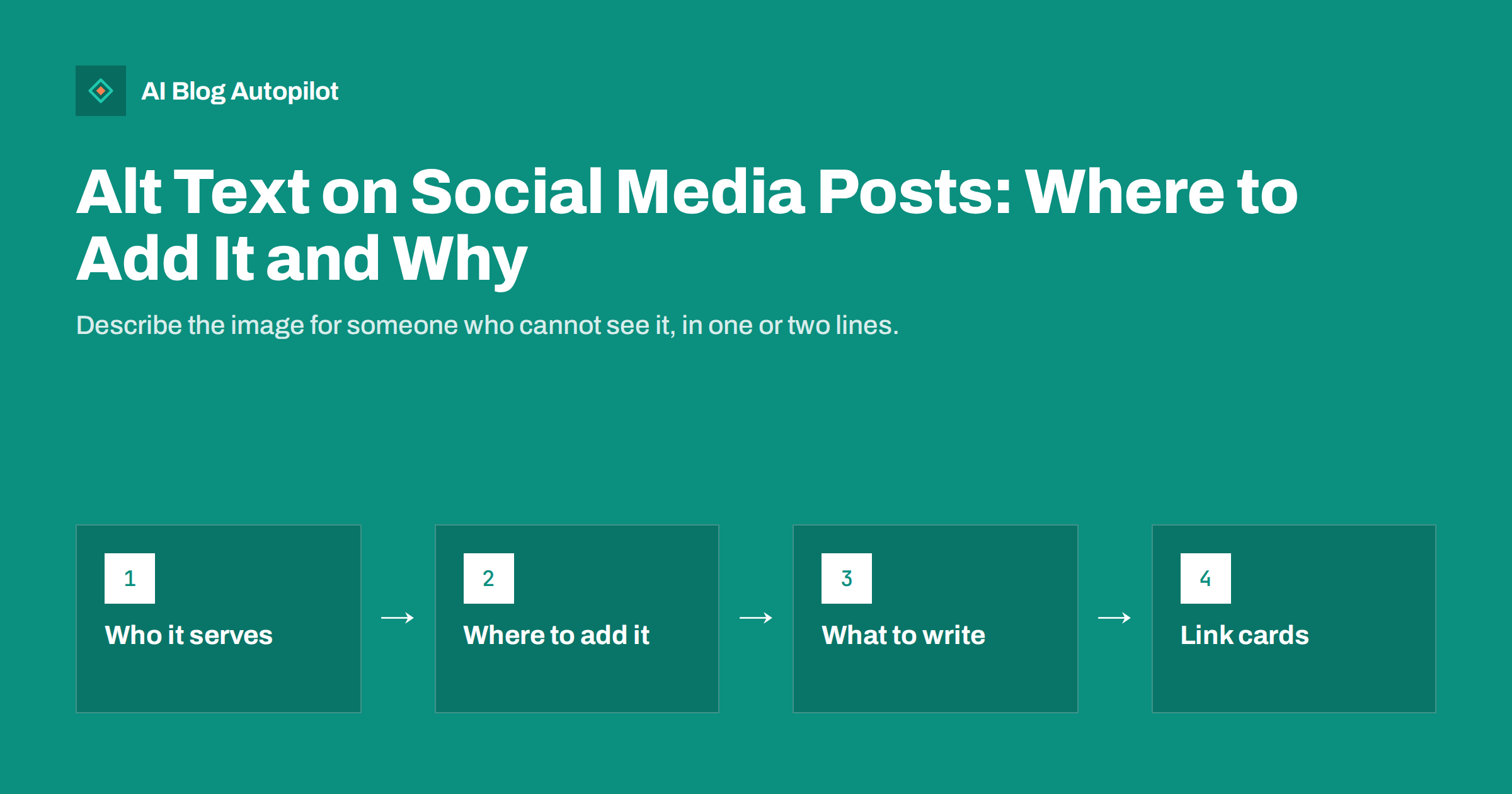
Short answer: alt text on social media is a short written description of an image, read aloud by screen readers for people who cannot see it. Most major networks, including Facebook, Instagram, X, LinkedIn, Pinterest, Mastodon, Bluesky and Threads, let you add it when posting. Describe what matters in the image in one or two plain sentences, include any text shown in the image, and skip keyword stuffing. It makes your posts accessible and can also help platforms understand and recommend them.
Bloggers usually know about alt text for images on their own site. Social media is a different place with different habits. Images there are often the whole message: a quote graphic, a chart from an article, a product photo, an infographic with a list of tips. For someone using a screen reader, an image without alt text is just “image”, and the post loses most of its meaning. Adding a description takes seconds, and it is one of the easiest ways to make your social presence more inclusive.
Who alt text is for
The primary audience is people who are blind or have low vision and use screen readers to browse social networks. A screen reader reads the post text aloud and then the image description. Without alt text, the person either hears nothing useful or, on some platforms, an automatically generated guess such as “may be an image of two people outdoors”.
Alt text also helps in other situations:
- When images fail to load on a slow connection, some apps show the description instead.
- People with cognitive or learning disabilities may benefit from text that explains a complex graphic.
- Platforms use the text, along with their own image analysis, to understand what a post is about, which can affect search inside the platform and recommendations.
The number of people affected is larger than many marketers assume. Visual impairment is common, especially among older adults, and many more people use larger text, zoom or voice assistants that read content aloud. A brand that describes its images consistently signals that it thinks about all of its audience, not only the part that scrolls quickly through a feed.
The first reason is the important one. Better reach is a side effect, not the goal.
Automatic alt text is not enough
Several platforms generate alt text automatically using image recognition. It is better than nothing, but it rarely captures what you meant. An automatic description may say “a screenshot of text” for a graphic containing your five key tips, or “a person smiling” for a photo whose point is the product they are holding.
Only you know why the image is in the post. A written description can say “Chart showing that posts with a clear headline got twice as many clicks as posts without one” instead of “a chart”. That is the information a reader actually needs.
Where to add alt text on major networks
Interfaces change often, but the option is usually close to the image upload step. The general location on each network:
| Network | Where the option usually is |
|---|---|
| Edit the photo while creating the post and choose the alternative text option | |
| Advanced settings before sharing, under accessibility, or by editing the post later | |
| X | The “Add description” or ALT label on the attached image |
| The alt text option shown on the image after uploading it | |
| The alt text field in the pin’s additional settings | |
| Mastodon | The edit or description option on the attached media |
| Bluesky and Threads | The ALT button on the image before posting |
On Mastodon and Bluesky in particular, many communities expect images to have descriptions, and posts without them may be shared less. On Pinterest, the description also helps the platform understand the pin for its own search.
How to write good social alt text
Good alt text on social media follows the same principles as on a website, adapted to the fast, visual nature of feeds.
- Start with what matters. Ask yourself what a person would miss if they could not see the image. Describe that first.
- Keep it short. One or two sentences are usually enough. Long descriptions are tiring to listen to.
- Include text from the image. If the graphic contains a quote, a headline or a list, write that text out. This is the most commonly forgotten part.
- Skip “image of”. Screen readers already announce that it is an image.
- Do not repeat the post text. If the caption already says it, the alt text should add what the image shows, not copy the caption.
- Avoid keyword stuffing and hashtags. Alt text is not a place for search terms. Write for a person.
- Mention relevant details. Colours, expressions or setting are worth including when they carry meaning, such as a “before and after” comparison.
Examples for typical blog promotion images
Bloggers share a predictable set of image types. Here is how to describe each:
- Featured image with the article title. “Graphic with the title: How to plan a month of blog posts in one afternoon.” If the background shows something specific, add it briefly.
- Quote graphic. “Quote from the article: Write the answer first, then explain it.” Include the author if shown.
- Chart or data graphic. State the main finding, not every number: “Bar chart showing that organic traffic grew each month from January to June, with the biggest rise in April.”
- Checklist or tips graphic. Write the items out: “Five tips for faster pages: compress images, limit plugins, use caching, choose good hosting, test on mobile.”
- Screenshot. Describe what the screenshot demonstrates: “Settings screen with the option to schedule posts highlighted.”
- Photo of a person or product. Describe the relevant part: “A cyclist adjusting the seat height of a city e-bike in a bike shop.”
For carousels and multi-image posts, describe each image separately. A carousel of tips is useless to a screen reader user if only the first slide has a description.
Link previews and og:image:alt
Many blog shares on social media are link posts: you paste the article URL and the network builds a preview card from your page’s Open Graph tags. You often cannot add alt text to that card in the posting interface.
What you can do is set the description in your page’s metadata. The og:image:alt tag, and twitter:image:alt for platforms that read it, provide a text description of the preview image. Support varies between networks and apps, so it is not a complete solution, but it costs nothing and helps where it is used. Many SEO plugins for WordPress can output these tags from the featured image’s alt text, so writing a good alt text for your featured image covers both your site and the preview card in one step.
If an image is the key part of a social post, consider uploading it directly with your own alt text and putting the link in the post text, instead of relying only on the automatic preview.
Video, GIFs and text in images
Alt text is only one part of accessible social content. A few related habits matter just as much:
- Captions on videos. Most people watch social video without sound, and deaf or hard-of-hearing viewers rely on captions. Use the platform’s caption feature or burn captions into the video.
- Descriptions for GIFs. Animated images can usually take alt text too. Describe the action and the feeling it conveys.
- Not too much text in images. A graphic packed with paragraphs is hard to read on a phone and long to describe. Put the detail in the post or the article.
- Readable hashtags. Writing multi-word hashtags with capital letters, such as #ContentMarketing, helps screen readers pronounce them correctly.
- Sparing emoji. Screen readers read every emoji aloud by name, so long strings of them become noise.
Making it a routine
The hardest part of social alt text is remembering it. A few habits make it automatic:
- Write the alt text when you create the graphic, not when you post it, and store it with the image.
- Add an “alt text” line to your social post template or checklist.
- Reuse the featured image’s alt text from the blog when the same image is shared.
- Review a few recent posts each month to check that descriptions were actually added on every network.
Once it is part of the workflow, describing images takes less time than choosing hashtags. The first few descriptions feel slow; after a week of practice, most people write them in well under a minute per image.
Teams benefit from agreeing on a few simple conventions, such as always writing out text from graphics and describing charts by their main finding. Consistent descriptions across networks also make your brand feel more careful and professional to every reader, whether they see the image or hear it.
How AI Blog Autopilot helps
AI Blog Autopilot publishes SEO articles to your WordPress blog and shares every article to your social networks, with text written for each network and posted at its own time. That takes the repetitive posting work off your hands, leaving time for details such as clear descriptions on the images you create yourself. See the pricing page for plans.
Related reading
- Alt Text: How to Write It and Why It Matters
- Accessibility for Blogs
- Open Graph Tags for Blogs
- Quote Graphics From Blog Posts
The bottom line
Alt text makes the images in your social posts meaningful for people who cannot see them, and almost every major network supports it. Describe what matters in one or two sentences, write out any text that appears in the image, and do not use it for keywords or hashtags. Set og:image:alt on your blog for link previews, add captions to videos, and build alt text into your routine so it happens every time.
الأسئلة الشائعة
Does alt text on social media help reach?
It can help indirectly, because platforms use descriptions along with their own image analysis to understand posts. The main purpose, though, is accessibility for people using screen readers.
How long should social media alt text be?
Usually one or two sentences. Include what matters in the image and any text it contains. Very long descriptions are tiring to listen to, so put detailed information in the post or the article instead.
Should I use hashtags or keywords in alt text?
No. Alt text should describe the image for a person. Hashtags and keyword lists make it confusing for screen reader users and do not bring real benefits.
Can I add alt text to link previews?
Usually not in the posting interface. You can set og:image:alt in your page’s metadata, which some platforms use for the preview image. Your featured image’s alt text is a good source for it.
Is automatic alt text good enough?
It is better than nothing, but it rarely explains why the image matters or reads out text inside graphics. Writing your own description takes seconds and is much more useful.