ENEnglish
 LTLietuviškai
 DEDeutsch
 FRFrançais
 RUРусский
 ESEspañol
 PLPolski
 ITItaliano
 UKУкраїнська
 CSČeština
 PTPortuguês
 JA日本語
 LVLatviešu valoda
 ETEesti
 HUMagyar
 IDBahasa Indonesia
 TRTürkçe
 HIहिन्दी
 ELΕλληνικά
 ARالعربية
 THไทย
 VITiếng Việt
 RORomână
 MSBahasa Melayu
 BNবাংলা
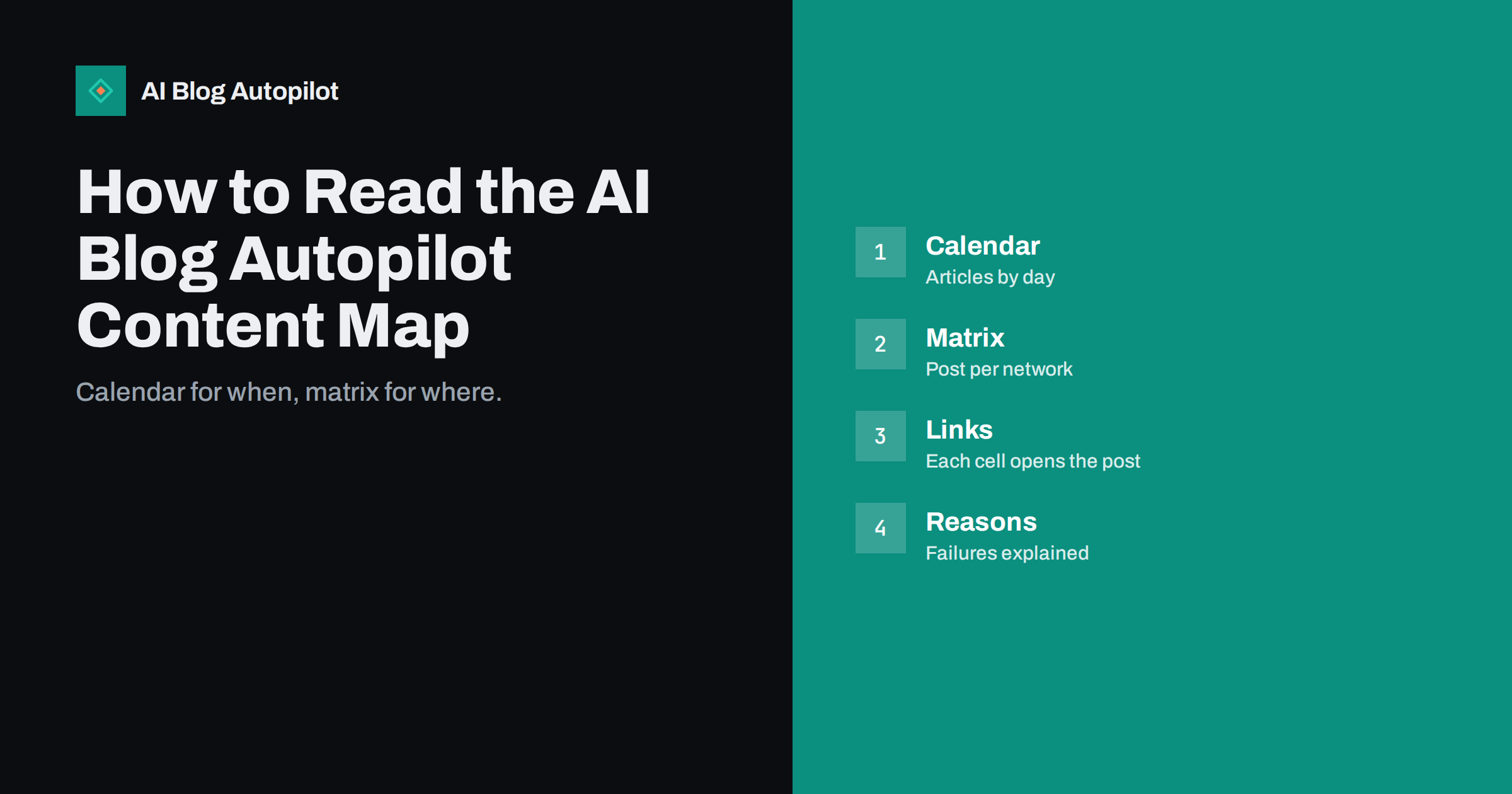
Short answer: the content map in AI Blog Autopilot is the place to see every article and every social post. A calendar shows when each article is planned, being written or published, and a network matrix shows where each one went, with every cell linking to the live post. If something failed, the map says why, so a weekly five-minute look is enough to stay in control.
Automatic publishing removes the daily work, but it should not remove your view of what is happening. Owners want to know that articles went out, that the networks received them and that nothing quietly broke. The content map answers those questions on a single screen.
This guide explains each part of the map in plain terms, shows a simple weekly routine, covers the common signs that something needs attention and explains how to use the map for planning. The product details here come from the product’s own pages, so check them for the current wording.
What the content map shows
The product describes the content map as one place to see every article and every post. It has two views that work together. The calendar tells you when, and the network matrix tells you where. Between them, they cover the two questions an owner usually has: “what is going out?” and “did it arrive everywhere?”
On the home page, the product shows an example month of 12 articles and 64 social posts. These are examples, not your numbers, but they show the idea: a month of planned content laid out like a diary, with each article connected to the posts it produced. As real articles are created in your account, they appear in the same way.
The value is trust. A system that works unseen leaves you wondering. A map you can open at any time lets you check, relax and move on.
The calendar view
The calendar is a monthly grid with days of the week across the top. In the example on the product’s page, article titles sit on the days they are planned, and a status such as “writing” appears on one that is still in progress. Read it from left to right like any diary.
Use it to spot gaps. Is there a week with no article? Are two articles planned for the same day when you wanted them spread out? Is a topic you care about missing from the month? Because Autopilot plans the month from your topics, gaps usually point to a topic setting that needs adjustment, not a fault.
The calendar also helps you coordinate with the rest of your business. If you plan an offer, an event or a holiday closure, check what is scheduled around it. If an article does not fit the moment, you can change your instructions before it goes out. For planning habits that go further, see the guide to a content calendar on autopilot.
The network matrix
Below the calendar, the matrix lists articles down the side and places across the top: the blog and the networks, shown in the example as Blog, FB, in, X, Pin and TG for Facebook, LinkedIn, X, Pinterest and Telegram. A tick marks a completed post, a dot marks one that has not happened yet, and an exclamation mark flags a problem.
Each cell links to the live post. That detail is practical: to check what readers actually see, click the cell and look at the real post on that network. You do not need to log in to each platform to find it.
The matrix also reflects the timing logic of the product. The home page explains that, in AUTO mode, the blog goes out at your hour, LinkedIn 30 minutes later, Facebook after two hours and Pinterest the next day, so an article’s row fills in over time. A row that is partly empty a few minutes after publishing is normal. The guide to posting every article to social media automatically gives the wider picture.
When something fails
The product states that if something failed, the map tells you exactly why. In the example, one cell shows a warning and a note that LinkedIn needs reconnecting, with the reassurance that one click fixes it. That is the most common kind of problem in automated posting: a connection that has expired or been revoked on the network’s side.
When you see a warning, read the reason first. Reconnecting an account is quick. If the reason is something else, such as content that a network did not accept, decide whether to leave it, edit the text or change your settings. Do not assume the whole system is broken because one network needs attention.
Keep a short note of repeat problems. If the same network needs reconnecting every few weeks, check the account’s security settings or permissions with that network. Patterns tell you more than single events.
It helps to know what a healthy week looks like. Most rows are fully ticked, a few dots remain for posts that are timed for later, and the calendar ahead is not empty. A healthy month has a steady rhythm, with articles spaced out instead of bunched together. If your map looks like that, you can leave it alone.
An unhealthy picture shows up quickly too. A row with several warnings on the same day usually points to one cause, such as an expired connection or a change on a network. A calendar with long empty stretches suggests that topics have run out or that your plan’s monthly credits have been used. Credits are monthly and do not roll over, so it is worth checking how many remain.
A five-minute weekly routine
Pick a regular time, such as Monday morning, and run through four checks. First, did last week’s articles publish on the blog? Second, are there any warnings in the matrix? Third, is next week’s calendar what you expect? Fourth, does any article need your attention?
Open two or three live posts from the matrix and read them as a customer would. Look at the title, the opening answer and how the social text reads on its network. This sampling catches tone problems that no status mark can show.
If you use approval mode, add a fifth check: articles waiting for you. AUTO is the default and recommended mode, with approval optional, but in either case the weekly look keeps you informed. Write down anything you want to change and update your topic settings that day while it is fresh.
Do not worry if a single network needs attention now and then. Social platforms change permissions, tokens expire and accounts get logged out, so occasional reconnecting is a normal part of running many networks at once. What matters is that you notice within a few days, not months, and the weekly look makes sure of that.
Using the map for planning
Over time the map becomes a record of what you have published. Before you add a new topic, scan recent weeks to avoid repeating yourself. Check which subjects you have covered and which still lack an article, and use that list to adjust topic weights and keywords.
It is also a useful reference in meetings. If a colleague or client asks what the blog has done this month, you can show the calendar and open the live posts. That is more convincing than a summary written from memory. For reporting ideas, see blog traffic versus leads.
Remember that the map shows activity, not results. To judge whether the articles bring visitors and enquiries, combine it with your analytics and Search Console data. The guide to measuring blog return on investment explains how.
Share the map with the people who need it. An owner can look at the calendar to approve the general direction, while a colleague who looks after social media can scan the matrix for warnings. Agree who checks what and when, so that a flagged cell does not sit unseen because everyone assumed someone else was watching.
Finally, use the map to learn from experience. After a few months, notice which topics lead to the most shares and which networks give the least response. Adjust the topic weights and the networks you rely on. The map shows the pattern, and you decide what to do about it.
Think of the map as the dashboard of a car. You do not stare at it while driving, but you glance at it often enough to notice a warning light before it becomes a breakdown. Build that glance into a habit you already have, such as Monday coffee, and it will cost almost nothing.
If you manage the blog for someone else, take a screenshot of the calendar and matrix at the end of each month and attach it to your report. It gives the client a clear, visual summary, and over a year the screenshots show the steady growth of the blog better than any paragraph of text.
What the map does not replace
A tick means a post was published, not that it was good. The quality gate checks length, structure, keyword and meta before anything goes live, and weak articles wait for you, but facts about your business remain your responsibility. Read some articles in full each month, particularly those mentioning prices, opening hours or rules.
The map also does not show how people react. Replies and comments appear on the networks themselves, so check them there and respond. Automated posting handles the publishing; relationships still need a person.
How AI Blog Autopilot helps
AI Blog Autopilot gives every account the content map, so you can see all articles and posts in one place. The pricing page lists the plans, and your first three articles are free, with no card needed.
Related reading
- Quality Control When You Publish at Volume
- When to Pause Scheduled Social Posts: A Short Checklist
- A Monthly Blog Review Agenda
The bottom line
Use the calendar to see when articles go out and the network matrix to see where they landed, fix flagged connections quickly and give it five minutes every week.
الأسئلة الشائعة
What is the AI Blog Autopilot content map?
It is one place to see every article and every post: a calendar for when and a network matrix for where, with each cell linking to the live post.
What happens when a post fails?
The map shows what failed and why. For example, a network may need reconnecting, which the product says takes one click.
How often should I check the map?
A five-minute look once a week is usually enough to confirm that articles published and to catch warnings early.
Does a tick mean the article is good?
No. It means the post was published. The quality gate checks structure and meta, but facts and tone remain your responsibility.
Do I need to approve articles on the map?
Not by default. AUTO is the default mode and approval is optional if you want to see each article first.