ENEnglish
 LTLietuviškai
 DEDeutsch
 FRFrançais
 RUРусский
 ESEspañol
 PLPolski
 ITItaliano
 UKУкраїнська
 CSČeština
 PTPortuguês
 JA日本語
JA日本語 LVLatviešu valoda
 ETEesti
 HUMagyar
 IDBahasa Indonesia
 TRTürkçe
 HIहिन्दी
 ELΕλληνικά
 ARالعربية
 THไทย
THไทย VITiếng Việt
 RORomână
 MSBahasa Melayu
 BNবাংলা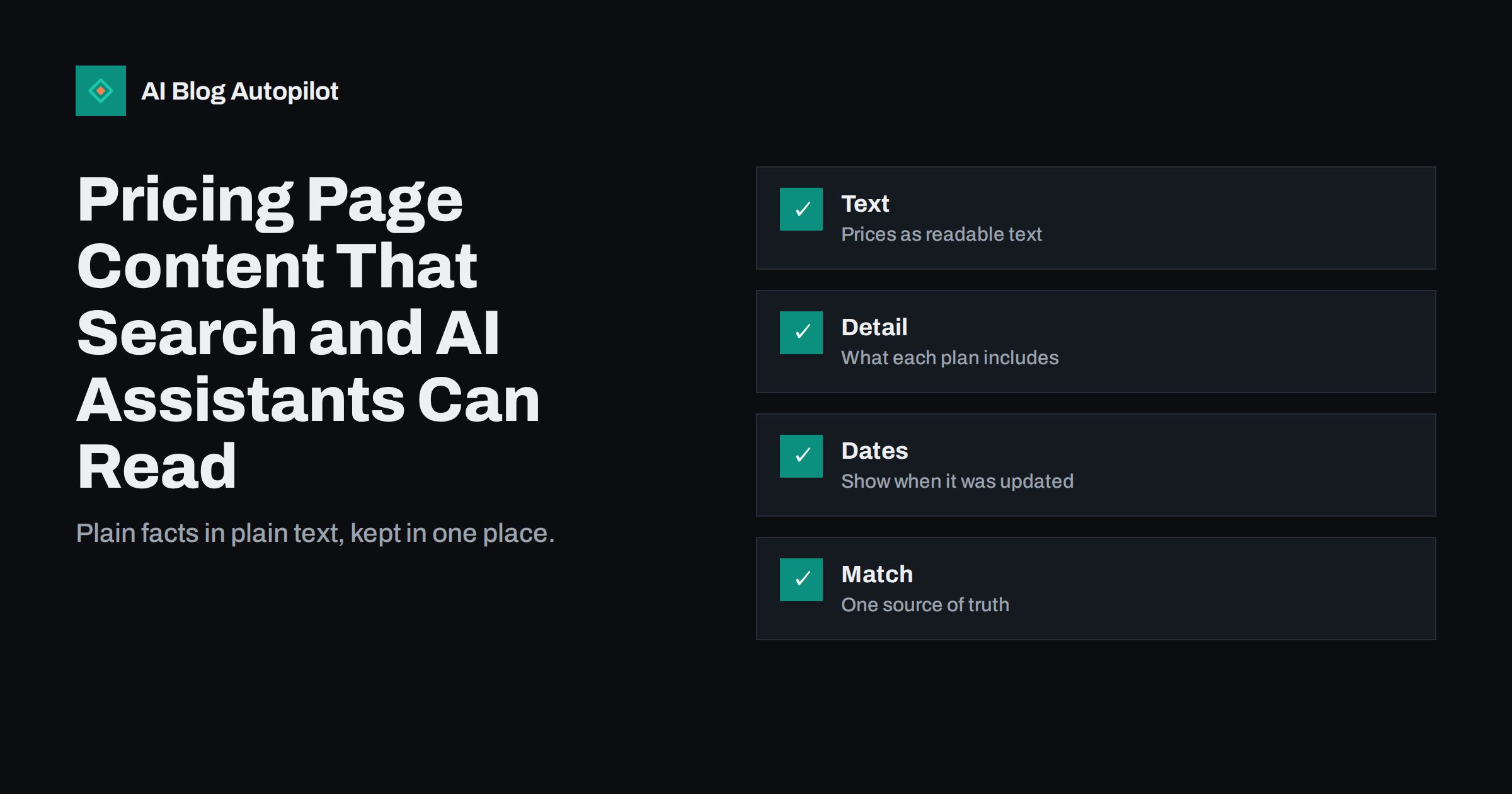
Short answer: write your pricing page as readable text, not only as images, sliders or scripts. State each plan name, its price, the billing period, the currency and what is included, in plain sentences and simple tables. Keep it consistent with every other place where you mention prices, show when it was last checked, and avoid vague words such as “from” or “custom” without an explanation. Pages like this are easy for visitors to compare and easy for search engines and AI assistants to quote correctly, which reduces the chance of wrong answers about you.
Questions about cost are among the most common questions people ask search engines and AI assistants about any business. If your pricing page is hard to read, the answer comes from somewhere else: an old review, a comparison site or a guess. This article explains how to make your pricing page a reliable source, and how to keep it that way.
Why the pricing page matters for search and AI
People search for the price of a product at the very moment they are close to a decision. Queries such as the name of a product plus “pricing” or “cost” have clear commercial intent, and the page that answers them directly earns trust. AI assistants, which build answers from sources they can read and verify, look for the same thing: a page that states the facts plainly and that agrees with other sources.
When the page is unclear, errors spread. An assistant may quote a price that you retired two years ago, mention a plan that no longer exists or say that you do not publish prices when you do. These mistakes cost enquiries and create support work. A clean pricing page is one of the cheapest ways to prevent them.
Put the facts in text
Many pricing pages are built as interactive widgets: sliders, toggles between monthly and annual billing, or cards loaded by scripts after the page appears. These can look good, but they can hide the facts from crawlers and tools that read only the first version of the page. Make sure the key information is present in the HTML, so that anyone or anything reading the page without running scripts can still see it.
- Plan names: use the same names as in your product and your help pages.
- Price and currency: write the amount and the currency symbol or code, such as “$19” or “19 EUR”, in text.
- Billing period: state clearly whether the price is per month, per year or one-off.
- Tax and fees: say whether prices include tax, and mention any set-up or additional fees.
- Inclusions and limits: list what each plan includes, and the numeric limits where there are any.
- Trial or free option: describe it precisely, including whether a payment card is needed.
Avoid putting prices in images alone. If a graphic is part of the design, repeat the same content in text below it, and use alt text to describe what the graphic shows.
Write the details people ask about
Think about the sentence a buyer would say to a colleague after reading your page. If that sentence is wrong, the page needs work.
A pricing table is a good starting point, but it rarely answers every question. Visitors want to know what happens at the limits, how to change plans, how to cancel, what counts as usage, and whether anything is excluded. Add a short section in plain language below the table that deals with those points, and use headings that match the way people ask.
- Who each plan is for: one sentence per plan, written from the buyer’s side.
- What happens at a limit: whether use stops, slows or moves to a higher plan.
- Changing or cancelling: how it works, and when changes take effect.
- Refunds and trials: state only the rules you actually follow.
- Taxes and invoices: how they are shown and where to get them.
Only publish promises you are ready to keep. A rule written on the page becomes a commitment in the eyes of customers, and an out-of-date claim causes more trouble than a shorter page.
Keep the comparison between plans honest as well. If a feature is limited on a lower plan, say how it is limited, in a few words, instead of leaving a blank cell or a tick that hides the difference. Visitors who feel misled by a table will not return, and assistants that summarise the table will repeat the confusion.
Handle “custom” and “contact us” honestly
Some businesses cannot publish a fixed price, because the cost depends on scope. That is fine, but vague pages frustrate visitors and give assistants nothing to quote. If you must use “custom pricing”, explain what drives the price, give a typical range if you are able to, and describe the next step and how long it takes to get a quote.
- List the two or three factors that most affect the cost, such as size, volume or support level.
- Offer a starting figure or example project, with the conditions under which it applies.
- Say what the visitor will receive and when, such as a written quote within a stated number of working days.
- Keep the wording specific, so that an assistant can summarise it without inventing numbers.
An honest “it depends, and here is on what” is more useful than a blank page, and far better than a number that was true last year. If you publish a range, make sure that the lower and upper figures are both real, since assistants often quote the lower one on its own.
Structured data and clear labels
Structured data can state the facts in a form that machines read directly. For products and services, markup can describe offers with a price, currency and availability. Use it only when the page really shows those facts, and keep it consistent with the visible text. Markup that says one thing while the page says another is worse than no markup. It is not a magic switch for rankings or for AI answers, but it removes ambiguity.
Include the practical details of payment as well: accepted payment methods, whether invoices are available and whether there is a minimum term. These small facts decide many purchases and are asked about constantly. Use the same labelling across the page. If the toggle says “monthly” in one place and “per month” in another, a reader will not mind, but a rushed parser may. Use clear headings for each plan, avoid decorative symbols in place of words, and keep a consistent order of information from one plan to the next. Our guide on product and pricing facts for AI answers covers the wider picture.
Keep one source of truth
This is the part that is easiest to neglect, because it is spread across many people and many places.
The biggest source of wrong answers is inconsistency. Prices are mentioned on the pricing page, in blog posts, in help articles, in app store listings, on social profiles, in emails and in old press coverage. When prices change, some of these are updated and others are not. Decide where the master version lives, and check everything else against it. Give one person the job of owning that list, and make a price change a task with a checklist, not a quick edit on one page.
- Search your own site for the old price and plan names every time you change them.
- Update help articles, frequently asked questions and comparison pages the same day.
- Review profiles on app stores and directories, and ask third parties to correct their pages.
- Where possible, avoid repeating exact prices in blog posts. Link to the pricing page instead.
- Show a date such as “prices checked on” so that readers and tools know how fresh the page is.
Test how the page is read
Once the page is ready, check it from the outside. View it with scripts disabled or use a text-only view, and confirm that the plan names, prices and inclusions all appear. Ask an AI assistant a handful of plain questions about your pricing and compare the answers with the page. If the answers are wrong, look for the source of the error, such as an outdated page elsewhere, and fix it. Repeat the check every time prices change and every few months otherwise, since sources and assistants change over time.
Pay attention to regional differences too. If prices vary by country, currency or tax rules, say so, and make sure the page a visitor lands on matches their region or explains how to switch. A single page that mixes currencies without labels is a common cause of wrong quotes in assistant answers. Also test with real people. Ask a colleague who does not work on the product to find the price for a given need, and watch how long it takes. If they struggle, the page has a design problem that no markup will cure.
How AI Blog Autopilot helps
AI Blog Autopilot writes articles on your WordPress blog and can link readers to your pricing page instead of repeating exact figures that may change. Its own plans are listed on the pricing page, so there is one place to check.
Related reading
- Product and Pricing Facts: Making Them Easy for AI Answers
- Does Schema Markup Help a Blog Appear in AI Answers?
- Landing Page or Blog Post: Which Does a Query Need?
- When AI Answers Get Your Business Wrong: What to Do
The bottom line
A pricing page that works for search and AI is simple: facts in readable text, clear plans, honest limits, a date and a single source of truth. Explain custom pricing instead of hiding it, use structured data only where it matches the page, and test how the page is read from time to time. Clear pricing helps buyers decide, and it helps every system that answers questions about you to get it right.
الأسئلة الشائعة
Should I publish prices at all?
If you can, yes. Visible prices answer a very common query, build trust and give search engines and AI assistants something accurate to quote.
Can AI assistants read prices shown in images?
Not reliably. Put the same information in text on the page and describe any graphic with alt text.
What if my pricing is custom?
Explain what drives the cost, give an example or a typical starting point if you can, and describe the next step and the time to receive a quote.
Do I need Offer structured data?
It is optional. Use it only when it matches the visible page exactly, since inconsistent markup causes more harm than none.
How often should I check the page?
Whenever prices change, and every few months otherwise. Also search your site and profiles for old prices and plan names.