ENEnglish
 LTLietuviškai
 DEDeutsch
 FRFrançais
 RUРусский
 ESEspañol
 PLPolski
 ITItaliano
 UKУкраїнська
 CSČeština
 PTPortuguês
 JA日本語
JA日本語 LVLatviešu valoda
 ETEesti
 HUMagyar
 IDBahasa Indonesia
 TRTürkçe
 HIहिन्दी
 ELΕλληνικά
 ARالعربية
 THไทย
THไทย VITiếng Việt
 RORomână
 MSBahasa Melayu
 BNবাংলা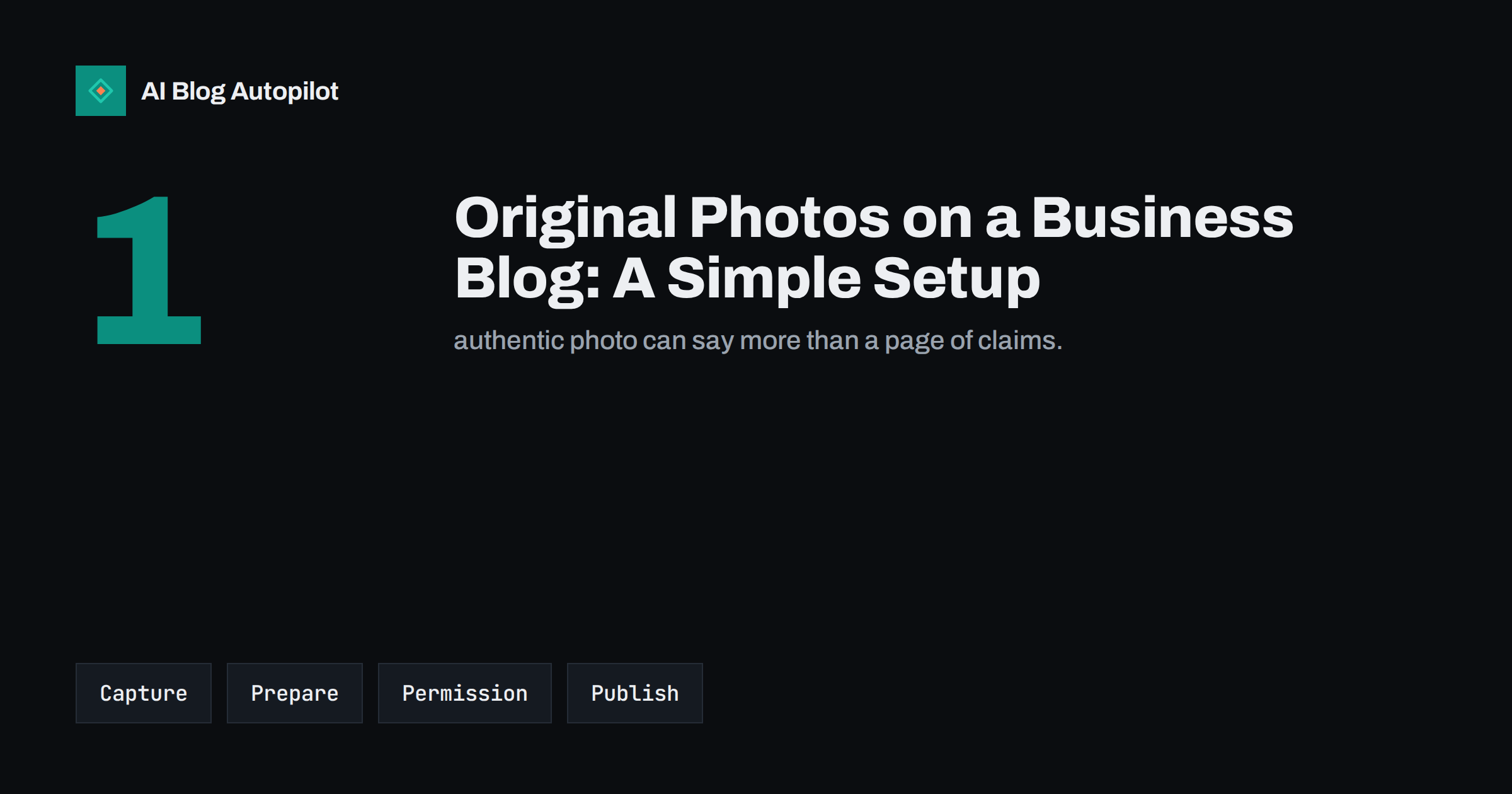
Short answer: original photographs make a business blog more believable, because they show real products, people, places and work that stock libraries cannot supply. You do not need expensive equipment. A recent phone, natural light, a clean background and a few habits are enough. Decide on a consistent look, shoot in batches, crop and compress the files, give them clear names, add alt text and captions, get permission from anyone who appears, and keep an organised library so you can reuse the best images. Use stock or illustration only when a real photo is impractical.
Readers and search engines both notice when every image on a site could belong to any company. Original photos signal experience: someone was actually there. They help with trust, they differ from what competitors publish and they can appear in image search. This article gives a simple, low-cost setup that a small team can maintain.
Where real photos matter most
Not every post needs an original picture, but some benefit a great deal. Use your own photos when the article is about something you do or make: process steps, workshops, products in use, premises, tools, results of a project, events and the team. They are especially valuable on about pages, service pages, how-to guides and case studies, where authenticity matters. For abstract topics, such as an explanation of a search concept, a diagram or a clean illustration may serve better than a forced photo. Our article on screenshots, diagrams and charts covers those cases, and the guide on featured images for automated posts explains what to avoid.
A useful test is to ask whether a reader would learn anything from the picture. A photo of the actual box a product arrives in, the back of the shop where the work happens or the result of a repair tells the reader something new. A generic photo of people shaking hands tells them nothing. Whenever you catch yourself reaching for a stock handshake, stop and think about what real image could replace it, even a plain one taken with a phone, because the real image is nearly always more convincing.
A simple setup with a phone
Modern phone cameras are good enough for blog images. The difference between a weak photo and a strong one is mostly light and composition. Shoot near a window or outdoors in soft daylight, avoid direct flash and mixed lighting, and wipe the lens before you start. Hold the phone steady, keep the horizon straight, fill the frame with the subject and remove clutter from the background. Take several versions from different angles, including one wide shot for context and one close-up for detail. A small tripod and a plain backdrop cost little and make product images far more consistent.
Shoot horizontally for most blog uses, since featured images and social cards are wider than they are tall, but also take a vertical shot if you plan to share on mobile-first networks. Leave some empty space around the subject so it can be cropped for different layouts.
Take a few minutes before each shoot to plan a shot list: the images you need, the angle for each and the order in which you will take them. Clear the area, check the background and prepare any props. Photograph the same item in several settings, including one with a hand or tool for scale, since size is a common reader question. A plain list on your phone saves multiple trips and ensures that you return with usable pictures for each planned article.
Choose a consistent style
Consistency makes a blog look professional. Decide on a few simple rules: the same type of background, similar framing, a similar colour treatment and a standard way to show people or products. Write the rules on one page so that anyone on the team can follow them. Do not over-edit; modest corrections to brightness, contrast and crop are enough. Heavy filters date quickly and can misrepresent the product, which is a problem for trust and in some cases for advertising rules.
Prepare the files properly
A large camera file will slow the page. Before upload, crop to the shape you need, resize to the largest size the layout will actually display, and compress. Save as a modern web format if your platform supports it, or as a well-compressed JPEG. Give each file a descriptive name, such as hand-built-oak-table-workshop.jpg, rather than a camera number. Our guide to image SEO for blog posts covers sizes, formats and names in more detail, and the article on page speed explains why file weight matters.
Remove location data from images when it should not be public. Some phones store the exact place where a photo was taken in the file, which can matter for a home office or a private site.
Build the preparation into a routine so it takes five minutes. Many tools let you set a standard crop and export size, and some publishing systems resize and compress on upload, though results vary and you should still check the final weight. Keep the originals untouched in a separate folder, so you can create new versions later for a different layout or a social card. Record the date, the place and who appears in the image in the file’s notes, which makes captions and permissions much easier to deal with later.
Alt text, captions and context
Every image should have alt text that describes what it shows, in one plain sentence, for people who cannot see it and for search engines. Add a caption where it helps the reader understand why the picture matters, for example the stage of a project or the date. Place the image near the text it supports. Our guides to writing alt text and captions in blog posts offer examples. Clear images with good context also help assistants that interpret pictures, as discussed in images in AI search.
Permission, privacy and rights
If a photo includes people, get their permission, explain where it will appear and let them decline. Be especially careful with children, customers and anything that shows a private property or confidential information in the background. Check for visible screens, documents, number plates and addresses. If someone else took the photograph, make sure you have a written right to use it and know how to credit them. If you are a team, keep a short record of who agreed to what. The article on image rights for blog posts explains the checks for stock, screenshots and generated pictures, and the same care applies to your own.
Create a short consent form that explains in plain words where the images may be used, for how long and how a person can withdraw. Keep the signed copies with your photo library. For staff, include the use of their images in the employment paperwork or ask separately, and remember that they can change their minds. A form takes a minute, avoids misunderstandings and shows that you take privacy seriously, which in turn makes people more willing to appear in your pictures.
Build a small library you can reuse
Photos are only useful if you can find them again. Create a shared folder with simple subfolders by topic and year, keep the originals and the web-ready versions separate, and record notes on permissions. Shoot in batches: an hour once a quarter, with a list of the images you will need, produces material for many posts. Review the library when you refresh articles, and replace older photos that no longer match the product or the premises. A tidy library also helps when you hand the blog to someone else.
Using the same photos for social posts and search
A strong photo can do several jobs. Use it as the featured image, as a picture inside the article, as a social post and as a thumbnail for the newsletter, cropping it to suit each format. Make sure the main subject sits near the centre so that crops do not cut it off, and check that any text overlay stays readable on a small screen. Consistency across your channels helps people recognise your content as they scroll.
For search, images can bring visitors through image results, particularly for products, places and how-to subjects. Good file names, relevant alt text, nearby descriptive text and a sensible size all help. Include a few images in your sitemap or keep them in the page’s regular content so search engines can find them. Do not stuff alt text with keywords; describe the picture in a natural sentence. A modest number of well-described original images is worth more than dozens of generic ones.
If you publish unusual or useful images, such as a diagram of a process you invented or a chart of your own data, consider telling readers how they may reuse it. Credit requests and a link back are reasonable, and they turn images into a quiet source of mentions. Keep the original files and a record of the date you first published them, in case you ever need to show where an image came from.
How AI Blog Autopilot helps
AI Blog Autopilot writes full SEO articles for your WordPress blog from the topics, keywords, audience and tone you set, with FAQ sections, tags and SEO meta included, and it shares each one to your social networks. Real photographs remain your own contribution: they are the part of the blog that only your business can supply. With approval mode on, you can read each article before it goes live and add a genuine photo of your work where it would help. See the pricing page for plans.
Related reading
- Featured Images for Automated Posts: What Works and What to Avoid
- Image SEO for Blog Posts: File Names, Size and Formats
- Alt Text: How to Write It and Why It Matters
- Image Rights for Blog Posts: Stock, Screenshots and Generated Images
The bottom line
Original photos are one of the cheapest ways to make a business blog look and feel real. Use a phone, good light and a simple style, prepare the files carefully, describe each image, respect people’s permission and keep a tidy library. A modest number of authentic pictures, used where they matter, does more for trust than a stock image on every post.
الأسئلة الشائعة
Do I need a professional camera for blog photos?
No. A recent phone with good natural light and a clean background is enough for most business blogs.
How large should blog images be?
Resize them to the largest size the page will actually display and compress them, so they look sharp without slowing the page.
Do I need permission to photograph my customers?
Yes, ask clearly, explain where the image will appear and let people decline. Take extra care with children and with private spaces.
Is it better to use stock photos or my own?
Use your own where authenticity matters, such as products, people and process. Stock or illustration can serve abstract topics.
Should I remove location data from photos?
Where the place should not be public, yes. Many editing tools can strip the metadata before you upload.