ENEnglish
 LTLietuviškai
 DEDeutsch
 FRFrançais
 RUРусский
 ESEspañol
 PLPolski
 ITItaliano
 UKУкраїнська
 CSČeština
 PTPortuguês
 JA日本語
JA日本語 LVLatviešu valoda
 ETEesti
 HUMagyar
 IDBahasa Indonesia
 TRTürkçe
 HIहिन्दी
 ELΕλληνικά
 ARالعربية
 THไทย
THไทย VITiếng Việt
 RORomână
 MSBahasa Melayu
 BNবাংলা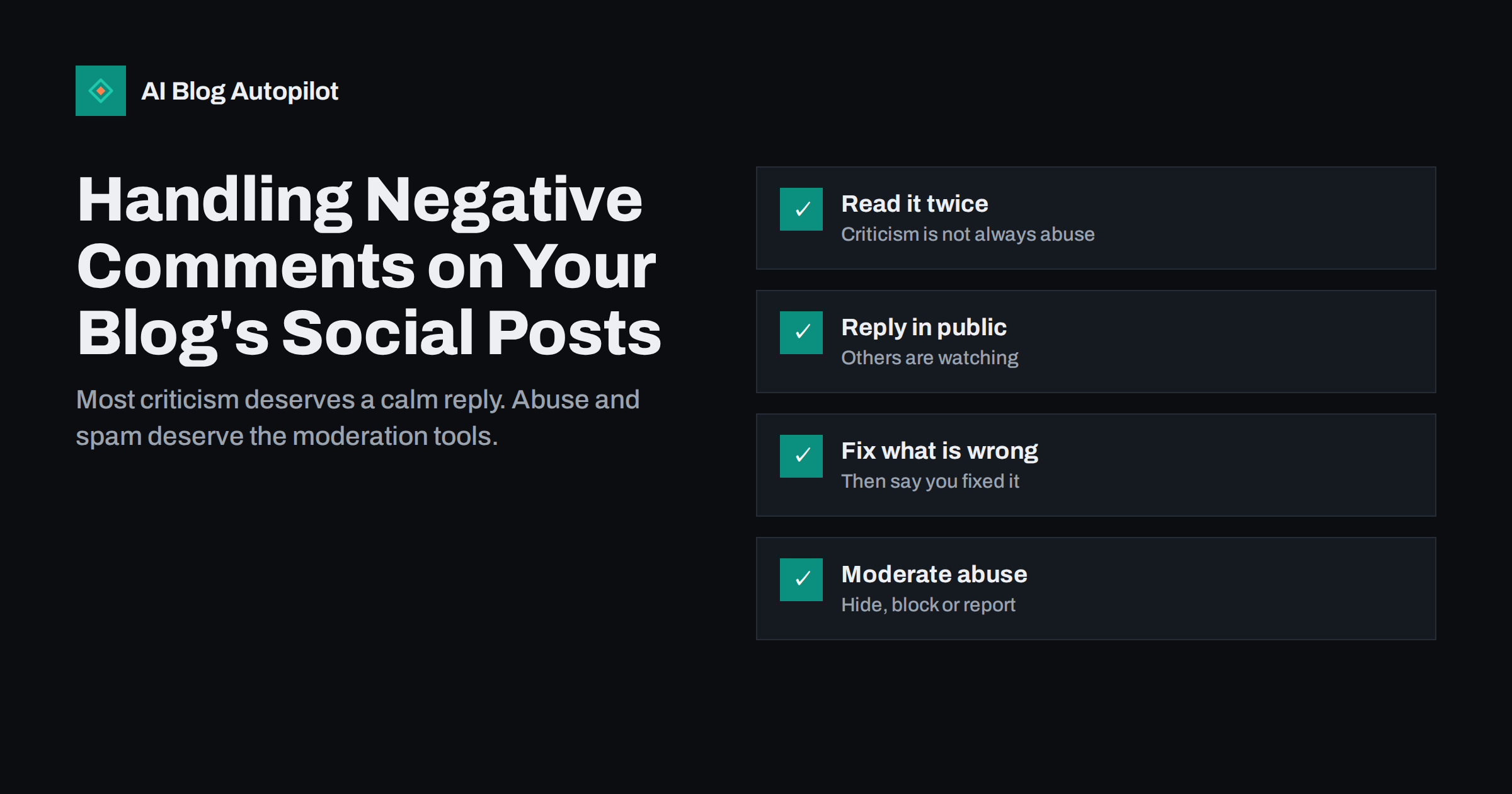
Short answer: treat most negative comments under your social posts as a chance to show how you handle criticism. Reply calmly and briefly in public, thank people for pointing out real mistakes, correct the article if they are right and say so, and move complaints that need personal details to a private channel. Hide, delete, block or report only spam, abuse, personal attacks and comments that break the network’s rules. Never argue, never reply in anger and never delete fair criticism just because it is uncomfortable.
Sharing blog posts on social media brings readers, but it also brings comments, and not all of them are friendly. Someone disagrees with your advice, points out an error, complains about your service or simply posts something rude. How you respond is visible to everyone who sees the post, often more people than the original commenter. This guide explains how to sort negative comments, how to reply, when to moderate and how to set up a simple routine so comments do not go unanswered.
Not all negative comments are the same
The first step is to recognise what kind of comment you are dealing with. Most negative comments fall into one of these groups:
- Disagreement: the commenter thinks your advice is wrong or incomplete. Often useful, sometimes right.
- Correction: the commenter points out a factual error, a broken link or an outdated detail.
- Complaint: a customer is unhappy with your product or service and uses the post to say so, even if the article is about something else.
- Criticism of the format: “too long”, “clickbait”, “another sales post”. Annoying, but sometimes a signal worth hearing.
- Trolling: comments meant to provoke rather than discuss.
- Abuse and spam: insults, harassment, scams, unrelated links and bots.
The right response depends on the group. A correction needs a thank you and a fix. A complaint needs a route to support. Abuse needs moderation. Treating them all the same, either by ignoring everything or by arguing with everyone, is the most common mistake.
Read it twice before you reply
Negative comments are easy to read as attacks, especially on content you worked hard on. Before replying, read the comment again and ask:
- Is there a fair point inside the harsh wording?
- Is the commenter a customer, a reader or a stranger?
- Is something in the article actually wrong or unclear?
- Would a reply help other readers, or only continue an argument?
Waiting an hour before replying to a comment that annoys you is rarely a problem. Replying in anger usually is. If you manage social accounts as a team, let a colleague read the comment and your draft reply before it goes out.
How to reply to fair criticism
When the commenter has a point, the best reply is short and specific:
- Acknowledge it: “Thanks, you are right that this step is missing.”
- Fix it: update the article, the link or the detail.
- Say what you did: “We have added it to the article.”
That reply shows every other reader that the blog takes accuracy seriously. It often turns a critic into someone who trusts the blog more than before. If the article had a meaningful error, add a short correction note on the article itself, not only in the comment thread.
When the commenter disagrees but you still think your advice is right, explain briefly why, without lecturing: “That can work too. We suggest the other approach for small sites because it is simpler to maintain.” Then let it go. You do not need to win every discussion, and readers can judge both views.
Example replies
A few short replies cover most situations. Adapt the wording to your own voice rather than copying them word for word:
- Correction: “Good catch, thank you. The link was out of date and we have replaced it in the article.”
- Disagreement: “Fair point, and that approach works for many sites. We recommend this one for beginners because it needs less upkeep.”
- Too basic: “Thanks for the feedback. This one is aimed at people starting out; our article on the advanced setup goes further.”
- Clickbait accusation: “Sorry the headline did not match what you expected. The short answer is in the first paragraph: …” followed by the answer itself.
Each reply is one or two sentences, adds something useful and ends the exchange politely. If the commenter replies again with a new point, answer it; if they repeat the same point more angrily, it is usually time to stop.
When a customer complains under a post
A complaint about your product or service under an unrelated article is common. Do not ignore it and do not argue in public. Reply once, politely, and offer a direct route: “Sorry to hear that. Please send us a message with your account details so we can look into it.” Then follow up privately. If the problem is resolved, it is fine to add a short public note that it has been sorted, if the customer agrees.
Never ask for passwords, payment details or other sensitive information in public comments, and be careful with replies that confirm someone is a customer if they have not said so themselves.
Trolls, abuse and spam
Some comments are not meant to be answered. Trolls want a reaction, and abusive commenters want attention. A good rule: if a reasonable reader would not learn anything from your reply, do not reply.
Most networks give page owners tools to deal with these comments:
- Hide: on some networks, hiding a comment makes it invisible to others while the commenter and their friends may still see it. Useful for mild trolling.
- Delete: removes the comment entirely. Use for spam, scams and clear abuse.
- Block or ban: stops the account from commenting again. Use for repeat offenders.
- Report: sends the comment to the network’s moderators. Use for harassment, threats and anything illegal.
- Keyword filters: several networks let you filter comments that contain specific words, which catches common insults and spam automatically.
Write down a short moderation policy, even if only for your team: what you remove, what you hide and what you always answer. It keeps decisions consistent and protects you from accusations of deleting criticism.
What not to do
- Do not delete fair criticism. People notice, screenshots spread, and a deleted honest comment looks worse than the comment itself.
- Do not argue in long threads. One clear reply is enough. After that, move to private messages or stop.
- Do not use sarcasm. It rarely reads well in writing and almost always looks unprofessional from a business account.
- Do not reply with a copy-pasted template to every comment. People can tell, and it suggests nobody is reading.
- Do not ignore everything. A post with unanswered complaints suggests the account is unattended.
- Do not take it personally. Comments are usually about the content or the service, not about you.
A routine for checking comments
Negative comments do the most damage when they sit unanswered for days. A simple routine prevents that:
- Check comments at least once a day on networks where you are active, and more often on the day an article is shared.
- Turn on notifications for comments on business pages, so serious complaints reach someone quickly.
- Decide who replies on each network and who covers holidays and weekends.
- Keep a short list of standard situations and how you handle them: corrections, complaints, spam, abuse.
- Feed lessons back to the blog: if several people misunderstand the same point, the article probably needs a clearer explanation.
Automated posting makes this routine more important, not less. When articles are shared without anyone touching each post, someone still needs to read the replies.
Turning criticism into better content
Negative comments are free feedback. Patterns are especially valuable:
- Repeated “this is too basic” comments may mean your audience is more advanced than you assumed.
- Repeated corrections on one topic suggest the article needs a careful review.
- Complaints about the same product issue belong with the team that can fix it.
- Strong disagreement can become a new article that compares both approaches fairly.
Keep a simple log of useful criticism, with the date, the network and what you changed. Over months it shows how the blog has improved and which topics need more care.
Platform differences
Norms differ by network. LinkedIn discussions are usually more formal and criticism is often detailed. Facebook pages see more customer complaints. Fast feeds such as X, Threads and Bluesky can turn a single critical reply into a wider discussion quickly. Community spaces such as Reddit or Discord have their own rules and moderators, and replies there should follow the community’s tone. Adjust the length and tone of replies to each place, but keep the same principles.
How AI Blog Autopilot helps
AI Blog Autopilot publishes your articles and shares each one to your social networks with its own text and timing, and the content map shows every post per network with a link to the live post. That makes it quicker to find where an article was shared and check the replies there. Replying to comments stays with you. See the pricing page for plans.
Related reading
- Should a Business Blog Allow Comments?
- How to Handle Corrections on a Blog
- Automated Social Posting Mistakes That Make Accounts Look Robotic
- Sharing Blog Posts on a Facebook Page: What Still Works
The bottom line
Most negative comments under your social posts deserve a short, calm, public reply: thank people for corrections and fix the article, explain your view once when you disagree, and move customer complaints to a private channel. Use hiding, deleting, blocking and reporting for spam, abuse and trolls, following a written policy. Check comments daily, especially when articles are shared automatically, and use repeated criticism to improve your content.
الأسئلة الشائعة
Should I delete negative comments on my business posts?
Not if they are fair criticism. Deleting honest comments usually looks worse than the comment itself. Delete spam, scams, abuse and comments that break the network’s rules, and hide mild trolling where the network allows it.
How should I reply to a negative comment?
Briefly and calmly, in public. Acknowledge any fair point, fix what is wrong and say what you did. If it is a customer complaint, offer a private channel to sort it out.
Should I reply to trolls?
Usually not. If a reasonable reader would not learn anything from your reply, skip it. Use hiding, blocking or reporting for repeated provocation or abuse.
How quickly should I respond to negative comments?
Within a day is a good target on networks where you are active, and faster for serious complaints. Waiting an hour to calm down before replying is better than replying in anger.
Do I still need to check comments if posts are shared automatically?
Yes. Automation can publish and share articles, but someone still needs to read replies, answer questions and handle complaints on each network.