ENEnglish
 LTLietuviškai
 DEDeutsch
 FRFrançais
 RUРусский
 ESEspañol
 PLPolski
 ITItaliano
 UKУкраїнська
 CSČeština
 PTPortuguês
 JA日本語
JA日本語 LVLatviešu valoda
 ETEesti
 HUMagyar
 IDBahasa Indonesia
 TRTürkçe
 HIहिन्दी
 ELΕλληνικά
 ARالعربية
 THไทย
THไทย VITiếng Việt
 RORomână
 MSBahasa Melayu
 BNবাংলা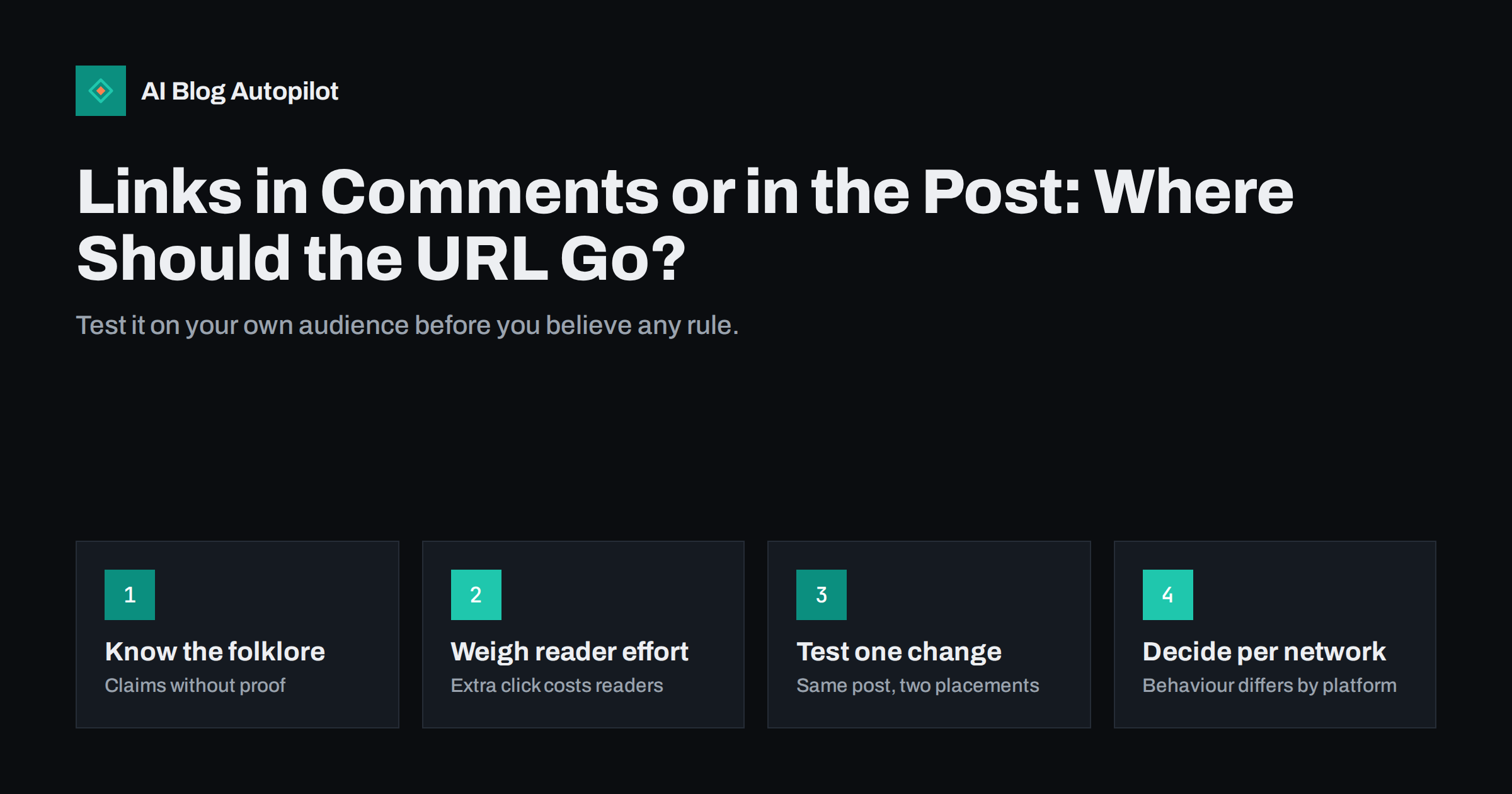
Short answer: there is no universal answer to whether a blog link belongs in the post or in the first comment. Some people believe that links in posts reduce reach, but networks change their systems often and do not publish simple rules, so the claim is hard to prove. What is certain is that hiding a link in a comment adds a step for the reader and can lose clicks. Put the link where readers expect to find it, test the alternative on your own audience with a fair comparison, and decide separately for each network.
Advice about links on social networks is full of confident statements that are rarely backed by evidence. “Never put a link in the post” and “always put it in the comments” both circulate widely, and both may be true for some account at some time. This article helps you sort folklore from fact, explains the real trade-offs, and shows how to run a small test that gives you an answer for your own audience.
Where the advice comes from
The advice has a plausible origin. Social networks want people to stay on the platform, and posts that send them away may be treated differently from posts that keep them there. Many users have noticed that image posts and text posts reach more people than link posts, and some have concluded that moving the link out of the post fixes the problem.
- Networks change their systems. What held last year may not hold now, and what works for a large account may not work for a small one.
- Accounts differ. A post’s reach depends on the audience, past engagement, the content type and timing, not only on the link.
- Anecdotes are weak evidence. A single post that did well after a change of tactic proves little, since many factors varied at once.
It is sensible to be sceptical of anyone, including this article, who claims to know exactly how a network treats links. The honest position is that you should test, and that you should keep the reader’s experience in mind.
The reader’s side of the choice
A reader who sees an interesting post and wants the article has to do something. If the link is in the post, they click it. If it is in a comment, they must open the comments, find the right one, perhaps expand it, and then click. Each extra step loses some people.
- On mobile, comments can be harder to open and read.
- Some readers do not realise the link is in a comment, and assume there is none.
- Comments can be sorted in ways that bury your link under other replies.
- When the post is shared or reposted, the comment does not travel with it.
Put simply, a link in a comment may protect reach at the cost of clicks, and if clicks are what you want, the trade may not be worth it. Also consider that the post should deliver value without a click. A clear summary in the post lets people who will not click still gain something, and may make the link more tempting for those who will.
What differs by network
Networks behave differently, and the same tactic can have different effects.
- Networks that make links easy to click, with link previews and good mobile handling, may suit links in the post, with a strong preview image and title.
- Networks where links in captions are not clickable, such as some image-first services, need another approach, such as a link in the profile, a sticker or a note on where to find the article.
- Professional networks are the ones where the first-comment tactic is most often discussed. Test it before adopting it, and check the audience reaction.
- Community platforms and groups have rules of their own about links, which come first.
Treat each network separately, and review your decision a few times a year, since the platform may change. If you use automatic sharing, check how your tool places the link and whether you can choose.
How to run a fair test
If you only change your habits because someone online said so, you will keep changing them. A short, honest test settles the question for your account and costs little.
A test needs a clear question, a comparable set of posts and enough time. A simple design is below.
- Define the question: “On this network, does putting the link in the first comment change reach and clicks compared with the link in the post?”
- Pick comparable articles. Choose pairs of articles on similar topics with similar images and similar timing, and alternate which one gets which treatment.
- Change one thing only. Keep the wording, image and time of day the same, and vary only the link placement.
- Tag the links so your analytics can attribute visits to the right post.
- Collect enough posts. Eight to ten of each type is a minimum for a rough indication, and more is better.
- Compare impressions, clicks and engagement together. Higher reach with fewer clicks is not a win.
Be honest about the limits. Keep a simple log of each post, its placement and its numbers, so you can check the result later. A small account will see noisy results, and a difference of a few clicks may be chance. Look for large, consistent differences, and if you see none, choose the simpler option.
Practical ways to make links work in the post
If you decide to keep links in the post, make them earn their place.
- Write a first line that works on its own and a body that gives the key point, so the post is valuable without the link.
- Use a link preview image that is clear, with readable text and good contrast, and check it before posting.
- Put the link where it is easy to see, such as on its own line at the end, with a short call to action that says what the reader gets.
- Avoid link shorteners that hide the destination if trust matters, and avoid long tracking strings in the visible text.
- Do not put several links in one post, which splits attention.
Also vary the format. Not every post must be a link post, and an account that only ever posts links will tire its audience whatever the placement. Mix in questions, images, short tips and discussions from your articles, so the account feels like a person and not a feed of adverts.
When a comment link is reasonable
Some situations genuinely call for a different placement, and it helps to know them in advance so that you are choosing, not guessing.
There are good reasons to put the link in a comment. The network or group may ask for it, the post may be a story or a thread that reads better without a link, or you may want the comment to hold a longer list of resources. In those cases, tell readers where the link is, with a sentence such as “link in the first comment”, and post the comment immediately so that no one waits. Pin it if the network allows, and reply to people who ask. Whichever approach you choose, keep your wording honest. Do not use the tactic to hide a link that the reader would rather see openly, and do not edit a post long after publication to insert links in a way that might mislead.
A worked example of a test
A small consultancy shares each new article on a professional network. For two months it alternates the placement: articles one, three, five and seven get the link in the post, and articles two, four, six and eight get it in the first comment. All posts use the same structure, a one-line hook, three short sentences with the main point and a question, and they go out at the same time of day on weekdays. Every link carries a tag that identifies the post and the placement.
At the end the team compares four numbers for each group: impressions, link clicks, visits recorded in analytics and comments. Suppose the comment group shows somewhat higher impressions but clearly fewer clicks and visits. The team concludes that, for its audience, the extra reach did not pay for the lost clicks, and it keeps links in the post. Another account might find the opposite, or find no difference. The point is that the decision rests on its own numbers.
It also helps to write down the result with the date. Networks change, and a note that says “tested October 2026, no clear difference” tells you when to run the test again, and stops the team from arguing from memory.
Finally, remember what the test cannot tell you. It cannot say whether the readers who clicked were the right readers, or whether the article served them. For that, look at what visitors do after they arrive: how long they stay, which pages they open next and whether they subscribe or enquire. A cheap click that leaves at once is worth less than a few visits from people who read to the end.
How AI Blog Autopilot helps
AI Blog Autopilot publishes each article on your blog and then shares it to your social networks with a text and timing suited to each network. Which placement works best for your audience is something to test and decide yourself. See the pricing page for plans.
Related reading
- UTM Tags for Social Shares: See Which Posts Bring Readers
- Best Time to Share a Blog Post on Social Media
- Sharing Blog Posts on Instagram When Links Do Not Work
- Social Media Metrics for Bloggers: What Is Worth Measuring
The bottom line
The rule about links in comments is folklore until you test it on your own account. Weigh possible reach against the real cost to readers of an extra step, and look at clicks as well as impressions. Decide per network, keep the post valuable without the link, and review your choice from time to time. Follow your own data, not confident claims.
الأسئلة الشائعة
Do social networks really reduce the reach of posts with links?
Nobody outside the networks can say for sure, and their systems change. Test on your own account instead of relying on claims.
Does a link in the comments get fewer clicks?
It often does, because readers must take an extra step. Compare clicks, not only impressions, in your test.
How many posts do I need for a test?
Eight to ten per treatment is a rough minimum for a small account. Look for large, consistent differences, as small ones may be chance.
Should I tell readers the link is in a comment?
Yes. Say so in the post and add the comment right away, so no one has to search.
Is the answer the same for every network?
No. Networks handle links and comments differently, so decide for each one and review the choice a few times a year.