 ENEnglish
 LTLietuviškai
 DEDeutsch
 FRFrançais
 RUРусский
 ESEspañol
 PLPolski
 ITItaliano
 UKУкраїнська
 CSČeština
 PTPortuguês
 JA日本語
JA日本語 LVLatviešu valoda
 ETEesti
 HUMagyar
 IDBahasa Indonesia
 TRTürkçe
 HIहिन्दी
 ELΕλληνικά
 ARالعربية
 THไทย
THไทย VITiếng Việt
 RORomână
 MSBahasa Melayu
 BNবাংলা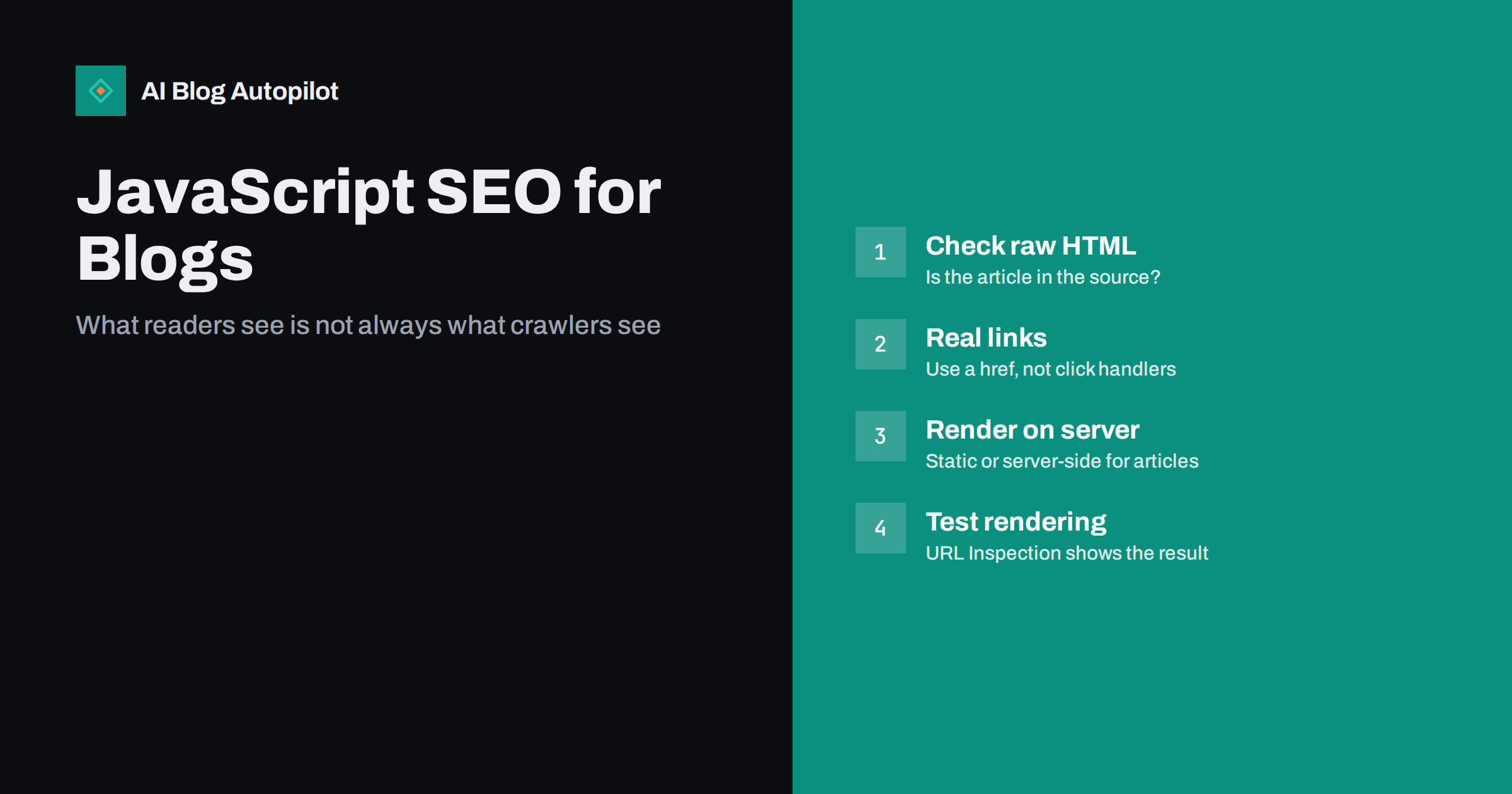
Short answer: JavaScript SEO is about making sure search engines can see content and links that are produced or changed by JavaScript. Google can render JavaScript, but it adds a step that can delay or miss content, and many other crawlers, including a number of AI crawlers, render it in a limited way or not at all. For a blog, the safest setup is simple: the article text, headings, links and meta tags should be in the HTML the server sends, with JavaScript adding extras rather than the essentials.
Most traditional blogs never need to think about this. A standard WordPress site sends complete HTML for every post, and JavaScript is used for small things like menus, galleries or cookie banners. The question becomes important when a blog is built with a JavaScript framework, runs as a single-page application, uses a headless setup, or relies on plugins that load content after the page has opened.
This guide explains how search engines deal with JavaScript, the problems that commonly affect blogs, and how to test your own pages in a few minutes.
How search engines handle JavaScript
For Google, processing a page happens in stages. It crawls the URL and receives the HTML. If the page needs JavaScript to build its content, the page is queued for rendering, where a headless browser runs the scripts and produces the final page. The rendered result is then used for indexing, and links found in it can be crawled.
Google’s documentation on JavaScript SEO basics describes this process and notes that rendering generally works well today. But “generally works” hides a few catches:
- Rendering is an extra step. It usually happens quickly, but it is still another place where things can fail: a script error, a timeout, a blocked resource or an API that does not respond to the crawler.
- Not everything is executed like in a real browser. Content that appears only after a click, a scroll or a user interaction may never be seen.
- Other crawlers vary. Some search engines render JavaScript less extensively, and many AI crawlers, link preview bots and SEO tools read only the raw HTML. If your article is not in that HTML, they see an empty page.
The practical conclusion: JavaScript is not an SEO problem in itself, but depending on it for your core content adds risk that a blog does not need to take.
Common JavaScript problems on blogs
These are the issues that turn up most often on content sites.
Article content loaded after the page opens
Some setups send an almost empty HTML shell and then fetch the article from an API. If the fetch fails for the crawler, or if the crawler does not run scripts, the page is empty. Even when Google renders it successfully, other crawlers and link previews may not.
Links that are not real links
Navigation and “read more” buttons built as elements with click handlers, rather than <a href="https://example.com/post/"> links, are not followed by crawlers. Posts reachable only through such buttons can become orphans in the eyes of search engines.
Content hidden behind interactions
Text loaded only when a user clicks “show more”, opens a tab, or scrolls to a certain point may not be rendered. Content that is in the HTML but visually collapsed is generally fine; content that does not exist until a click is the risk.
Infinite scroll without paginated URLs
Blog archives that load more posts as you scroll are convenient for readers, but crawlers do not scroll. Without real paginated URLs behind the scroll, older posts may only be reachable through the sitemap.
Meta tags and canonicals set by scripts
Titles, descriptions, canonical tags or robots directives that are added or changed by JavaScript create room for conflicts. If the raw HTML says one thing and the rendered page another, you cannot be sure which one is used.
Blocked resources
If robots.txt blocks the JavaScript or API files the page needs, the renderer cannot build the page correctly. This is less common now, but old robots.txt files sometimes still block script folders.
Error pages that return a success status
Single-page applications often show a “not found” message while the server returns status 200. Search engines may treat such pages as soft 404s or, worse, index empty error pages.
Structured data and comments added by scripts
Some plugins inject structured data, such as FAQ or article markup, with JavaScript after the page loads. Google can often read it after rendering, but crawlers that do not render will miss it, and testing tools may show different results depending on whether they execute scripts. The same applies to comment sections loaded from third-party services: the comments are usually not part of the indexed page. That may be exactly what you want, but it should be a decision rather than an accident.
Very slow scripts
Heavy JavaScript that delays the main content hurts readers first, through slow loading and layout shifts, and it also increases the chance that rendering times out or captures a half-built page. If a post takes several seconds to show its text on a mid-range phone, fix that for readers and the crawler benefits automatically.
How to test what crawlers see
You do not need specialist software to find most problems.
- View the page source. In your browser, open the source (not the inspector) for a post. Search for a sentence from the middle of the article. If it is there, the content is in the raw HTML. If not, it is being added by JavaScript.
- Disable JavaScript and reload. Most browsers let you turn scripts off in developer settings. What remains is roughly what a non-rendering crawler sees.
- Use URL Inspection in Search Console. Run a live test and look at the rendered HTML and screenshot. Check that the article text, headings, internal links and canonical tag are present.
- Check the links. In the rendered HTML, confirm that navigation, pagination and related posts use real
hreflinks. - Check the status codes. Request a URL that does not exist and confirm the server returns 404, not 200.
Repeat the tests on a few templates: a post, a category page, the home page and page two of the archive. Problems are usually template-wide, so a handful of checks covers the site.
Rendering approaches compared
| Approach | What the server sends | SEO risk for a blog |
|---|---|---|
| Traditional server-rendered CMS | Complete HTML for every page | Low |
| Static site generation | Pre-built HTML files | Low |
| Server-side rendering with a JS framework | Complete HTML, then scripts take over | Low, if configured correctly |
| Client-side rendering only | Near-empty shell; scripts build the page | Higher: depends on successful rendering |
For content that exists to be found and read, server-side rendering or static generation is the sensible default. Client-side rendering can suit app-like parts of a site, such as a dashboard behind a login, which search engines should not index anyway.
Fixing the problems
- Move core content into the HTML. Switch to server-side rendering or static generation for posts and archive pages. Most modern frameworks support this.
- Use real links everywhere. Every navigational element that leads to another page should be an anchor with an
href. - Back infinite scroll with pagination. Each batch of posts should also exist at a normal URL like
/blog/page/2/, linked from the page. - Put meta tags in the initial HTML. Title, description, canonical, robots and Open Graph tags should come from the server, not from scripts.
- Return correct status codes. Missing pages should return 404 or 410 from the server.
- Unblock required resources. Make sure robots.txt does not block scripts, styles or API endpoints the page needs to render.
- Keep plugins in check. On WordPress, be wary of plugins that load post content or comments via script after page load. Test after installing them.
Why AI crawlers make this more important
AI answer engines and assistants rely on crawlers to gather web content. Their capabilities vary and are not always documented, but many of them read only the HTML a server returns. A blog whose articles appear only after JavaScript runs may be invisible to some of these systems even if it ranks in Google.
That is a strong argument for keeping articles in the raw HTML even if your Google rankings look fine. It costs little on a well-built site and removes a whole category of uncertainty about who can read your content.
How AI Blog Autopilot fits
AI Blog Autopilot publishes articles into WordPress as normal posts, with the text, headings and FAQ stored in the post content, so on a typical theme they are served as ordinary HTML. It also shares each article to your social networks. If you run a custom or headless front end, the tests in this article are the way to confirm that published posts reach crawlers intact. Learn more about how Autopilot publishes to WordPress.
Related reading
- Headless CMS for a Content Site: When It Makes Sense
- AI Crawlers, robots.txt and llms.txt: What Site Owners Should Know
- WordPress or Another Platform for a Business Blog?
- URL Parameters on a Blog: Duplicates, Tracking and Crawling
The bottom line
Search engines can often render JavaScript, but a blog gains nothing by depending on it. Make sure article text, links, meta tags and status codes come from the server, test a few templates with the page source, a no-JavaScript view and URL Inspection, and treat content that only appears after interaction as invisible. Simple HTML is still the most reliable way to be read by every crawler.
الأسئلة الشائعة
Can Google index content loaded with JavaScript?
Often, yes. Google renders pages with a headless browser and can index content that scripts add. Rendering is an extra step that can fail or miss content that needs user interaction, so important content is safer in the initial HTML.
Do AI crawlers render JavaScript?
It varies and is not always documented. Many crawlers read only the HTML returned by the server. If your article text is not in that HTML, some AI systems may not see it at all.
How do I check whether my blog depends on JavaScript for content?
View the page source of a post and search for a sentence from the article, or disable JavaScript in your browser and reload. If the text disappears, it is added by scripts. URL Inspection in Search Console shows what Google renders.
Is WordPress good for JavaScript SEO?
A standard WordPress theme sends complete HTML for every post, which is a safe setup. Problems usually come from plugins that load content after the page opens or from headless front ends that render only in the browser.
Is infinite scroll bad for SEO?
Not if each batch of posts also exists at a normal paginated URL linked from the page. Crawlers do not scroll, so without paginated URLs older posts may only be found through the sitemap.


