 ENEnglish
 LTLietuviškai
 DEDeutsch
 FRFrançais
 RUРусский
 ESEspañol
 PLPolski
 ITItaliano
 UKУкраїнська
 CSČeština
 PTPortuguês
 JA日本語
JA日本語 LVLatviešu valoda
 ETEesti
 HUMagyar
 IDBahasa Indonesia
 TRTürkçe
 HIहिन्दी
 ELΕλληνικά
 ARالعربية
 THไทย
THไทย VITiếng Việt
 RORomână
 MSBahasa Melayu
 BNবাংলা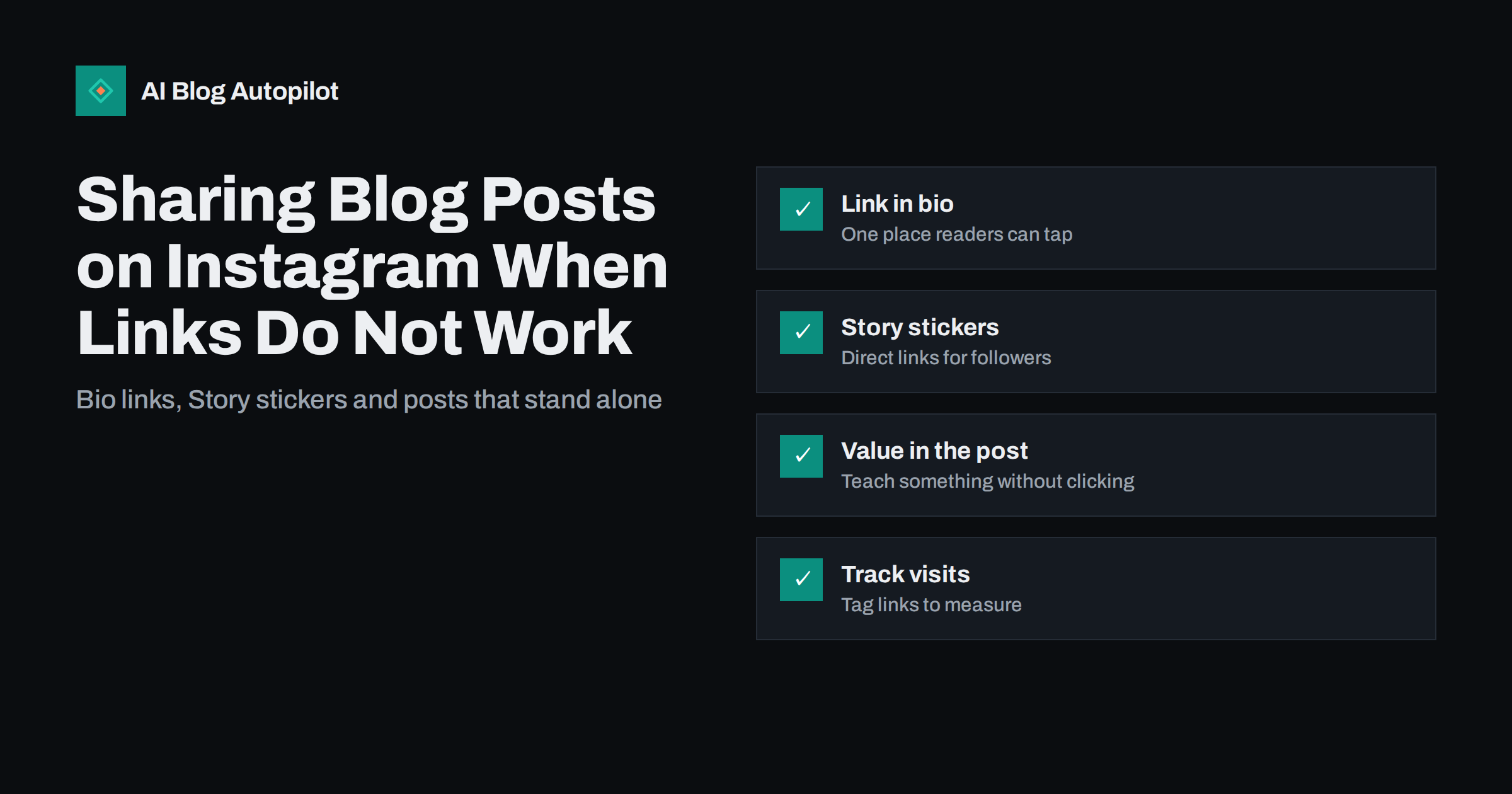
Short answer: links in ordinary Instagram captions are not clickable, so sharing a blog post there works differently from other networks. Put the link in your profile bio or a link page, add a link sticker to a Story, and make the post itself useful on its own, for example as a carousel that summarises the article’s key points. Mention clearly where the full article is, and tag the links so you can see in analytics which Instagram posts actually bring readers.
Many bloggers post a nice image with “new blog post, link in bio” and wonder why almost nobody visits. Instagram is designed to keep people on Instagram, and a caption that asks readers to leave without giving them anything first rarely works. That does not mean Instagram is useless for a blog. It means the content has to earn attention on the platform, and the path to the article has to be simple. This guide explains the options and how to use them together.
Where links work on Instagram
Instagram limits where clickable links can appear. For a typical business or creator account, the practical places are:
- The profile bio. Your profile can include links that anyone visiting the profile can tap. This is the permanent path from Instagram to your website.
- Story link stickers. A Story can carry a link sticker that viewers tap to open a web page. Stories disappear after 24 hours unless saved to a Highlight.
- Direct messages. Links sent in a direct conversation are clickable, which is useful when a follower asks for a specific article.
Links typed into the caption of a feed post or Reel appear as plain text. Readers would have to copy them by hand, and very few do. Features change over time, so check Instagram’s own help centre for the current options on your account type.
Making the bio link work for a blog
Since the bio is the permanent path to your site, it deserves a little care:
- Link to a useful page, not only the home page. Many blogs link to a simple page on their own site that lists the latest articles and the ones currently being promoted. Readers who tap the link see the article from the post they just viewed near the top.
- Keep the page on your own domain if you can. A short list page on your site is under your control, loads fast and keeps visitors on your domain for analytics.
- Match the visuals. If the Instagram post uses a particular cover image or title, use the same on the link page so readers recognise it immediately.
- Update it when you post. An outdated link page is the most common reason “link in bio” fails. If you publish often, automate the list of latest posts.
A link page does not need a special service. A plain page on your blog with the ten newest articles, each with its cover image and title, does the job. Mark it noindex if you do not want it in search results, since it duplicates your blog listing, and keep it light so it loads instantly on mobile data.
Say in the caption exactly what the reader will find: “Full checklist in the article, first link in our bio” is clearer than “link in bio”.
Using Stories with link stickers
Stories are the closest Instagram gets to a direct share. A good blog Story sequence usually has two to four frames:
- A first frame with the question or problem the article answers.
- One or two frames with a key tip, number or example from the article.
- A final frame with the link sticker and a clear label such as “Read the full guide”.
Stories are seen mostly by existing followers, so they work best for readers who already know you. Keep the frames simple: large text, one idea per frame and a background that matches your brand. Place the sticker where it is easy to tap and does not cover important text. Save strong sequences to a Highlight named after a topic, so new profile visitors can still find them later.
Posts that stand on their own
The feed post or Reel is where most people will meet your content, and most of them will never click. So the post has to give value without the click:
- Carousels work well for articles with steps, lists or comparisons. Each slide carries one point, and the last slide explains where the full article is.
- Short videos can explain one idea from the article in under a minute, with captions on screen for viewers watching without sound.
- Single images work for a strong quote, a clear diagram or one surprising fact, provided it is accurate.
For a carousel built from an article, a reliable structure is: a first slide that states the problem or promise in a few words, three to seven slides with one point each, and a final slide that names the article and says where to find it. Use the same fonts and colours as your blog covers so that readers connect the two.
A post that teaches something builds trust and followers even when nobody clicks. Those followers then see your Stories and visit your profile, which is where the links are. Our guide to repurposing an article into several formats shows how to plan these pieces from one post.
Writing captions for blog promotion
The caption supports the visual. A few principles for blog-related posts:
- Open with the reader’s problem or the key takeaway, because only the first line or two show before “more”.
- Add a short summary or one extra tip that is not on the slides.
- End with a specific pointer: where the link is and what the reader gets from the full article.
- Use a handful of relevant hashtags that describe the topic, rather than long generic lists.
- Write the caption for Instagram. Pasting the article’s meta description rarely fits the tone.
Measuring whether Instagram brings readers
Because the path from Instagram to your site passes through the bio or a sticker, it is easy to lose track of which post brought which visit. Two habits help:
- Tag your links with UTM parameters, for example a campaign name for each article, so analytics shows visits from Instagram per article.
- Compare Instagram’s own numbers for profile visits, link taps and Story sticker taps with the sessions your analytics records.
Expect Instagram to bring fewer direct visits than networks where links are clickable in posts. Judge it also on follower growth among relevant people, saves and shares, and direct messages from potential customers.
Saves are a particularly useful signal for educational content. A reader who saves a carousel intends to come back to it, which suggests the content was genuinely useful. Posts with many saves are good candidates for a follow-up article or a deeper guide on the blog.
Common mistakes
- “Link in bio” with nothing else. A post that only announces an article gives people no reason to stop scrolling.
- An outdated bio link. Readers tap through and find last month’s article, then leave.
- Text-heavy images. Slides crammed with paragraphs are hard to read on a phone. One point per slide, large type.
- Posting the same thing everywhere. A square image with a long caption copied from LinkedIn looks out of place on Instagram.
- Ignoring comments and messages. Replies and direct messages are where interested readers ask for the link; answer them.
- Different titles everywhere. When the Instagram post, the link page and the article all use different headlines, readers are not sure they found the right thing. Keep the wording consistent.
A simple weekly routine
For a blog that publishes one to three articles a week, a light routine is enough:
- When an article goes live, update the link page and share a short Story sequence with a link sticker.
- Within a few days, publish one carousel or short video summarising the article’s most useful point.
- Save the Story to a topic Highlight.
- Reply to comments and messages about the article within a day, and send the link directly to anyone who asks for it.
- Once a month, check which articles brought visits from Instagram and make more posts in that style.
The guide to turning an article into social posts covers how to adapt the same article for other networks.
How AI Blog Autopilot fits in
AI Blog Autopilot shares every article it publishes to your connected social networks, including Instagram, with text written separately for each network and posted at its own time rather than one copied message. Whether a network carries a clickable link is part of that network’s own rules, so the bio link page and Stories remain worth maintaining. See how Autopilot works and which networks it posts to.
Related reading
- Auto-Post Every New Blog Article to Social Media Automatically
- How to Promote a Blog Post After You Publish It
- Featured Images for Automated Posts: What Works and What to Avoid
The bottom line
On Instagram the post has to be worth something without a click, and the path to the article has to be obvious when someone wants more. Keep a current link page in your bio, use Story link stickers for new articles, turn key points into carousels or short videos, and tag your links so you know what works.
الأسئلة الشائعة
Can I put a clickable link in an Instagram caption?
No. Links in ordinary feed post and Reel captions appear as plain text and cannot be tapped. Use the profile bio, a Story link sticker or a direct message for clickable links.
What should my Instagram bio link point to?
Ideally a simple page on your own site that lists your latest and currently promoted articles. It keeps visitors on your domain, loads quickly and is easy to update when you publish.
Do Story link stickers work for blog posts?
Yes, they are the most direct way to send followers to a specific article. A short sequence that explains the problem, shares one tip and ends with the sticker usually works better than a single frame.
Is Instagram worth it for a blog?
It depends on your audience. It rarely sends as many direct visits as networks with clickable post links, but it can build an engaged following that visits your profile, reads your Stories and remembers your brand.
How do I track visits from Instagram to my blog?
Add UTM parameters to the links in your bio page and Story stickers, then check sessions by source and campaign in your analytics. Compare with Instagram’s own link tap numbers.
Should I post every blog article on Instagram?
Share each article in at least one form, such as a Story with a link sticker, but create full carousels or videos only for the articles that suit visual formats. Step-by-step guides, checklists and comparisons usually adapt best.


