 ENEnglish
 LTLietuviškai
 DEDeutsch
 FRFrançais
 RUРусский
 ESEspañol
 PLPolski
 ITItaliano
 UKУкраїнська
 CSČeština
 PTPortuguês
 JA日本語
JA日本語 LVLatviešu valoda
 ETEesti
 HUMagyar
 IDBahasa Indonesia
 TRTürkçe
 HIहिन्दी
 ELΕλληνικά
 ARالعربية
 THไทย
THไทย VITiếng Việt
 RORomână
 MSBahasa Melayu
 BNবাংলা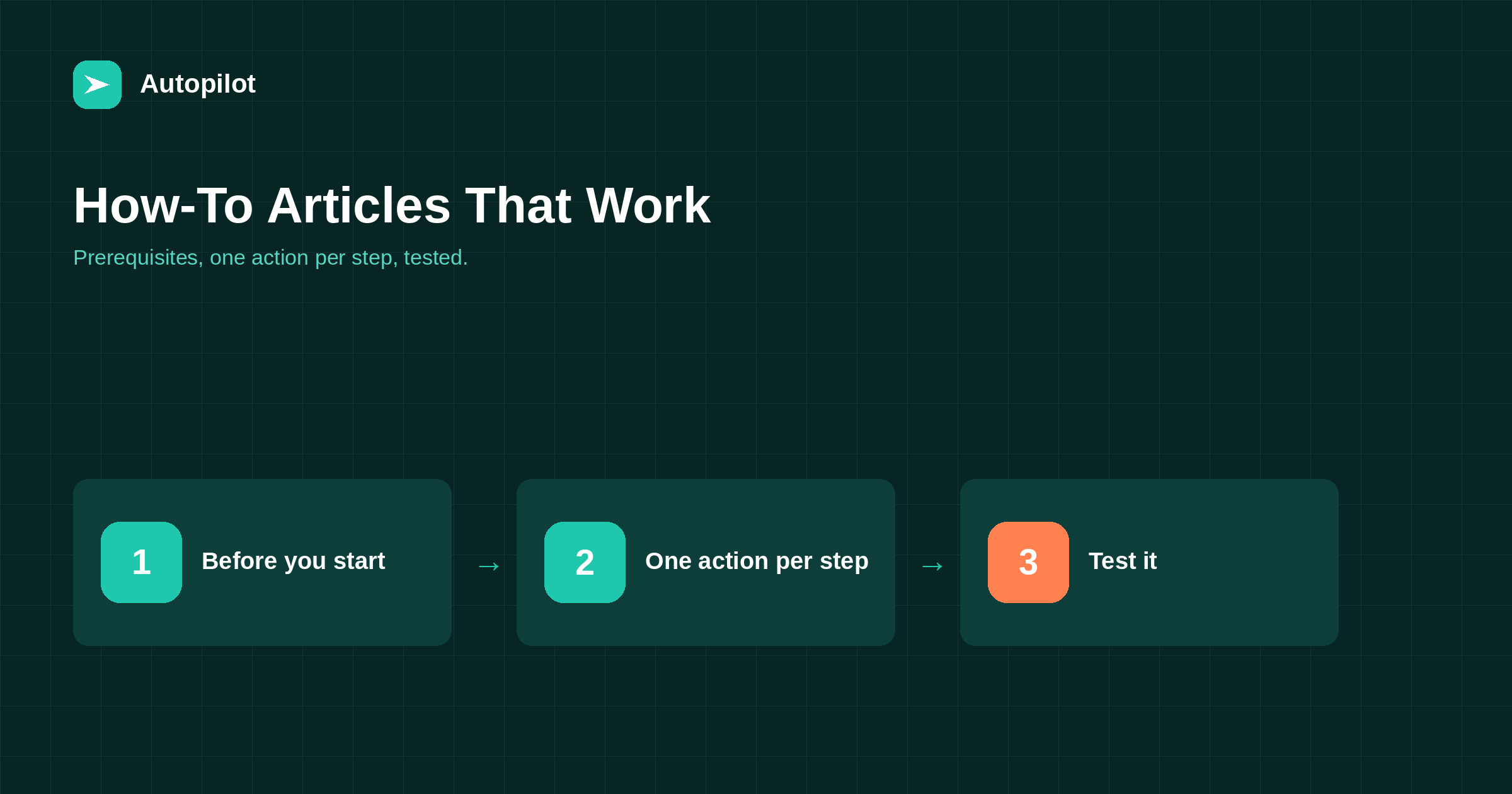
Short answer: state the outcome and the prerequisites before the first step: what the reader will achieve, what they need, how long it takes. Number the steps, one action each, in the order they are done, and say what the reader should see after each important step. Put warnings before the step they apply to, not after. Include what to do when something goes wrong. Then test the instructions by following them exactly, ideally on a fresh setup, because the author’s knowledge hides gaps.
A how-to article has an unusually clear measure of success: did the reader complete the task? Most fail it not through wrong information but through small gaps — a missing prerequisite, two actions in one step, a warning placed after the step where it was needed.
Those gaps are invisible to the author, who already knows how to do the task. The structure below exists to expose them.
Before the first step
Three things belong above the steps.
- The outcome. What the reader will have when they finish.
- Prerequisites. Accounts, permissions, software versions, information they need to hand.
- Time. A realistic estimate, so they can decide whether to start now.
A reader who discovers at step seven that they need administrator access they do not have has been let down by the article, not by their own preparation.
One action per step
Each numbered step should contain one action. Open Settings and select Reading and uncheck the box is three steps.
People follow numbered instructions literally and keep their place by number. Compound steps cause them to lose track, skip an action, or think they are further along than they are. when a table beats three paragraphs covers why numbered lists should be reserved for sequences like this.
Say what they should see
After important steps, tell the reader what should happen: a confirmation message, a new menu item, a changed status.
This lets them check they are on track, and it is the moment they realise something has gone wrong, while it is still easy to fix. Screenshots help here, if they are current.
Warnings before, not after
A warning belongs immediately before the step it applies to.
| Weak | Better |
|---|---|
| Step 4: Delete the old page. Note: this cannot be undone. | Before step 4: deleting cannot be undone, so export the page first. |
| Step 6: Save. (Make sure you copied the password first.) | Step 5: copy the password now; it is shown only once. |
| Step 3: Change the URL. This may break existing links. | Before changing the URL, note that existing links will need a redirect. |
A warning after the action arrives too late for anyone following in order.
When things go wrong
Add a short troubleshooting section for the problems readers actually hit. Your support inbox, or the comments on an earlier version, tell you what they are.
Format it as symptom and fix: if you see an authentication error, check that the password includes its spaces. Readers scan for their symptom, so lead with it.
Language and detail
Use the exact names of menus, buttons and fields as they appear on screen, formatted consistently. Use imperative verbs: click, select, enter. Avoid assumptions: simply, just and obviously signal that the author has forgotten what it is like not to know.
Pitch the detail to the reader described in your standing instructions. A how-to for developers can skip basics that a how-to for business owners must include.
Test by following
The only reliable check is to follow the article exactly as written, ideally on a fresh account or a test site, doing only what it says.
Better still, ask someone unfamiliar with the task to follow it while you watch. Every place they hesitate is a gap. This is the single step most how-to articles skip, and it is the one that most improves them.
For automated drafts, this matters doubly: a draft can describe a process fluently and still omit a step, and review is where that gets caught — see editing a draft.
Length and scope
A how-to should cover one task completely. If it grows beyond fifteen or twenty steps, it usually contains two tasks, and splitting it into two linked articles makes both easier to follow.
Resist adding background explanation between steps. If the reader needs to understand a concept first, explain it briefly before the steps begin or link to an article that does. Mixing explanation into the steps makes them harder to follow and harder to scan when the reader returns to find their place.
Equally, do not cut steps to keep it short. A step that seems too obvious to include is often the one a newcomer misses.
Keeping it current
Software interfaces change, and how-to articles describing them go out of date quickly. A how-to with the wrong menu names is worse than none, because it sends readers looking for things that no longer exist.
Note the version or date the instructions were tested on, review how-to articles whenever the underlying product changes, and replace screenshots when they no longer match. refreshing old posts covers building this into a routine.
Before and after the steps
End with what to do next: how to check the result is working, the natural follow-on task, and a link to the article that covers it. A reader who has just completed a task is ready for the next one, and a clear pointer keeps them moving rather than leaving.
Structured data and how-to content
How-to pages benefit from the same basics as any article: a clear title, a description, headings, and FAQ where appropriate. Search engines have changed how they display how-to content over time, so do not rely on any particular rich result format; rely on the steps being clear.
A how-to that people can follow is useful whatever the display. No format guarantees a ranking.
Related reading
If this was useful, these cover the questions that usually come next.
- When a table beats three paragraphs — numbered lists and when they fit
- How to structure an article — the wider structure
- Connecting WordPress safely — an example of the format
The bottom line
Before the steps, state the outcome, prerequisites and time. Number the steps with one action each, say what should appear after key steps, and place warnings before the actions they concern. Add troubleshooting by symptom, use exact on-screen names, and test by following the article exactly. Review it whenever the product changes.
الأسئلة الشائعة
How should a how-to article be structured?
Outcome, prerequisites and time first; numbered steps with one action each; notes on what should appear; warnings before relevant steps; and troubleshooting by symptom.
How many actions should a step contain?
One. Compound steps cause readers to lose their place or skip actions.
Where should warnings go?
Immediately before the step they apply to. A warning after the action arrives too late.
How do I test a how-to article?
Follow it exactly on a fresh account or test site, or watch someone unfamiliar with the task follow it. Every hesitation reveals a gap.
Should how-to articles include screenshots?
They help if kept current. Outdated screenshots confuse readers, so replace them when interfaces change.
How often should how-to articles be updated?
Whenever the underlying product or process changes, and at least once a year for anything describing software.


