 ENEnglish
 LTLietuviškai
 DEDeutsch
 FRFrançais
 RUРусский
 ESEspañol
 PLPolski
 ITItaliano
 UKУкраїнська
 CSČeština
 PTPortuguês
 JA日本語
JA日本語 LVLatviešu valoda
 ETEesti
 HUMagyar
 IDBahasa Indonesia
 TRTürkçe
 HIहिन्दी
 ELΕλληνικά
 ARالعربية
 THไทย
THไทย VITiếng Việt
 RORomână
 MSBahasa Melayu
 BNবাংলা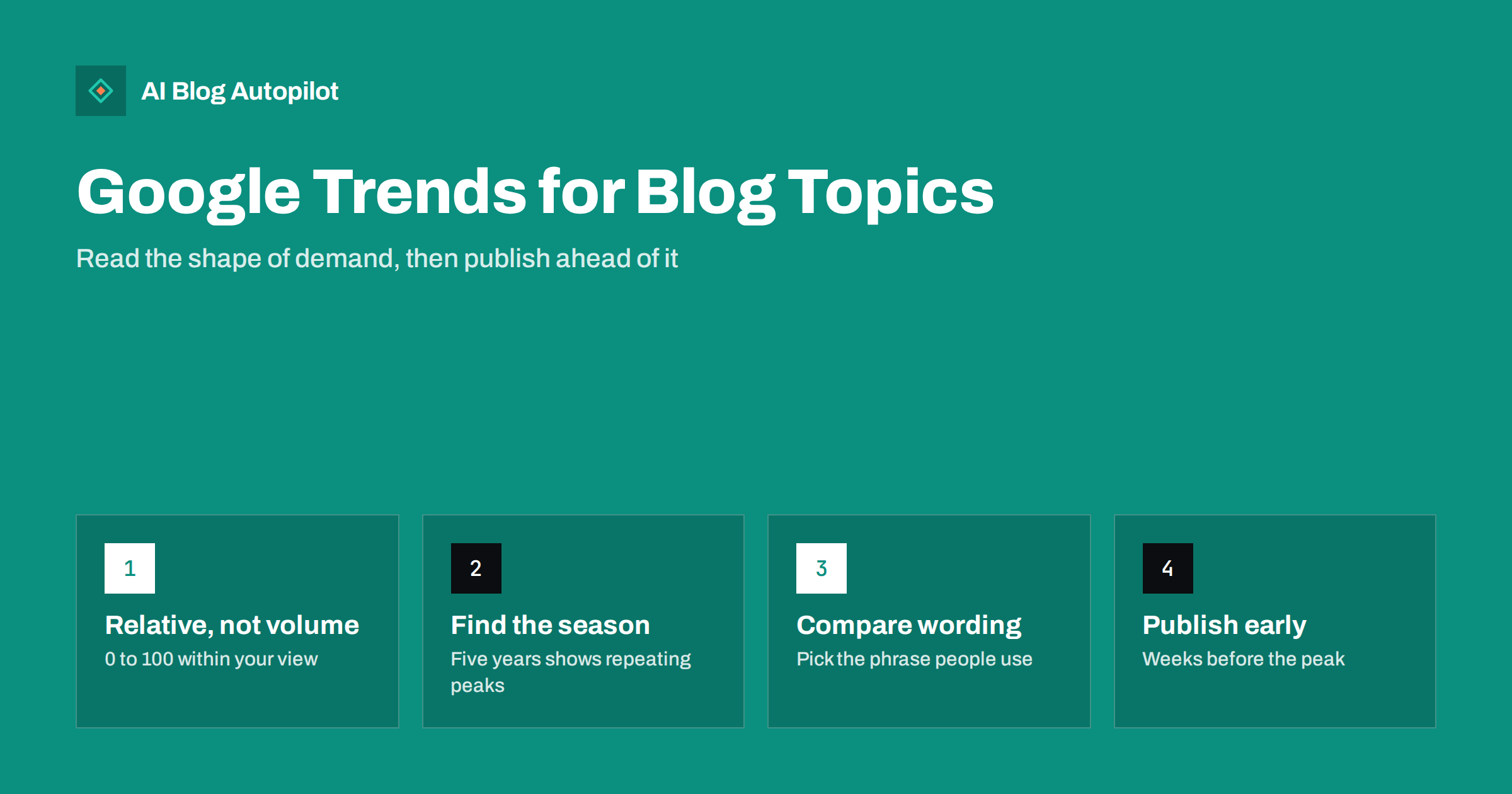
Short answer: Google Trends shows how search interest in a topic changes over time and between places, on a relative scale from 0 to 100. It does not show search volume, but it is excellent for three blog decisions: whether interest in a topic is growing, stable or fading; when a seasonal topic peaks, so you can publish weeks ahead; and which of several phrasings people actually use. Combine it with keyword tools and Search Console for the full picture.
Keyword tools tell you roughly how many searches a phrase gets. They are much less helpful at telling you when people search, whether that interest is rising or falling, or how two ways of describing the same thing compare in a particular country. Those questions matter for a blog. An article published after a seasonal peak waits almost a year for its moment. An article on a fading topic may never find much of an audience.
Google Trends is free and answers exactly those questions. This guide explains how to read it correctly and how to turn its charts into publishing decisions.
What Google Trends actually shows
The most important thing to understand is the scale. Trends shows relative interest, not the number of searches.
- The data is a sample of searches, grouped and normalised.
- For each chart, the highest point in the selected time range and location is set to 100. Everything else is shown relative to that peak.
- Interest is also normalised against total searches in that place and time, so a value reflects the share of searches, not raw counts.
- Terms with very low search activity may show as zero or produce too little data to display.
So “50” means “half as popular as the peak in this chart”, nothing more. Two charts with different settings cannot be compared directly, and a topic scoring 100 may still have modest absolute demand. For volume, use a keyword tool or your own Search Console data.
Search terms versus topics
When you type something into Trends, it often offers two options: a search term and a topic.
- A search term covers searches containing those words in that language.
- A topic groups searches about the same concept, across different phrasings and languages.
Use topics to understand overall interest in a subject, especially across countries. Use search terms when you want to compare specific wording, for example which phrase to put in a title.
Five ways to use Trends for a blog
Each of the following uses answers a different planning question. You will not need all five for every topic, but together they cover most of what a blogger wants to know before writing.
Use 1: is interest growing, stable or fading?
Set the time range to the past five years and look at the overall shape.
- A steady line suggests an evergreen topic. Good for guides that will serve readers for years.
- A rising line suggests growing interest. Writing early can help you build a reference article before competition gets heavy.
- A falling line suggests fading interest. Still worth covering if your customers need it, but perhaps not as a priority.
- A single spike suggests a news event. Useful for timely posts, but expect interest to drop quickly.
Look beyond the last few months. A topic that seems to be surging may simply be at its usual seasonal peak.
Use 2: find the seasonal peak and publish ahead of it
Many topics repeat every year: gardening in spring, tax topics before filing deadlines, heating in autumn, travel before holidays, gift guides before festive seasons. Trends makes those patterns visible.
- Set the range to five years so you see several cycles.
- Note when interest starts rising, when it peaks and when it falls back.
- Plan to publish several weeks before interest starts rising, not at the peak. New articles need time to be crawled, indexed and to settle in the results.
- For recurring topics, plan an update to the existing article a few weeks before each season rather than writing a new post every year.
Seasons differ by country. A topic that peaks in June in one hemisphere may peak in December in the other, and holidays fall on different dates. Always set the location to the market you serve.
Use 3: compare phrasings and pick the words people use
Trends lets you compare up to five terms at once. That is a quick way to settle wording questions:
- Two names for the same thing, such as a formal term and an everyday one.
- British and American spellings or vocabulary.
- A product category name versus a common problem description.
Choose the phrasing with more interest in your market for titles and headings, and use the other naturally in the text. Readers searching either way will recognise the article.
Use 4: related topics and queries
Below the main chart, Trends shows related topics and related queries, with two views:
- Top: the most popular related searches. Good for understanding what the topic usually involves.
- Rising: searches that grew most in the selected period. A “Breakout” label means very large relative growth, often from a small base.
Rising queries are a source of timely article ideas and of sub-questions to add to existing posts. Check that a rising term is relevant to your readers and not just a passing curiosity before writing about it.
Use 5: where interest is concentrated
The map and the “interest by subregion” list show where a term is relatively most popular. For local businesses and blogs that serve specific regions, this helps decide which places to mention and which examples to use. For international blogs, it helps decide which languages or markets to prioritise, though it should be combined with your own analytics.
Useful filters
| Filter | Use it to |
|---|---|
| Location | See your actual market; seasonality and wording vary by country |
| Time range | Five years for seasonality and long-term trends; past 12 months or 90 days for recent changes |
| Category | Separate ambiguous terms, for example a word that is both a fruit and a brand |
| Search type | Switch between web, image, news, shopping and video searches to see where interest shows up |
A worked example
Imagine a blog for a small garden centre planning its autumn articles. The owner checks a few topics in Trends for their country over five years.
- “Planting bulbs” shows a clear yearly pattern: interest starts climbing in late summer, peaks in early autumn and falls away by winter. The article on planting spring bulbs should be updated and republished in mid-summer, well before the climb, and a short Story or social post can follow at the peak.
- “Raised garden bed” shows a spring peak, but also a slow upward trend across the five years. That makes it a good candidate for a thorough evergreen guide, published in winter so it is established before spring.
- Two phrasings for the same product, one formal and one colloquial, compared in the same chart, show that customers overwhelmingly use the colloquial term. The article title uses that term; the formal name appears in the text.
- Rising queries for “lawn care” include a question about a specific problem that has become more common. It becomes a short new article, linked from the main lawn guide.
None of these decisions needed exact search volumes. They needed the shape of demand, the timing and the wording, which is precisely what Trends provides. The example is illustrative; your own charts will show your market’s patterns.
Mistakes to avoid
- Reading the index as volume. A term at 100 is not necessarily searched often. Check volume elsewhere.
- Comparing across charts. Each chart has its own scale. Compare terms in the same chart.
- Chasing every spike. A news spike fades within days. Only write about it if it fits your blog and you can publish quickly with something useful to add.
- Ignoring small niches. Specific terms may show too little data in Trends and still bring steady, valuable readers. Absence in Trends is not absence of demand.
- Publishing at the peak. By then, it is usually too late for a new article to rank for that season.
A simple workflow for your content plan
- List your main topics and check each in Trends over five years for your market.
- Mark each as evergreen, seasonal, rising or fading.
- For seasonal topics, write the start of the rise into your calendar and schedule publication or updates several weeks before it.
- Use comparisons to settle title wording for the next month’s articles.
- Once a month, check rising queries for your main topics and add promising ones to your idea list.
How AI Blog Autopilot fits
AI Blog Autopilot plans a month of articles from the topics, keywords, audience and tone you give it, weighted by importance, and publishes them to your blog on schedule before sharing them to your social networks. Trends research feeds straight into that setup: raise the weight of a seasonal topic ahead of its rise and lower it afterwards. See how Autopilot plans your month.
Related reading
- Planning Seasonal Content Without Scrambling Every Year
- Long-Tail Keywords: Why a New Blog Should Start There
- Keyword Research for an Automated Blog
- Prioritising Blog Topics: A Simple Scoring Method
The bottom line
Google Trends shows the shape of demand, not its size. Use it to tell evergreen topics from fading ones, to find seasonal peaks and publish weeks before them, to choose the wording your market uses and to spot rising sub-topics. Pair it with a keyword tool for volume and Search Console for your own data, and your content plan will be both better chosen and better timed.
الأسئلة الشائعة
Does Google Trends show search volume?
No. It shows relative interest on a scale from 0 to 100, where 100 is the peak within the chosen time range and location. Use keyword tools or Search Console for approximate volumes.
How far ahead of a seasonal peak should I publish?
Aim for several weeks before interest starts to rise, not at the peak. New articles need time to be crawled, indexed and to settle in the results. For recurring topics, update the existing article before each season.
What does “Breakout” mean in Google Trends?
It marks a related query whose interest grew enormously in the selected period, often from a very small starting point. It signals a possible new topic, but check relevance and staying power before writing about it.
Why does my keyword show no data in Google Trends?
Trends only shows terms with enough search activity. Specific long-tail phrases often fall below that threshold, which does not mean nobody searches for them. Use Search Console and customer questions to judge demand for niche topics.
Should I use a search term or a topic in Google Trends?
Use a topic to see overall interest in a subject across phrasings and languages. Use search terms to compare specific wording, for example to choose the words in a title.


