 ENEnglish
 LTLietuviškai
 DEDeutsch
 FRFrançais
 RUРусский
 ESEspañol
 PLPolski
 ITItaliano
 UKУкраїнська
 CSČeština
 PTPortuguês
 JA日本語
JA日本語 LVLatviešu valoda
 ETEesti
 HUMagyar
 IDBahasa Indonesia
 TRTürkçe
 HIहिन्दी
 ELΕλληνικά
 ARالعربية
 THไทย
THไทย VITiếng Việt
 RORomână
 MSBahasa Melayu
 BNবাংলা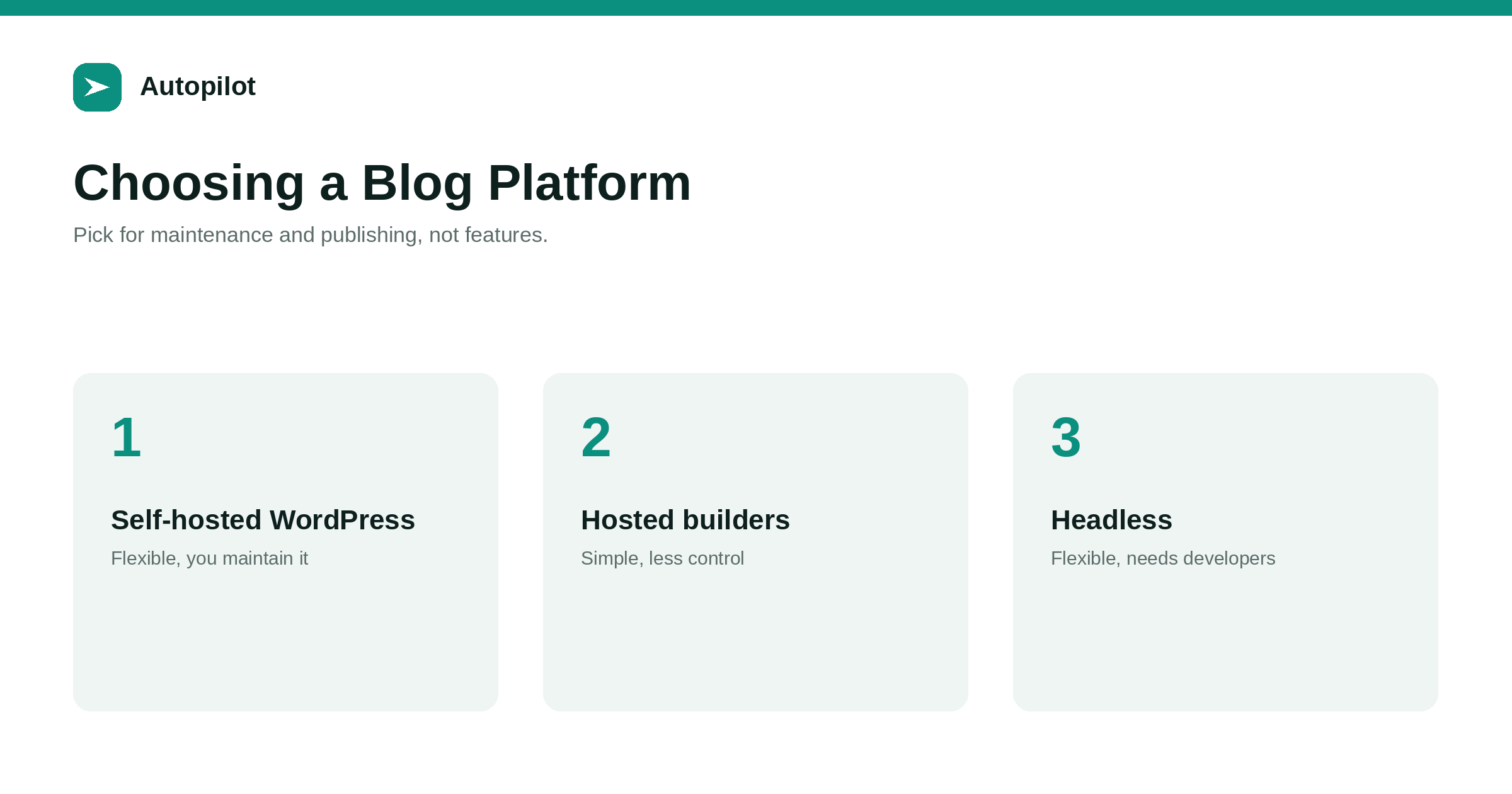
Short answer: for most business blogs the platform matters less than the content, and switching later is expensive, so choose on practical grounds. Self-hosted WordPress is flexible, widely supported and works with most publishing tools, but someone must maintain updates and security. Hosted website builders are simpler and maintained for you, with less control. Headless systems suit teams with developers. Decide by who will maintain the site, how content will be published, which integrations you need, and whether you can control URLs, titles and structured data.
Discussions of blog platforms often become arguments about features. For a business blog, the features rarely decide success. What decides it is whether content gets published consistently, whether the site stays secure and fast, and whether search engines can read it properly.
Most mainstream platforms can do all of that. The right one depends on who will run it.
The main options
Business blogs usually sit on one of three kinds of platform.
| Platform type | Strengths | Trade-offs |
|---|---|---|
| Self-hosted WordPress | Flexible, huge ecosystem, broad tool support | Updates, security, hosting are yours |
| Hosted website builders | Simple, maintained for you | Less control, fewer integrations |
| Hosted WordPress | WordPress without server work | Some plugin or access limits |
| Headless CMS | Flexible front end, structured content | Needs developers |
Each can support a successful blog. The question is which fits your team.
Who will maintain it?
This is the most important question. A self-hosted site needs someone to apply updates, manage plugins, monitor security and backups, and fix things when they break.
If nobody in the business will do that, and there is no budget for someone who will, a hosted platform or managed hosting removes most of the burden. An unmaintained self-hosted site becomes a security risk.
How will content be published?
If articles will be published by automated tools, check that the platform supports them. WordPress has a standard REST API that most publishing tools use; many hosted builders have more limited or no publishing APIs.
connecting WordPress safely covers connecting a tool to WordPress. If you plan to publish at volume, this can decide the platform on its own.
What SEO control do you need?
A business blog needs control over a few basics: URL slugs, titles and descriptions, canonical tags, structured data, redirects, sitemaps and indexing settings.
Most mainstream platforms provide these, sometimes through plugins or settings. Check before choosing, especially redirects and structured data, which are the controls most often limited.
Tích hợp
List the tools the blog must work with: analytics, email, forms, customer management, social sharing, publishing tools. Check that each integrates with the platform, and how.
WordPress has the broadest support; hosted builders vary; headless systems integrate through development work.
Speed and hosting
Platform choice affects speed less than hosting quality, theme weight and image handling. A well hosted WordPress site with a light theme can be very fast; a heavy theme on cheap hosting will be slow on any platform.
page speed on a content site covers what actually helps.
When switching is worth it
Switching platforms is a migration, with all the risk that entails — migrating a blog covers it. It is worth it when the current platform genuinely blocks something important: publishing at the volume you need, essential SEO controls, security you cannot maintain, or costs out of proportion.
It is rarely worth it for a newer design or a feature that could be added another way.
Ownership and portability
Check that you can export your content in a usable form and that you control your domain. Content locked into a platform you cannot leave is a long-term risk.
Self-hosted platforms give the most control; hosted platforms vary in how easy they make leaving.
Security and maintenance on WordPress
If you choose self-hosted WordPress, maintenance is part of the decision. Core, themes and plugins need updating; unused plugins should be removed; administrator accounts should be few and protected with strong passwords and two-factor authentication; and backups should run automatically and be tested.
None of this is difficult, but it must happen reliably. Managed WordPress hosting takes much of it on for you, which is often worth the extra cost for a small business without technical staff. Security basics for a business blog covers the essentials.
Costs over time
Compare platforms over three years rather than one month. Include hosting or subscription fees, premium themes and plugins, maintenance time or support costs, and the cost of any developer help.
A cheap setup that needs frequent fixing can cost more than a managed option. A platform that cannot publish automatically can cost more in staff time than it saves in fees. The cheapest line on a pricing page is rarely the cheapest total.
Questions to ask before committing
Before choosing, ask: can we control slugs, titles, descriptions, canonicals, redirects and structured data? Can our publishing tools connect? Can we export everything if we leave? Who applies updates and fixes problems? What happens if the person who set it up leaves? Clear answers to these matter more than any feature list.
Multilingual needs
If you plan to publish in several languages, check how each platform handles them: separate URLs per language, hreflang output, translated menus and archives, and whether publishing tools can create content in each language. WordPress handles this through plugins; hosted builders vary; headless systems depend on the build. It is much easier to choose a platform that supports multilingual publishing well than to add it later.
Trying before deciding
Most platforms offer trials. Build three real pages on each shortlisted option — an article, a category and a contact page — and check the source for titles, canonicals and structured data before committing.
A practical recommendation
For most small and medium businesses planning a regular blog, especially with automated publishing, WordPress — self-hosted with a reliable host, or on managed WordPress hosting — is the pragmatic default because of its publishing API, SEO controls and ecosystem.
A hosted builder suits businesses publishing occasionally with no one to maintain a site. Headless suits businesses with developers and complex needs. None of them guarantees results; the content does the work.
Related reading
If this was useful, these cover the questions that usually come next.
- Headless CMS — the developer-led option
- Migrating a blog — if you decide to switch
- Connecting WordPress safely — publishing tools and platforms
The bottom line
Choose on practical grounds: who maintains the site, how content will be published, which integrations you need, and whether you control URLs, titles, structured data and redirects. WordPress on reliable or managed hosting is the pragmatic default for regular business blogging; switch platforms only when the current one genuinely blocks something important.
FAQ
Is WordPress the best platform for a business blog?
It is a pragmatic default for many businesses, especially with automated publishing, because of its API, SEO controls and ecosystem. It needs maintenance.
Are website builders bad for SEO?
Not inherently. Most provide the basics. Check control over URLs, titles, redirects and structured data before choosing.
Does the platform affect rankings?
Less than content, hosting, speed and technical setup. Most mainstream platforms can rank well.
Should I switch platforms?
Only if the current one genuinely blocks something important. Switching is a migration with real risk.
What matters most when choosing?
Who will maintain it, how content will be published, integrations, SEO control and portability.
Can automated publishing tools work with any platform?
Not all. WordPress’s REST API is widely supported; many hosted builders have limited publishing APIs.


