 ENEnglish
 LTLietuviškai
 DEDeutsch
 FRFrançais
 RUРусский
 ESEspañol
 PLPolski
 ITItaliano
 UKУкраїнська
 CSČeština
 PTPortuguês
 JA日本語
JA日本語 LVLatviešu valoda
 ETEesti
 HUMagyar
 IDBahasa Indonesia
 TRTürkçe
 HIहिन्दी
 ELΕλληνικά
 ARالعربية
 THไทย
THไทย VITiếng Việt
 RORomână
 MSBahasa Melayu
 BNবাংলা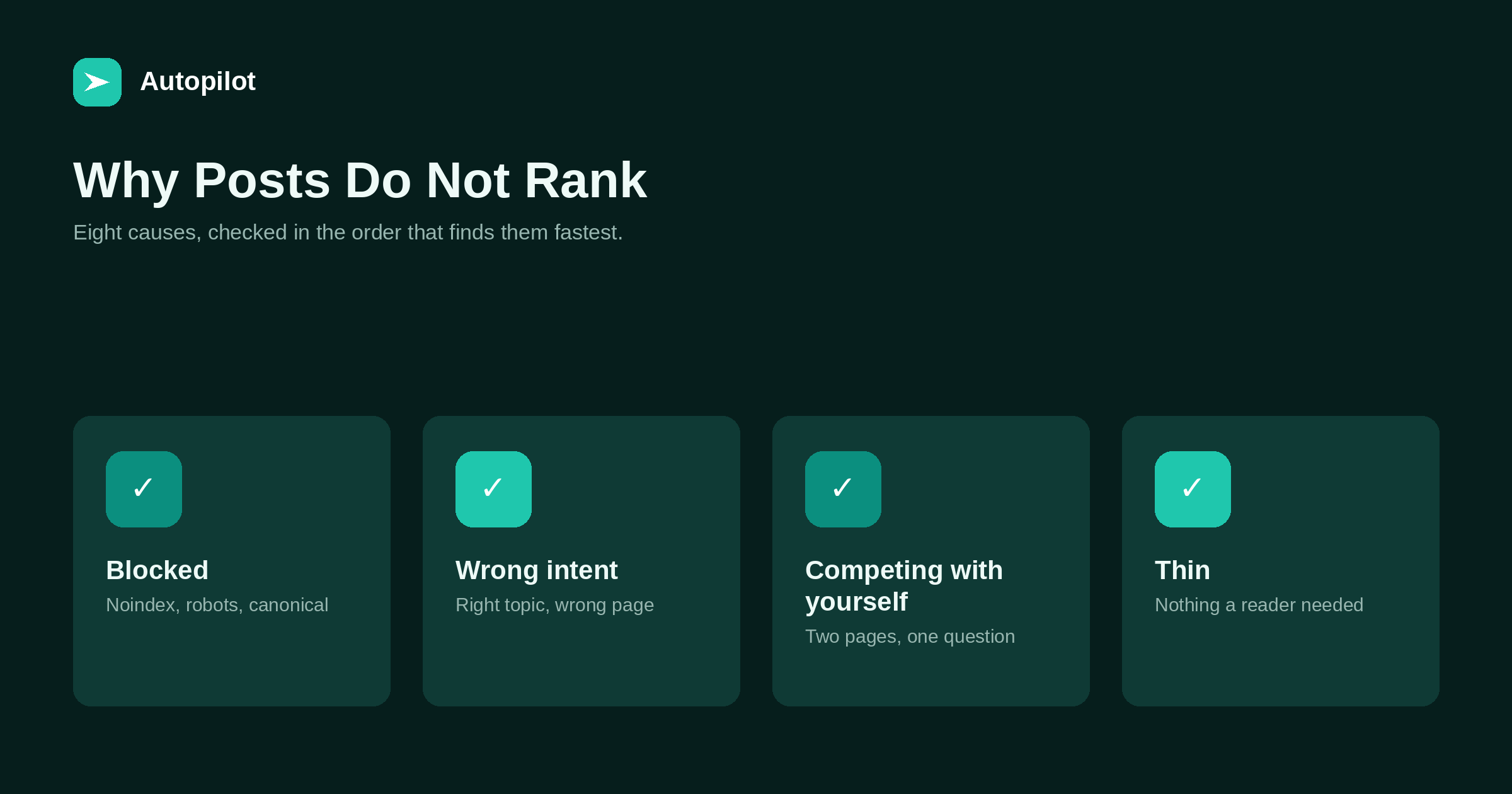
Short answer: check in this order, because it finds problems fastest. First technical blocks: a noindex tag, a robots rule, a canonical pointing elsewhere, or a page nobody links to. Second, time: the page may simply be too new. Third, intent mismatch: the right subject in the wrong format. Fourth, overlap: two of your own pages competing for one question. Fifth, a thin page. Sixth, a weak title costing clicks. Seventh, outdated content. Eighth, competition you cannot currently beat. The first four are fixable in an afternoon and together explain most cases.
When a page does not rank, the instinct is to assume it is not good enough and rewrite it. Very often the cause is something else entirely — a setting, a mismatch or a duplicate — and rewriting changes nothing.
The checks below run from cheapest and most decisive to slowest and least certain. Work down them in order and stop when you find the cause.
1. Something is blocking it
Rule this out first, because it is quick and nothing else matters if it is true.
- A noindex tag, often left over from a staging site or set by an SEO plugin on a category of posts.
- A robots.txt rule disallowing the path.
- A canonical tag pointing at another URL, which tells search engines this page is a copy.
- The site-wide setting in WordPress that discourages search engines, which gets left on after launch more often than anyone admits.
The URL inspection tool in Search Console will show you all of these for a single page in under a minute. the Search Console reports that matter explains where to find it.
2. It is too new
If the page is under a month old, the most likely explanation is that it has not settled yet. On a new domain, stretch that to several months.
Check it is indexed and then leave it alone. Rewriting in the first weeks resets the process. how long a new post takes to rank covers what normal looks like at each stage.
3. It answers the wrong intent
This is the most common cause among pages that are indexed, old enough, and genuinely good.
Search the target query and look at what ranks. If the results are step-by-step guides and yours is an essay, or the results are product comparisons and yours is an explainer, the page is excellent at the wrong job.
The signature in Search Console is impressions with very few clicks, or a position stuck in the teens. The fix is a different page or a substantial restructure, not more words — see search intent.
4. It competes with another of your pages
Two of your articles answering the same question split whatever signals each would have had, and search engines may alternate between them.
Search Console shows this directly: filter the performance report by the query and look at which pages appear. If two or more of your URLs rotate for it, you have overlap.
Merge them into the stronger URL, redirect the other, and update internal links. deleting, merging or redirecting covers doing that without losing anything.
5 to 8: the slower causes
If the first four are clear, the remaining causes are about the page itself and its competition.
| Cause | How to recognise it | What to do |
|---|---|---|
| 5. Thin | A reader would need another page to finish | Answer the full question |
| 6. Weak title | Decent position, few clicks | Rewrite title and description |
| 7. Outdated | Old specifics, stale screenshots | Update what changed, honestly |
| 8. Outmatched | Strong, current pages from far bigger sites | Target a narrower question |
Of these, the title is the cheapest to test — ten minutes, measurable within weeks — and titles and descriptions covers it. Outdated pages are covered in refreshing old posts.
What rarely turns out to be the cause
Several frequently blamed factors are almost never the real problem on a typical blog.
Keyword density. Search engines stopped counting phrases a long time ago.
Word count. Length follows the question; a short page answering a short question fully is fine, as how long a post should be explains.
How the draft was produced. Published guidance is about usefulness rather than authorship, and what search engines actually say about AI content sets it out.
A penalty. Manual actions are rare and are reported in Search Console. If there is nothing there, you do not have one.
Keeping a record
Whatever you change, write down what and when. A page you edited three times in two months with no notes is impossible to diagnose, because you cannot tell which change did what.
A spreadsheet with the URL, the date, the change and the reason is enough. Check the page again after six to eight weeks, and only then decide whether the next step is needed.
And be realistic about the last cause. Some queries are held by sites you cannot currently beat. The productive response is a narrower question where you can win, not a fourth rewrite of the same page. Nobody can guarantee a position for any page, and that is worth accepting early.
Related reading
If this was useful, these cover the questions that usually come next.
- How long a new post takes to rank — when the answer is simply time
- Search intent — the most common non-technical cause
- Deleting, merging or redirecting — fixing pages that compete with each other
The bottom line
Check for technical blocks first, then age, then intent, then overlap with your own pages. Those four explain most cases and take an afternoon. Only then look at thinness, titles, freshness and competition. Change one thing at a time, write it down, and wait six weeks before judging it.
FAQ
Why is my blog post not showing up in Google at all?
Check for a technical block first: a noindex tag, a robots.txt rule, a canonical pointing elsewhere, or the WordPress setting that discourages search engines. The URL inspection tool in Search Console shows all of these for one page.
My post is indexed but stuck on page two. What is wrong?
Most often an intent mismatch — the right subject in the wrong format. Compare your page with what ranks for the query. Overlap with another of your own pages is the next most common cause.
How do I know if two of my pages are competing?
In Search Console’s performance report, filter by the query and look at the pages tab. If several of your URLs appear or alternate for the same query, merge them into one.
Should I make my post longer to help it rank?
Only if it genuinely fails to answer the question. Adding words to a complete answer makes it worse, and length is rarely the actual cause.
Could my site have a Google penalty?
Manual actions are rare and are reported in Search Console under security and manual actions. If nothing is listed there, a penalty is not the explanation.
How long should I wait after changing a page?
Six to eight weeks before judging the change. Record what you changed and when, and change one thing at a time so you can tell what had an effect.


