 ENEnglish
 LTLietuviškai
 DEDeutsch
 FRFrançais
 RUРусский
 ESEspañol
 PLPolski
 ITItaliano
 UKУкраїнська
 CSČeština
 PTPortuguês
 JA日本語
JA日本語 LVLatviešu valoda
 ETEesti
 HUMagyar
 IDBahasa Indonesia
 TRTürkçe
 HIहिन्दी
 ELΕλληνικά
 ARالعربية
 THไทย
THไทย VITiếng Việt
 RORomână
 MSBahasa Melayu
 BNবাংলা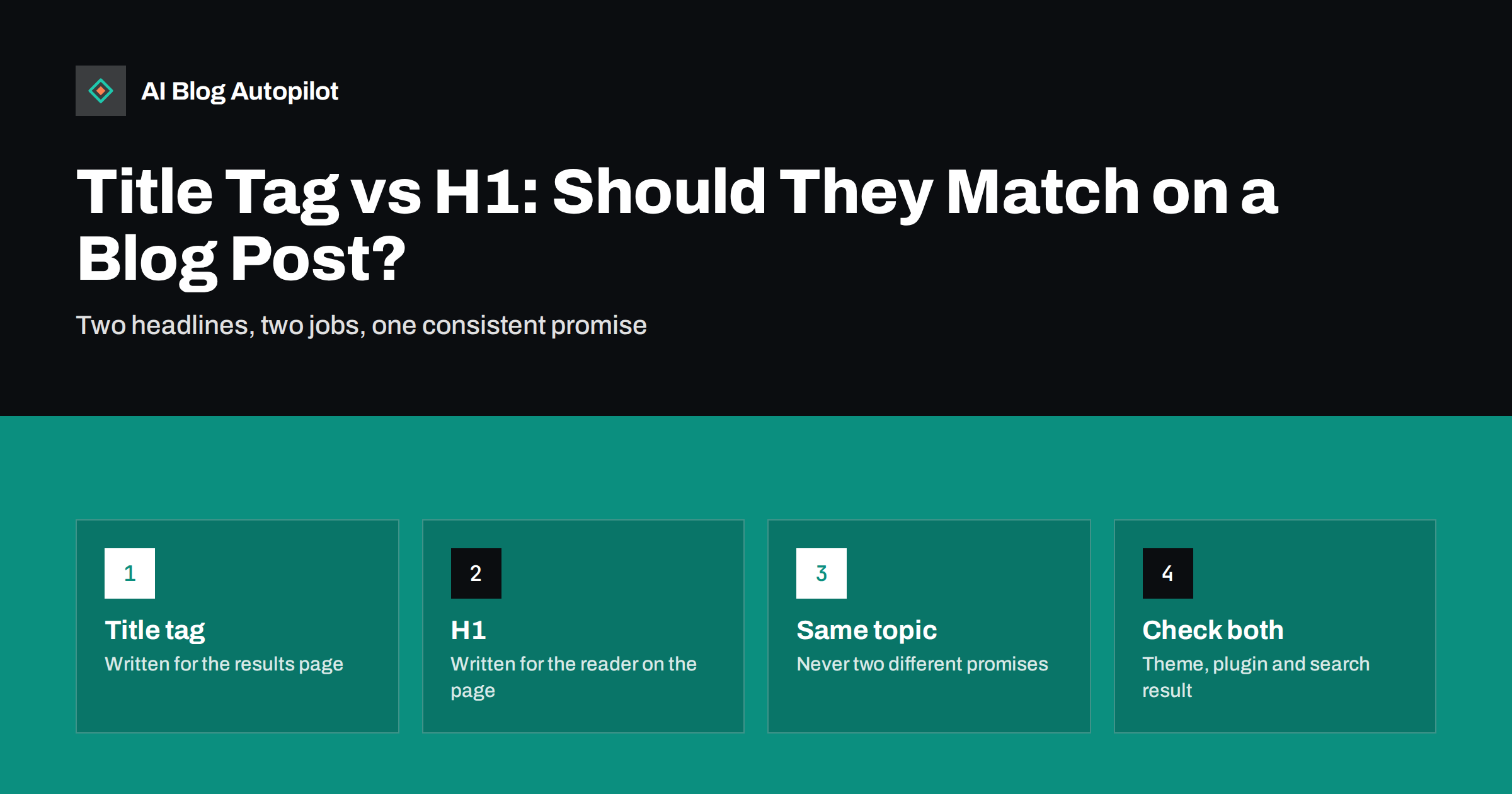
Short answer: the title tag is the page title that appears in search results and browser tabs, while the H1 is the main headline visible on the page itself. On most blog posts they can be identical or very close, and that is perfectly fine. They may differ when the search result needs a shorter, more keyword-focused version, or when the on-page headline benefits from more personality or detail. What matters is that both describe the same topic and make the same promise, because search engines compare them and readers notice when they do not match.
Most blogging platforms create both automatically from the post title, so many people never think about the difference. Then an SEO plugin shows a separate “SEO title” field, and the question arises: should this be the same as the headline, or different?
The answer depends on what each element is for. This guide explains the two, when to keep them identical, when to separate them and how to avoid the mismatches that cost clicks.
What the title tag does
The title tag lives in the HTML head of the page: <title>…</title>. Readers do not see it on the page itself. They see it in three places:
- Search results, where it is usually the clickable blue headline, called the title link.
- Browser tabs and bookmarks, often truncated to a few words.
- Some social previews and shares, when no separate social title is set.
Its job is to win the click from a list of competing results. It needs to state the topic clearly, match what the searcher is looking for and fit the space available, which in practice means keeping the important words within roughly the first 50 to 60 characters, since longer titles are often cut off.
The cut-off is really about display width rather than a fixed number of characters, which is why a title full of wide letters is truncated sooner than one with narrow letters. It also varies between desktop and mobile results. Rather than counting precisely, put the words that identify the topic at the start, so that even a shortened title still tells the searcher what the page is about.
What the H1 does
The H1 is the main heading in the visible content of the page, normally the post title displayed above the article. Its job is different: to confirm to the reader who has just arrived that they are in the right place, and to introduce the article.
Because the reader is already on the page, the H1 can afford to be a little longer or more conversational. It also sits at the top of the heading structure: the H2 sections underneath should all be parts of what the H1 promises.
A post should normally have exactly one H1. Themes sometimes add a second one, for example by marking the site name or logo as an H1 on every page, which is worth checking and fixing in the theme.
How search engines use both
Search engines use the title tag as the main source for the title link in results, but not the only one. Google explains in its guide on influencing title links that it may generate a different title link from other sources on the page, including the main visible heading, when the title tag is missing, too long, stuffed with keywords, repetitive across pages or does not describe the page well.
In other words, the H1 acts as a check on the title tag. When both agree about the topic, the title tag is more likely to be shown as written. When they disagree, search engines may pick whichever they think describes the page better, and it may not be the one you would have chosen.
When they should match
For most blog posts, identical or near-identical is the right choice. Keep them the same when:
- The post title is already clear, specific and under about 60 characters.
- It contains the words people use to search for the topic.
- It reads naturally as a headline on the page.
Examples that work well as both: “Canonical Tags Explained Without the Jargon”, “How to Write Alt Text for Charts and Graphs”, “Keyword Cannibalisation: When Your Own Posts Compete”. Writing one good title and using it in both places saves effort and avoids inconsistency.
When it makes sense to differ
There are legitimate reasons to write them separately:
- The headline is too long for results. An on-page headline such as “Everything We Learned From Moving a Ten-Year-Old Blog to a New Domain, Step by Step” works on the page but will be cut off in search. A title tag like “Moving a Blog to a New Domain: A Step-by-Step Guide” fits.
- The headline is playful, the search needs clarity. An H1 such as “Stop Feeding the Crawlers Junk” can be fun on the page, but the title tag should say what the article is: “Robots.txt for a Blog: What to Allow and What to Block”.
- You want to add a qualifier in results. A title tag can add a format signal, such as “guide”, “checklist” or “examples”, that helps searchers choose, while the H1 stays cleaner.
- Branding. Some sites append the brand name to the title tag, which is usually unnecessary in the H1.
In each case the topic stays identical. Only the wording adapts to where it appears.
Mismatches that cause problems
The differences that hurt are the ones where the two elements describe different things:
- Different topics. The title tag promises “Best Email Tools for Freelancers” and the H1 says “Why I Stopped Using Email”. The reader who clicked feels misled, and search engines may rewrite the title link.
- Keyword-stuffed title tags. “SEO Tips, SEO Guide, Best SEO Tips 2026 | SEO” above a clean H1 invites a rewrite and looks spammy in results.
- Template leftovers. Title tags such as “Blog” or “Untitled” on every post because a theme or plugin setting is wrong.
- Duplicate titles across posts. Several posts sharing one title tag, often from pagination or category templates, make it hard for search engines and readers to tell them apart.
- Clickbait title tags. Promising more than the article delivers earns a click and then a quick return to the results.
Writing both in WordPress
In WordPress, the post title you type becomes the H1 in most themes and the default title tag. SEO plugins add a separate field, usually called “SEO title”, which overrides the title tag only.
A practical workflow:
- Write the post title first, aiming for a clear, specific headline of about 45 to 60 characters that includes the main topic.
- Leave the SEO title as the default if the post title already works in search results.
- Override it only when needed, for one of the reasons above, and keep the same topic words.
- Check the template: some SEO plugins add a separator and the site name to every title tag. Decide whether you want that, as it uses characters.
- Preview the search snippet in the plugin, then view the published page’s source once to confirm the title tag and a single H1.
If several people write for the blog, agree on one simple rule, such as “the SEO title stays empty unless the post title is over 60 characters or unclear in results”. A shared rule prevents a mix of styles where some posts have carefully written title tags and others have accidental ones.
A quick audit for existing posts
If your blog has been running for a while, a short check catches most problems:
- Crawl the site and export each page’s title tag and H1. Look for empty values, duplicates and pages with more than one H1.
- Sort by title length and review anything well over 60 characters.
- Scan for pairs where the title tag and H1 describe different things.
- In Search Console, compare how your titles appear for important queries by searching them yourself. If the title link differs from your title tag, look at why.
Fix the posts that matter most first: those with the most impressions or the most commercial value.
How AI Blog Autopilot handles titles
AI Blog Autopilot writes each article with its title, description, tags and FAQ, and its automatic quality check covers length, structure, keyword and meta before anything goes live. The article is published to your WordPress blog, where your theme and SEO plugin generate the H1 and title tag as they do for any post, so the theme checks above still apply once. You can see how it works on the AI Blog Autopilot home page.
Related reading
- Meta Titles and Descriptions: What to Write and What to Automate
- How to Write a Headline People Actually Click
- Blog Post Structure That Works for Readers and Search
The bottom line
The title tag wins the click in search results; the H1 confirms the promise on the page. For most blog posts the same clear, specific title works for both. Separate them only when the results page needs a shorter or clearer version, and never let them describe different things. Check your theme once for missing or duplicate H1s, and review long or mismatched titles on your most important posts.
FAQ
Should the title tag and H1 be the same?
They can be, and for most blog posts that works well. They should always describe the same topic. Make them different only when the search result needs a shorter or clearer version, or the on-page headline benefits from a more conversational style.
Can a page have more than one H1?
HTML allows it, but a blog post is clearer with a single H1 that states the main topic, with H2 and H3 headings below it. Check your theme, because some add an extra H1 to the site name or logo on every page.
Why does Google show a different title from my title tag?
Google may generate its own title link when the title tag is missing, too long, stuffed with keywords, duplicated across pages or does not match the page content. It often uses the main visible heading instead. Making the title tag concise and consistent with the H1 reduces rewrites.
How long should a title tag be?
Keep the important words within roughly the first 50 to 60 characters, because longer titles are often truncated in search results. There is no strict limit, but a clear, specific title of that length usually works best.
Does the H1 affect rankings?
The H1 helps search engines understand the page’s main topic and supports the title tag, but it is one signal among many. Its bigger value is clarity: it tells readers and search engines exactly what the page is about.
Should I put my brand name in the title tag?
It is optional. Adding the brand at the end can help recognition for well-known sites, but it uses characters that may push the topic words out of view. For most blog posts, a clear topic matters more than the brand name.


